Save Time on Inking with AI!
“I want to turn my sketch into clean line art while keeping the original feel.” AI can help speed up your workflow, but getting it to preserve your own art style while outputting only clean line art can be difficult. That’s where copainter’s **Inking** feature comes in!
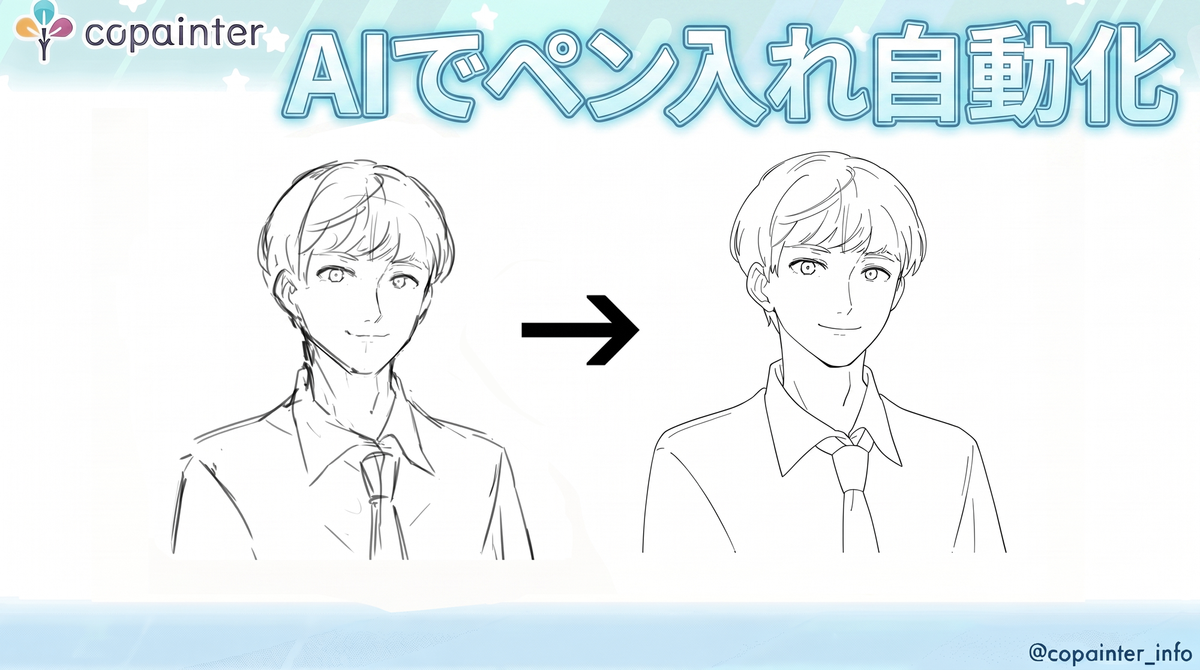
“I’ve finished the rough sketch, but inking takes too much time.”
“I want to turn my sketch into clean line art while keeping the original feel.”
If that sounds familiar, let’s see how AI can help turn a rough sketch into clean line art!
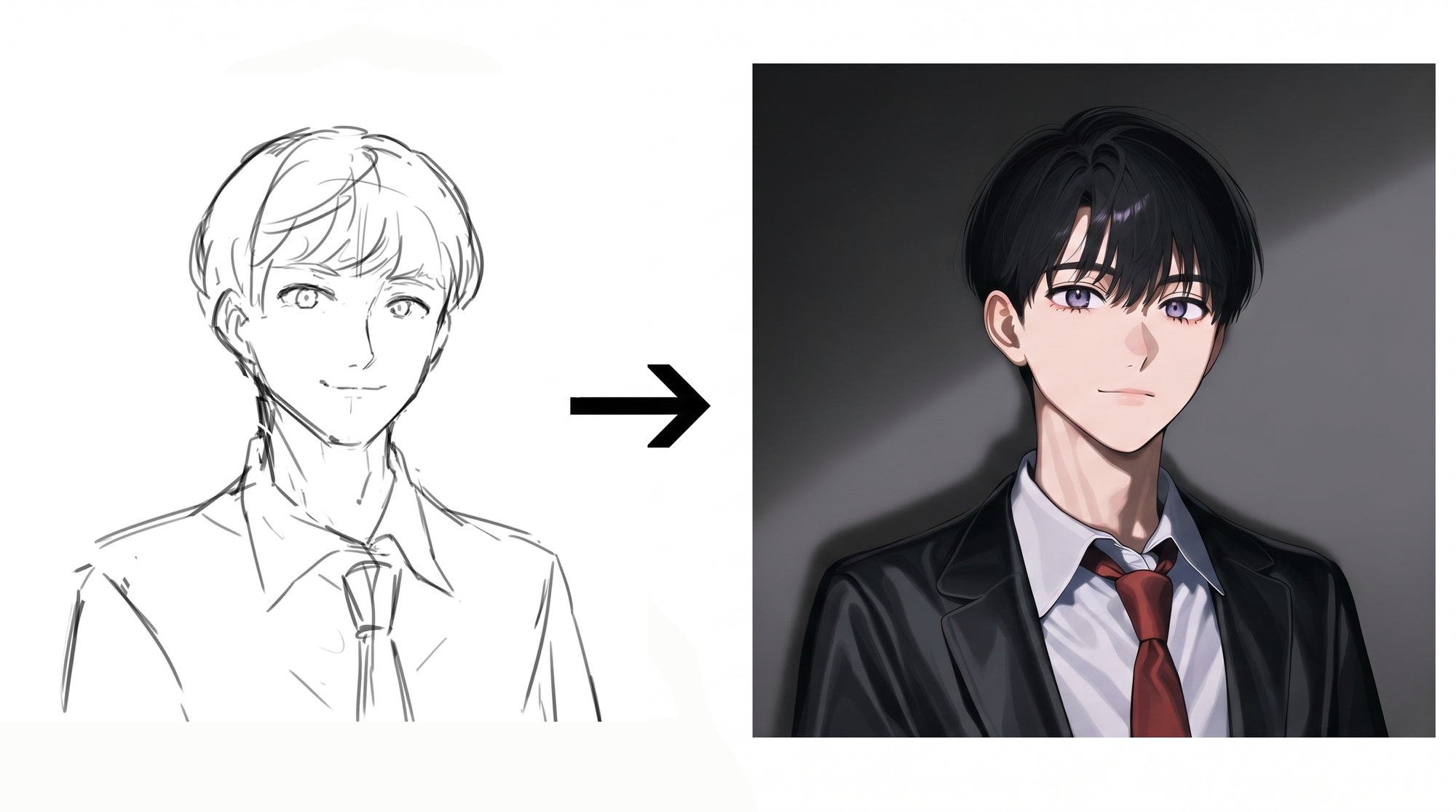
Input Image (Left) / Output Image (Right)
The result looks polished, but it has turned into a colored illustration with a completely different art style...
You want to use AI to speed up your workflow, but getting it to preserve your own art style and output only clean line art can be difficult.
That’s where copainter’s Inking feature comes in!
Even when using the same rough sketch, Inking interprets the intent behind your hand-drawn lines and turns them into clean line art.
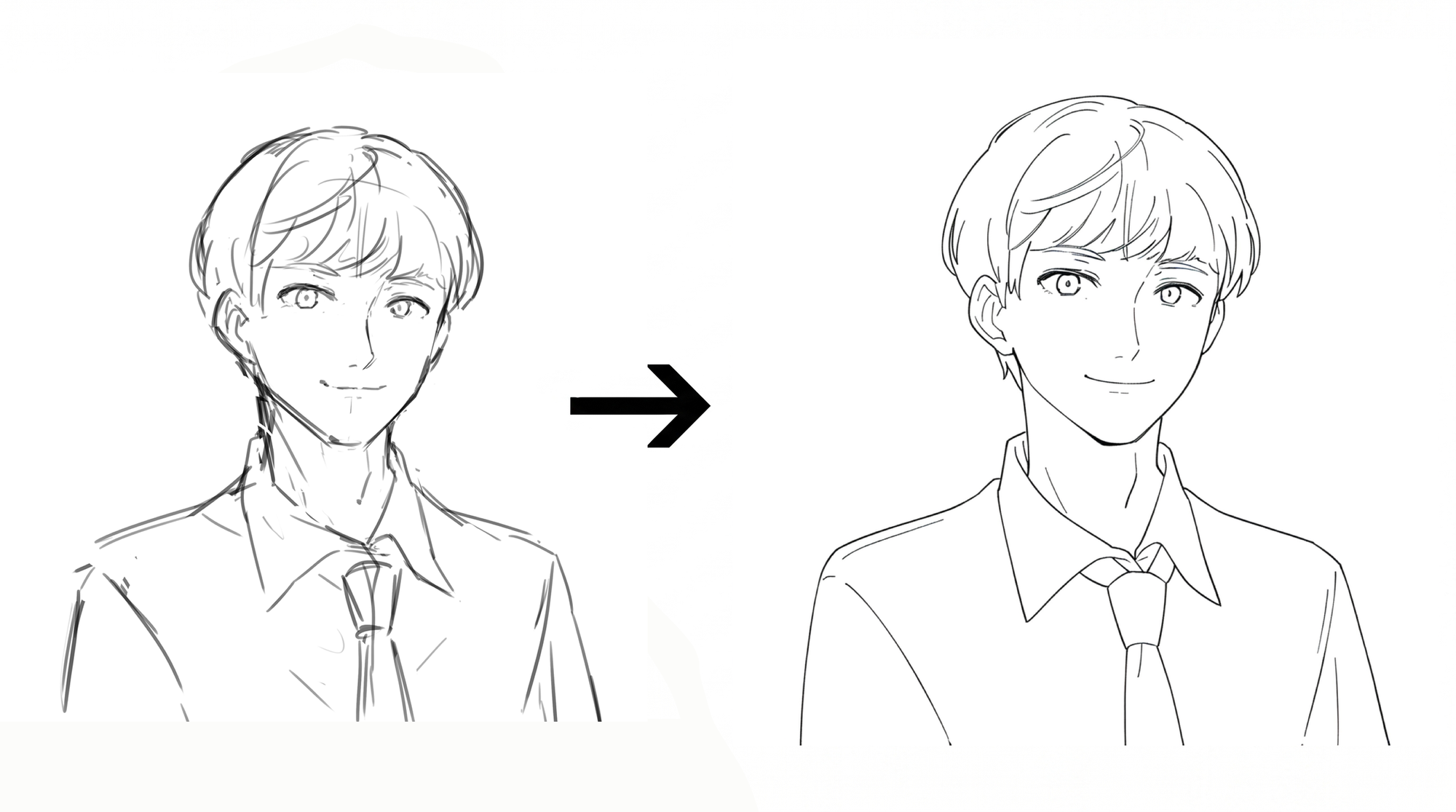
Input Image (Left) / Output Image (Right)
How to Use the Inking Feature
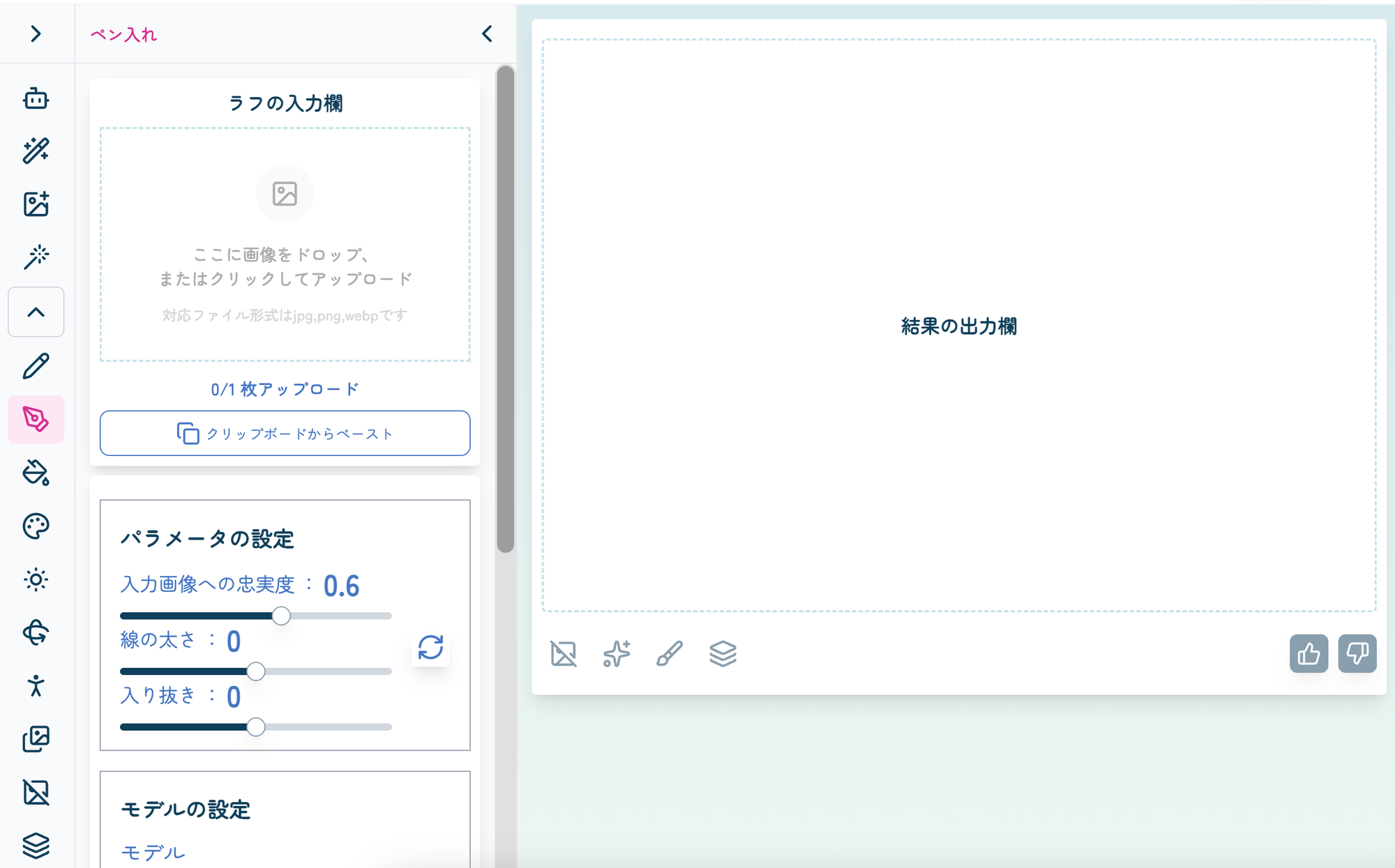
Generate clean, print-ready line art from pencil-style rough sketches.
https://www.copainter.ai/ja/inking
The Inking interface looks like this.
With the default UI settings, the menu on the left is collapsed.
The Submit button used to start AI processing is located below the rough sketch input area.
Upload your rough sketch and click Submit!
This will consume one ticket.
Pro plan users and above are not charged a ticket.
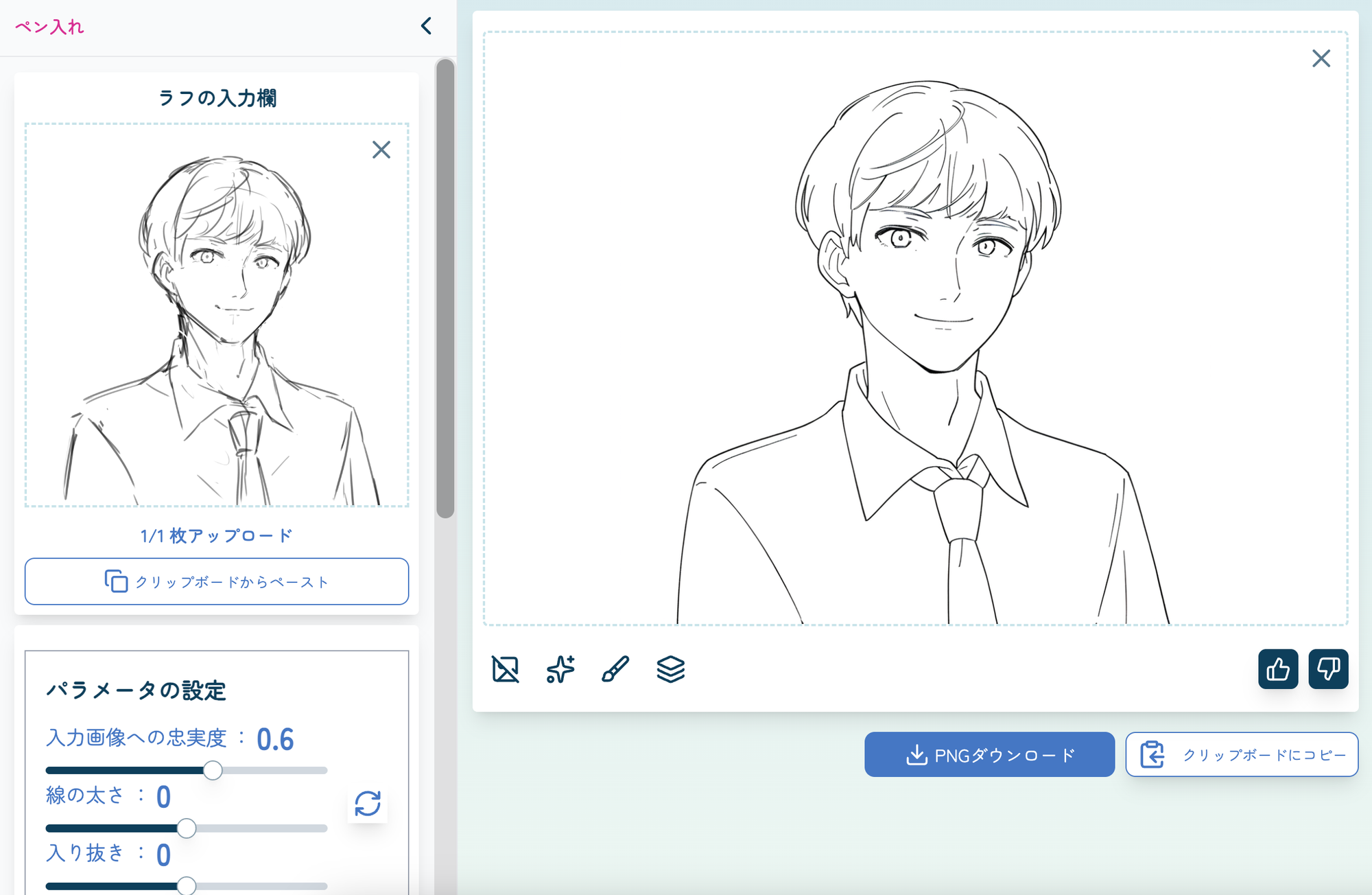
Input Image (Left) / Output Image (Right)
Your inked image is now ready!
If the output still looks too rough, try lowering Fidelity to Input Image.
If you want cleaner and more refined lines, try increasing Fidelity to Input Image.
For more detailed adjustments, you can also change parameters such as Line Thickness and Tapering.
“Output with Transparent Background”
This option lets you choose whether the output image has a transparent background.
Please note that input images containing transparency are currently not supported.
If your rough sketch has a transparent background, please place the lines on a white or other solid-colored background before uploading it.
The Inking feature makes it easy to extract lines from a rough sketch and turn them into simple, clean, easy-to-read line art.
It is especially useful when you want to preserve the style and character of your original sketch.
Features of the Inking Tool
The difference between Inking and the similar Line Art feature goes beyond preserving the original art style.
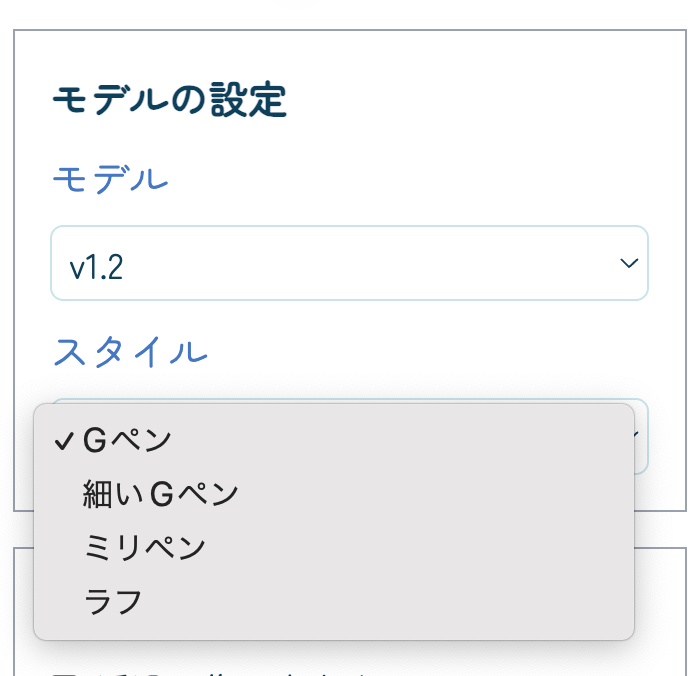
Inking also includes a Style setting.
Simply changing this setting allows you to easily create different line styles.
Let’s try changing only the Style setting while leaving all the other parameters unchanged.
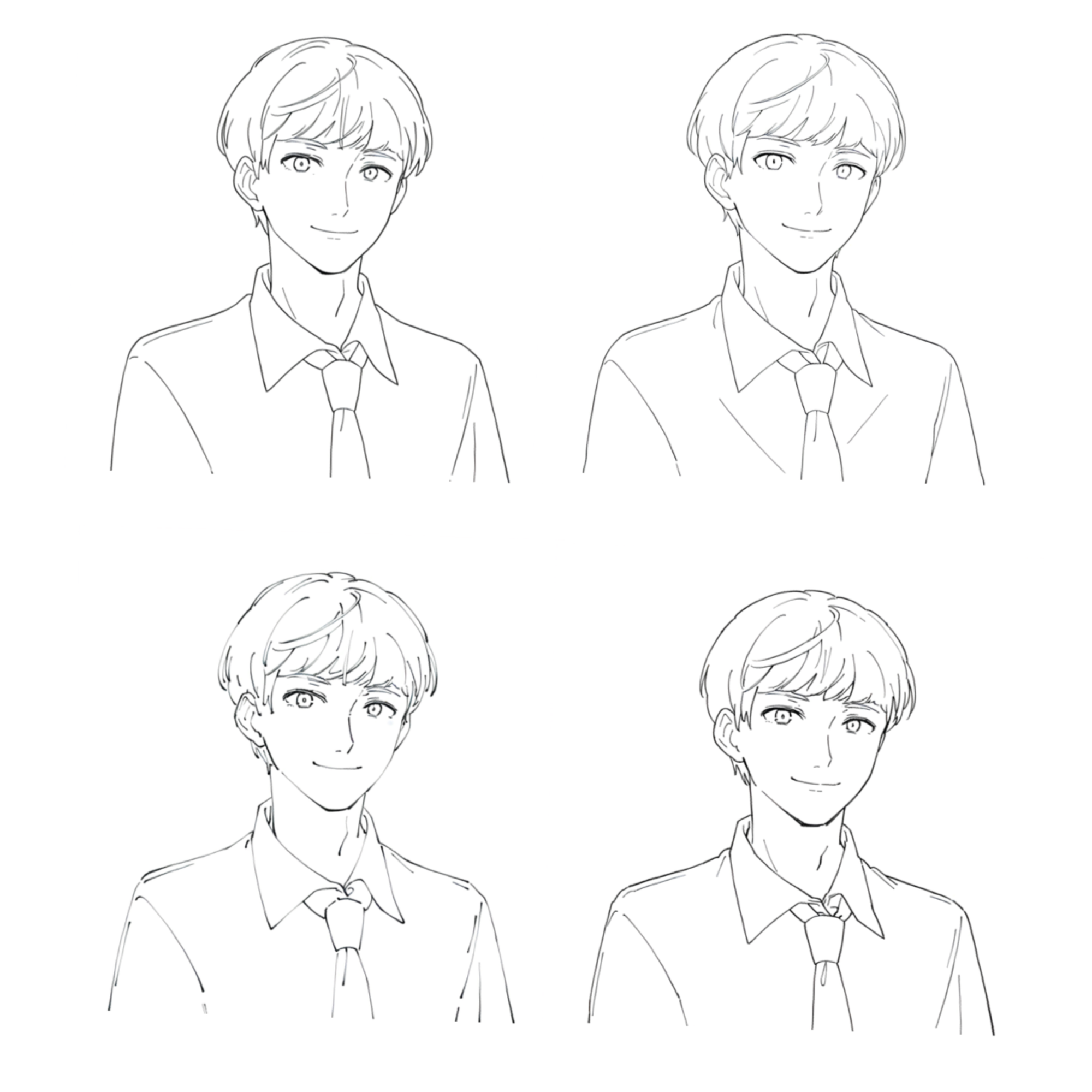
Top Row: G-Pen (Default) / Thin G-Pen
Bottom Row: Technical Pen / Rough
Without making any adjustments to the input image, we were able to create line art with a noticeably different look simply by changing the Style setting!
Try experimenting with the settings to find the ideal line style for your illustration and personal preferences.
How to Make the Most of the Inking Feature
As we’ve seen, the Inking feature can help streamline the workflow from rough sketches to clean line art.
For example, you can use it when you want to quickly visualize the finished look of a character illustration or clean up multiple rough concepts in a short amount of time.
It can also be useful for organizing and refining your lines before moving on to coloring.
By reducing the time spent on routine inking work, you can spend more time on the details that matter most to you, such as facial expressions and fine line adjustments.
The Inking feature introduced in this article makes it possible to quickly create clean line art from rough sketches.
Use it to speed up your illustration workflow and make the transition from rough sketches to finished line art more efficient.
copainter | AI Illustration Creation Platform
copainter is an AI-powered platform that supports illustration workflows with features such as coloring, line art extraction, and inking, helping creators streamline their creative process.