[Free Download] Men with Backpacks Pose Collection — Free for Commercial Use by copainter Users
Free men with backpacks pose references for illustration and character creation. Free for commercial use by copainter users, with tracing, editing, and modifications permitted.
![[Free Download] Men with Backpacks Pose Collection — Free for Commercial Use by copainter Users](https://storage.ghost.io/c/42/fc/42fcd807-7c75-44a7-8b26-8deade0bf4c9/content/images/size/w1200/2026/07/header_pose-collection_backpack-and-man.png)
We’re offering a collection of free men with backpacks pose references designed for use in illustration, manga, anime, games, and webtoon production.
Use these pose references when specifying poses for illustration generation in copainter, or as drawing references and rough guides when creating character illustrations.
Tracing, retouching, and other modifications are also permitted.
Please review the license terms provided near the bottom of this page before using the images.
File Overview
- File format: JPEG (white background)
- Resolution: 1024 × 1024 px (square)
- Download: Save the images attached below directly to your device. A ZIP download is not currently available.
Men with Backpacks Poses – Free Download
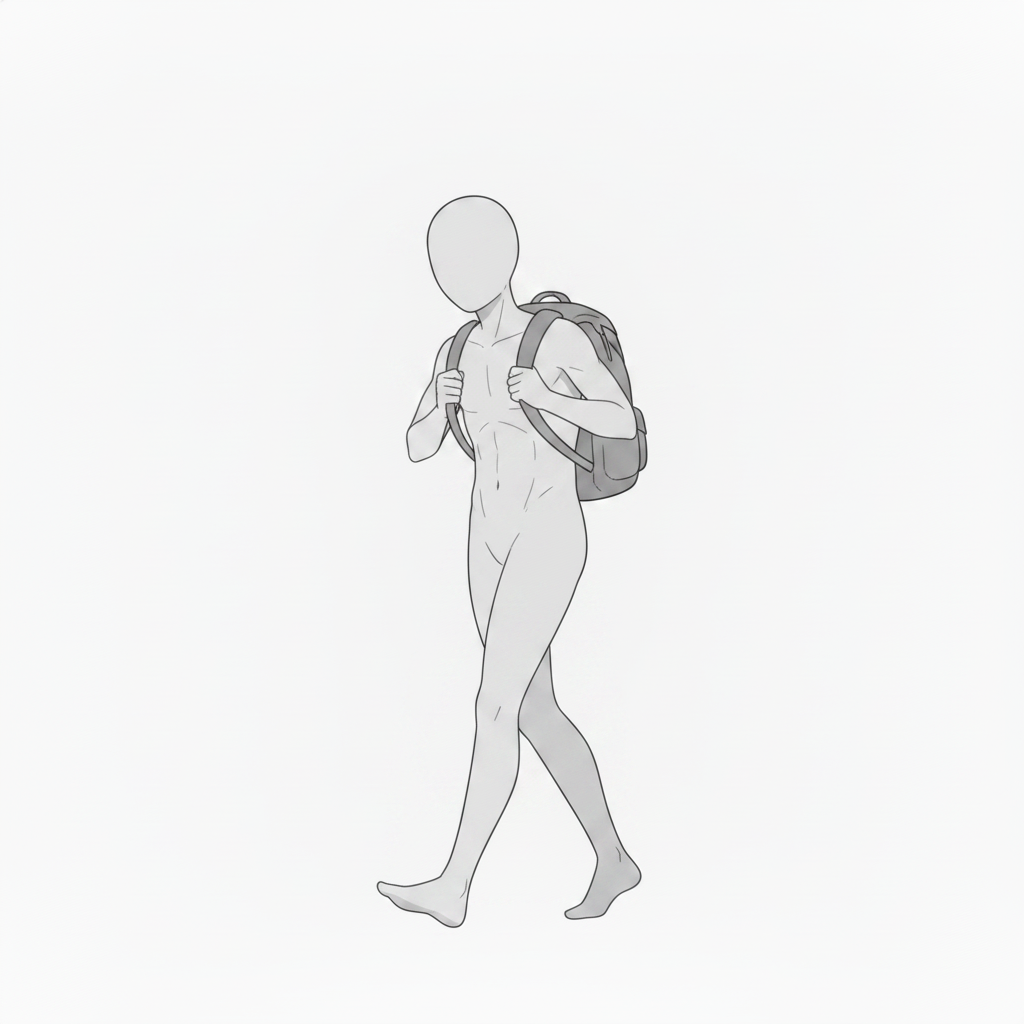
Man Walking with a Backpack
A pose featuring a man walking while holding the shoulder straps of his backpack, ideal for commuting, school, travel, and everyday outing scenes.
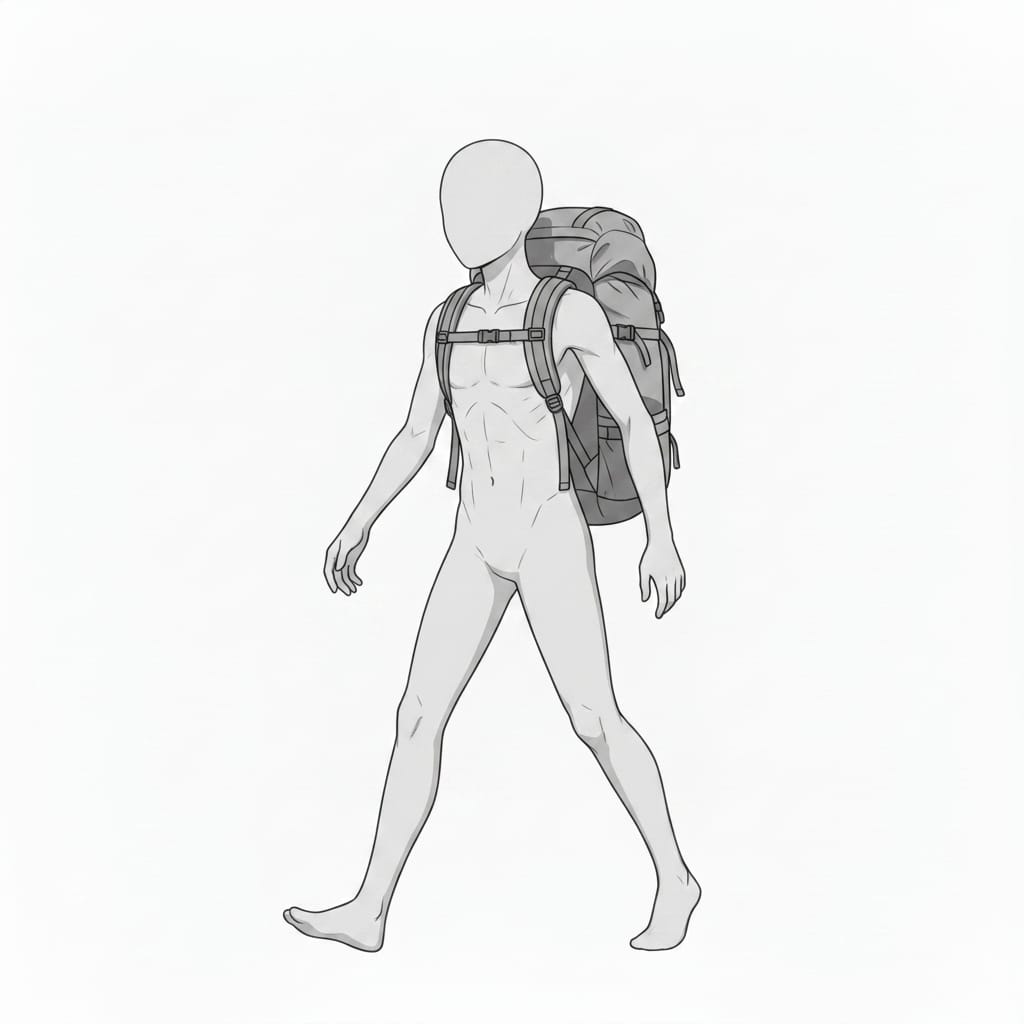
Man Walking with a Large Backpack
A pose featuring a man walking with a large backpack, suitable for hiking, travel, camping, and other outdoor scenes.
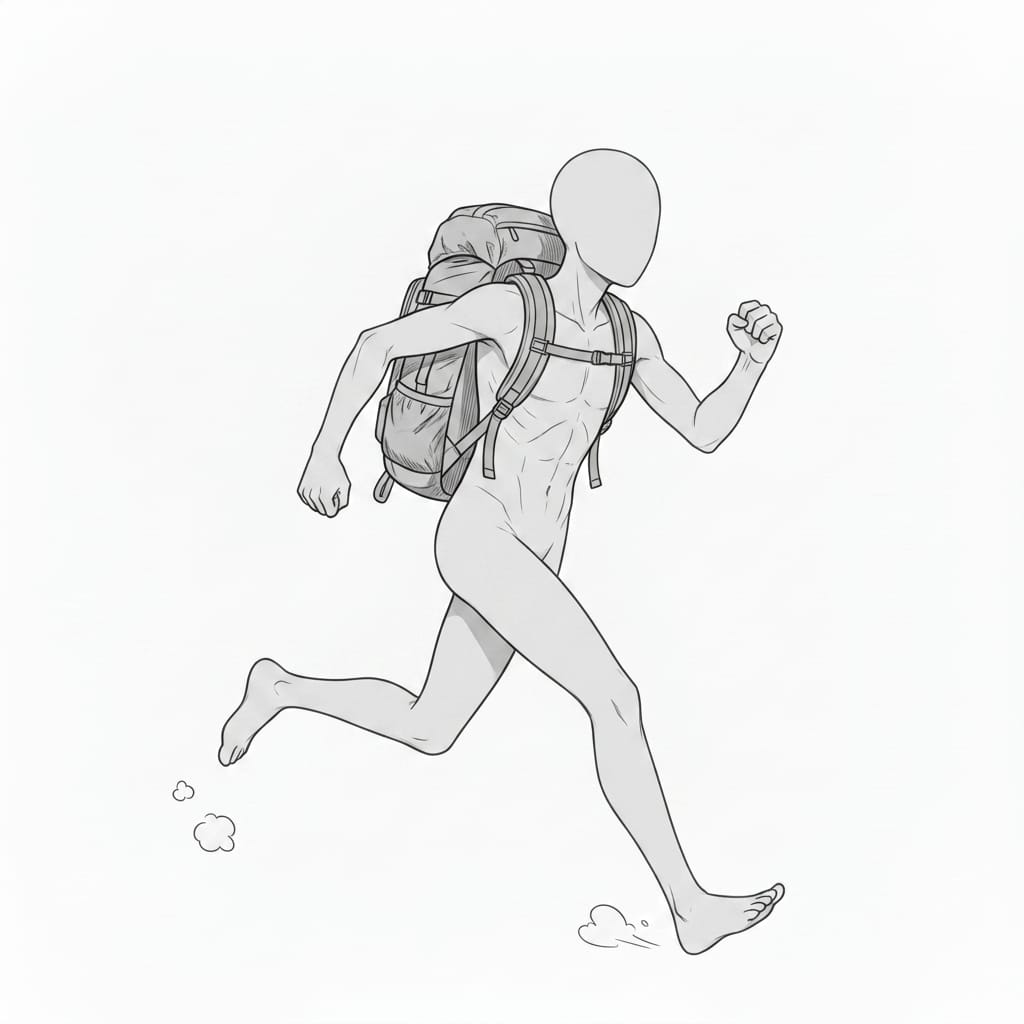
Man Running with a Backpack
A dynamic pose featuring a man running while wearing a backpack, useful for action scenes, travel, commuting, or depicting someone in a hurry.
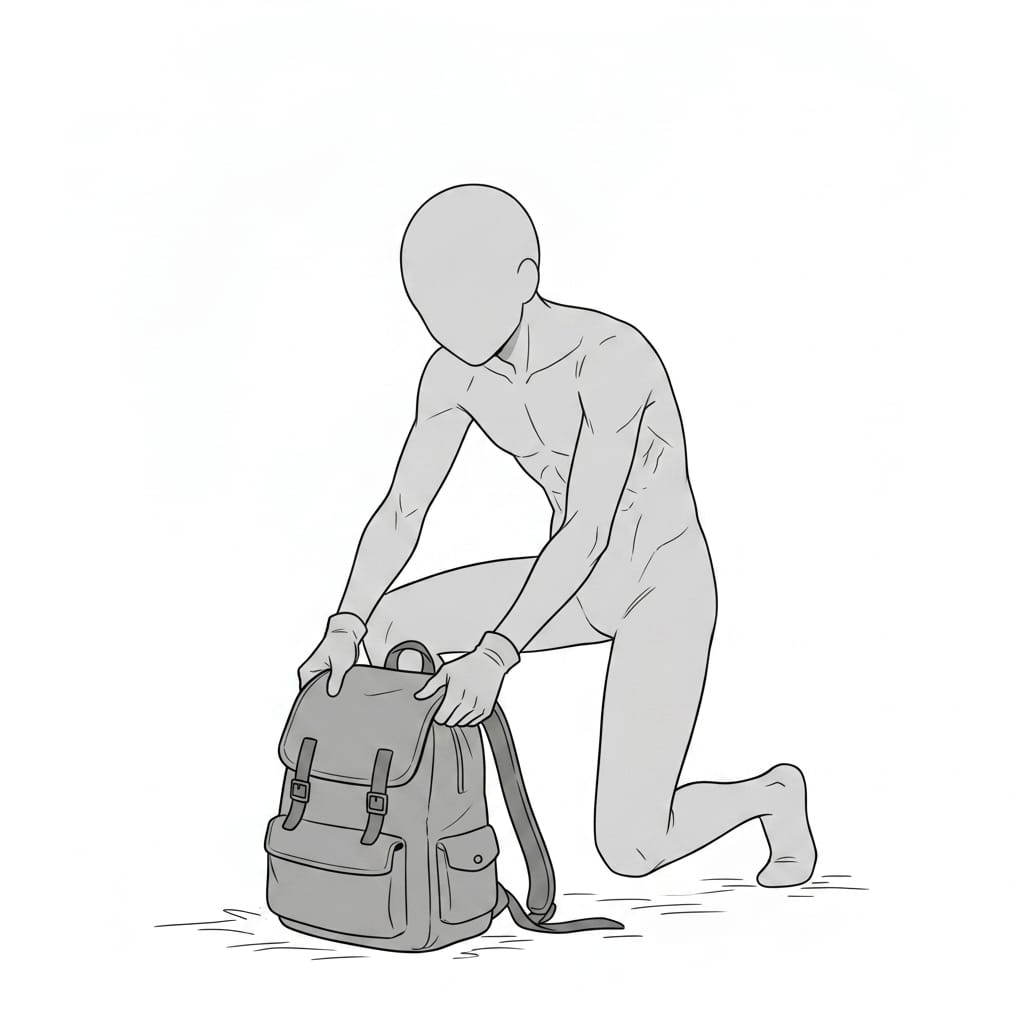
Man Kneeling and Opening a Backpack
A pose featuring a man kneeling while checking the contents of his backpack, ideal for packing, preparation, travel, and outdoor scenes.
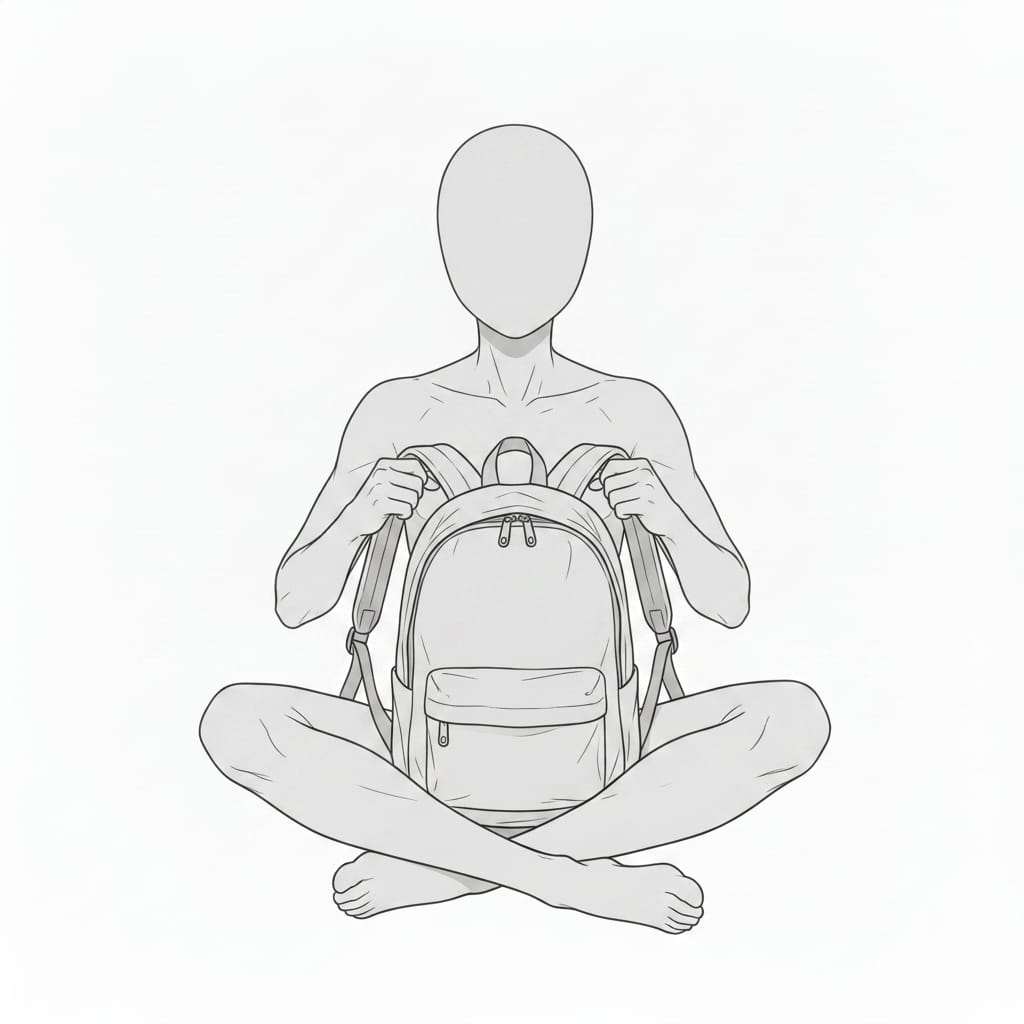
Seated Man Holding a Backpack in Front
A pose featuring a man sitting cross-legged while holding a backpack in front of him, suitable for resting, waiting, and casual everyday scenes.
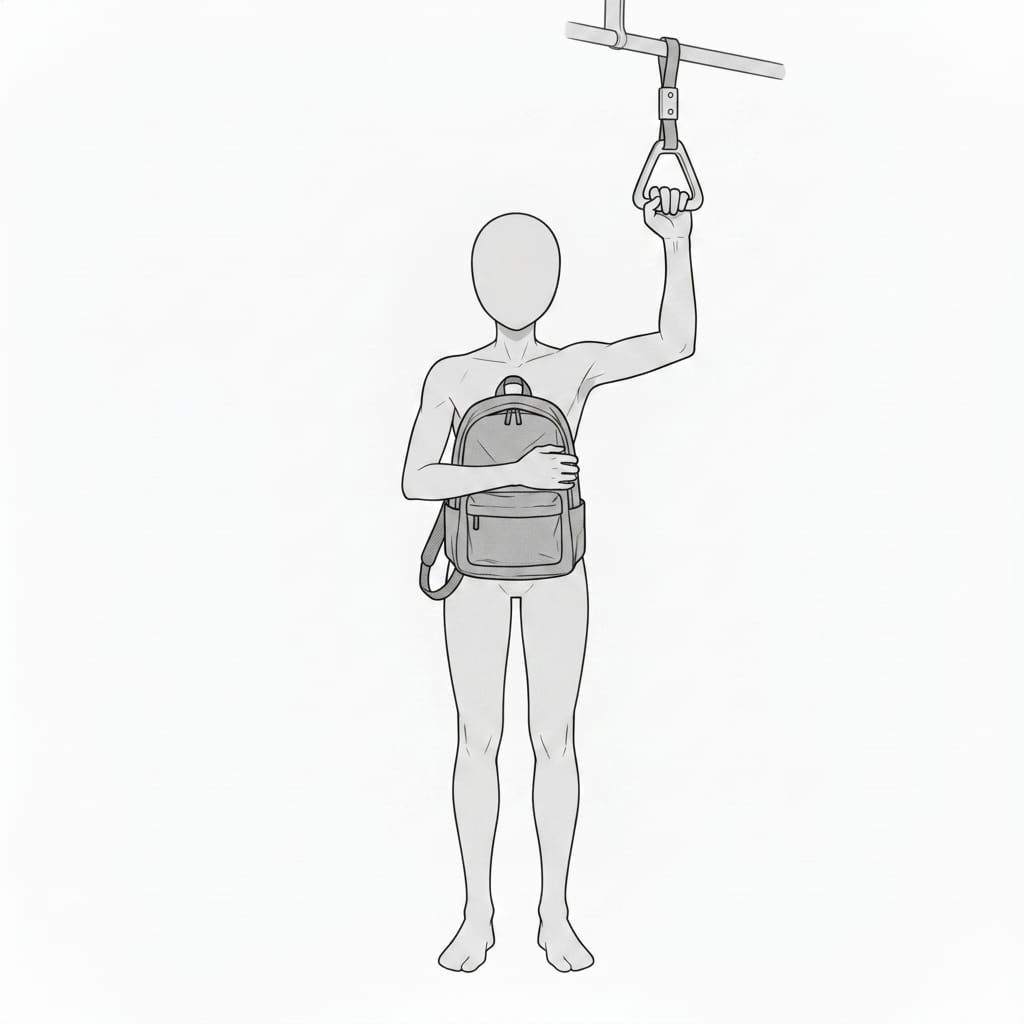
Man Holding a Backpack on a Train
A commuting pose featuring a man holding an overhead strap while carrying his backpack in front of him, ideal for train, commuting, and school scenes.
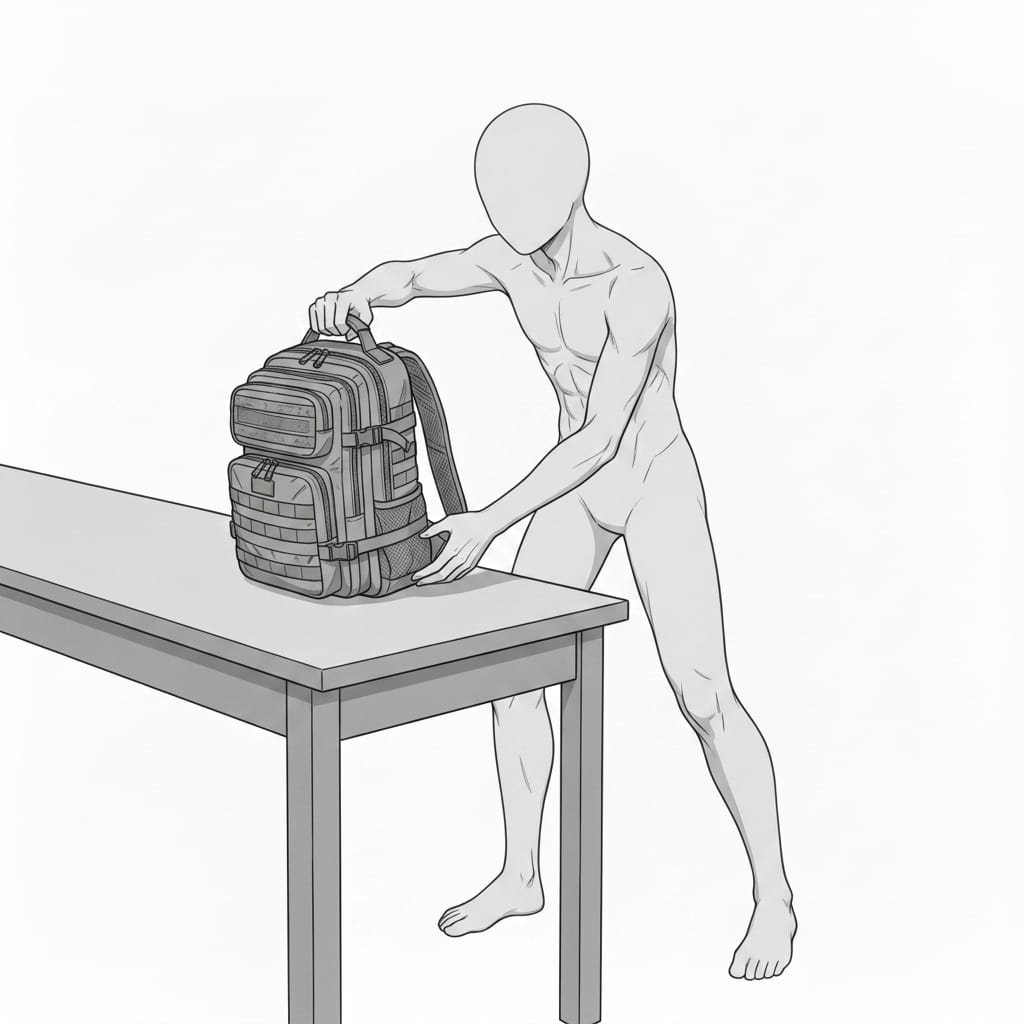
Man Placing a Backpack on a Desk
A pose featuring a man placing a backpack on a desk, useful for scenes involving unpacking, preparation, school, work, or everyday activities.
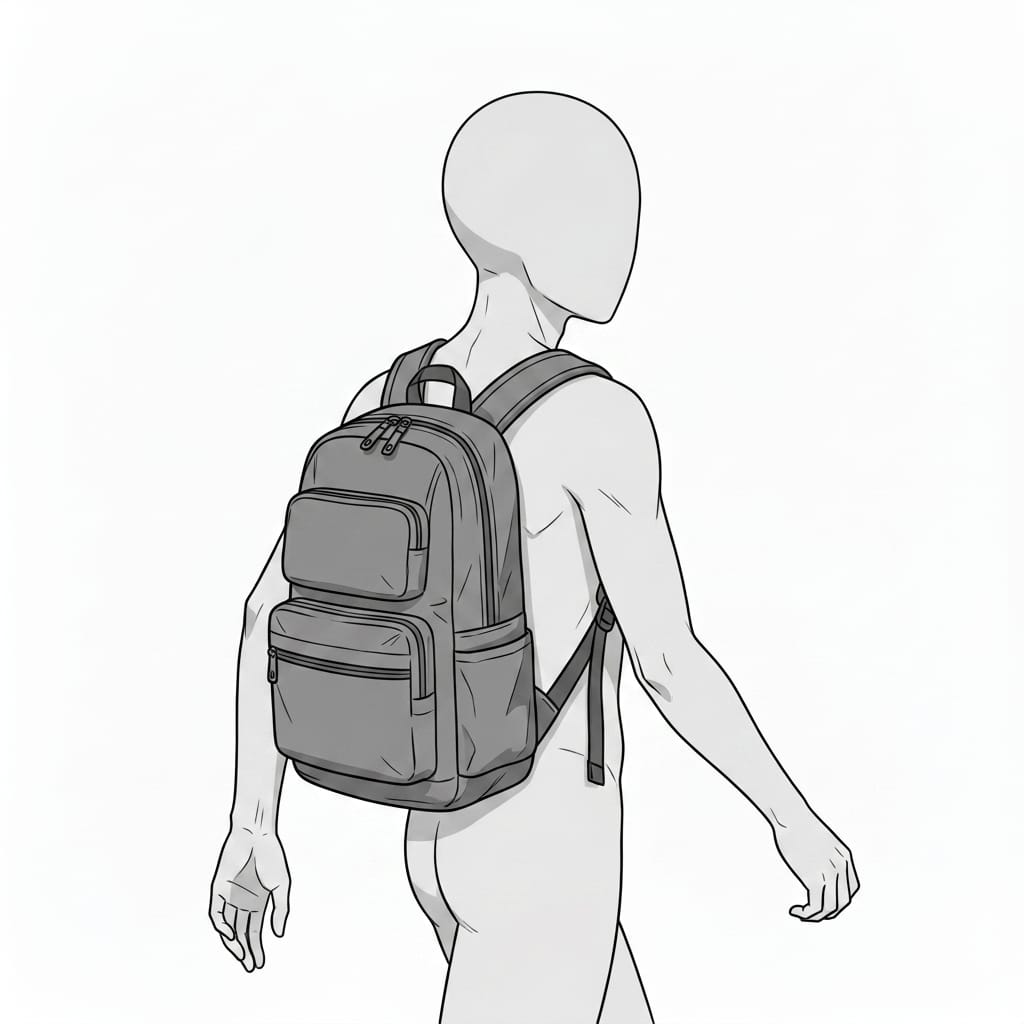
Man Wearing a Backpack – Back View
A rear-view pose featuring a man wearing a backpack, ideal for commuting, school, travel, and everyday outing scenes.
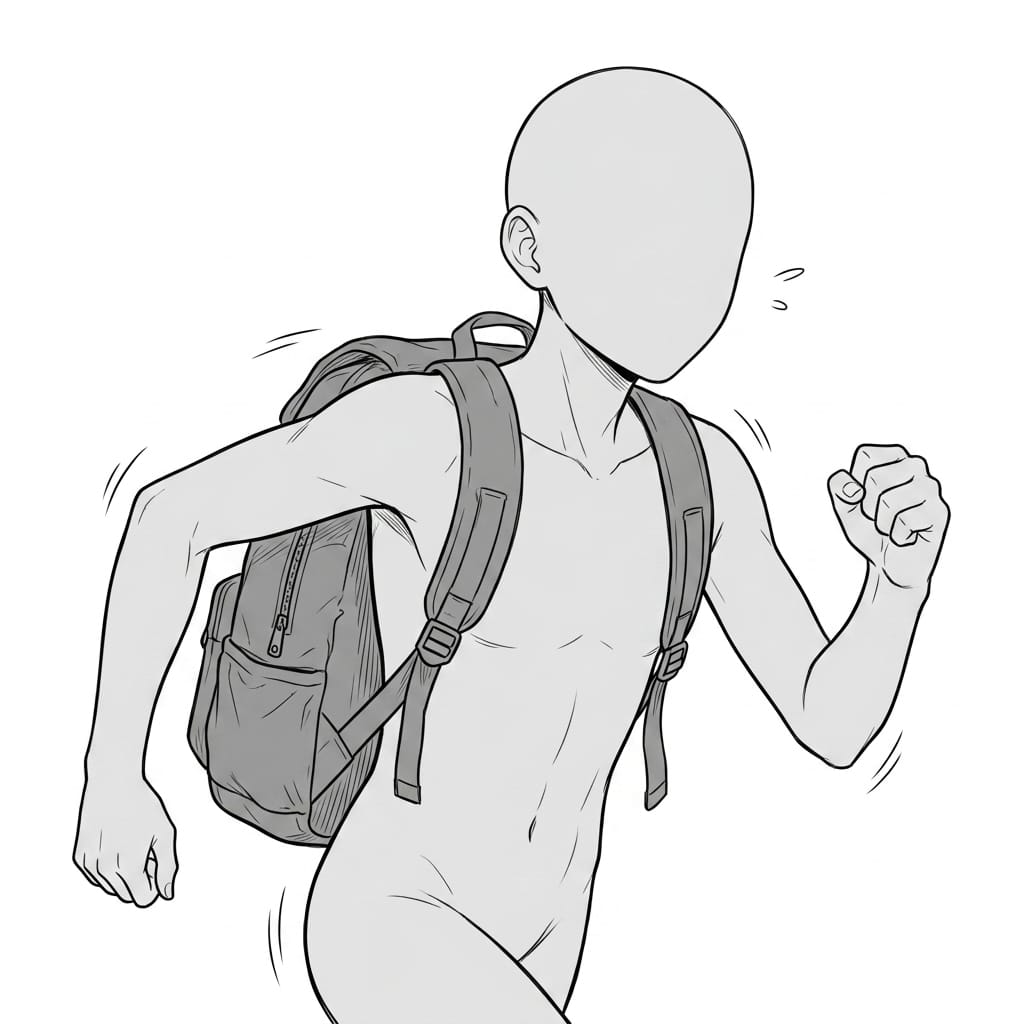
Man Running with a Backpack – Upper Body
An upper-body pose featuring a man running with a backpack, suitable for sporty, energetic, and action-oriented character illustrations.
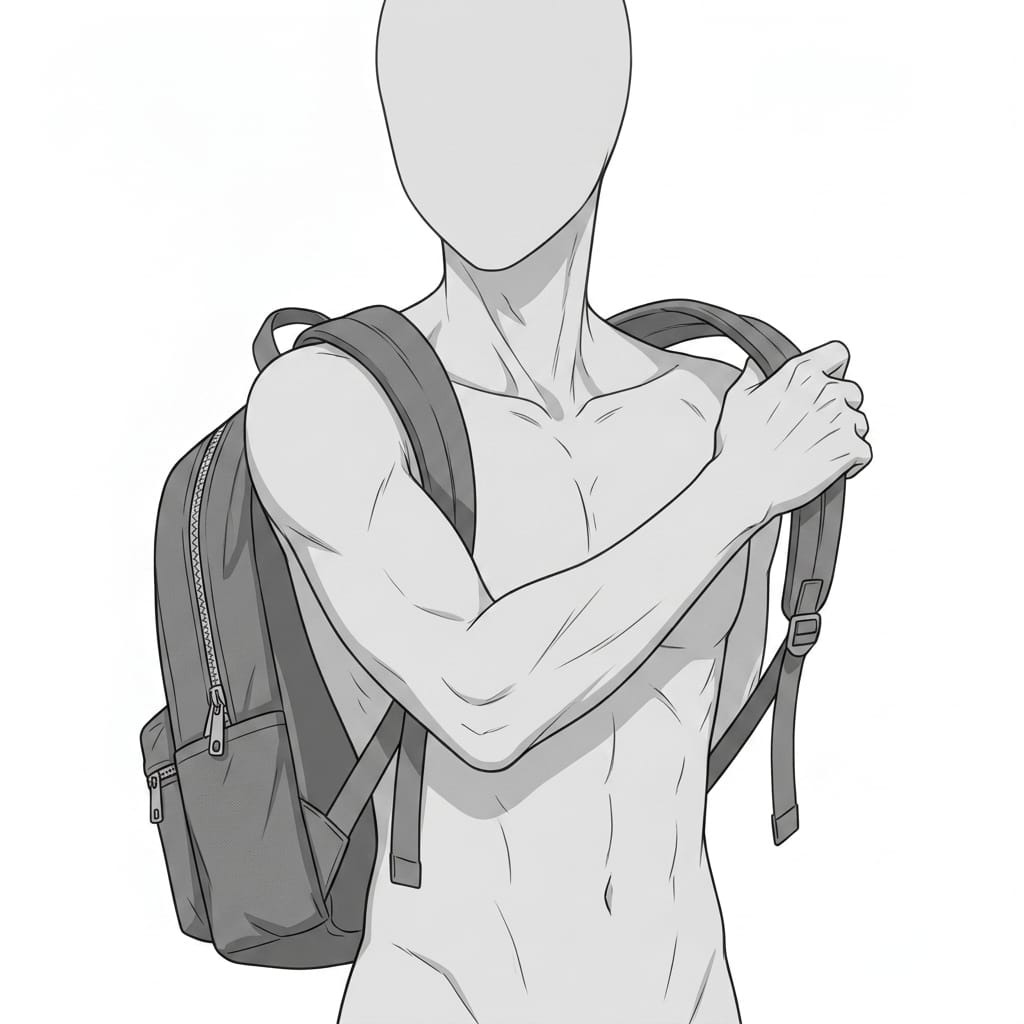
Man Holding a Backpack Strap – Upper Body
An upper-body pose featuring a man holding the shoulder strap of his backpack, useful for casual character illustrations and backpack-related scenes.
Using These Assets with copainter
Create Variations with AI Assistant
Download any of the images above and import it into copainter as a reference image.
Using AI Assistant, you can customize the background for your project by changing the time of day (morning / evening / night), replacing the sky, adding props and objects, and making other adjustments.
This makes it easy to create multiple background variations while maintaining a consistent visual style.
Upscale Images to 4,000 px and Beyond
With copainter’s AI Upscaling feature, you can increase the resolution of these assets to sizes suitable for most professional creative projects.
Convert Backgrounds into Manga-Style Line Art with AI Inking
Import one of these images as a reference in AI Inking to simplify the lines and transform it into a background that is easier to use in manga production.
You can also select different pen styles to create a more distinctive background that matches your artwork.
Change the Aspect Ratio with AI Assistant
If you find an illustration you like but its aspect ratio does not fit your project, you can ask AI Assistant to adjust the aspect ratio.
This makes it easier to adapt the same background to different formats and layouts.
Convert Backgrounds to Bird’s-Eye, Low-Angle, and Side Views
With copainter’s Camera Angle Control AI, you can transform a background into different compositions, including bird’s-eye views, low-angle views, and side views, while maintaining the overall visual style and consistency of the scene.
Camera Angle Control AI can significantly streamline background production while helping maintain visual quality across different compositions.
License Terms
Eligible users: Users with an active copainter subscription.
Permitted use: These assets may be used free of charge for commercial and non-commercial works created using copainter.
Modifications: Permitted, including cropping, retouching, color adjustments, vectorization, tracing, and other edits.
Credit: Not required.
Prohibited uses: Redistribution or resale of the original asset files, claiming the assets as your own original work, or commercial use outside projects involving copainter.
Disclaimer: The provider assumes no responsibility for any damages or losses resulting from the use of these assets.
Frequently Asked Questions
Q. Can I get these assets in a higher resolution?
Yes. You can use AI Upscaling in copainter to enlarge an image by up to 4× in both width and height, allowing you to create higher-resolution assets suitable for commercial projects.
Q. Can I use these assets outside copainter?
Yes, with some conditions.
If you have a copainter subscription and are using the assets as part of a project that incorporates copainter, you may use them free of charge, including for commercial purposes.
You may also edit or retouch the assets using external software or services when doing so as part of a workflow involving copainter.
As long as copainter is used in some part of the production process, the assets may be used under these terms.
Q. Can I use these assets in commercial projects?
Yes. Commercial use is permitted when the assets are used as part of a production workflow involving copainter.
You do not need to create the entire work exclusively with copainter.
However, redistribution or resale of the asset files themselves is prohibited.
Q. Are there other free assets available?
Yes. We provide a variety of free creative assets, including background illustrations and pose collections.
You can find more in our Assets collection:
New to copainter?
If you haven’t tried copainter yet, this is a great opportunity to get started.
We also regularly share production techniques, practical tips, and creative workflows through copainter Learn.