[Free Download] Hospital Background Illustration (Horizontal) — Free for commercial use by Copainter users.
Free hospital background illustration assets available. Designed in a 16:9 horizontal format, making them ideal for PC-based projects. Suitable for use in manga, webtoons, and game backgrounds, with commercial use and tracing permitted.
![[Free Download] Hospital Background Illustration (Horizontal) — Free for commercial use by Copainter users.](https://storage.ghost.io/c/42/fc/42fcd807-7c75-44a7-8b26-8deade0bf4c9/content/images/size/w1200/2026/04/header_background_hospital.png)
We are offering free hospital background illustrations (horizontal / 16:9). These wide-format assets are ideal for PC-based projects. Variations with different lighting (day, evening, and night) are included, making them highly versatile. Feel free to use them for webtoons, games, manga, and even advertisements. Commercial use is allowed, and tracing or modifications are permitted.
Please download and save the images directly from this page. Be sure to check the license details at the end of the article.
■ File Overview
- Format: jpeg (non-transparent)
- Aspect Ratio: Horizontal (16:9)
- Resolution: 1376 × 768 px
- Download: Please save each image individually (※ No bulk ZIP file is provided)
■ Hospital Manga & Anime Background Illustrations (Available for Download)
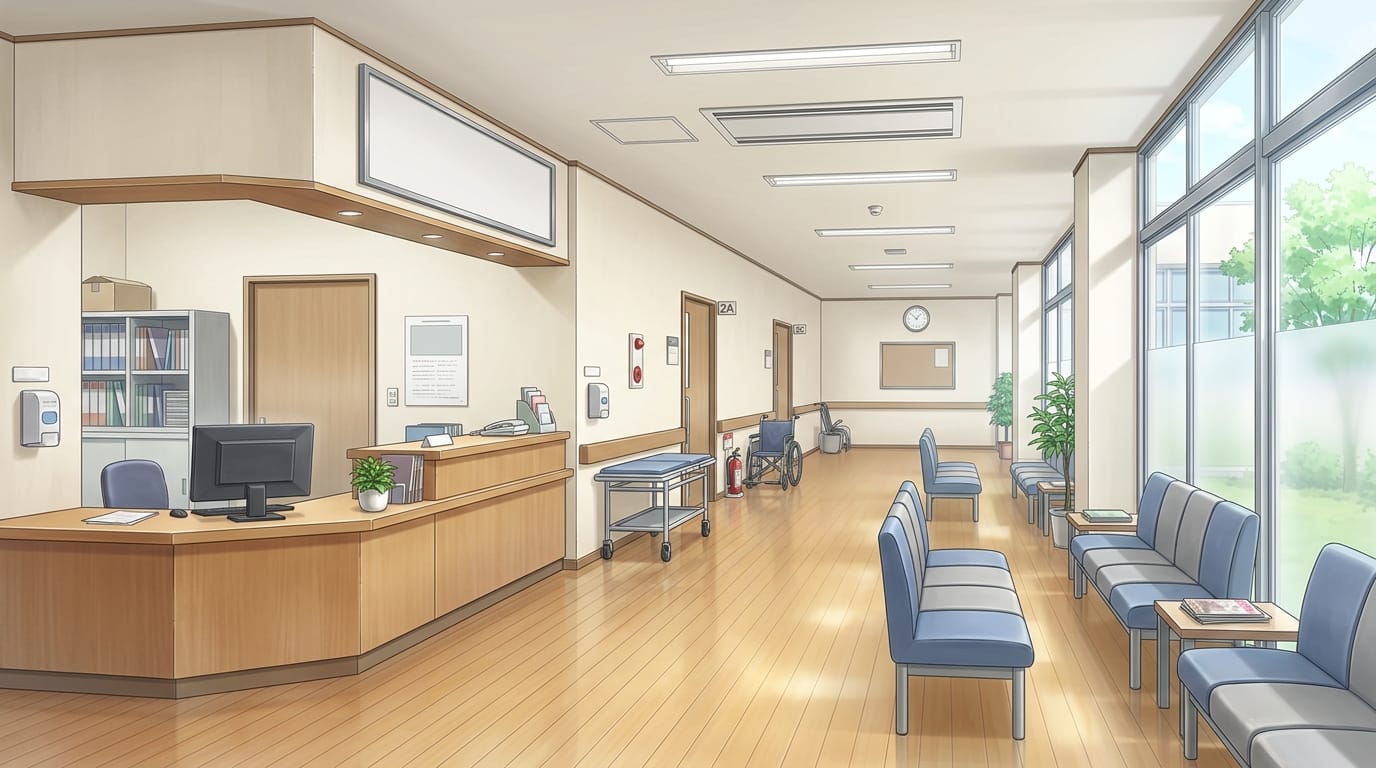
Hospital reception corridor with waiting area and consultation floor | Background illustration asset
A hospital hallway featuring a reception counter and waiting chairs, suitable for medical or outpatient scenes.
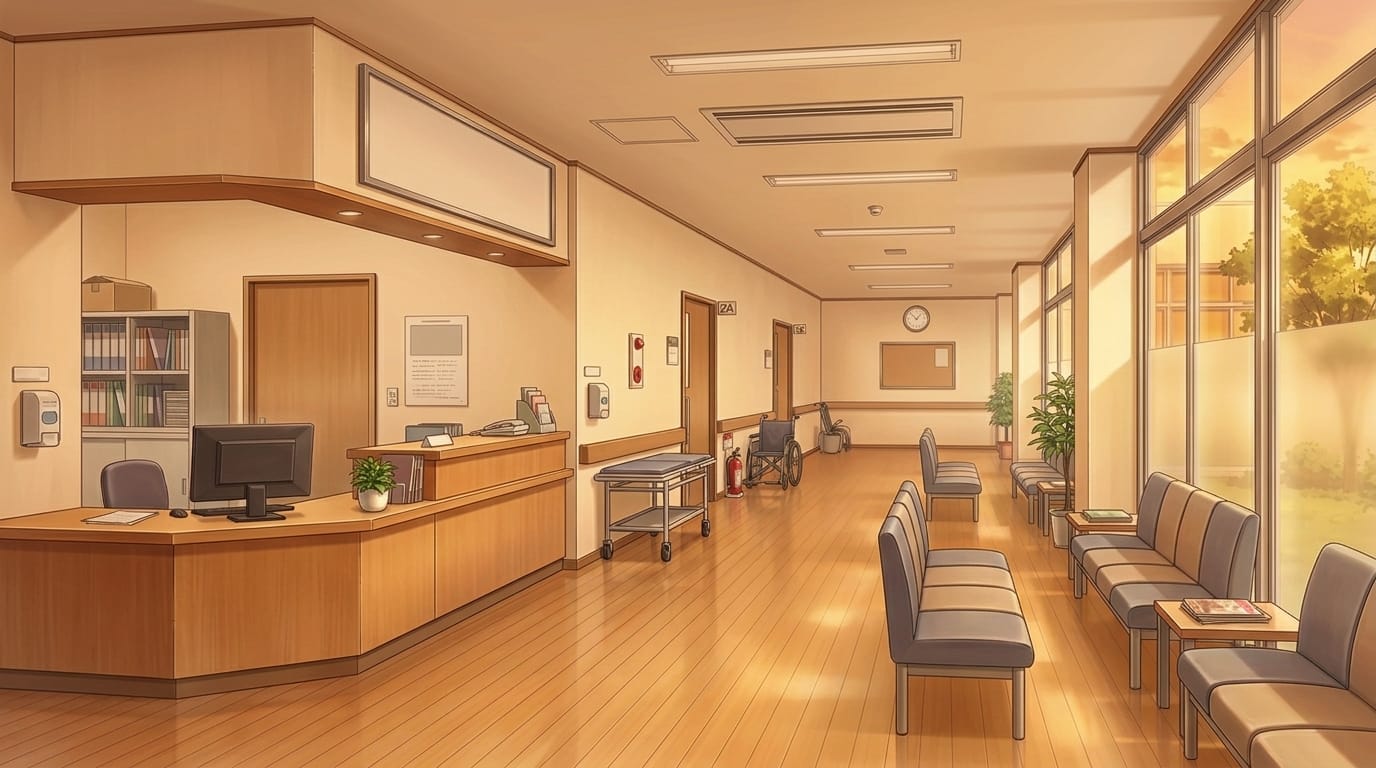
Hospital reception corridor at sunset with waiting area | Background illustration asset
A calm hospital hallway near reception, softly lit by evening light.
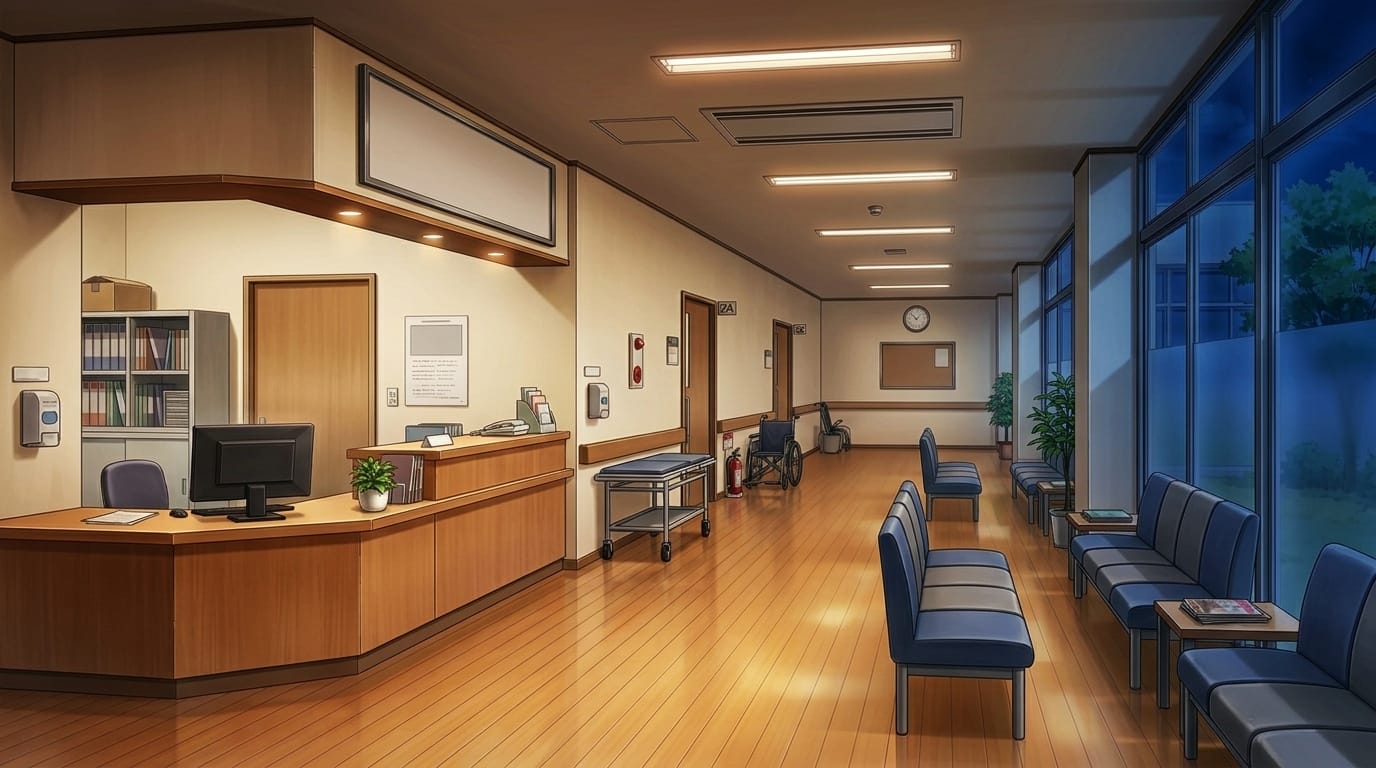
Night hospital reception corridor with waiting area | Background illustration asset
A quiet nighttime hospital corridor with reception and seating areas under artificial lighting.
Hospital corridor with large windows and examination room hallway | Background illustration asset
A clean hospital corridor filled with natural light from large windows, ideal for medical facility settings.
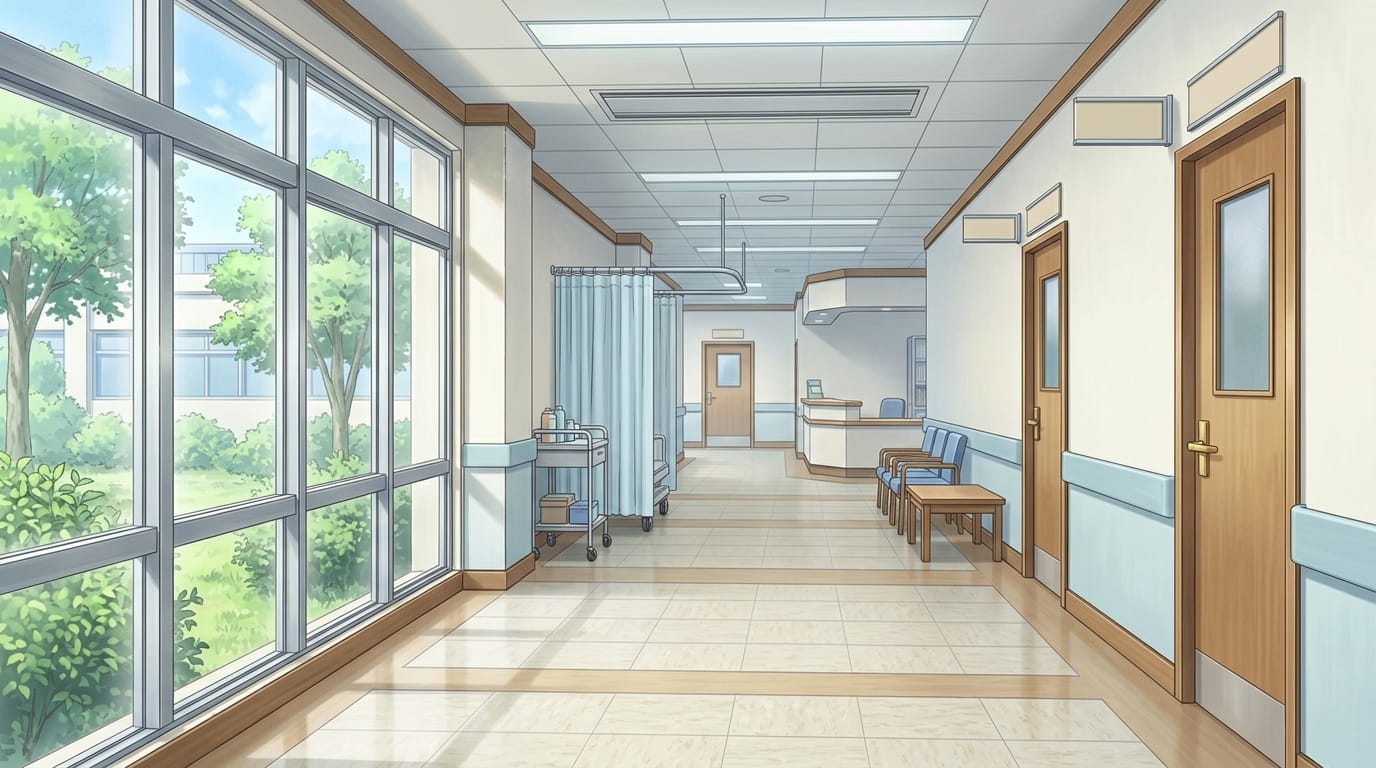
Hospital corridor at sunset with examination room area | Background illustration asset
A warm-toned corridor illuminated by the long rays of the setting sun.
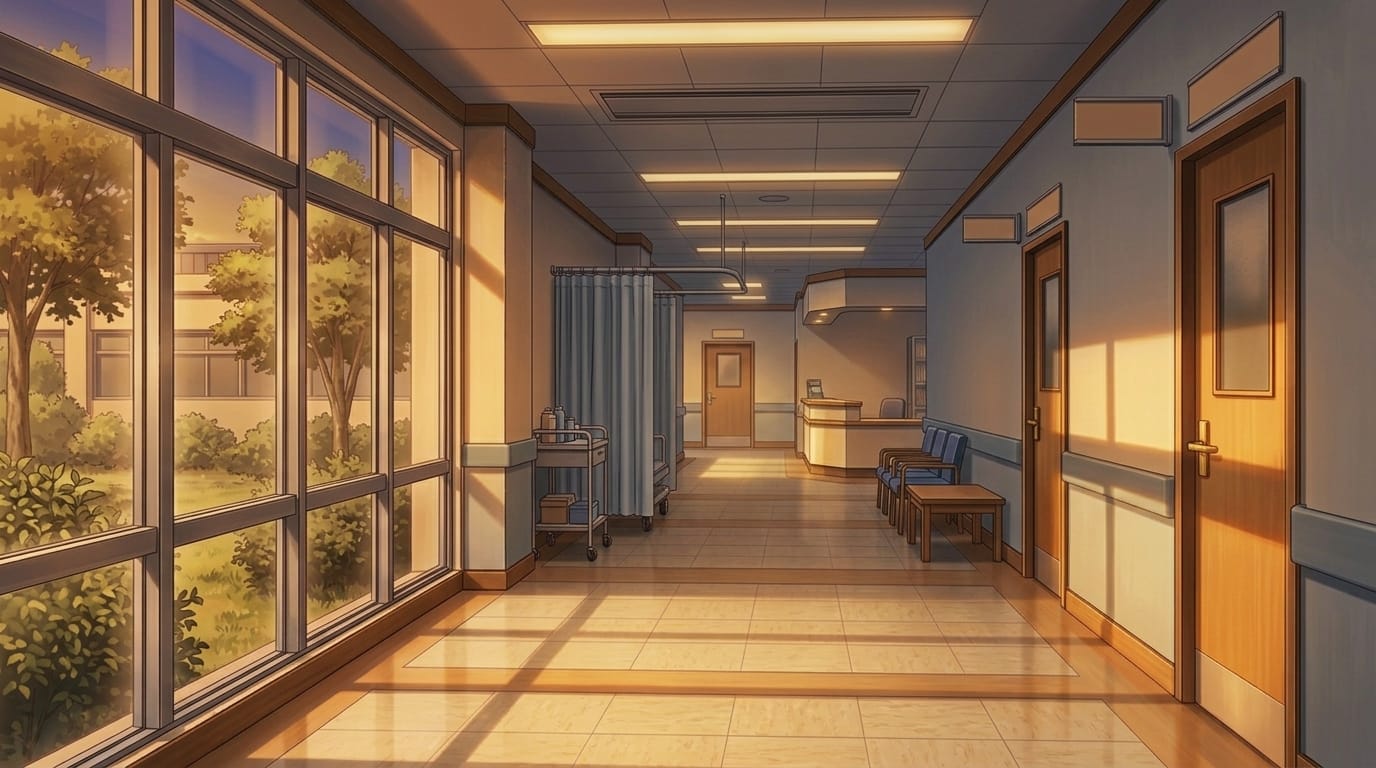
Night hospital corridor with examination room hallway | Background illustration asset
A peaceful hospital hallway wrapped in nighttime stillness.
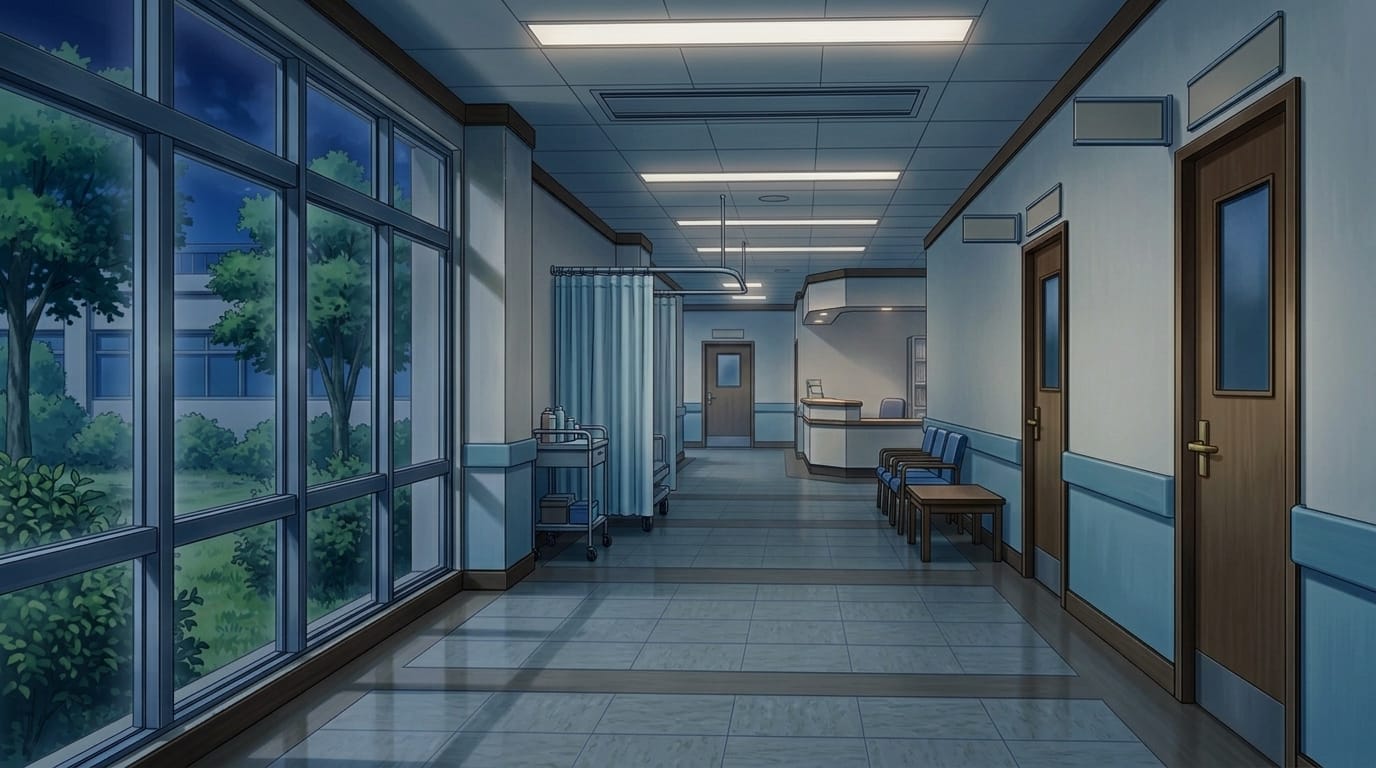
Bright hospital hallway with nurse station corridor | Background illustration asset
A clean and bright corridor with handrails and medical carts, near a nurse station.
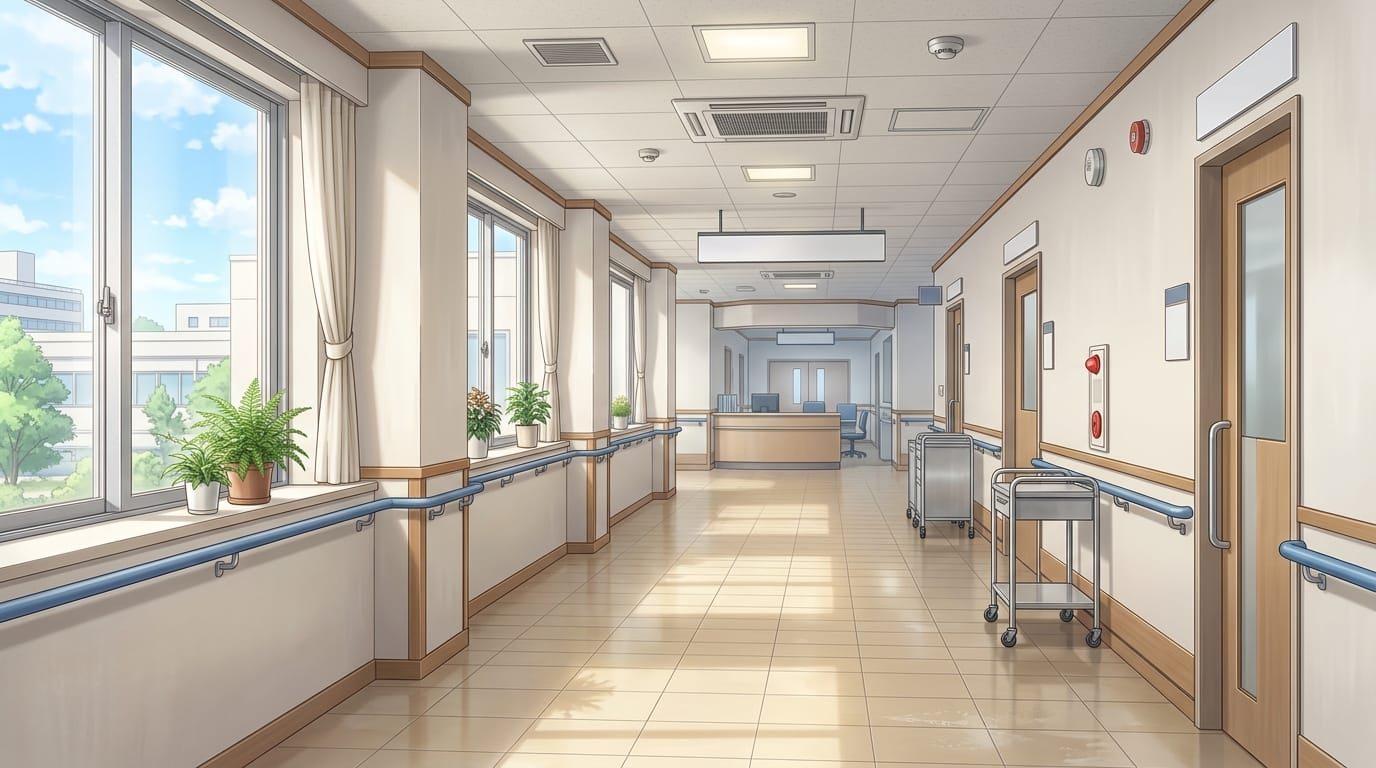
Hospital corridor at sunset with nurse station | Background illustration asset
A softly lit hospital passage near reception and nurse station during sunset.
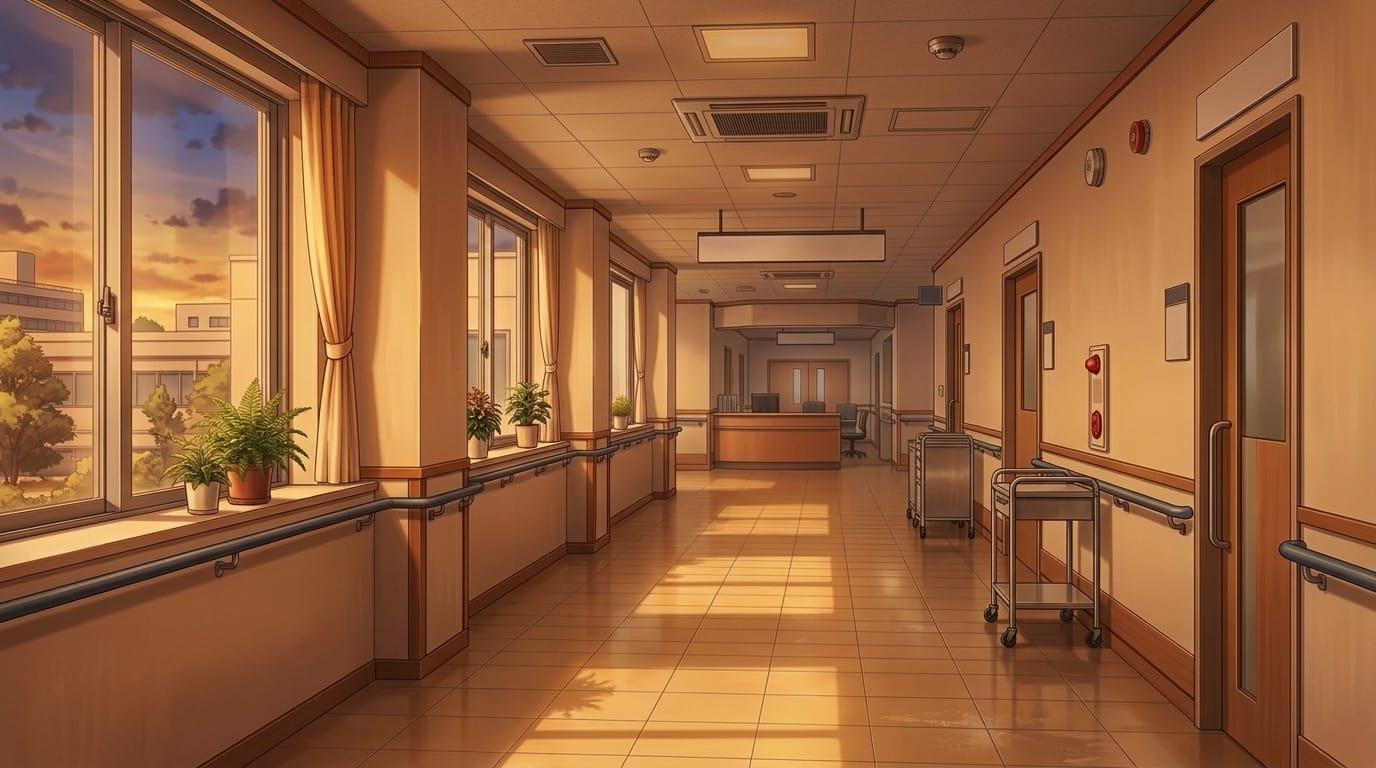
Night hospital hallway with nurse station corridor | Background illustration asset
A quiet nighttime hospital corridor illuminated by overhead lights.
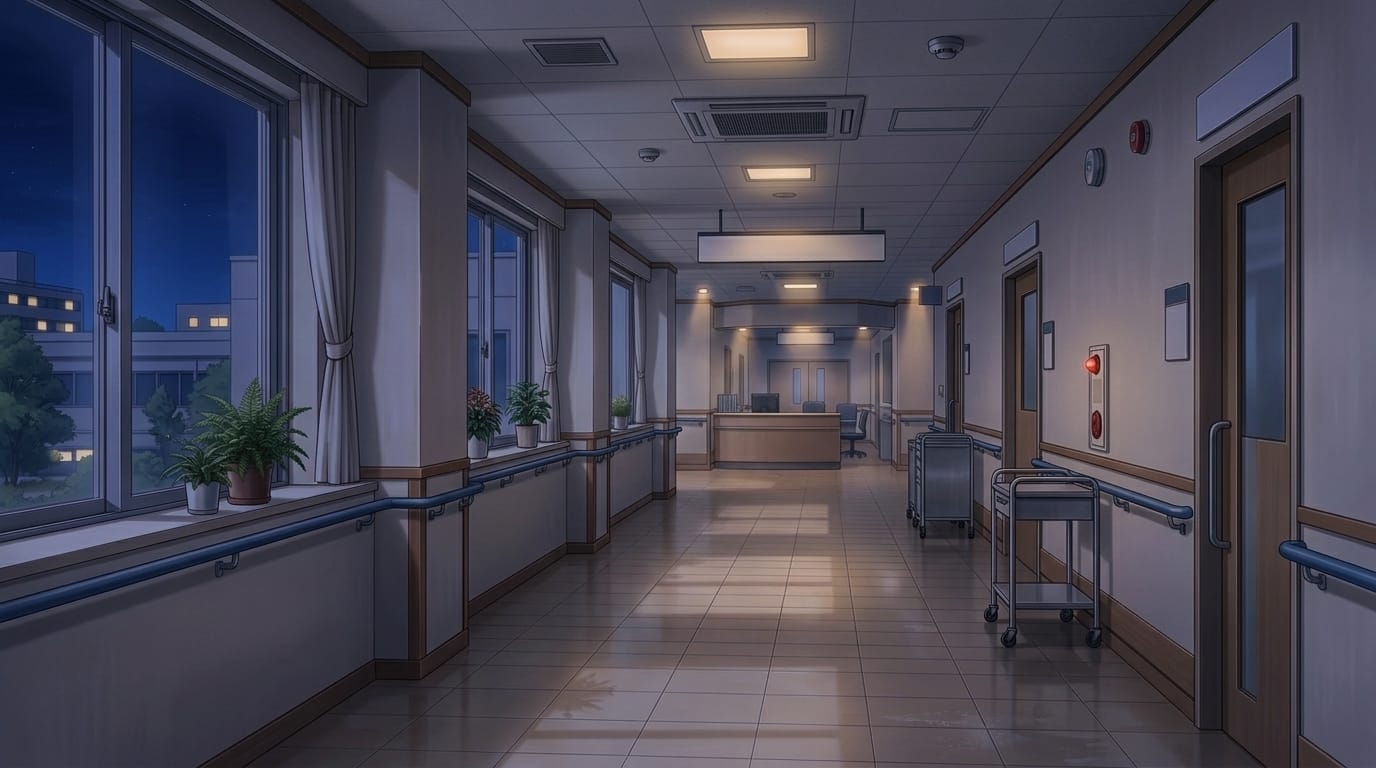
Curved hospital corridor with patient room area | Background illustration asset
A modern hospital interior with a gently curving hallway lined with patient rooms.
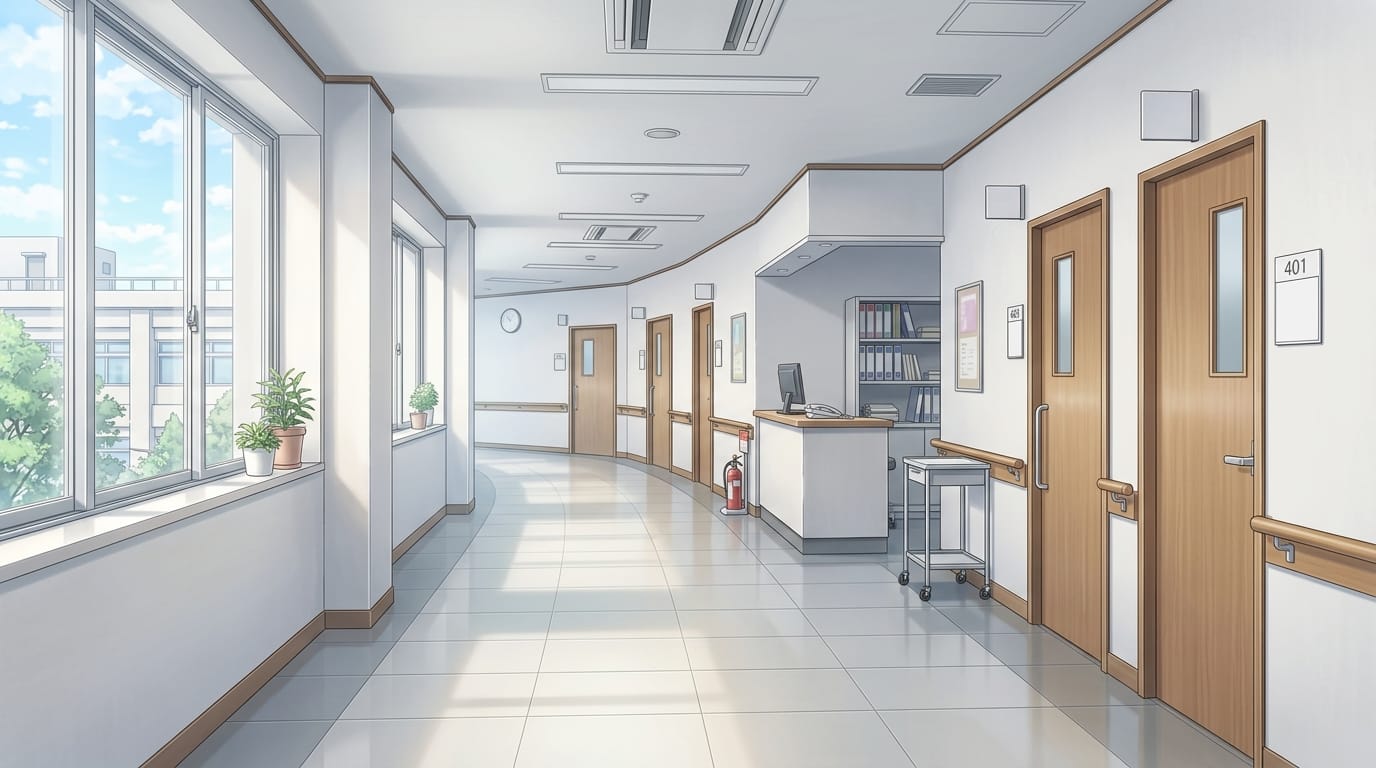
Hospital corridor at sunset with nurse station and patient rooms | Background illustration asset
A warm and comforting hospital scene with sunlight filtering through the corridor.
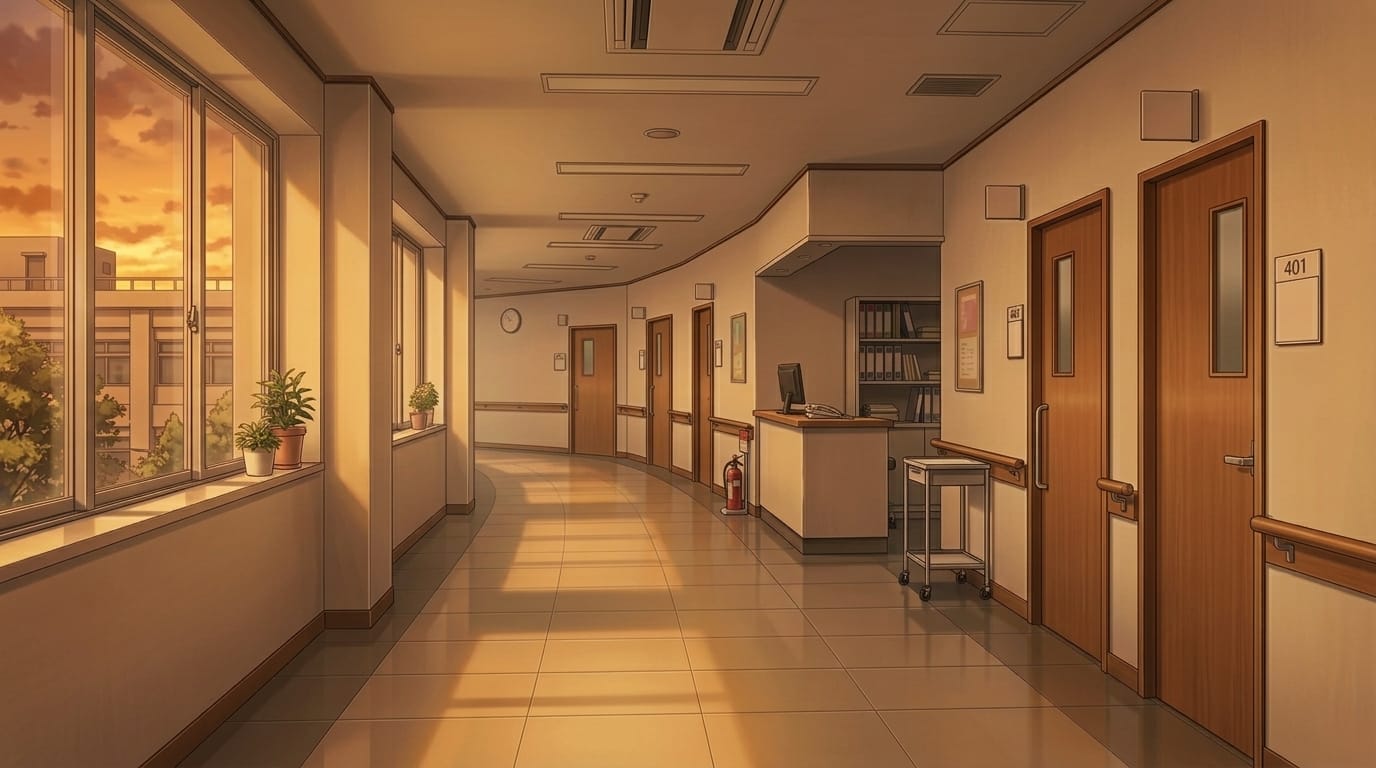
Night hospital corridor with nurse station and patient rooms | Background illustration asset
A calm nighttime scene with nurse station lights glowing softly.
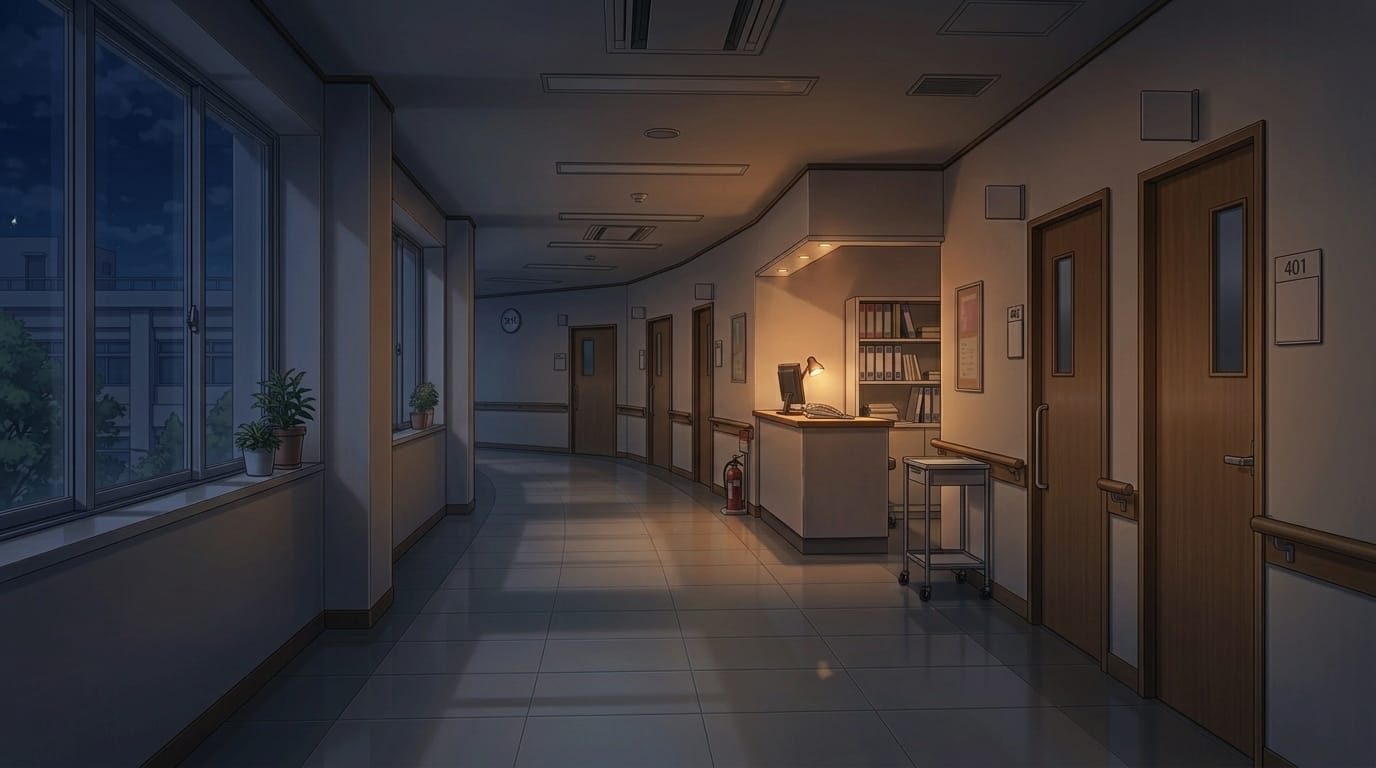
Bright hospital corridor with waiting benches | Background illustration asset
A clean corridor with large windows and waiting benches, suitable for hospital settings.
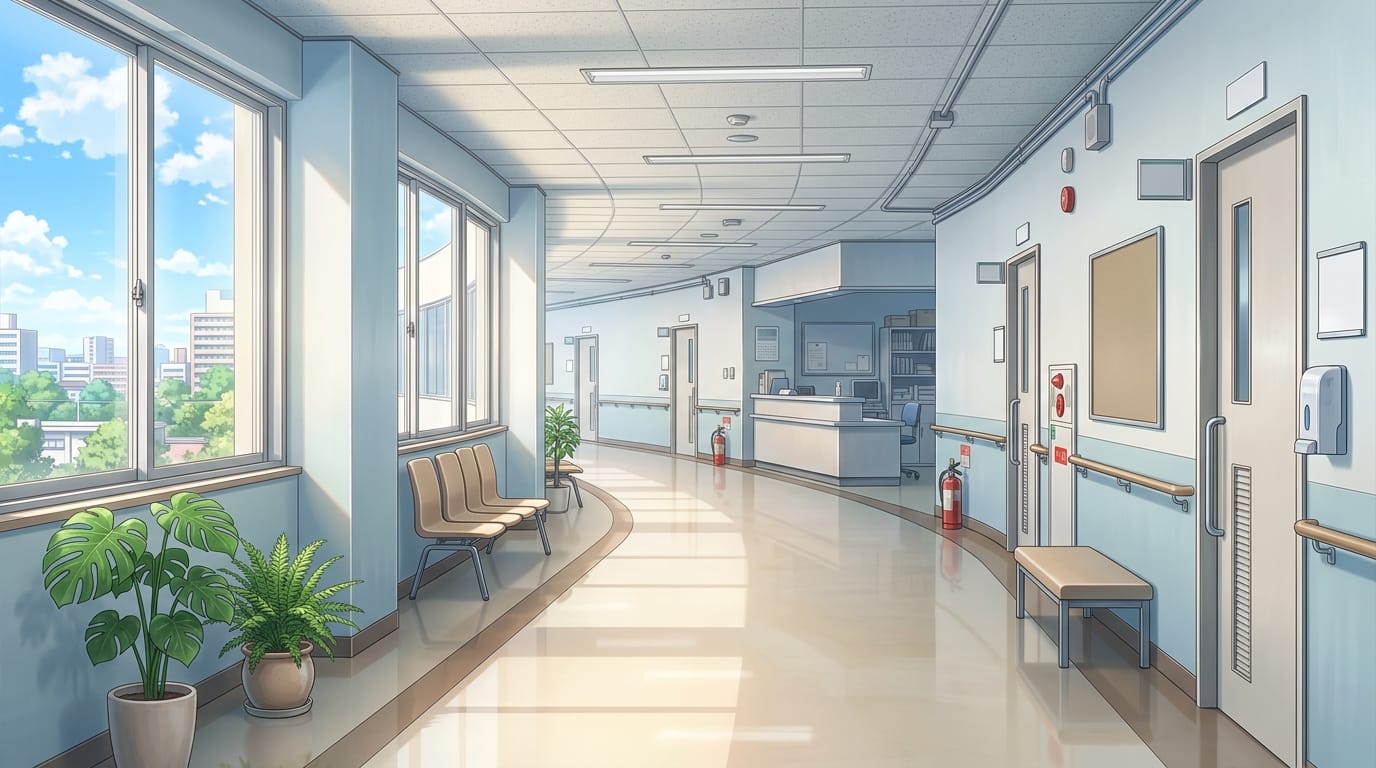
Hospital corridor at sunset with reception hallway | Background illustration asset
A peaceful corridor filled with gentle evening light.
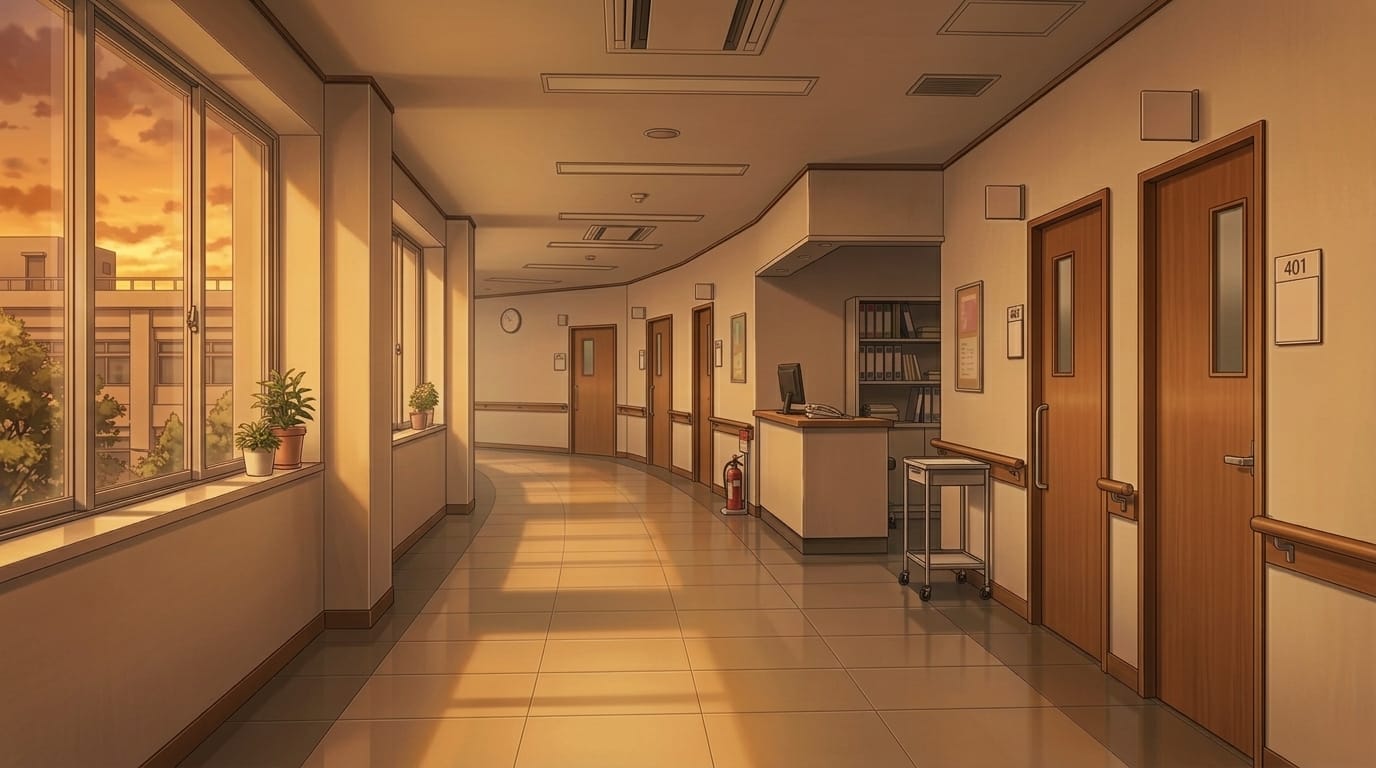
Night hospital corridor with reception area | Background illustration asset
A quiet nighttime hospital scene around the reception area.
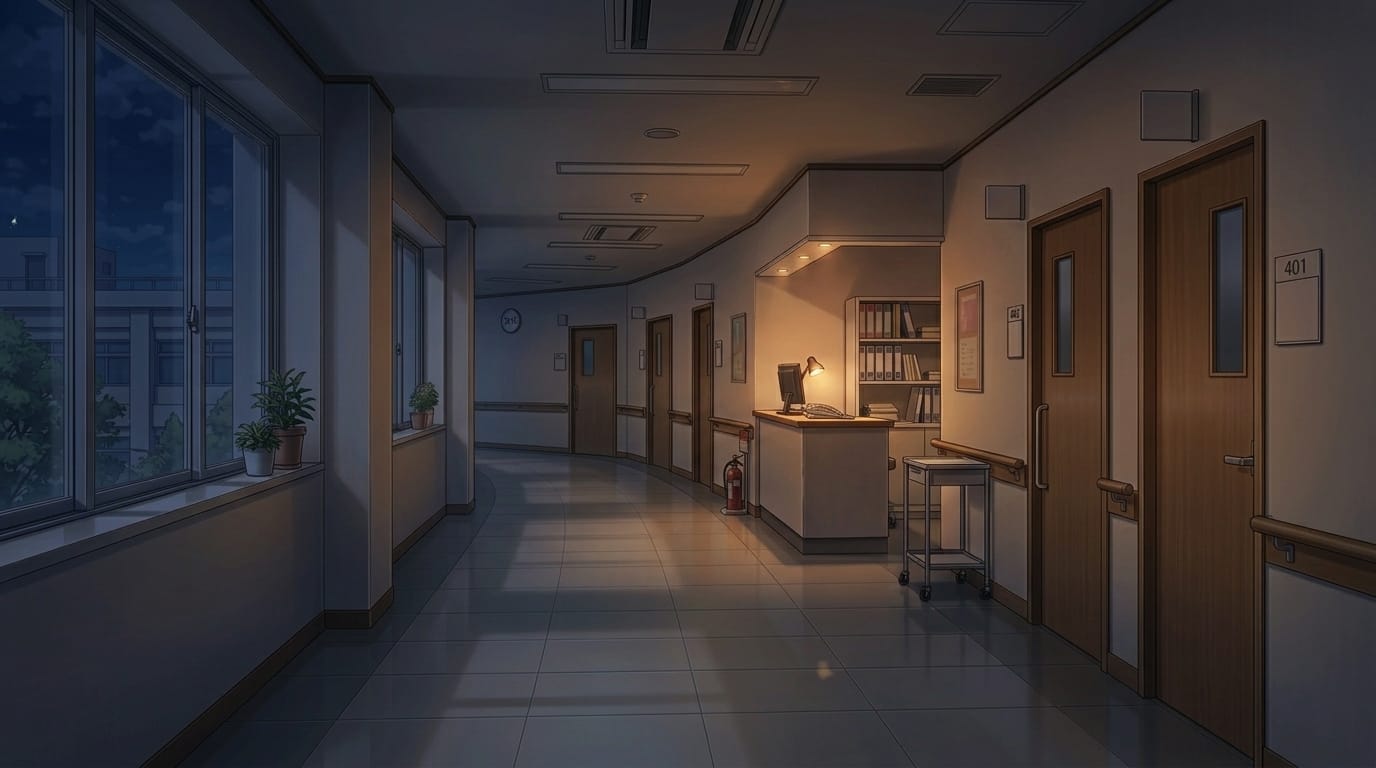
Private hospital room with bed and furnishings | Background illustration asset
A single-patient room with bed, curtains, and sink, ideal for hospitalization scenes.
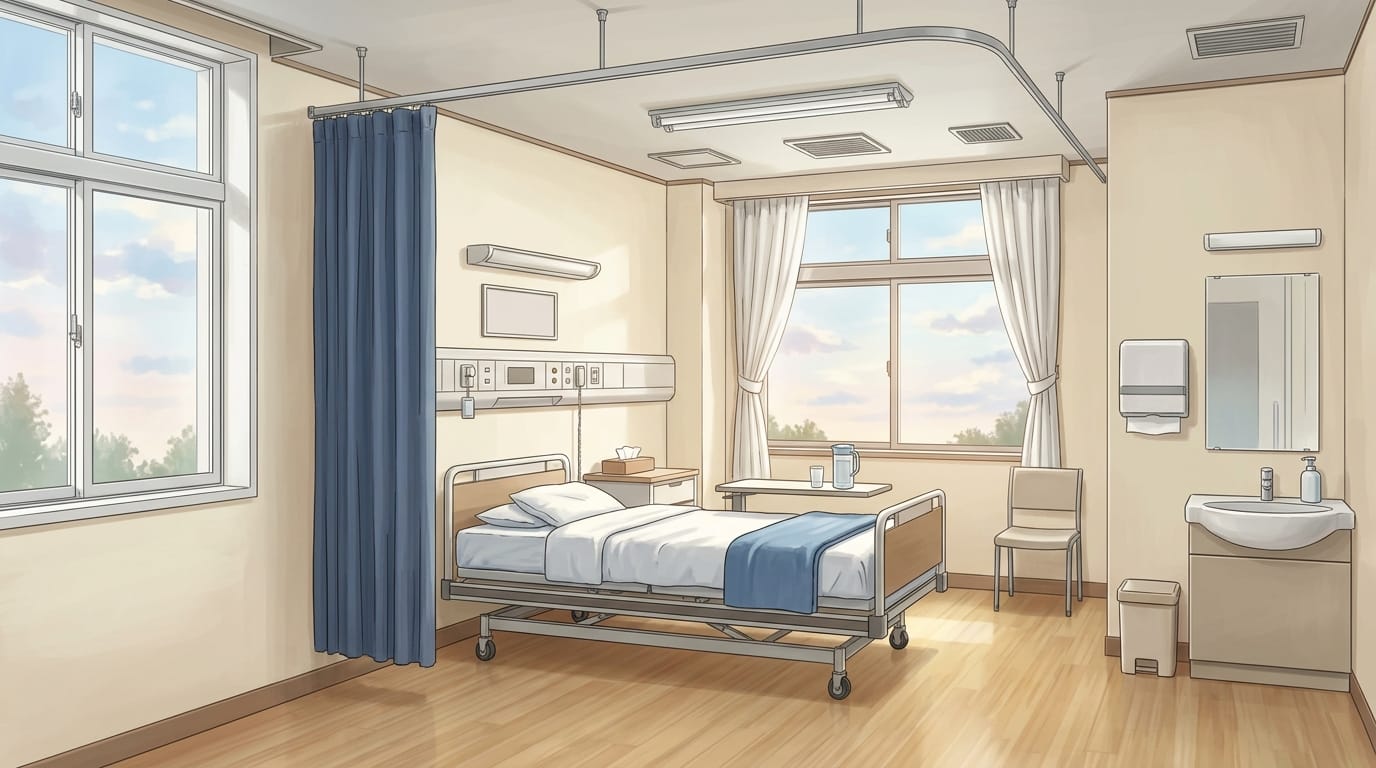
Private hospital room at sunset with patient bed | Background illustration asset
A warm-toned hospital room with sunset light coming through the window.
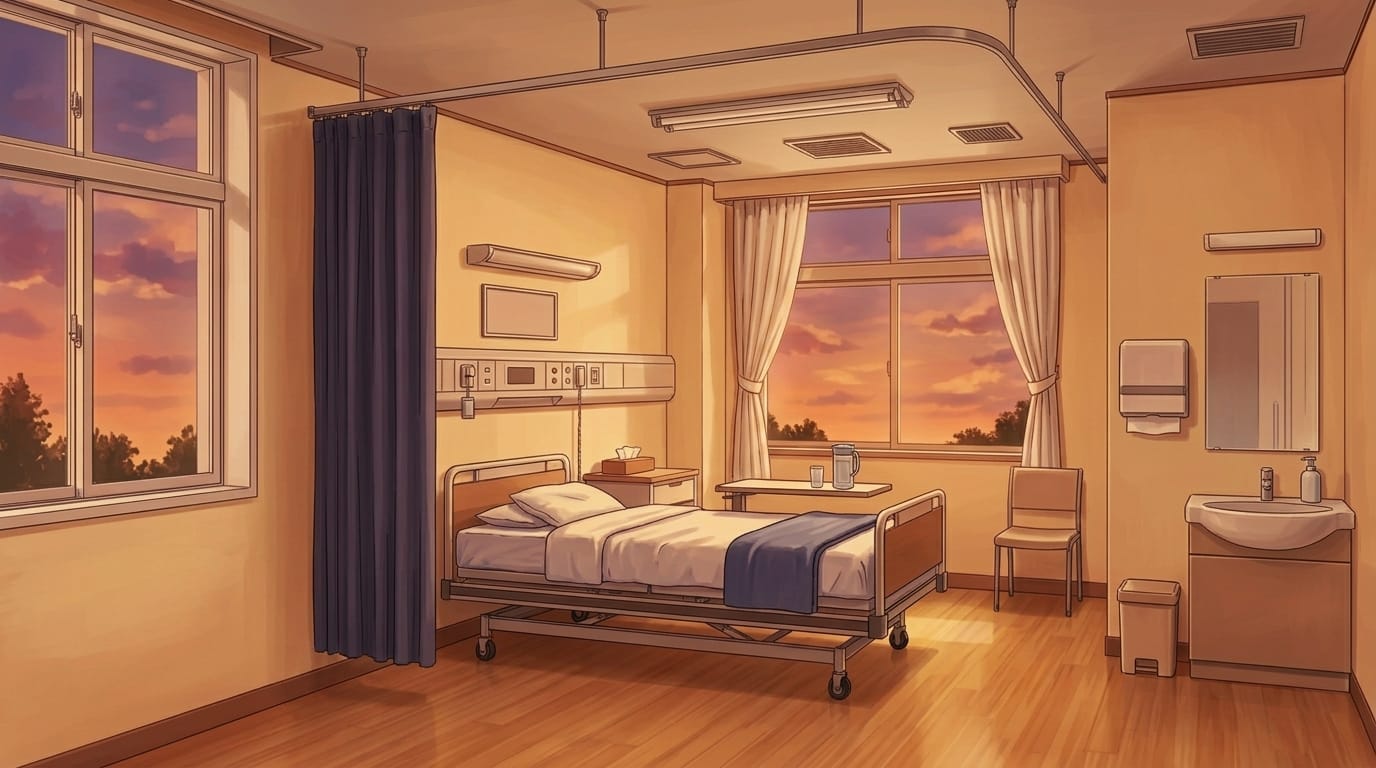
Night private hospital room with patient bed | Background illustration asset
A calm and quiet hospital room with a night view outside.
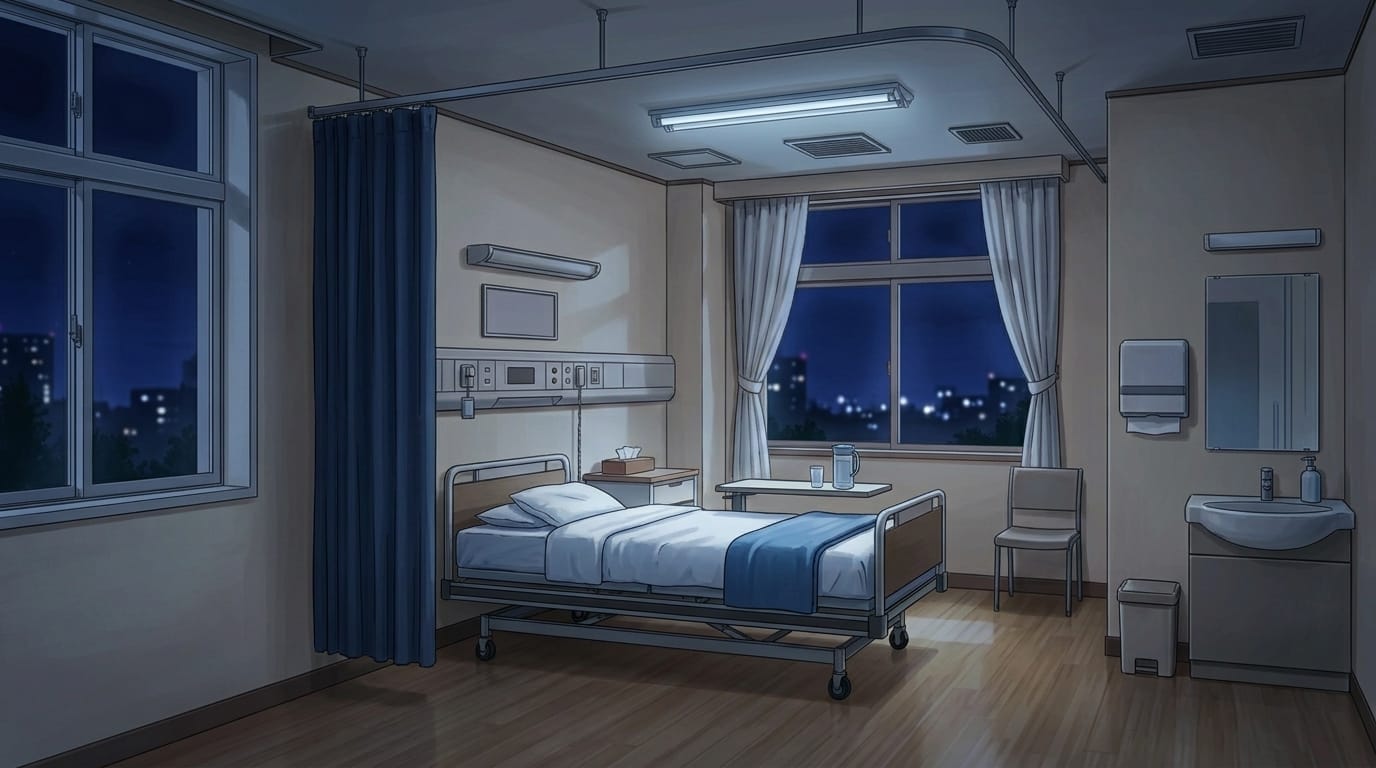
Bright hospital room with window-side bed | Background illustration asset
A clean room filled with natural light from large windows.
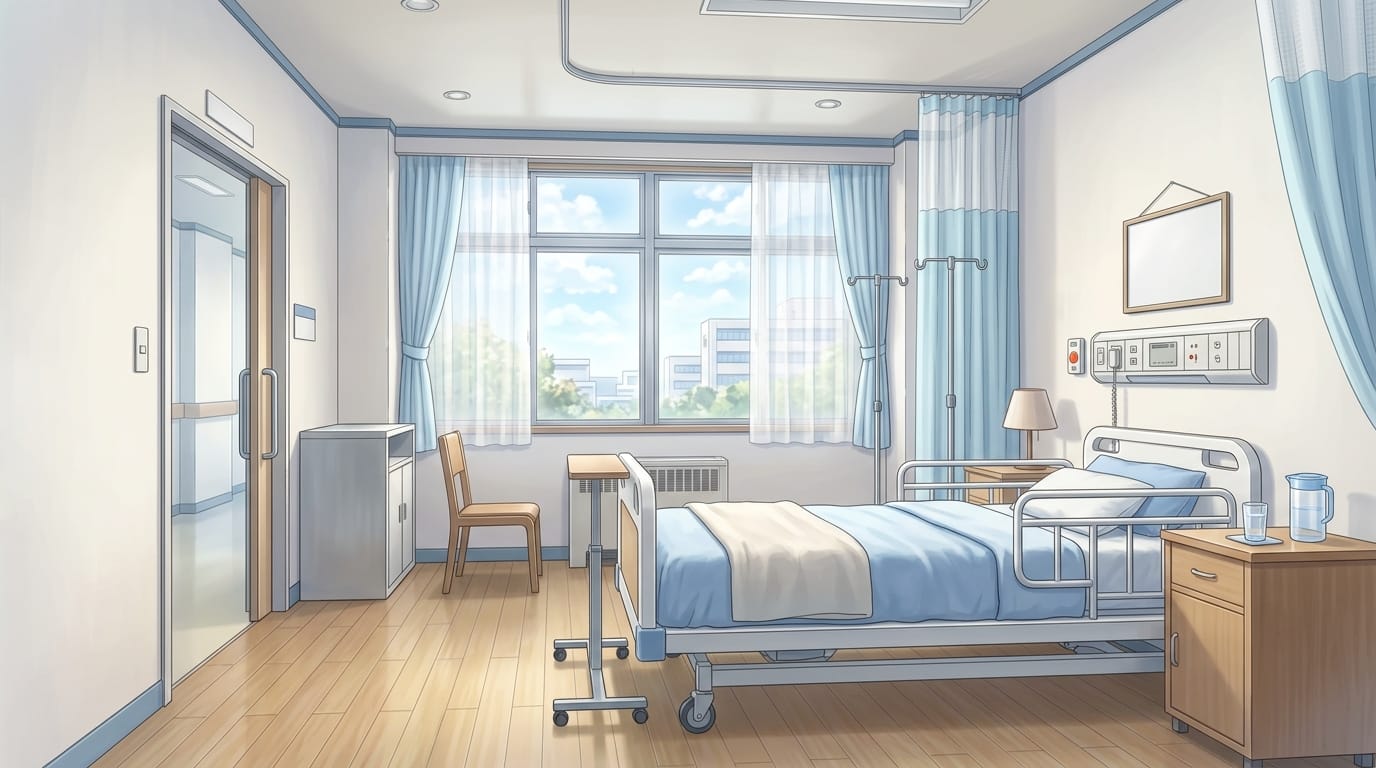
Hospital room at sunset with window-side bed | Background illustration asset
A softly lit room with a warm, comforting atmosphere.
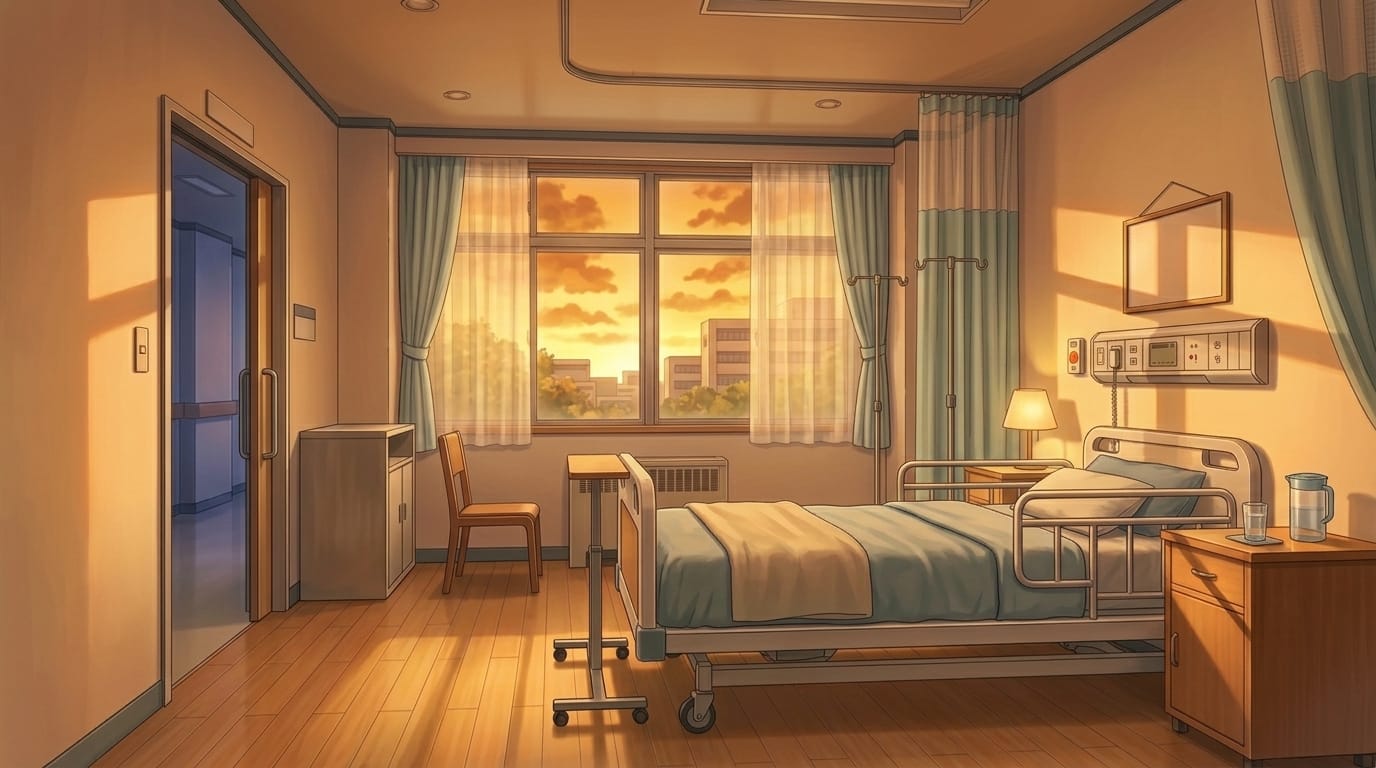
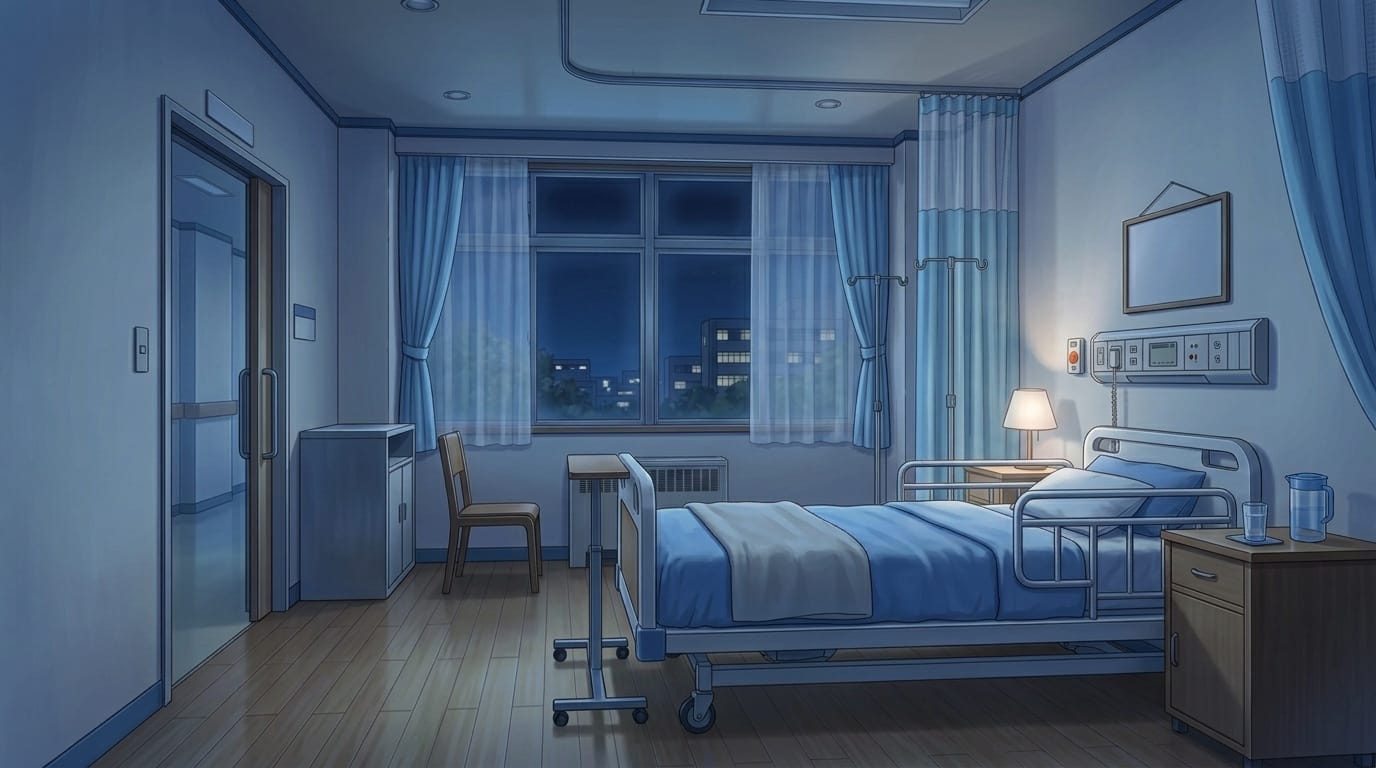
Night private hospital room with patient bed and city view | Background illustration asset
A tranquil room with nighttime scenery visible through the window.
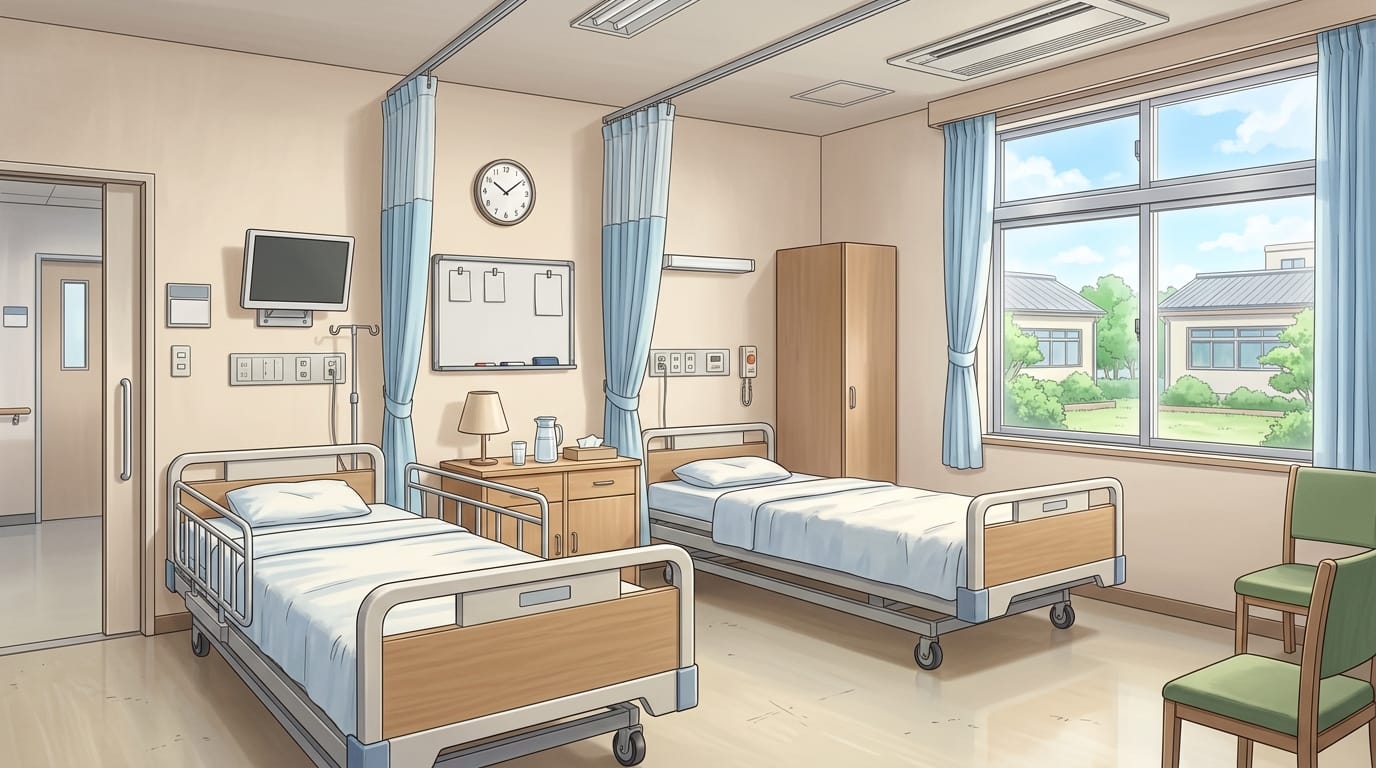
Bright shared hospital room with two beds | Background illustration asset
A clean double room with two beds and storage furniture.
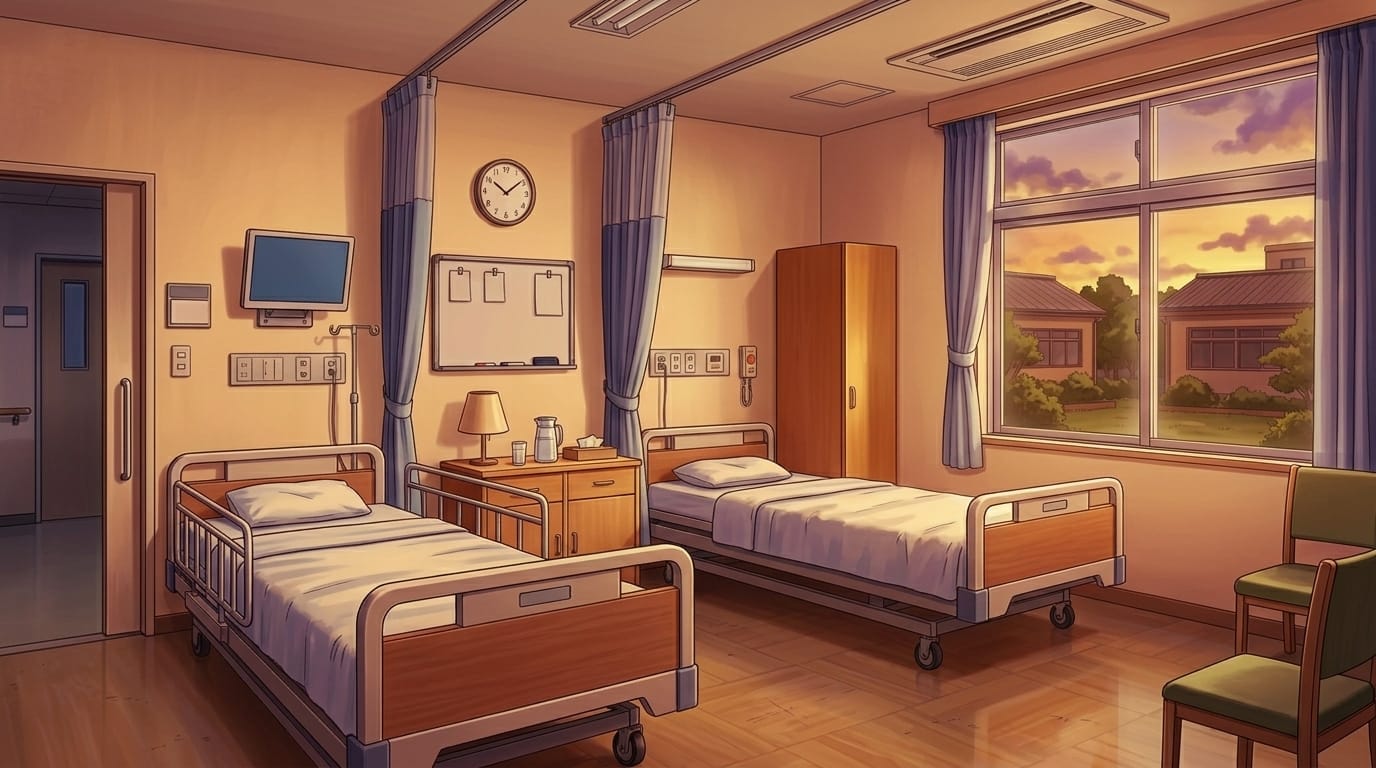
Shared hospital room at sunset with two beds | Background illustration asset
A calm room with warm evening light.
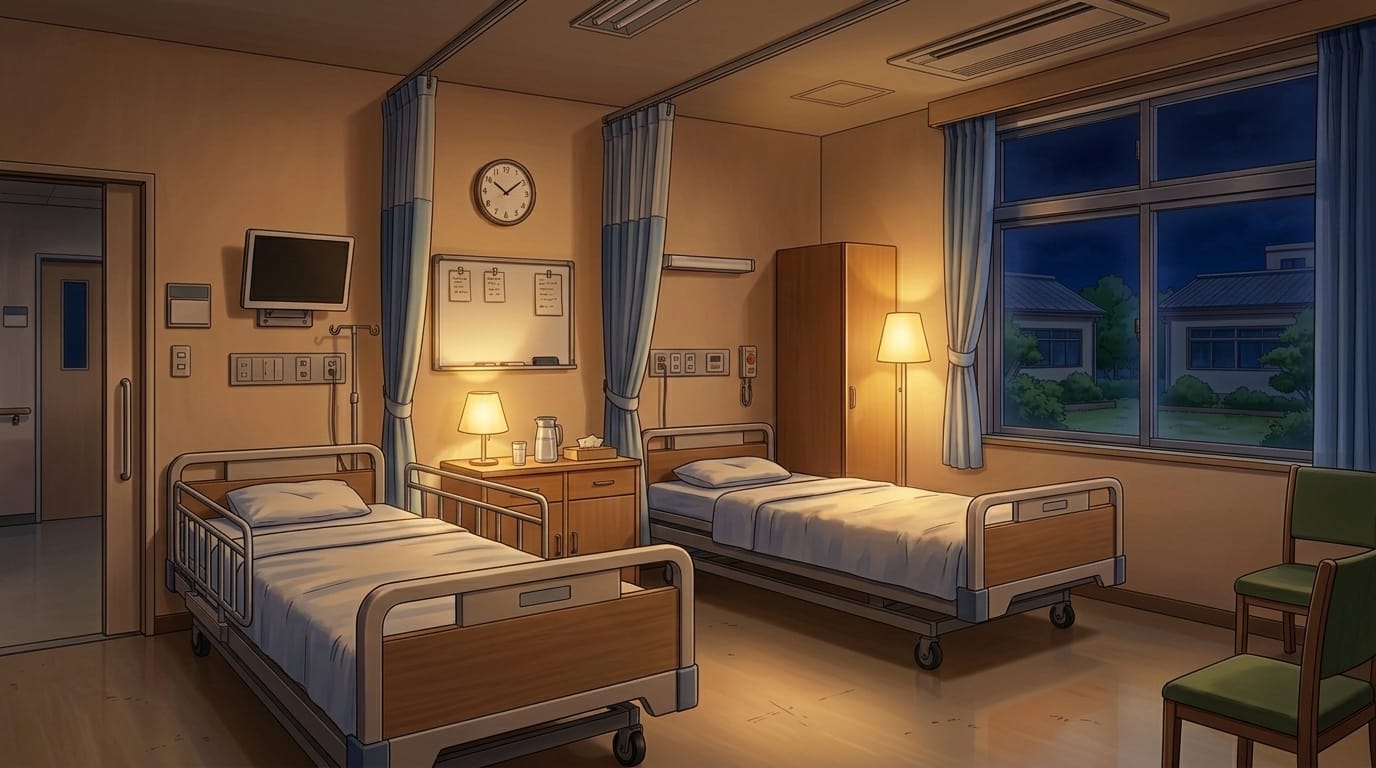
Night shared hospital room with two beds | Background illustration asset
A quiet nighttime hospital room with soft lighting.
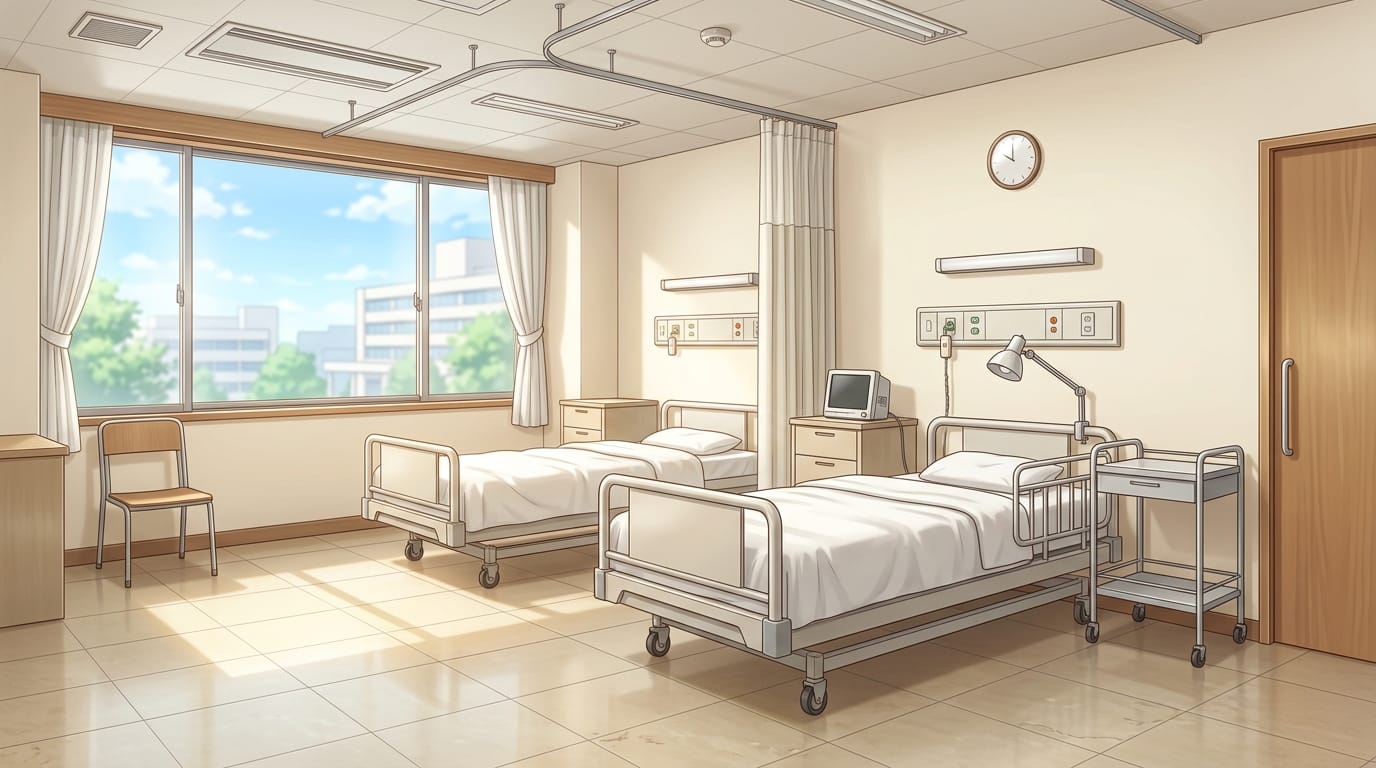
Bright hospital ward with two beds | Background illustration asset
A spacious two-bed room illuminated by natural light.
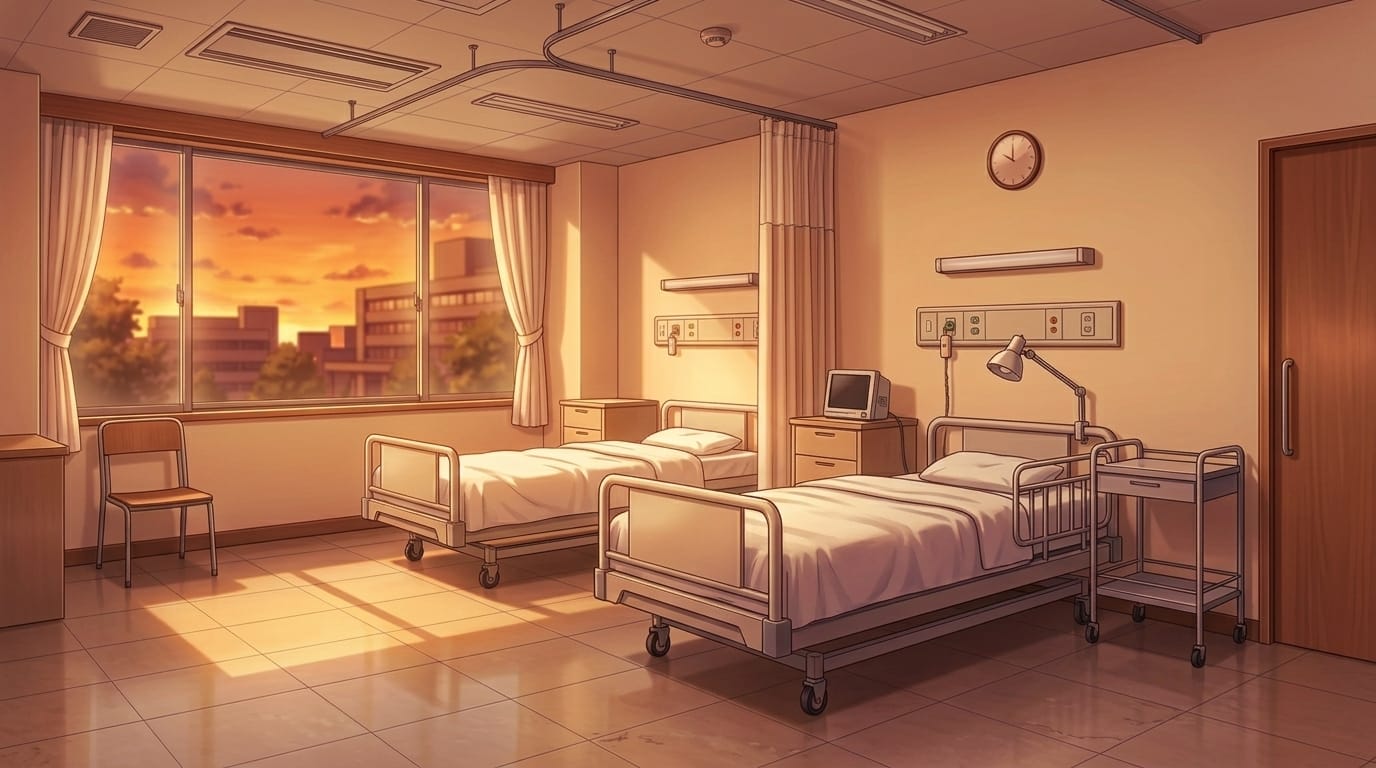
Hospital ward at sunset with two beds | Background illustration asset
A warm and peaceful hospital interior at dusk.
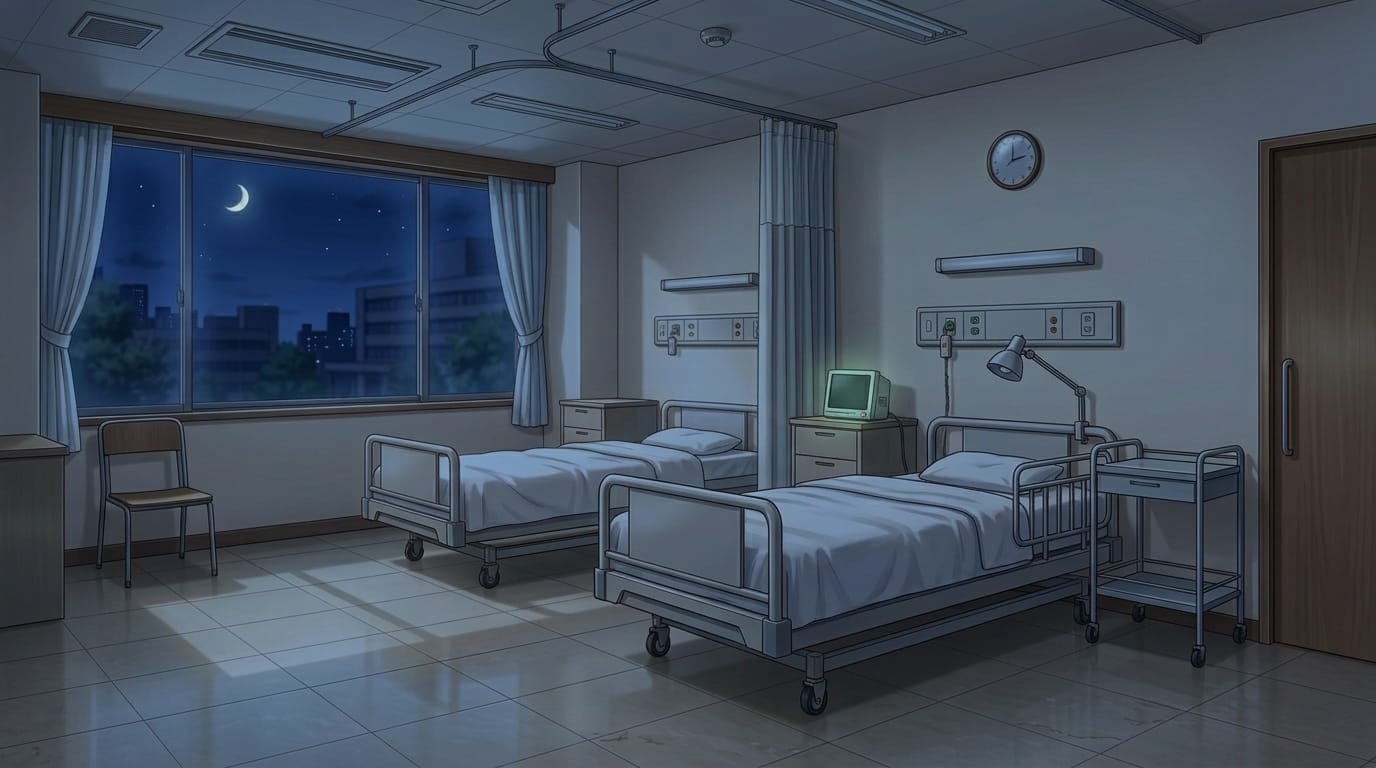
Night hospital ward with two beds | Background illustration asset
A still and quiet nighttime hospital ward.
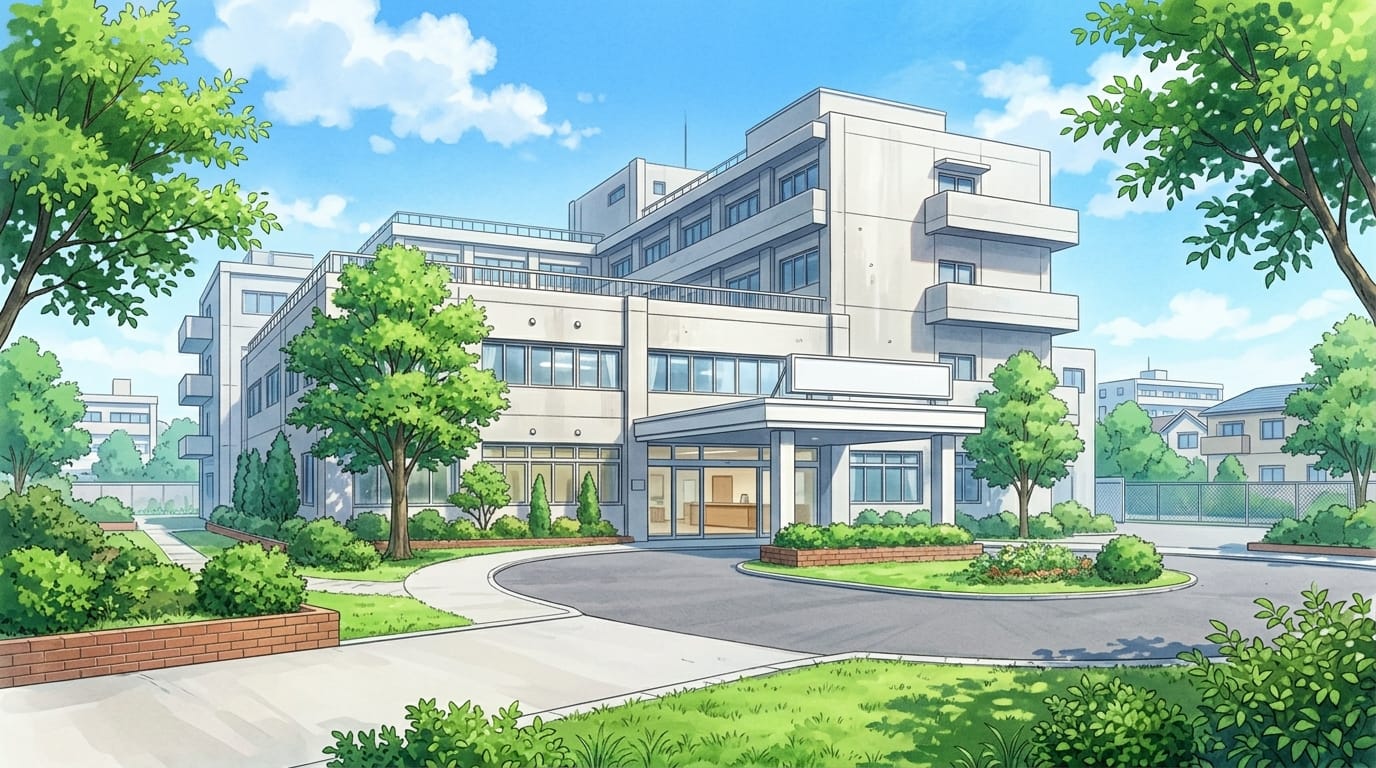
Hospital exterior with entrance | Background illustration asset
A front view of a hospital building surrounded by greenery.
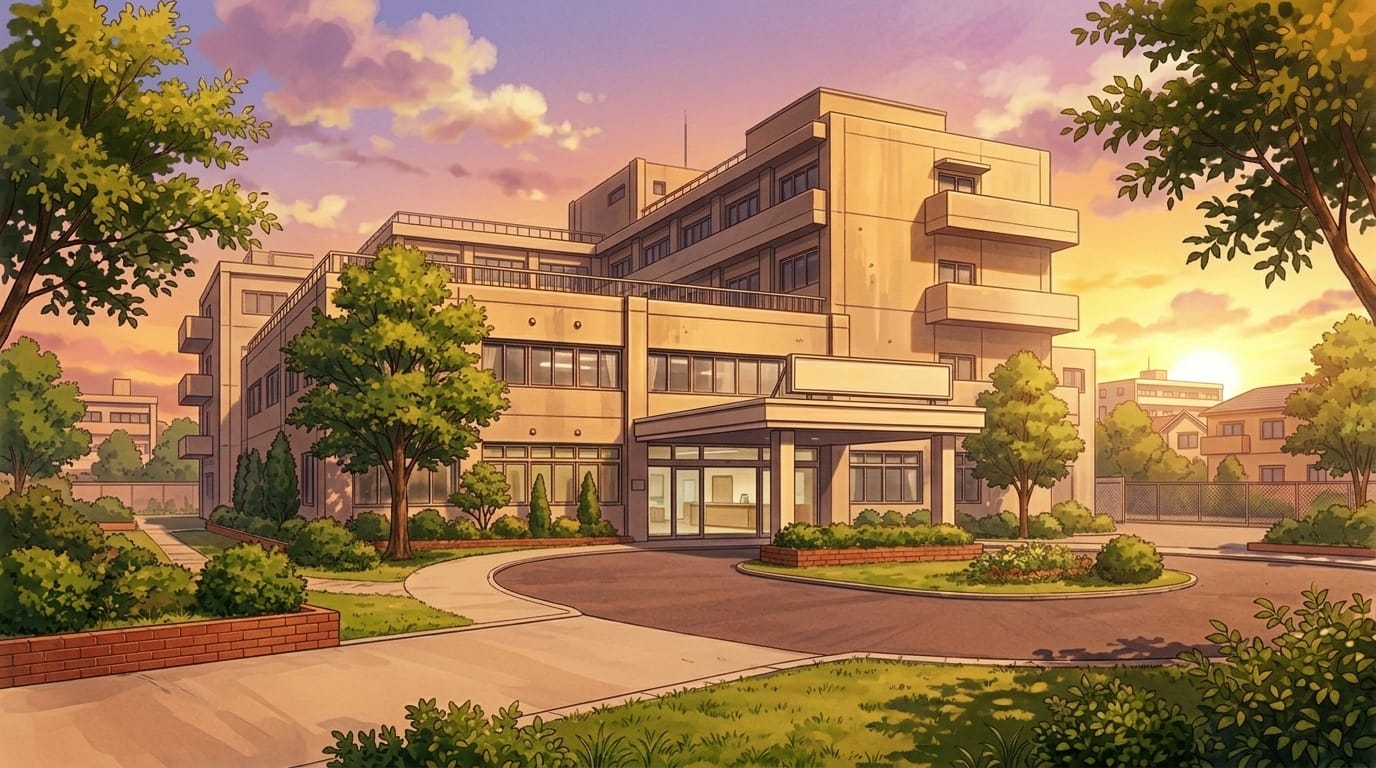
Hospital exterior at sunset with entrance rotary | Background illustration asset
A warm-toned exterior scene with the building bathed in sunset light.
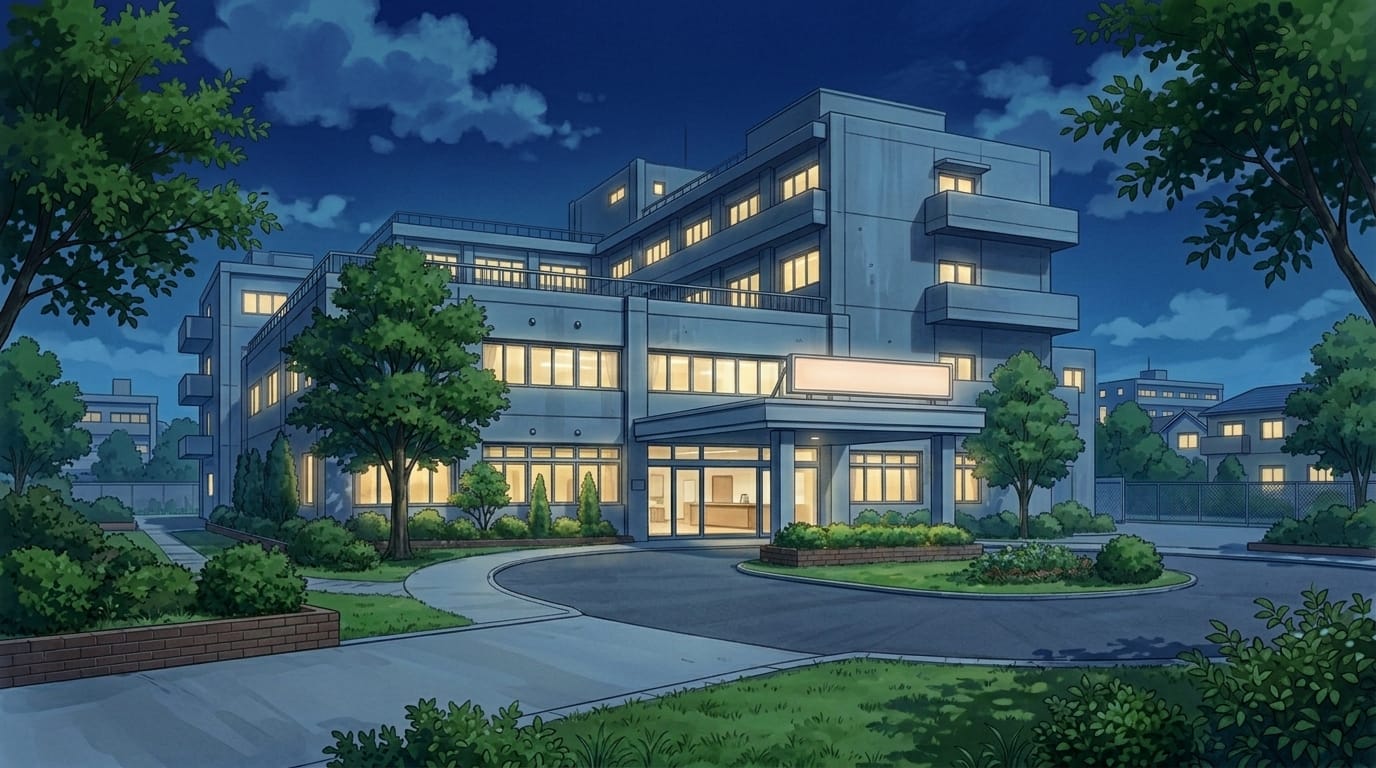
Night hospital exterior with entrance | Background illustration asset
A nighttime hospital facade illuminated by lights, suitable for emergency or night scenes.
■ Using with Copainter
Mass-producing variations with the AI Assistant
Download the images above and import them into Copainter as reference images. You can optimize them for your work by changing the time of day (morning/evening/night), replacing the sky, or adding props.
Upscale to 4000px+ with AI upscaling
By using the AI upscaling feature, you can increase the resolution to a size suitable for most production needs.
https://www.copainter.ai/en/upscaling
Convert into manga-style backgrounds with the Inking AI
Load the images as reference in the Inking AI to generate simplified line art, making them easier to use as manga backgrounds. Try adjusting pen styles to create unique results.
https://www.copainter.ai/en/inking
Change aspect ratio with the AI Assistant
If you like the illustration but the aspect ratio doesn’t fit your needs, you can instruct the AI Assistant to adjust it.
Freely transform angles with Camera Angle Control AI
Using the Camera Angle Control AI, you can smoothly convert compositions into bird’s-eye, low-angle, or side views while maintaining consistency in style and worldbuilding. This greatly improves efficiency while preserving quality in background production.
https://www.copainter.ai/en/cameraAngleControl
■ Terms of Use (License)
- Eligible users: Copainter subscribers
- Scope of use: Limited to works created using Copainter; commercial and free use allowed
- Modification: Allowed (cropping, editing, color changes, vectorization, etc.)
- Credit: Not required
- Prohibited: Redistribution or sale of the asset data, claiming authorship, commercial use outside Copainter
- Disclaimer: The provider assumes no responsibility for any damages resulting from the use of these materials
■ FAQ
Q. I want higher-resolution assets
A. Please use the AI upscaling feature in Copainter. It can enlarge images up to 4×, making them suitable for commercial use.
Q. Can I use these outside Copainter?
A. If you are a Copainter subscriber and use them in works created with Copainter, commercial and free use is allowed. Editing via external tools for use within Copainter workflows is also permitted, as long as Copainter is part of the production process.
Q. Can I use them in commercial projects?
A. Yes, as long as Copainter is used in the production process. You don’t need to create everything exclusively in Copainter. However, redistribution or resale of the assets themselves is prohibited.
Q. Are there more free assets available?
A. Yes. In addition to background illustrations, pose collections and other assets are also available. Please check the “assets” section below:
https://blog.copainter.ai/tag/assets-en/
If you haven’t tried Copainter yet, this is a great opportunity to sign up.
You can also find tips and tutorials on “Copainter Learn.”