Automatically Separate Layers and Convert to PSD
AI-generated images can be difficult to edit when everything is merged into one layer. With copainter’s Layer Separation feature, you can automatically separate layers and convert your image to PSD!
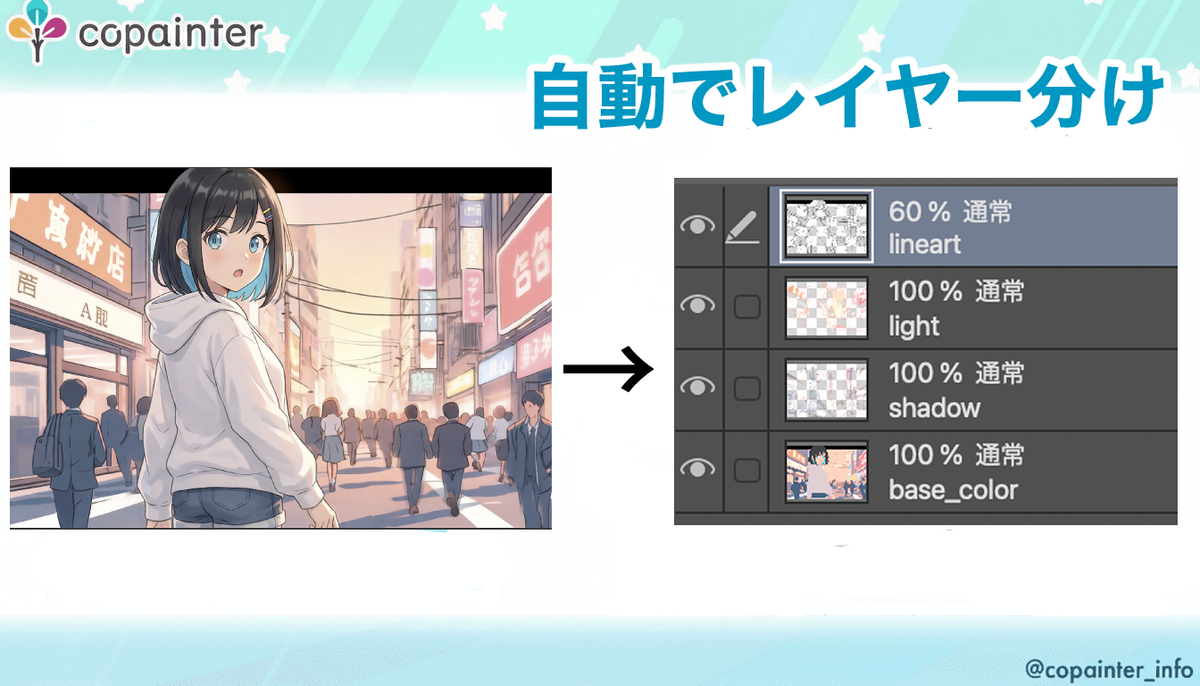
Have you ever tried to edit an AI-generated image, only to find that everything has been merged into a single layer, making detailed adjustments difficult?
With copainter’s Layer Separation feature, you can automatically separate a finished illustration into editable layers and convert it into a PSD file!
How to Use the Layer Separation Feature
Layer Separation – copainter
Separate an illustration into editable layers such as line art, colors, shadows, and background, turning a flat image into an editable file.
https://www.copainter.ai/en/separateLayers
The Layer Separation interface looks like this.
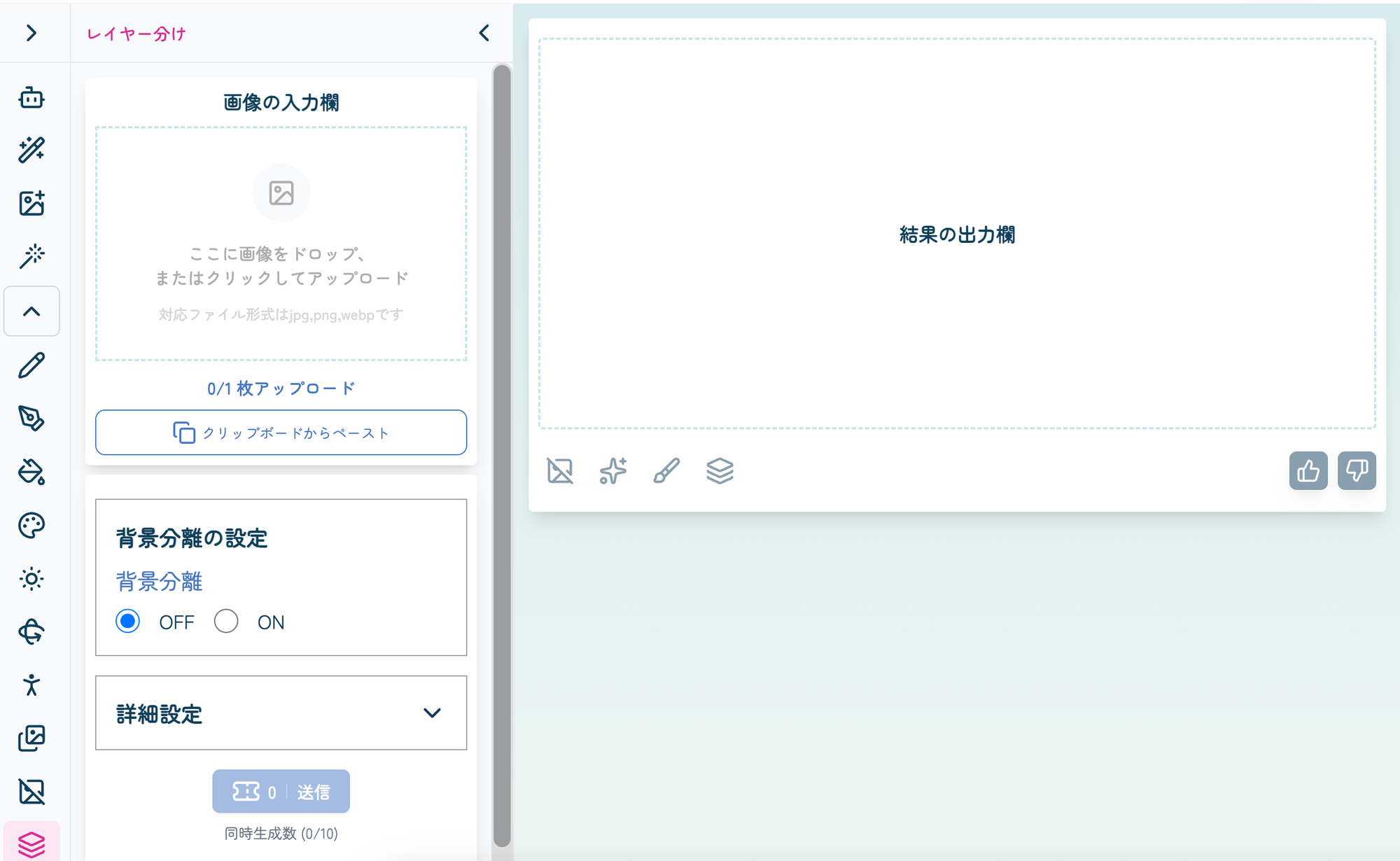
Simply upload your image and click the
Submit button. copainter will automatically separate the image into layers and generate a PSD file.
Using this feature consumes 3 tickets.
Pro plan users and above are not charged tickets.
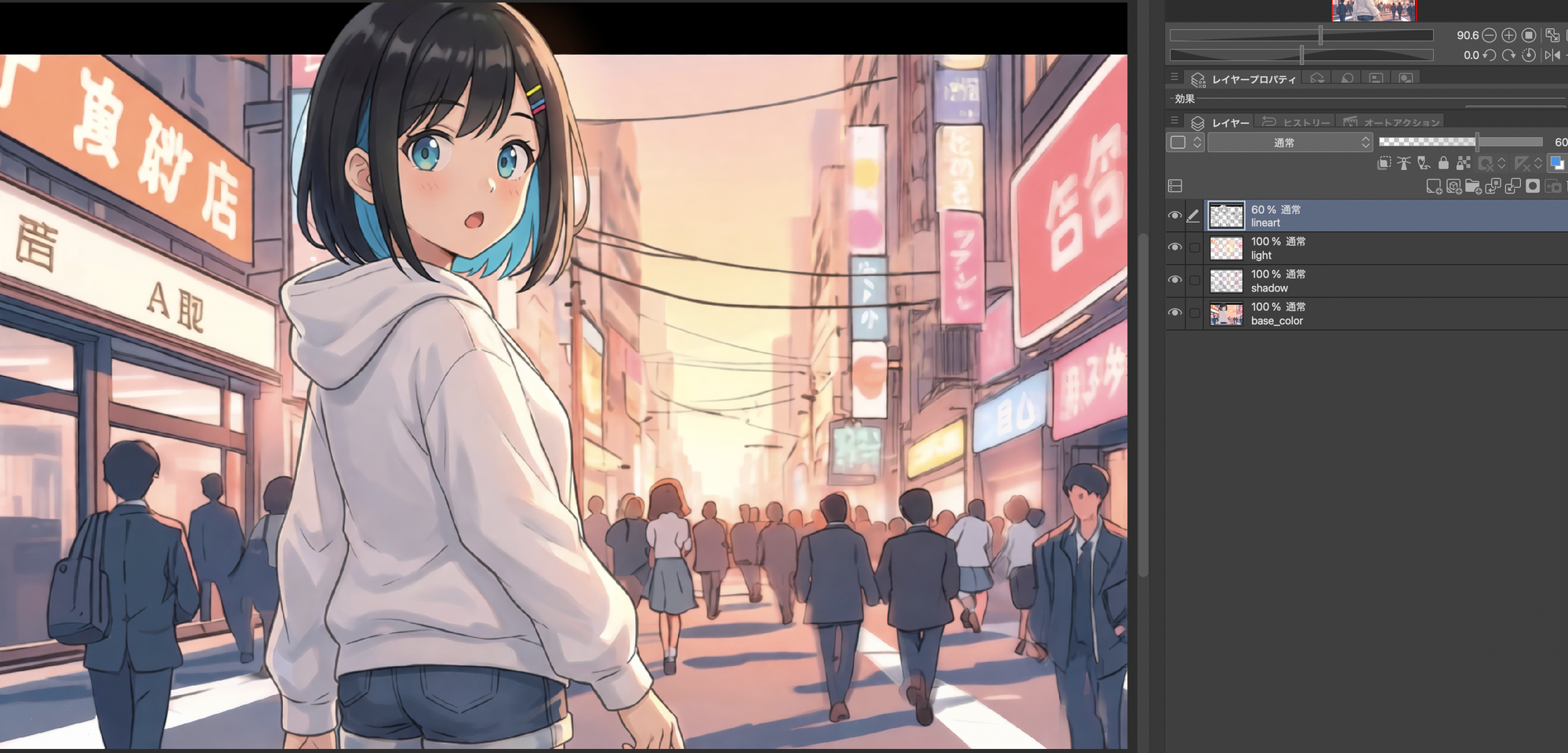
The generated PSD file will be downloaded automatically.
Open the PSD in your preferred painting or illustration software, and you can freely adjust colors, add or modify shadows, refine lighting, and make other detailed edits.
Background Separation
When converting an image to PSD, you can choose whether to enable Background Separation depending on how you plan to edit the illustration.
What is the difference between the two settings?
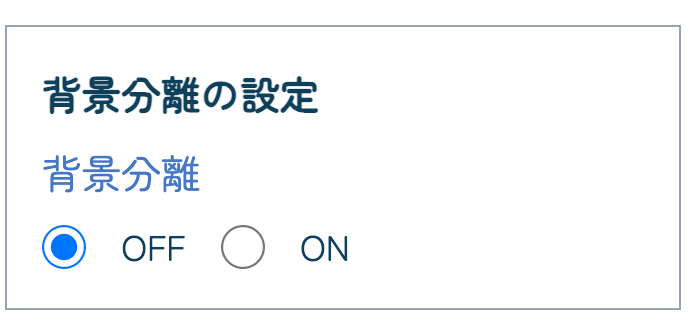
Background Separation: OFF
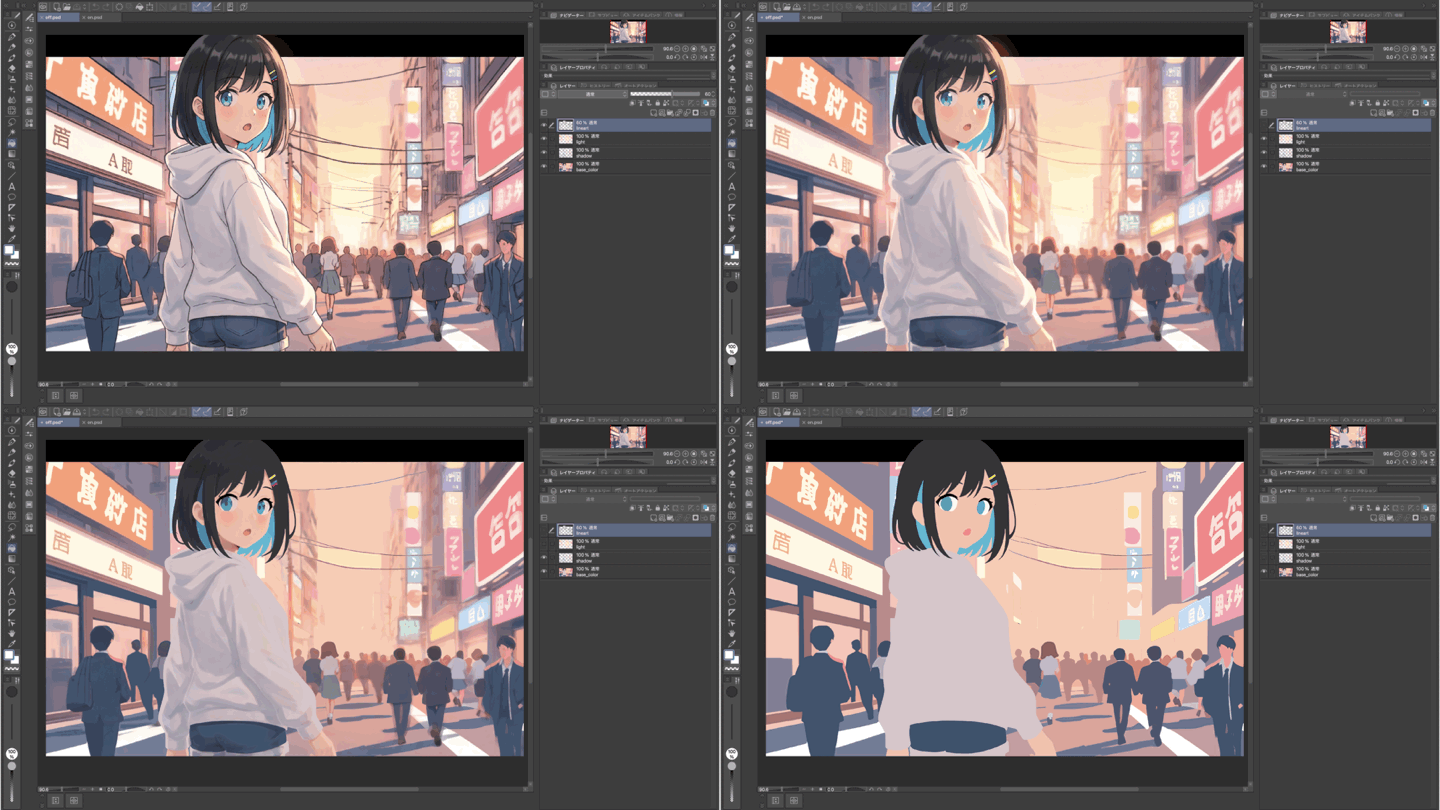
The image is separated into line art and color layers without distinguishing between the character and the background.
This option is useful when you want to keep the number of layers to a minimum.
Background Separation: ON
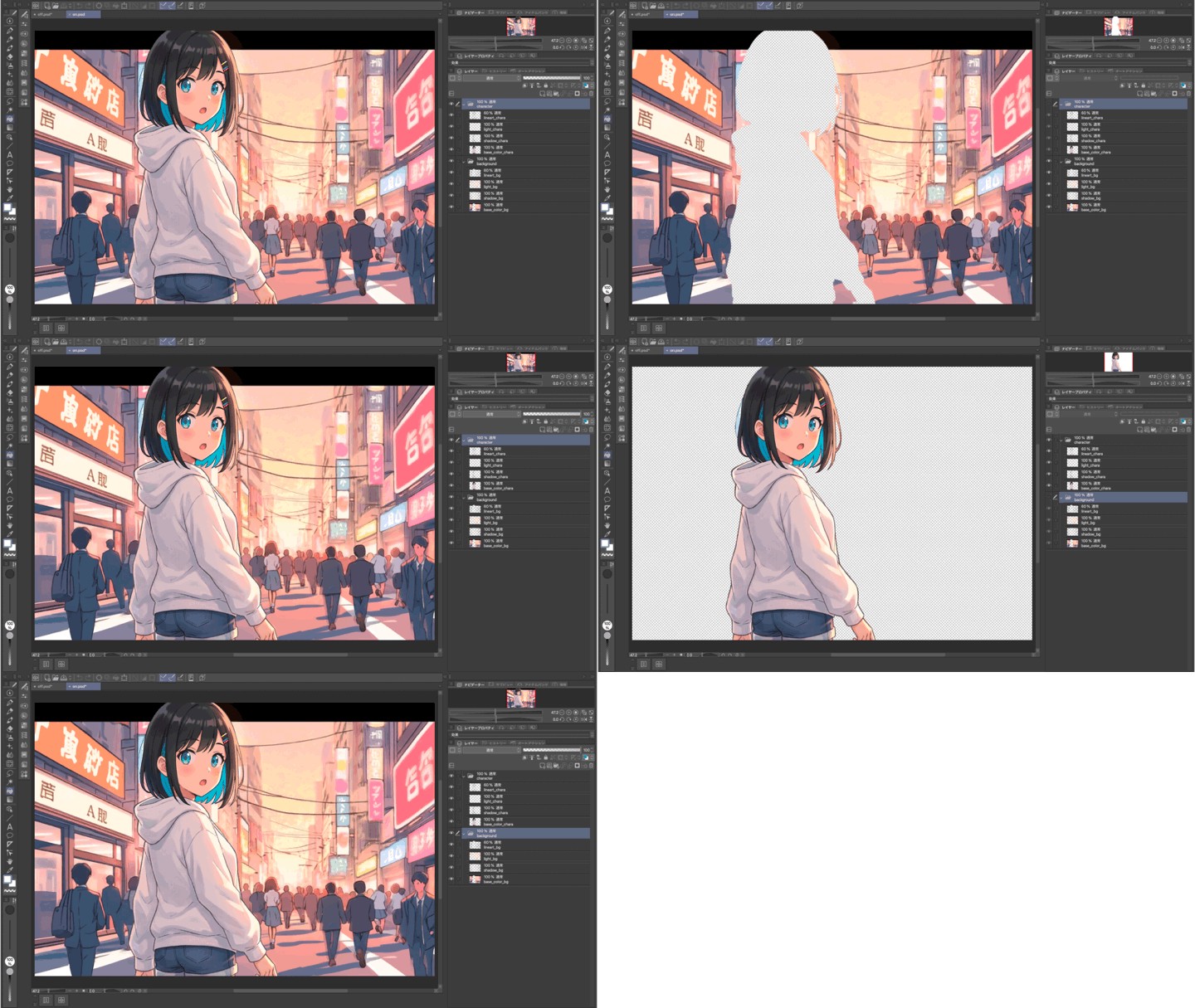
The character and background are separated into different folders.
This option is useful when you want to edit the character and background independently or replace the background entirely.
With the Layer Separation feature introduced in this article, you can choose a layer structure that best suits your production environment and workflow.
Use it to streamline final touch-ups, refine details, and make your illustrations easier to edit!
copainter | AI Illustration Creation Platform
copainter is an AI-powered platform that supports illustration workflows with features such as coloring, line art extraction, inking, and more, helping creators streamline their creative process.