
[Free Download] Female Looking Up Pose Set — Free for Commercial Use by copainter Users
Free female “looking up” pose assets are available to copainter users for commercial use within copainter, ideal for hopeful, emotional scenes in manga, anime, games, and webtoons.
![[Free Download] Female Looking Up Pose Set — Free for Commercial Use by copainter Users](/content/images/size/w1200/2026/01/copainter_posecollection_17.png)
We’re distributing a set of base poses featuring female mob characters looking upward, designed to be easy to use for illustration, manga, anime, game, and webtoon production. Use them when generating illustrations with pose specification in copainter or as rough underdrawings for character art. Tracing and additional edits are also allowed.
The license for the downloadable images on this page is listed near the bottom of this article.
File Details
- Format: PNG (white background)
- Resolution: 1024 × 1024 px (square)
- Download: Download and save the attached images in this post as-is.
Poses (Downloadable)
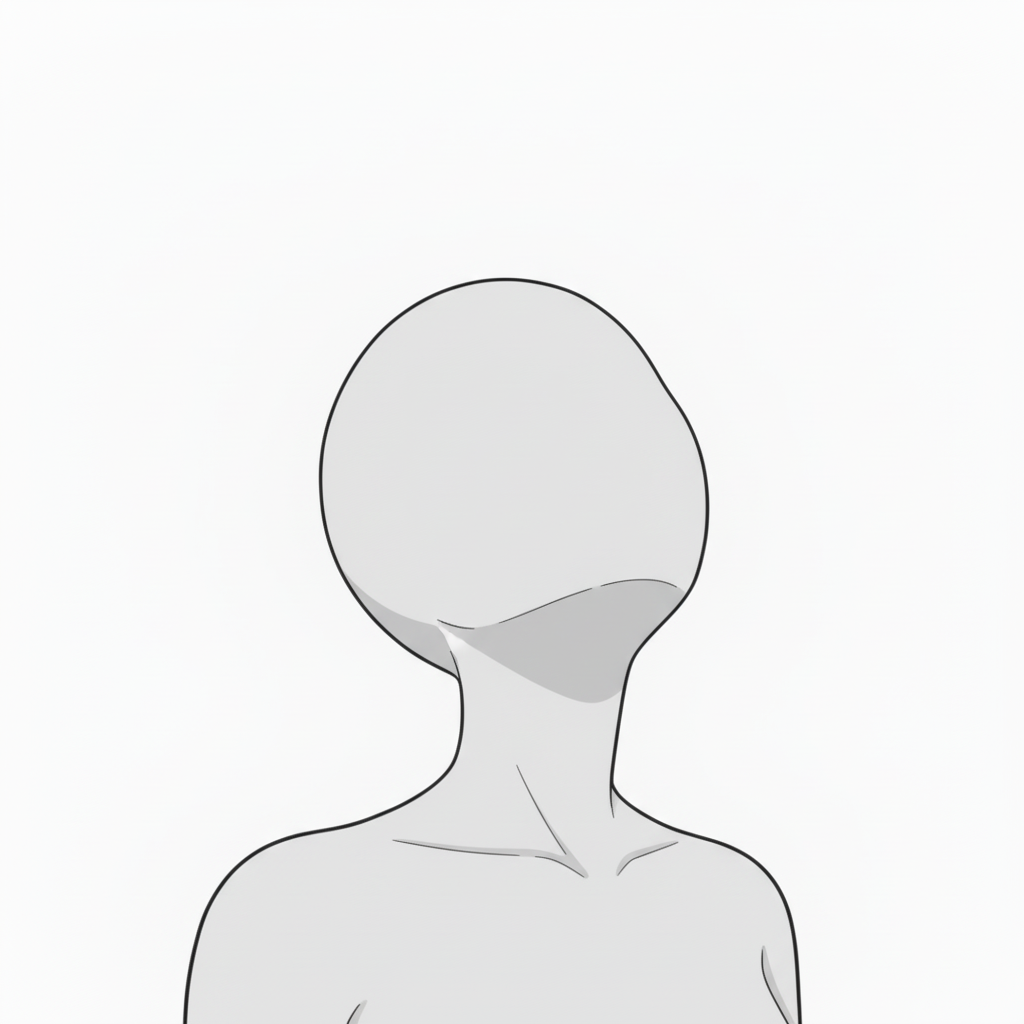
- Looking up (hope / longing)
A striking pose that conveys expectation, prayer, or admiration.
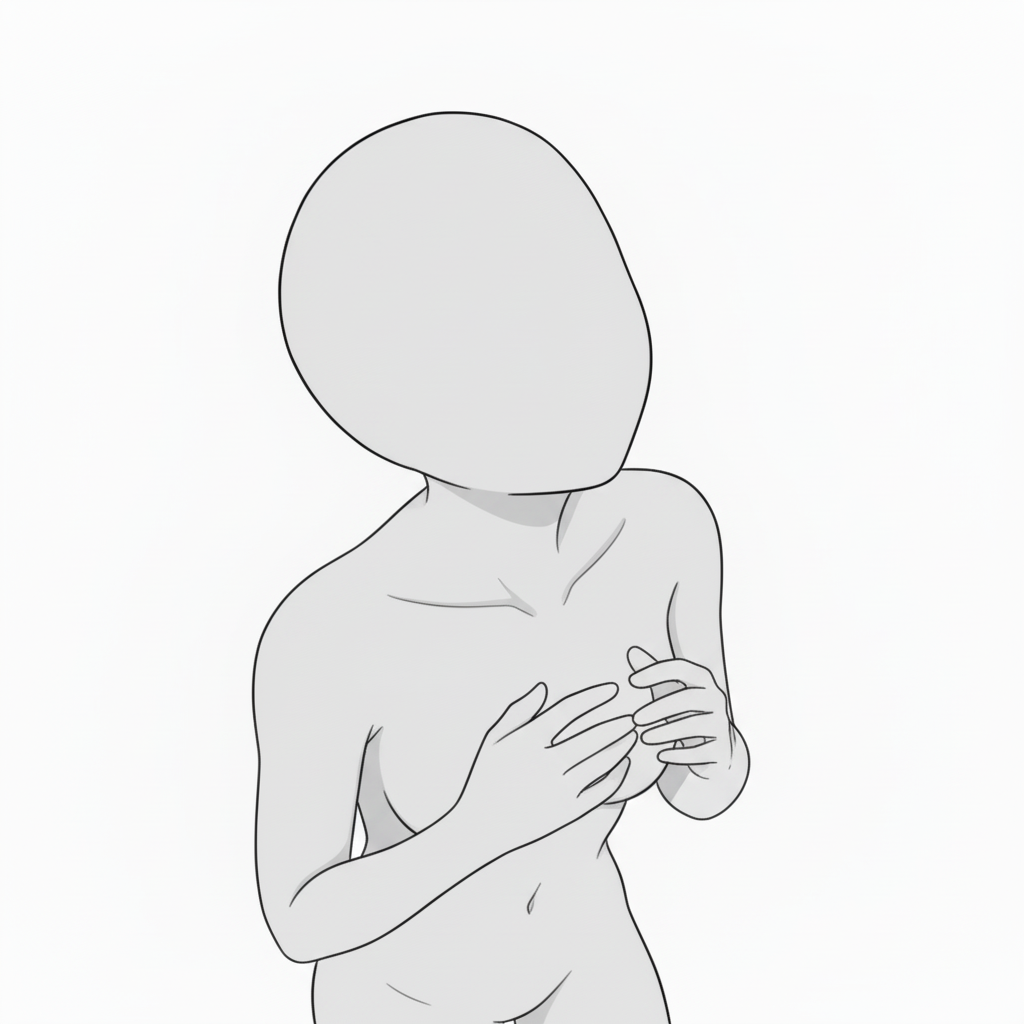
- Hand on chest (emotional reaction)
A classic pose for delicate emotions such as surprise, gratitude, or anxiety.
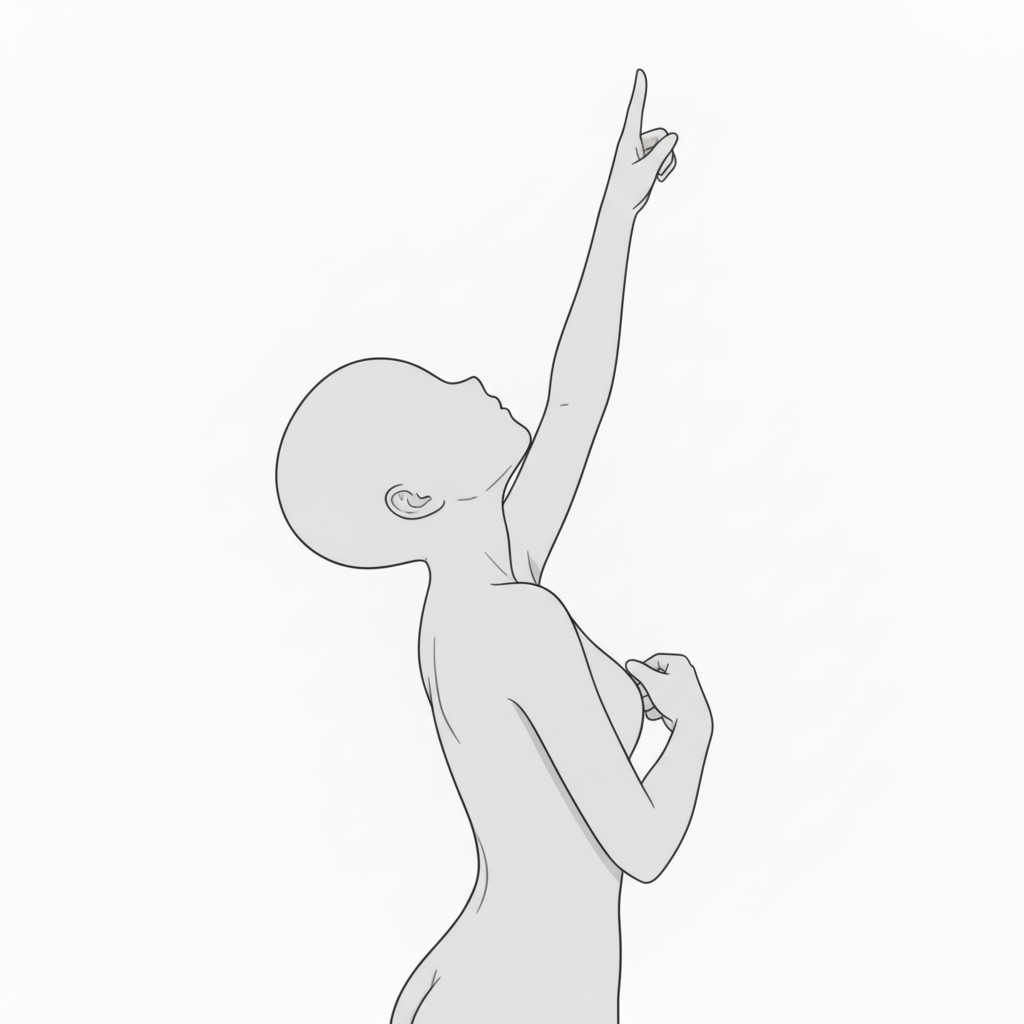
- Pointing (side view) — emphasis / direction / hope
A strong upward-reaching gesture that suggests determination or a goal.
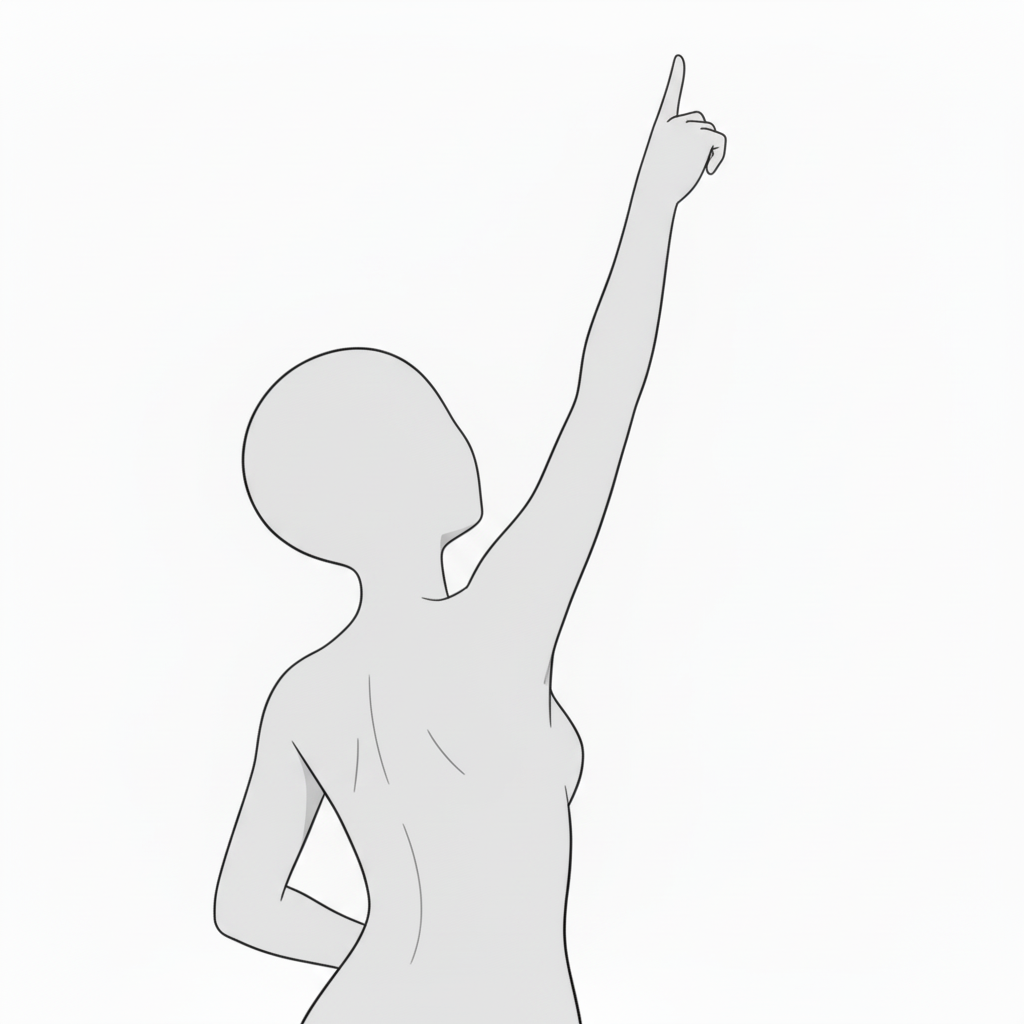
- Pointing upward (back view) — symbol of hope / guidance
The extended arm from behind creates a powerful, beautiful impression.
- Pointing straight up — confidence / leadership
A dramatic pose that highlights conviction and purpose.
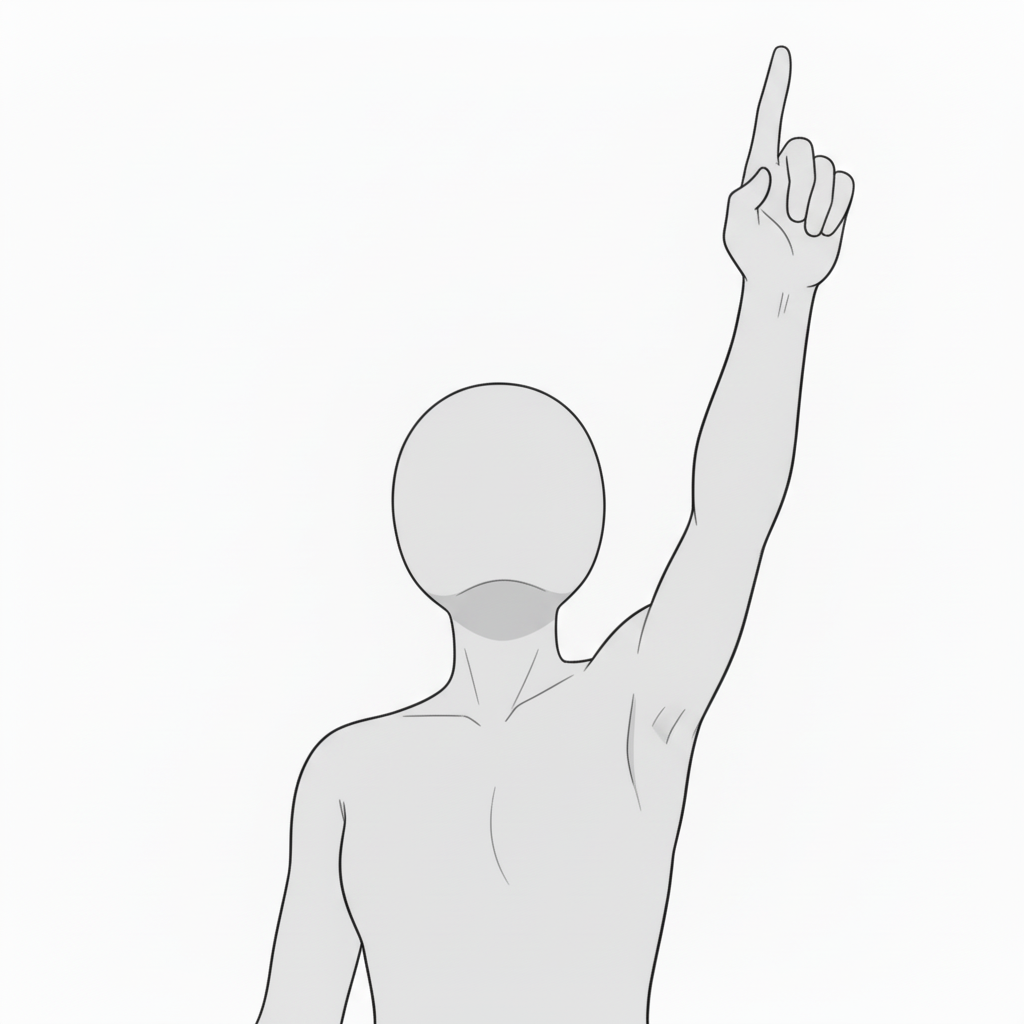
- Pointing while looking up — indicating the future
Captures hope, discovery, and will through upward motion.
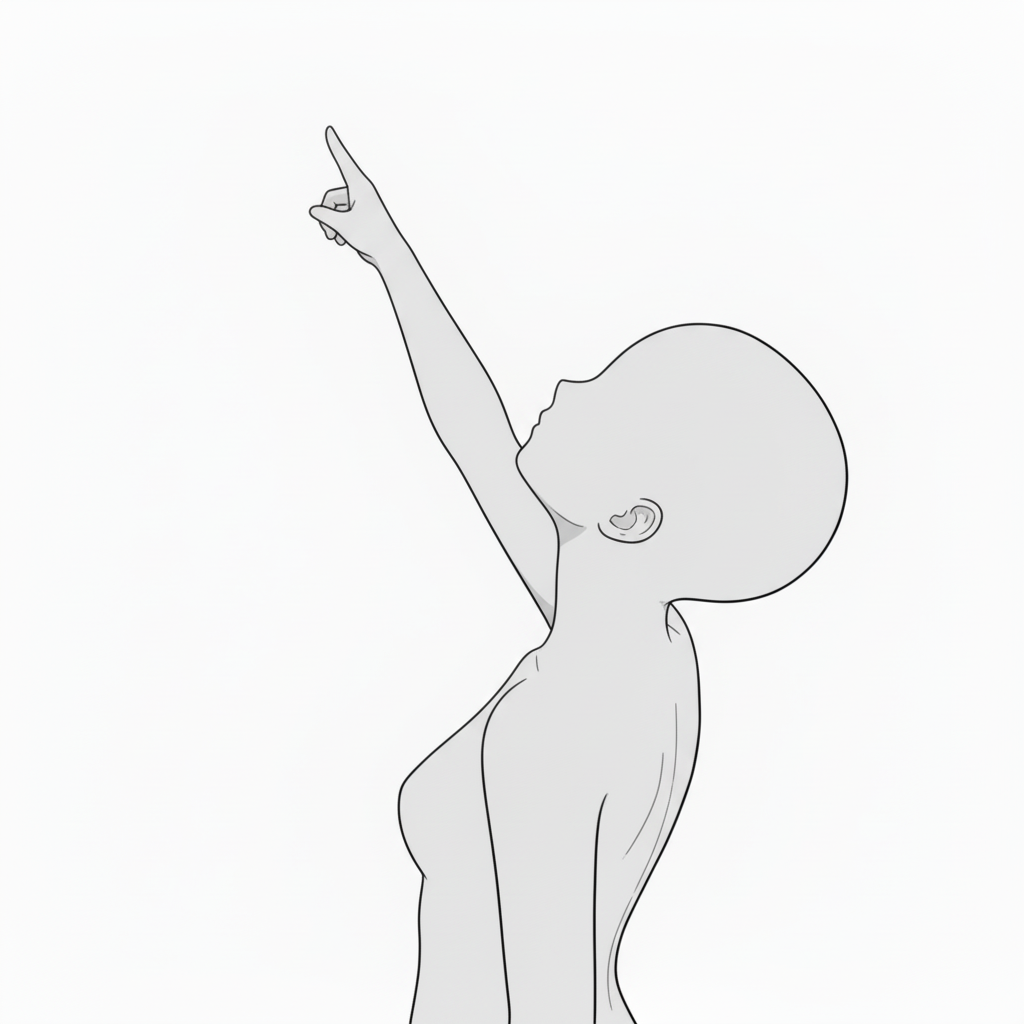
- Pointing to the sky (standing) — dramatic direction
A natural upward line—great for speeches, stage scenes, or declarations.
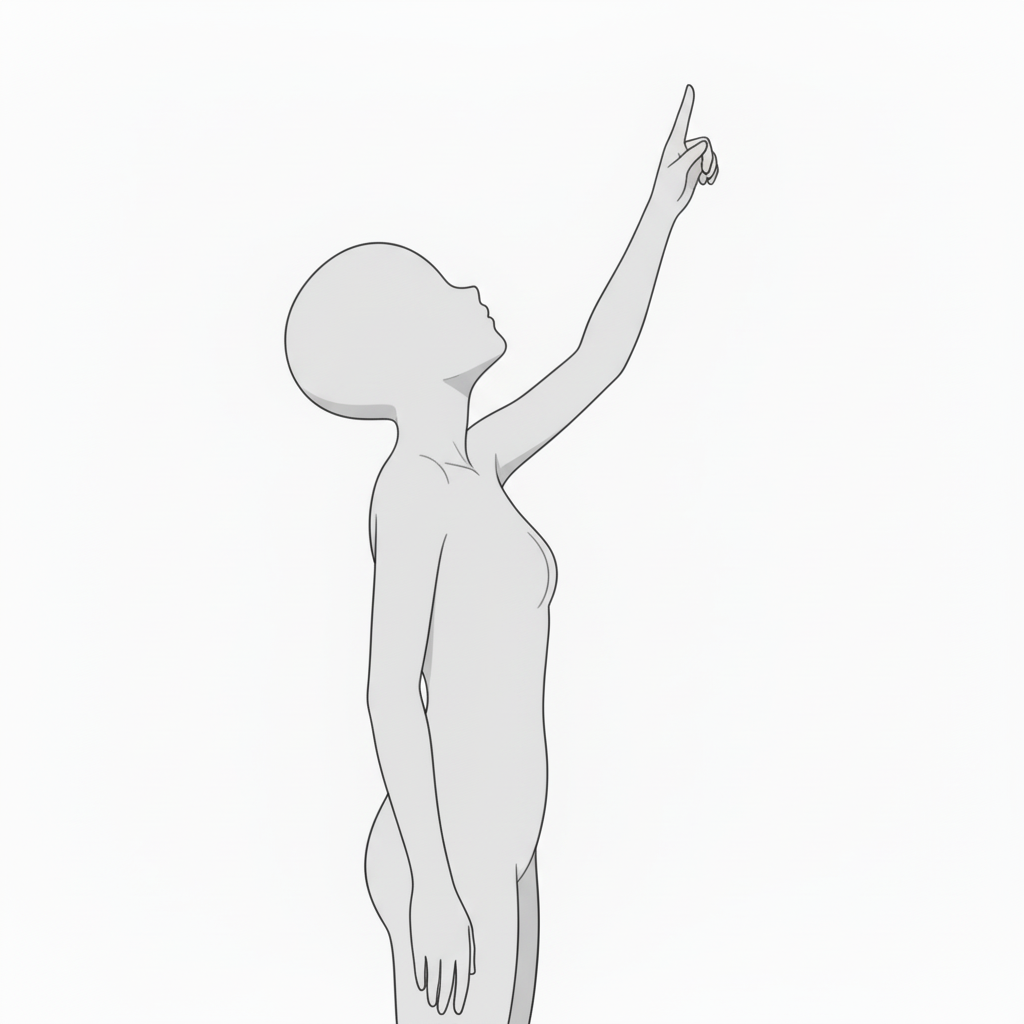
- Looking up (bust-up) — calm emotion
A quiet motion suited for gratitude, wishes, or peaceful moments.
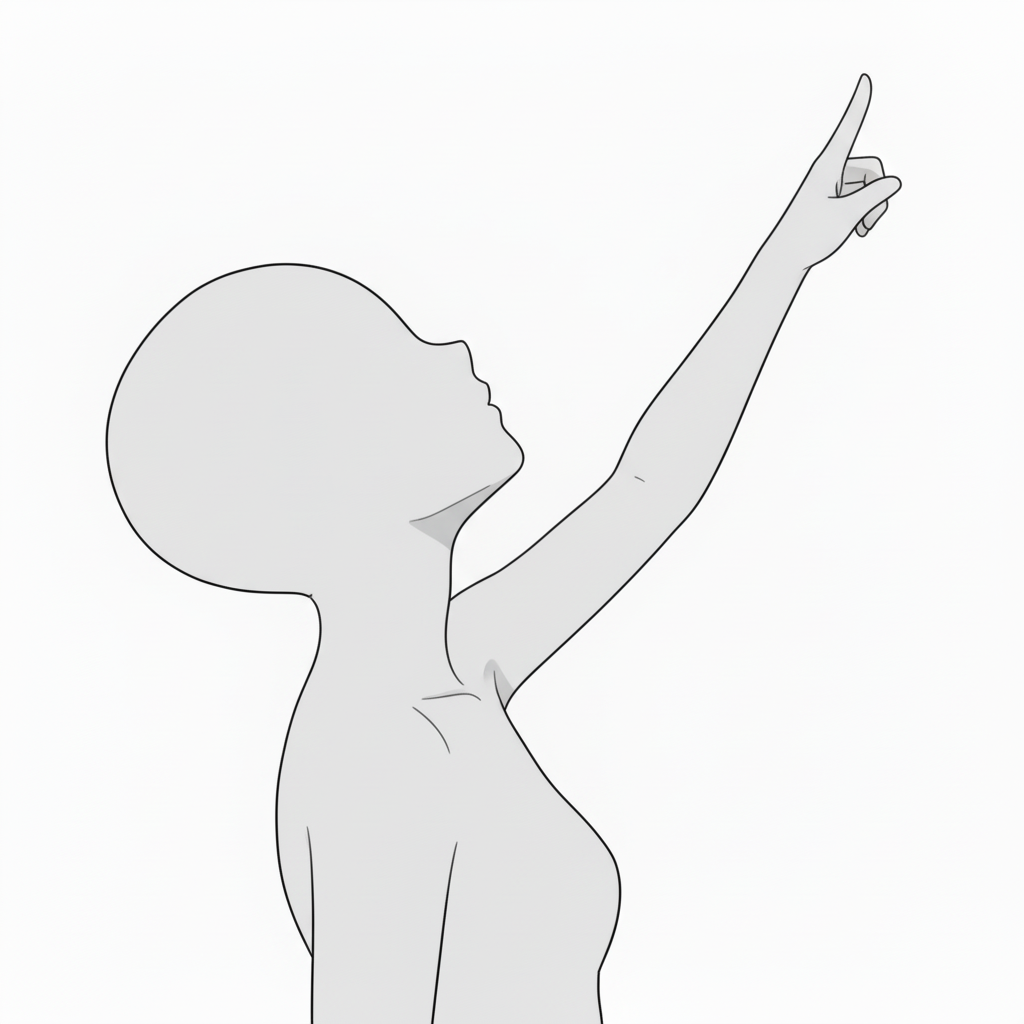
- Looking up (bust-up) — gentle admiration
Soft upward gaze for hope, thanks, or quiet resolve.
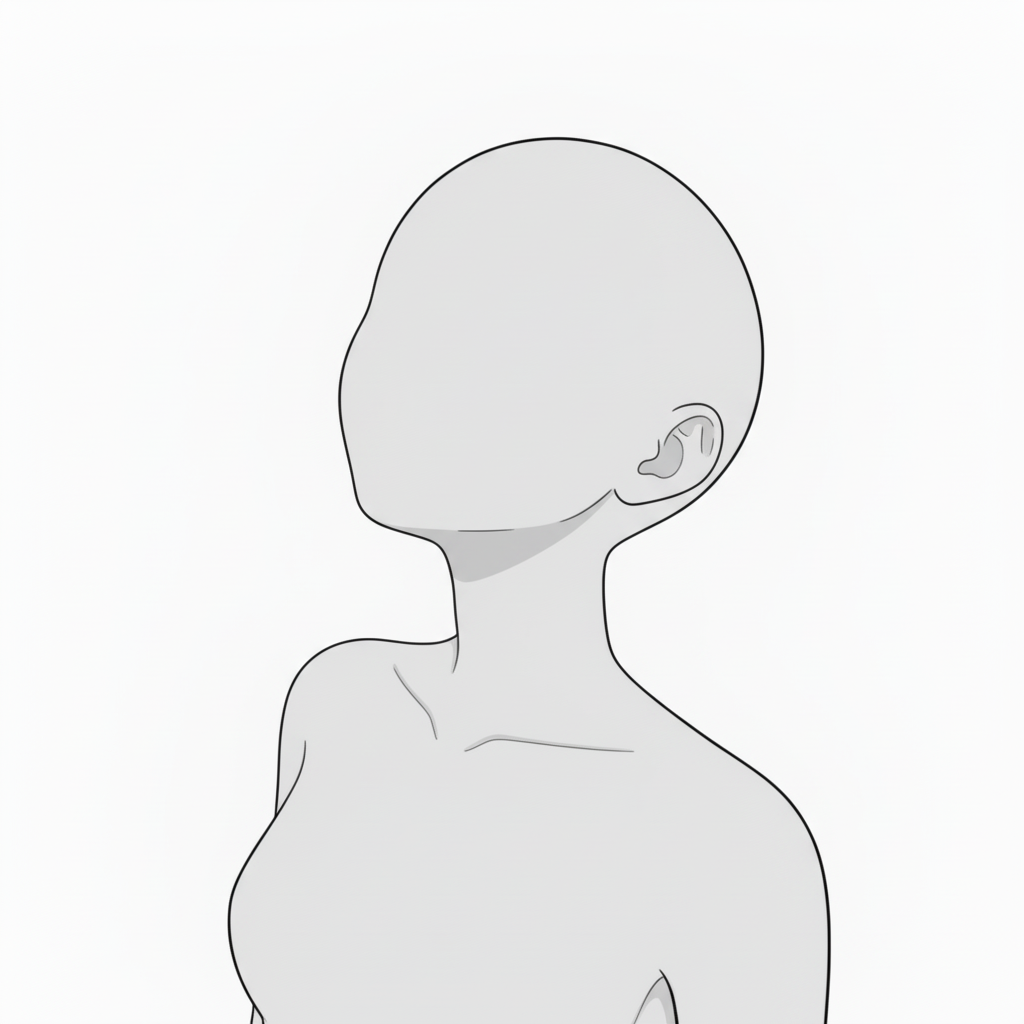
- Light hand on chest — wistfulness / prayer
A delicate moment that suggests feelings held close.
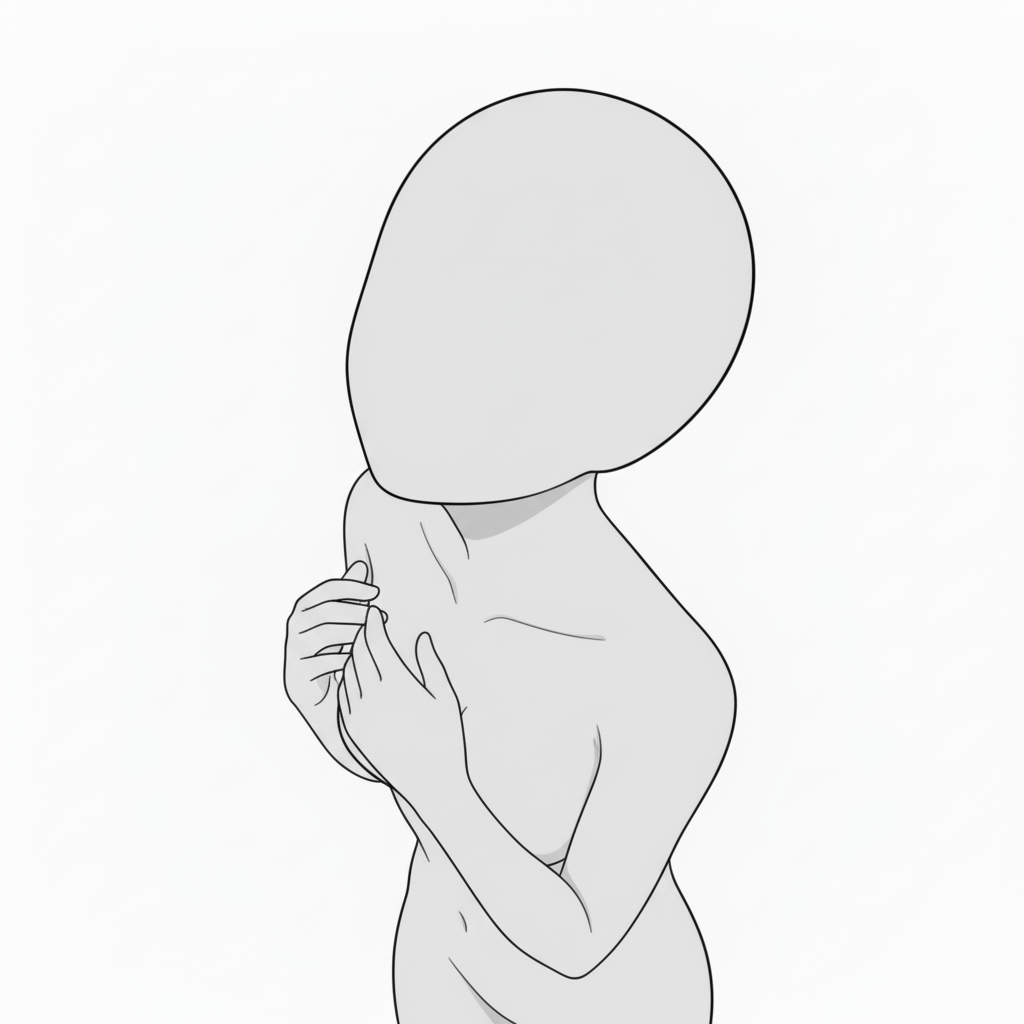
- Looking up while pointing — hope and future
A positive, forward-looking pose with an extended finger.
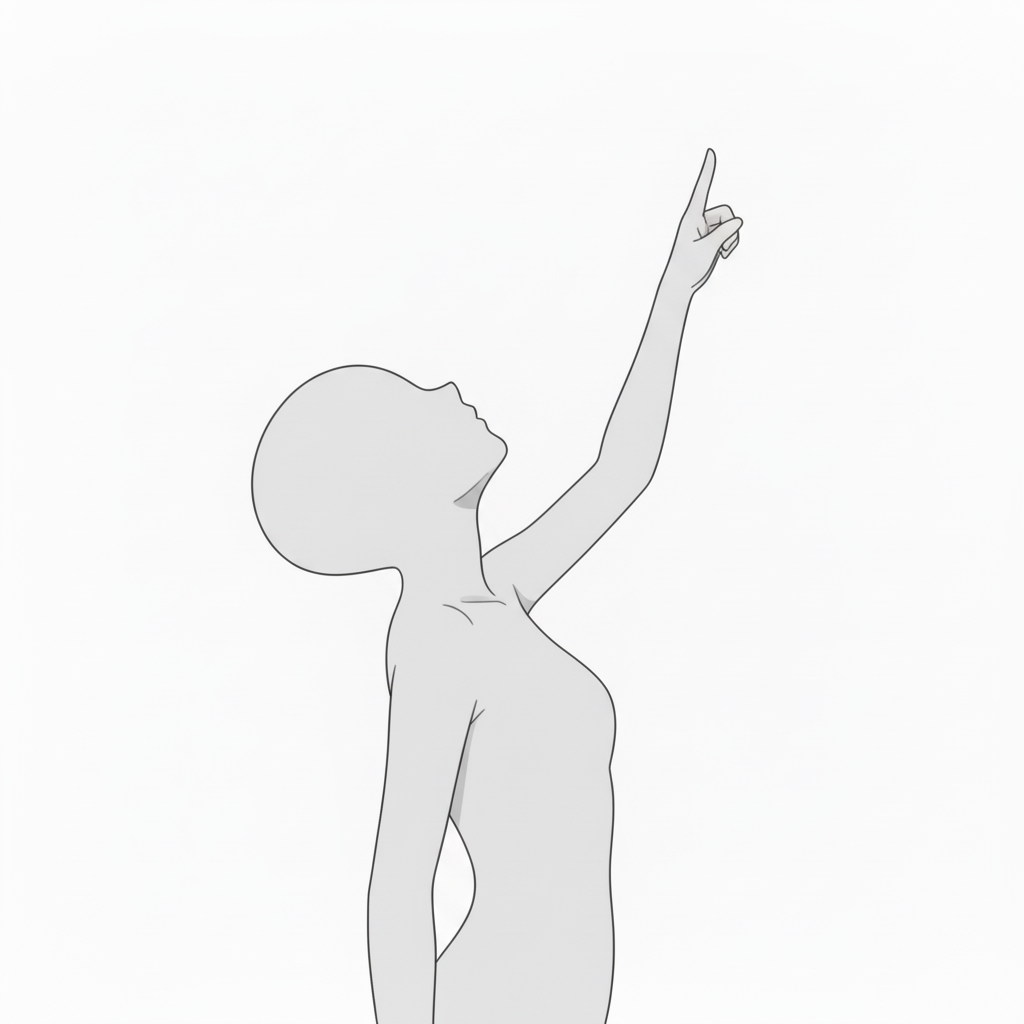
- Pointing forward (front view) — assertion / presentation
A direct pose that expresses leadership and clear intent.
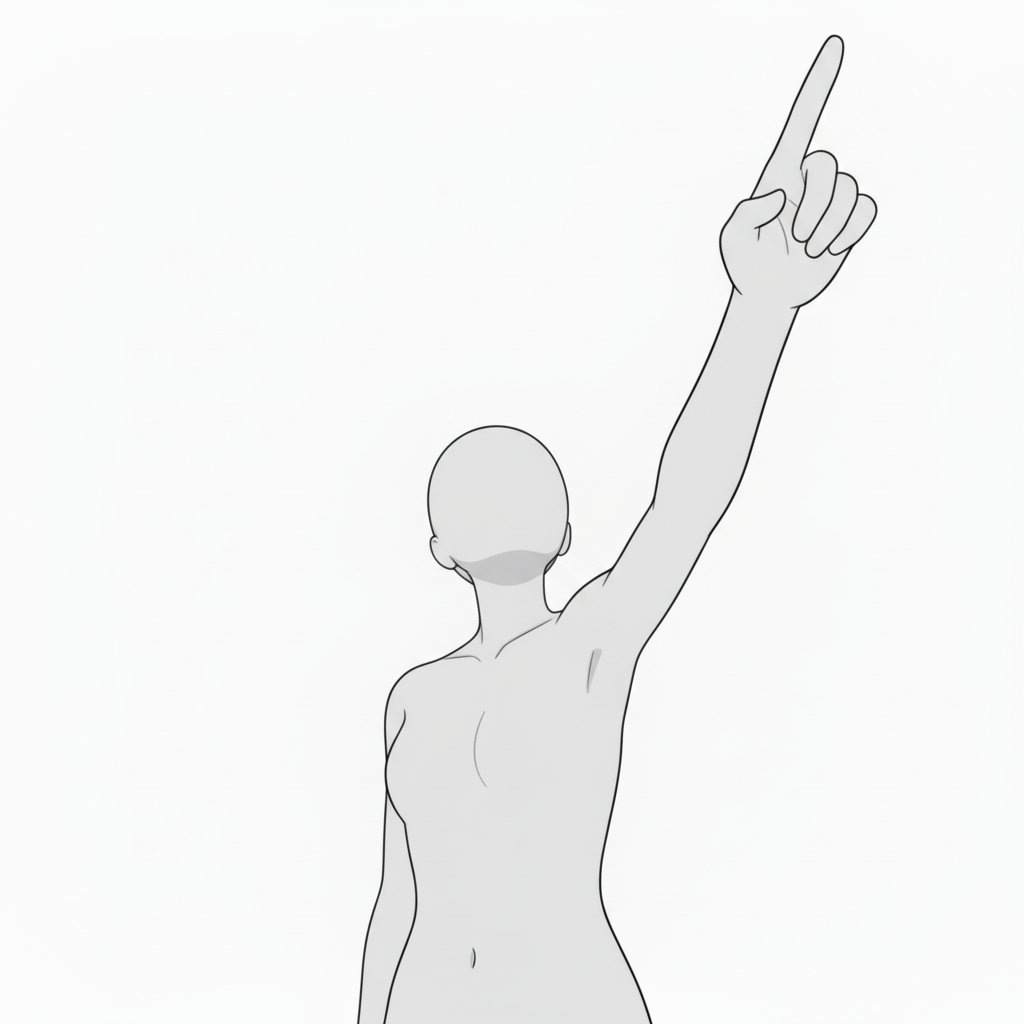
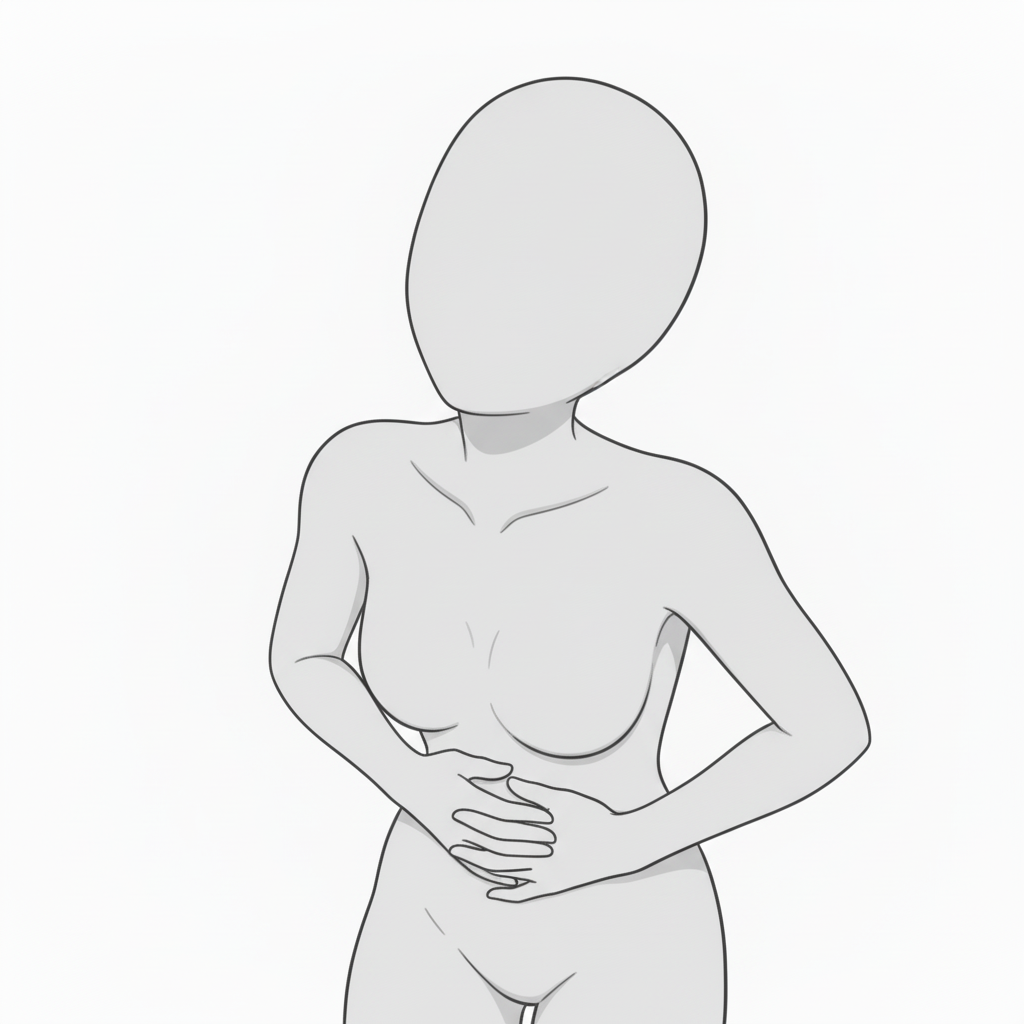
- Hand on stomach — tension / anxiety
A subtle pose for restrained emotions and inner conflict.
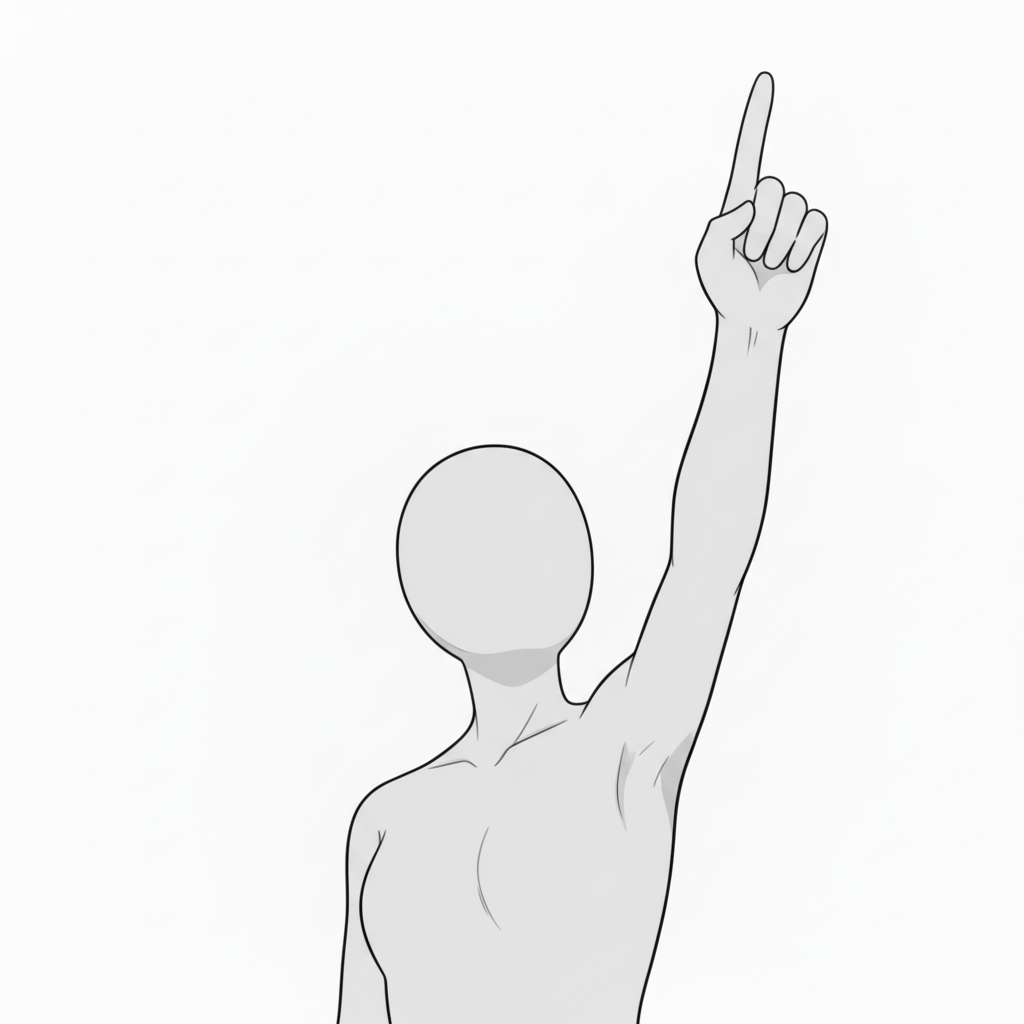
- One hand raised high — confidence / declaration
A bold standing pose for announcements and speeches.
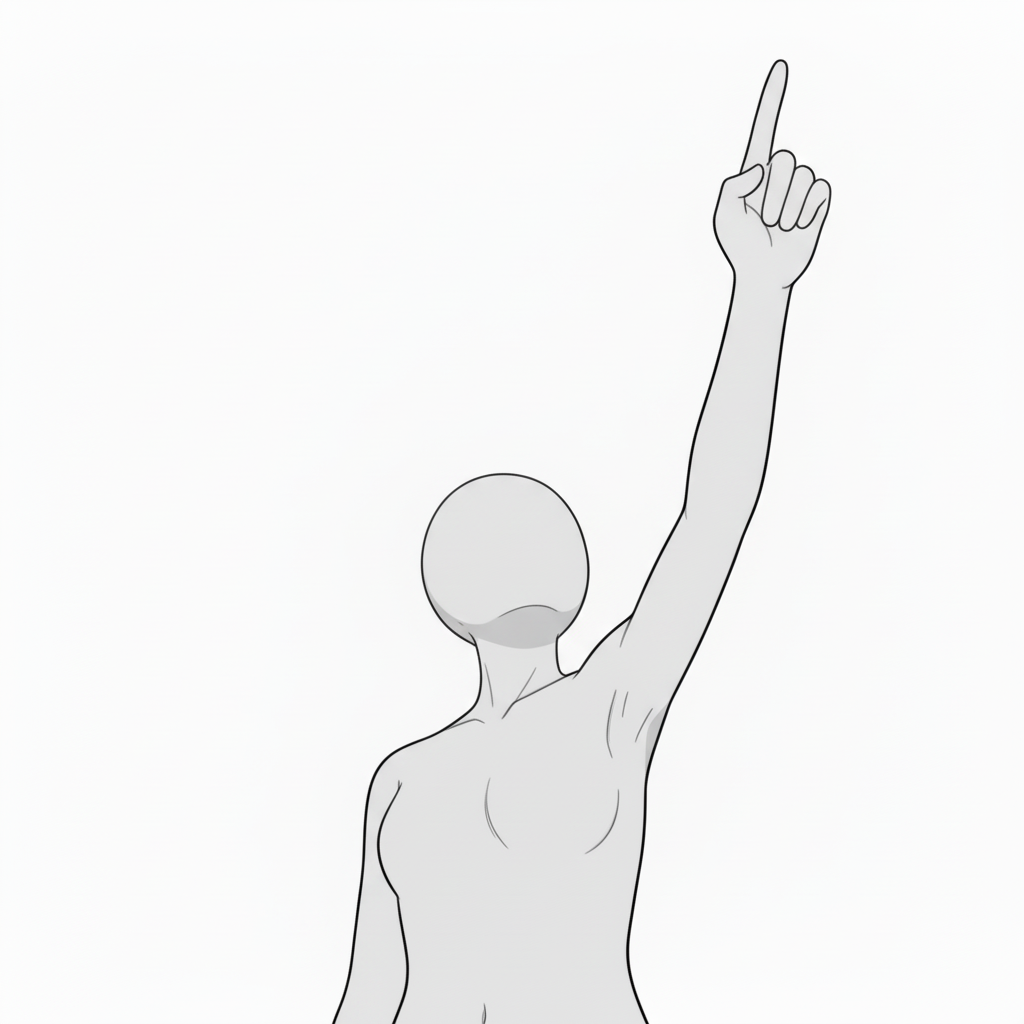
- Pointing straight up (front view) — strong statement
Emphasizes a character’s belief or message with a powerful gesture.
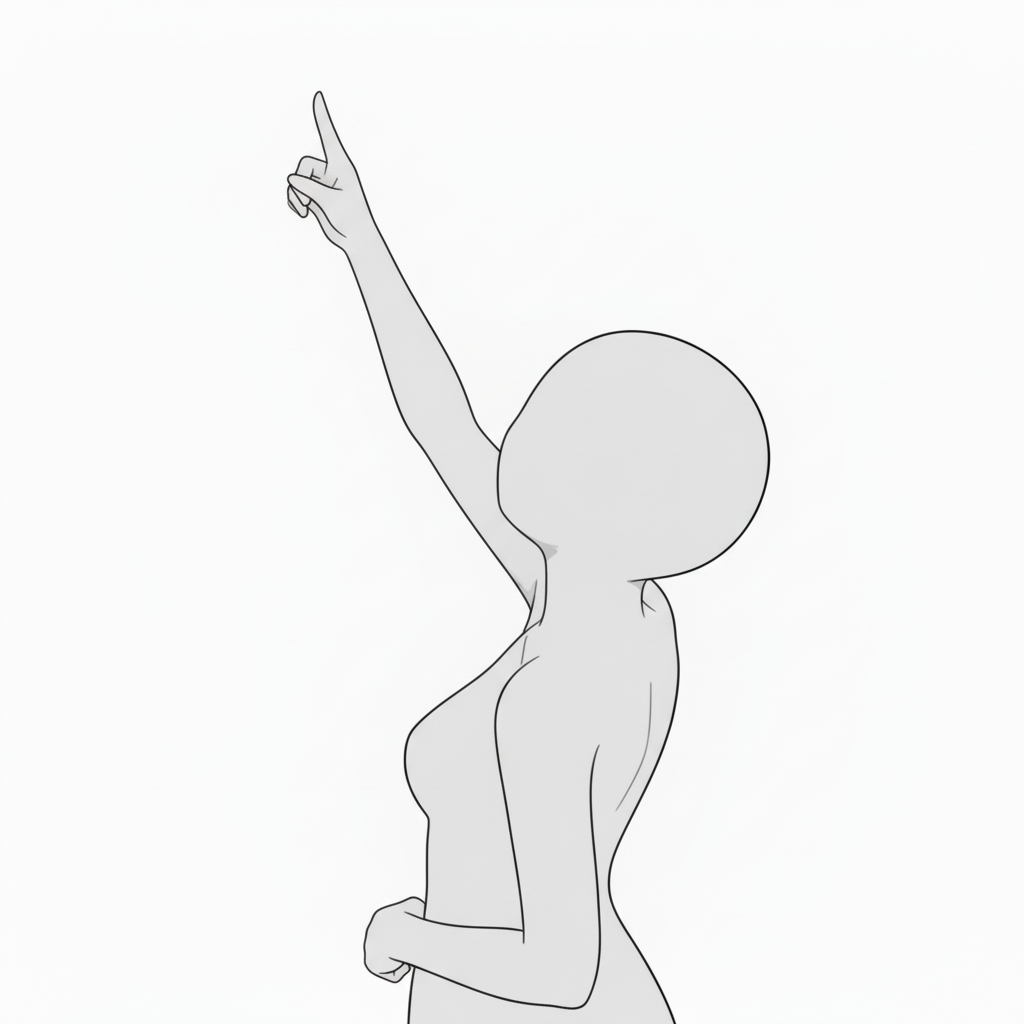
- Pointing diagonally upward — discovery / revelation
Adds narrative motion, like noticing something or setting a goal.
- Looking up — quiet emotion / longing
A calm, introspective pose that adds emotional depth.
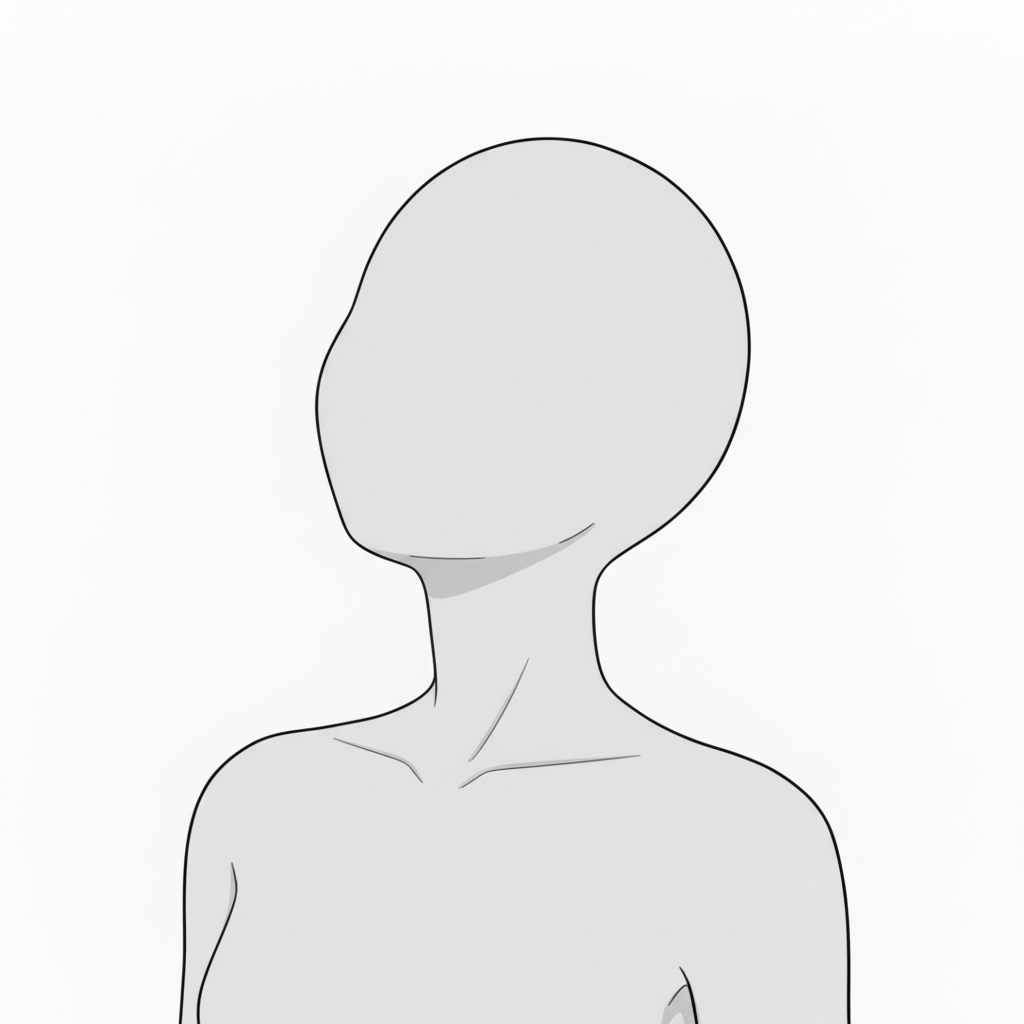
- Looking up (bust-up) — prayer / determination
An upward silhouette that suggests quiet strength and hope.
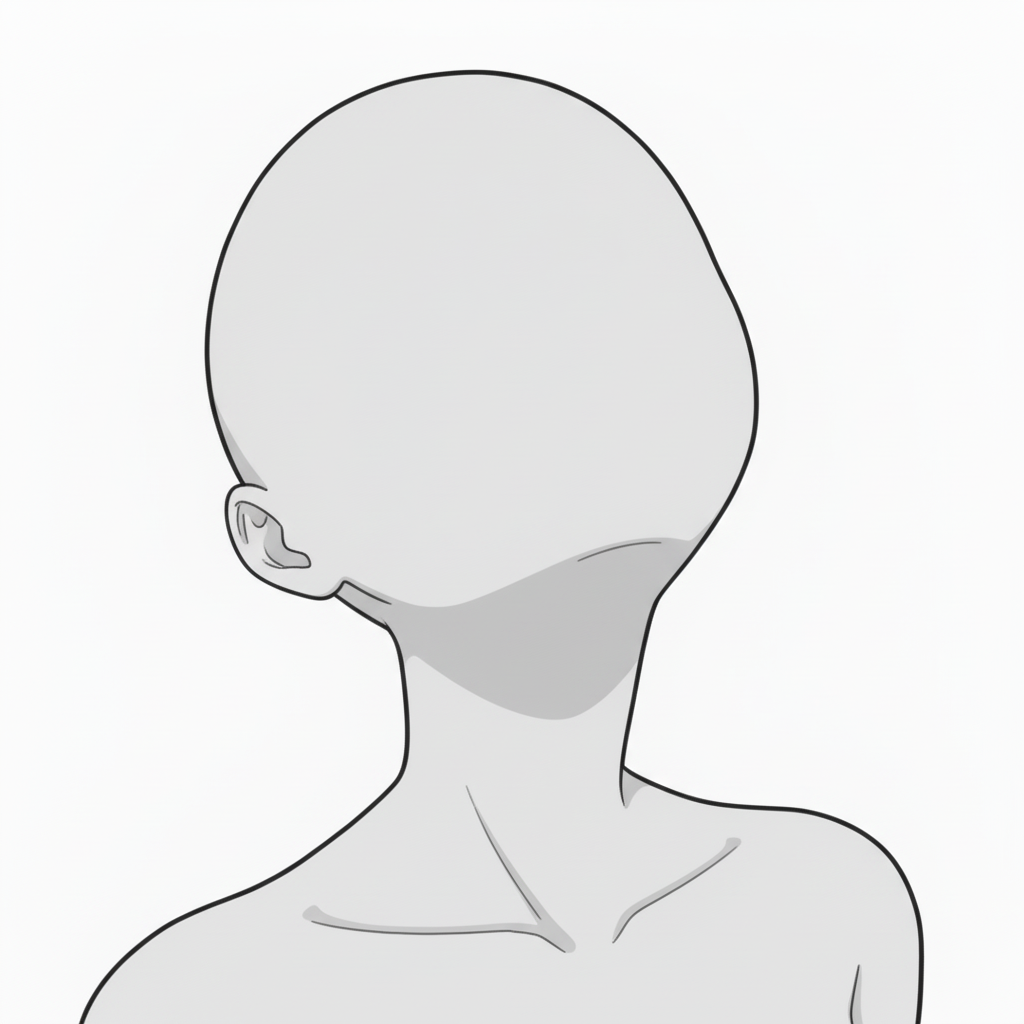
- Pointing over the shoulder (back view) — guidance / direction
Uses the back view to symbolically suggest story progression.
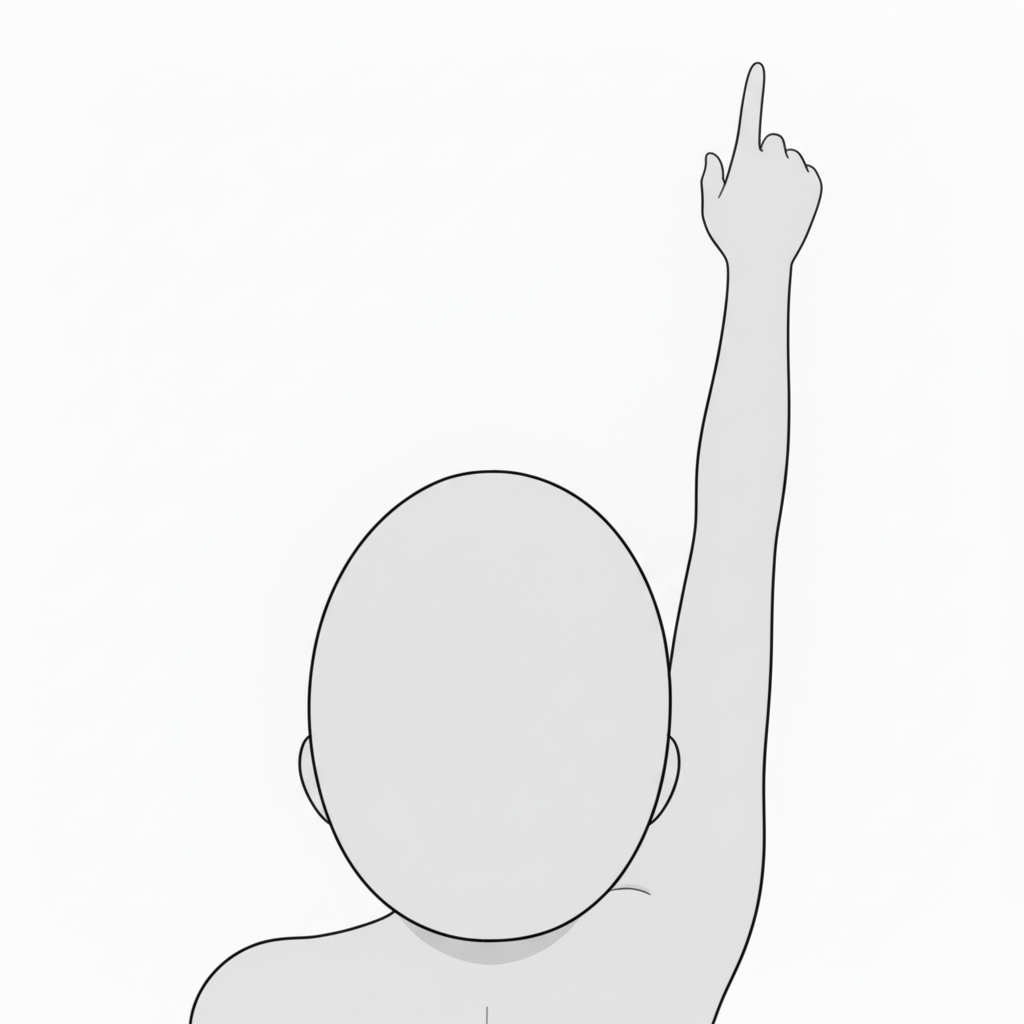
- Standing, looking up — vow / hopeful moment
A straightforward upward gaze that expresses resolve and emotion.
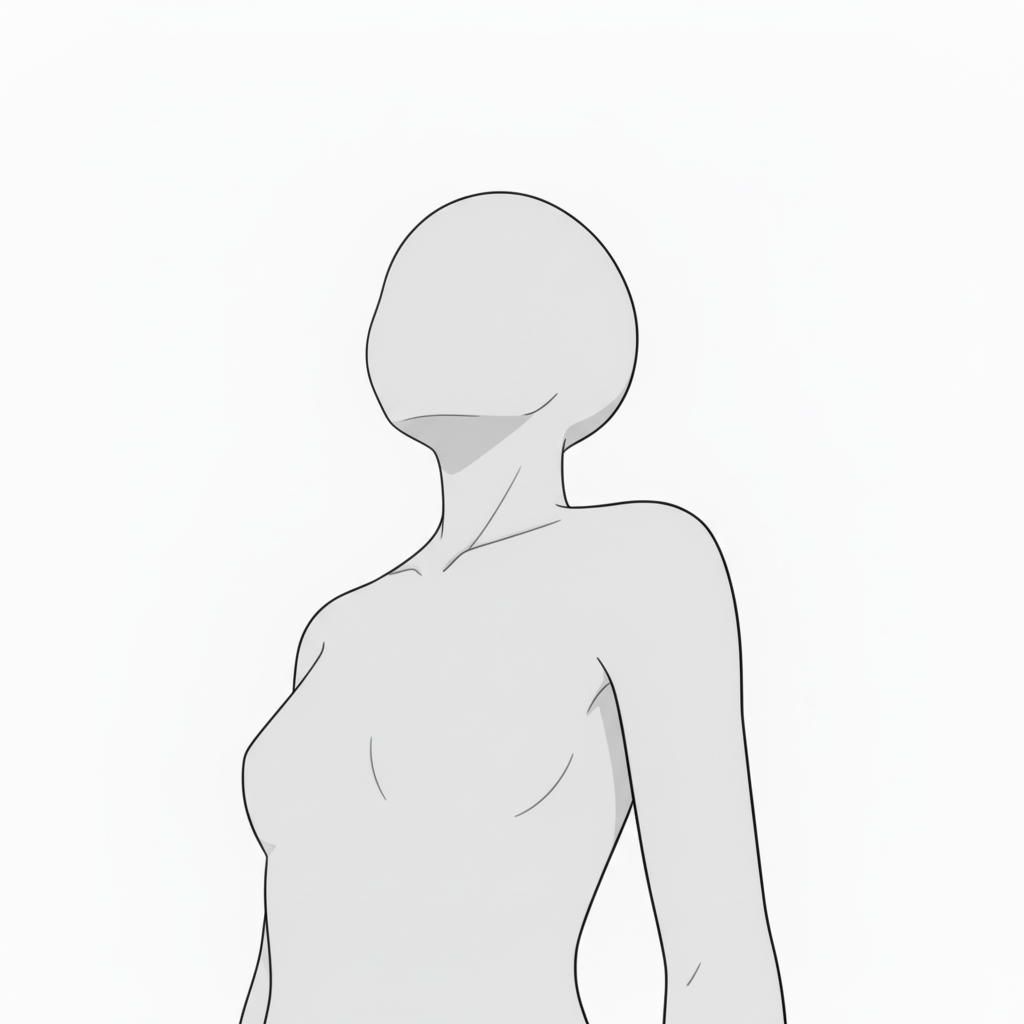
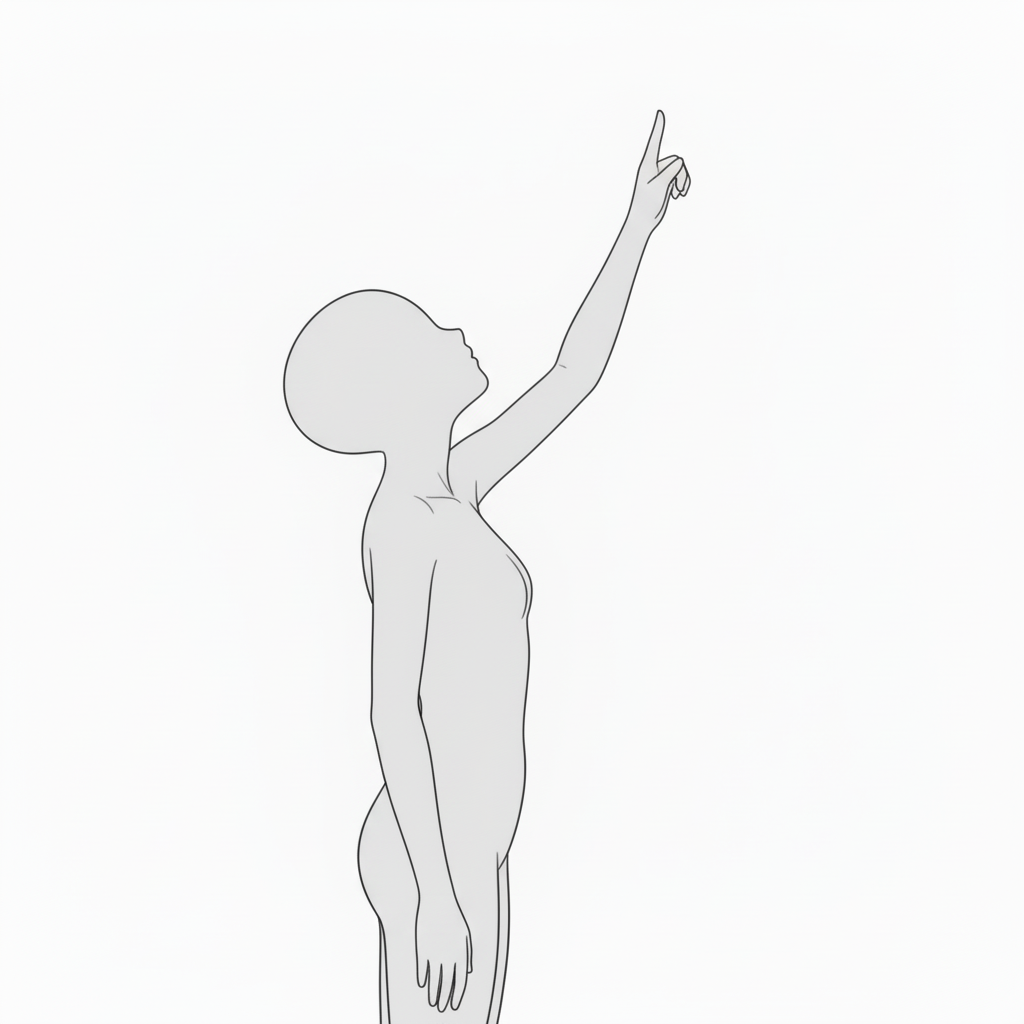
- Pointing upward (side view) — future / hope
A natural standing line that fits positive, forward-moving scenes.
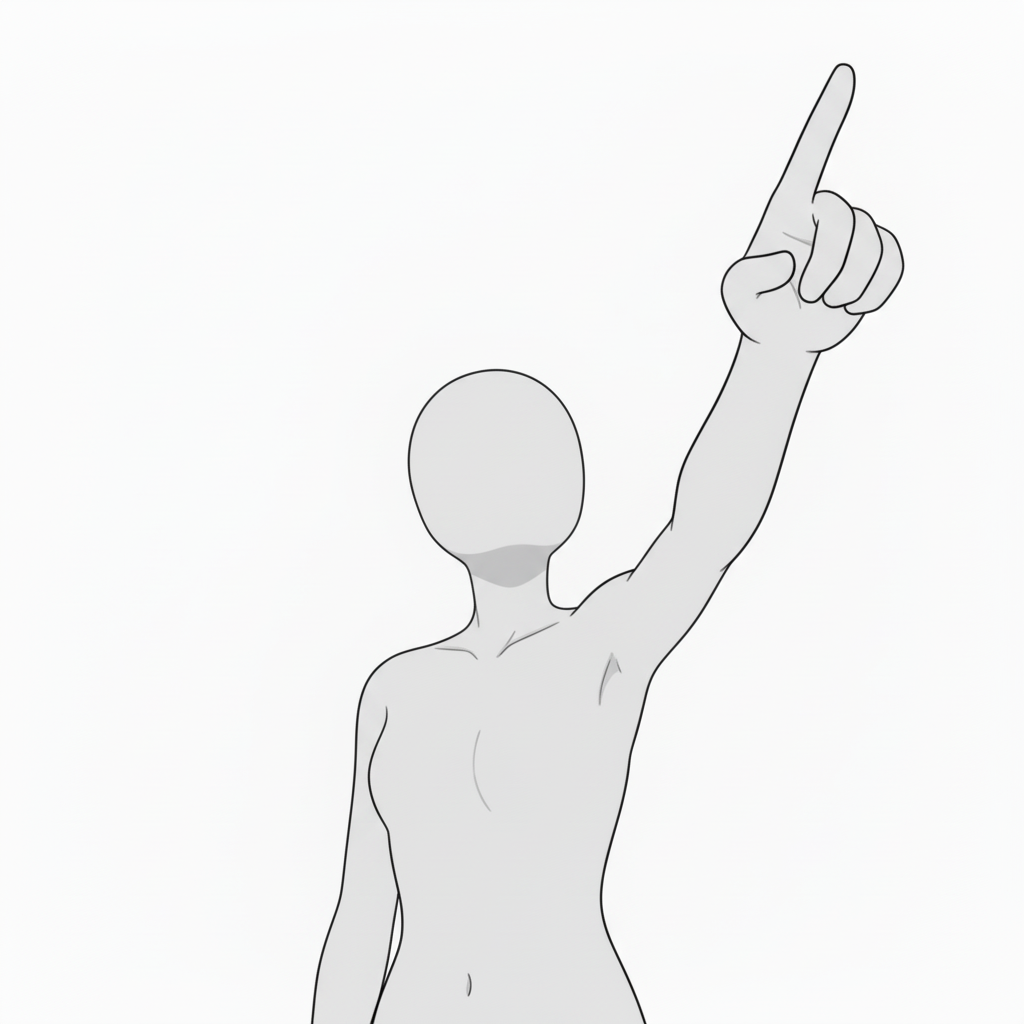
- Pointing forward (front view) — confident speech
Pointing toward the camera conveys confidence and determination.
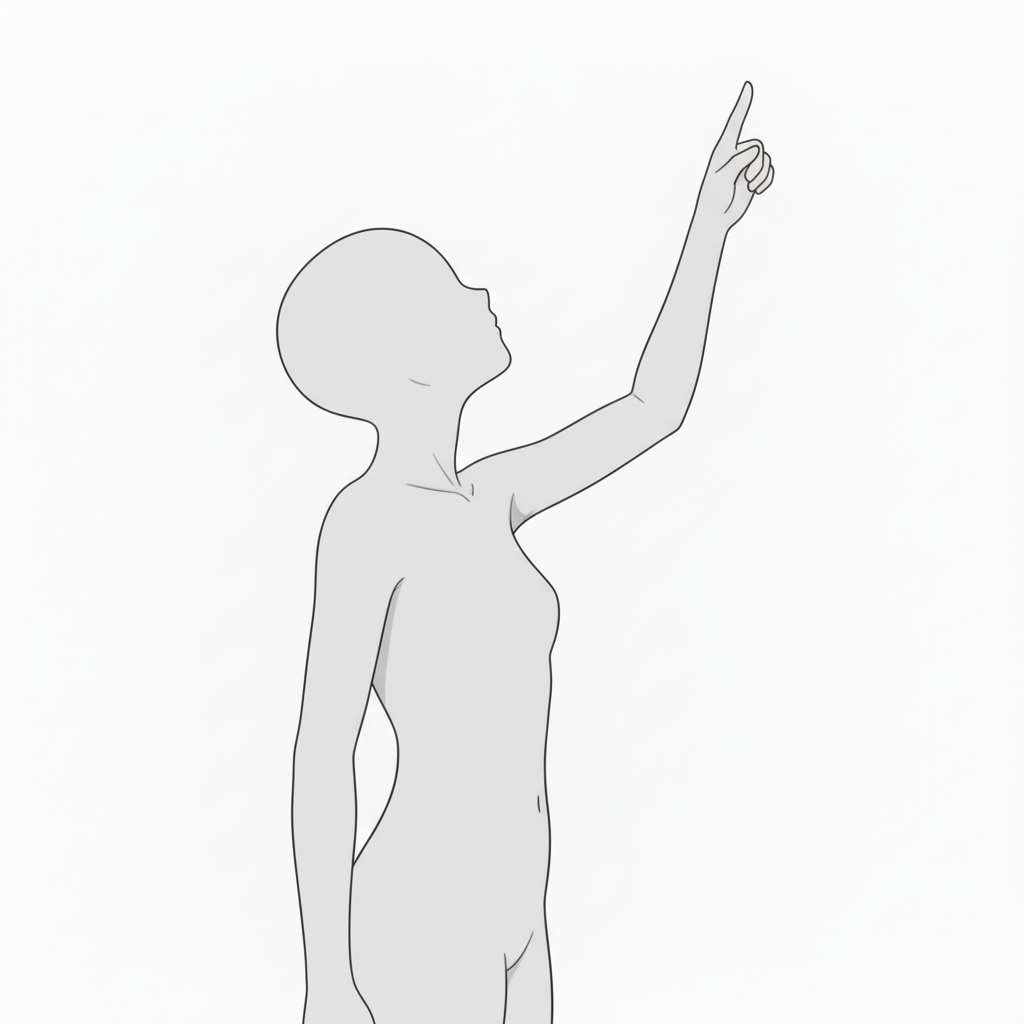
- Pointing diagonally upward (standing) — discovery / goal
A strong upward gesture that highlights growth and hope.
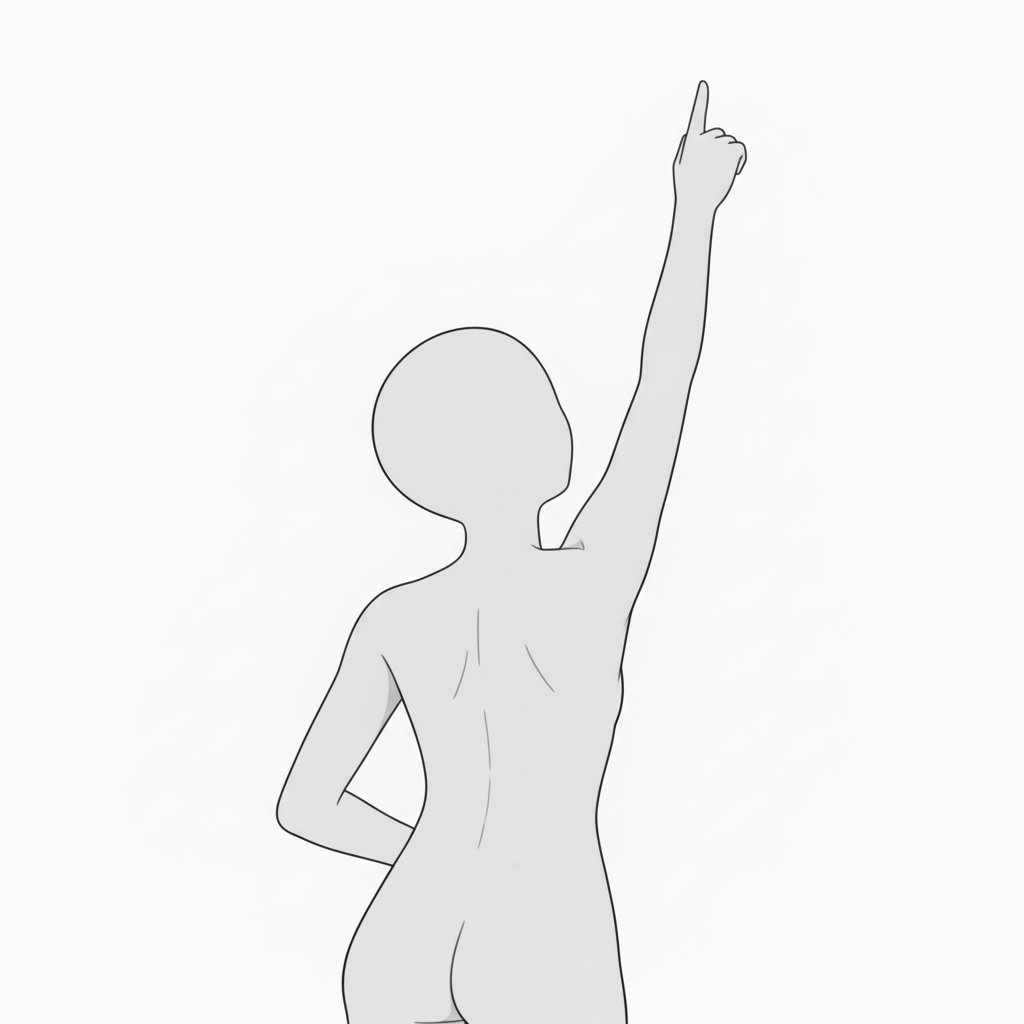
- Raising a finger over the shoulder (back view) — step toward the future
A powerful back-view line that communicates strength and hope.
How to Use in copainter
Quick pose variations with AI Assistant
Load the image as a reference to quickly generate pose variations such as angle changes, limb adjustments, and left-right flips. Since these are pose references, they can also be used to specify poses for male characters.
Ensure consistency with Training (Enterprise only)
By specifying poses for a trained model, you can achieve highly accurate pose control—sometimes beyond what AI Assistant alone can produce. Using Image Transformation AI often yields especially good results.
Speed up workflows as a base for Line Art AI
Use these bases as early-stage roughs to improve efficiency. You can edit them in tools like Photoshop or Clip Studio Paint, then run Line Art AI—making even difficult compositions easier to handle.
License / Terms of Use
- Eligible users: copainter subscribers
- Usage scope: Free and permitted for commercial use only when used within copainter
- Modifications: Allowed (cropping, painting over, color changes, vectorization, etc.)
- Attribution: Not required
- Prohibited: Redistributing or selling the asset data, claiming it as your own, or commercial use outside copainter
FAQ
Q. Can I use this outside copainter?
A. No. Free/commercial use is permitted only when subscribed copainter users use it within copainter. However, editing the assets in external software is fine if the purpose is to use them in copainter.
Q. Can I use it in commercial works?
A. Yes. Commercial use is allowed for works created using copainter. You do not need to create the entire work exclusively in copainter.
However, redistribution or resale of the assets themselves is not allowed.
Q. Are there more free pose sets?
A. Yes. Please see:
https://blog.copainter.ai/tag/assets/
Q. Are higher-resolution images available?
A. Use copainter’s Upscaling AI to upscale up to 4× in both dimensions.
If you haven’t used copainter yet, this is a great opportunity—please sign up for copainter using the link below!
You can find copainter Learn, our media hub packed with tips and best practices for using copainter effectively, at the link below.
![[Free Download] Chibi Character Battle Pose Collection — Free for Copainter Users, Including Commercial Use](/content/images/size/w720/2026/03/header_pose-collection_battle-of-deformation-character-1.png)
![[Free Download] Female Battle Pose Collection — Free for Copainter Users, Including Commercial Use](/content/images/size/w720/2026/03/header_pose-collection_battle-of-woman-1.png)
![[Free Download] Male Battle Pose Collection — Free for Copainter Users, Including Commercial Use](/content/images/size/w720/2026/03/header_pose-collection_battle-of-man-1.png)