
Announcement: New Feature Release — “Layer Separation”
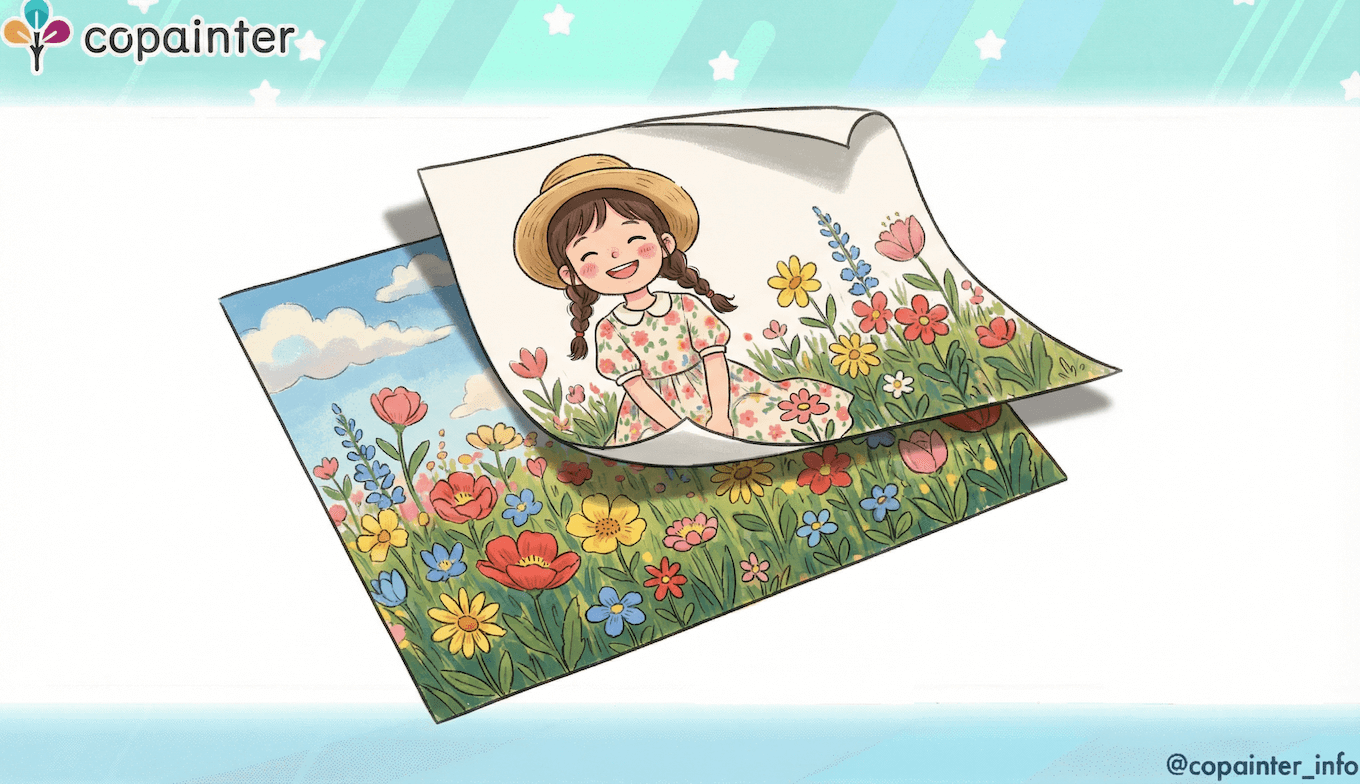
We’ve released a new feature that lets you separate your illustrations into layers! Create layered PSD files easily—no complicated steps required.
Thank you for using copainter.
We’re excited to announce the release of a new feature: “Layer Separation.”
Want to tweak only the line art or only the background of an illustration? This new feature makes that much easier and helps streamline your creative workflow.
How to Use “Layer Separation” (Single Use)
1) Upload the image you want to separate
Open the feature and upload your illustration in the Image Upload area.
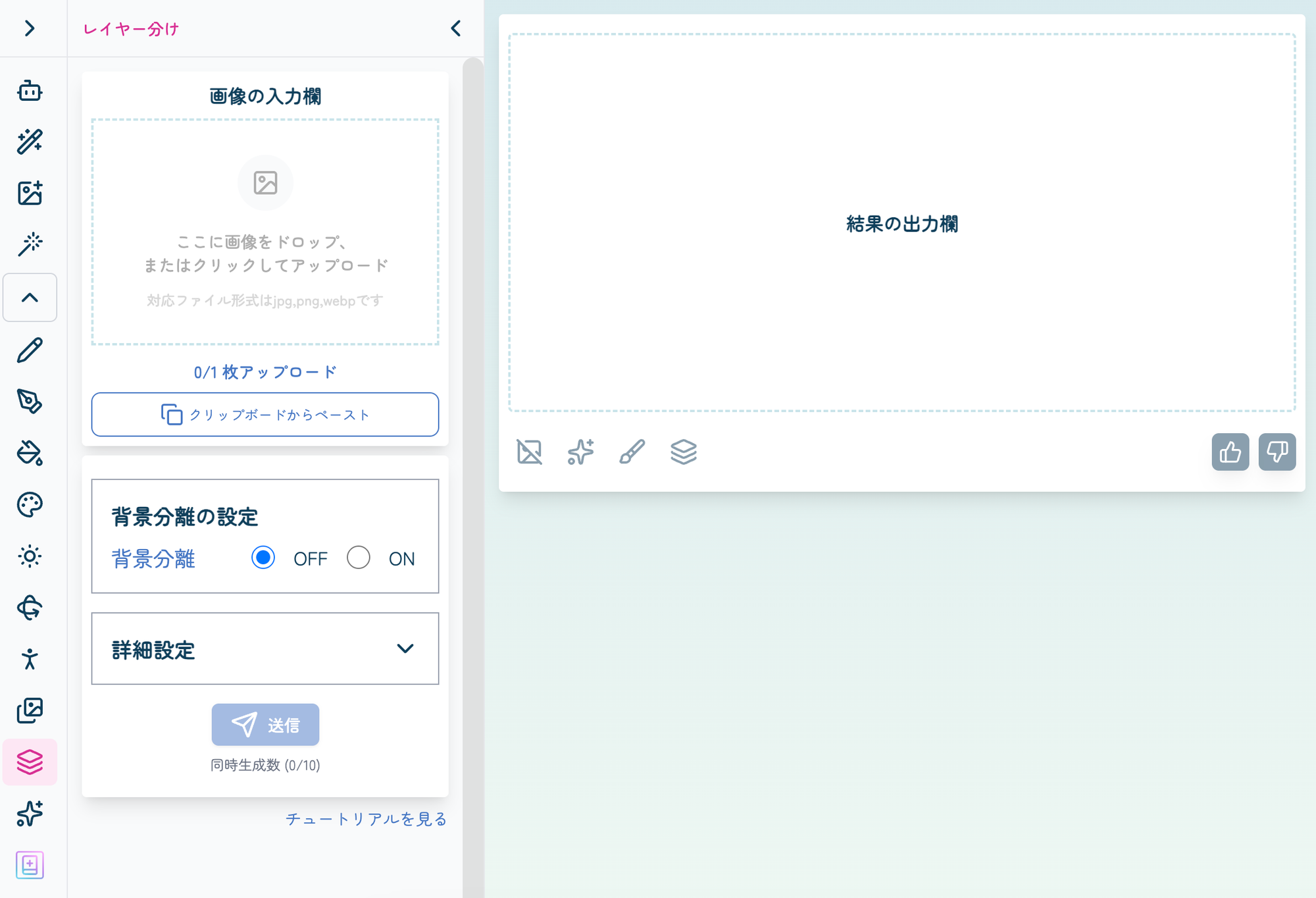
2) Choose the background setting and submit
Turn Background Separation ON or OFF, then click Submit.
(Consumes 3 tickets.)
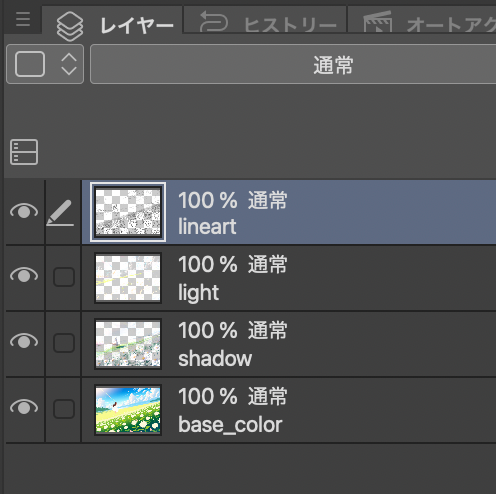
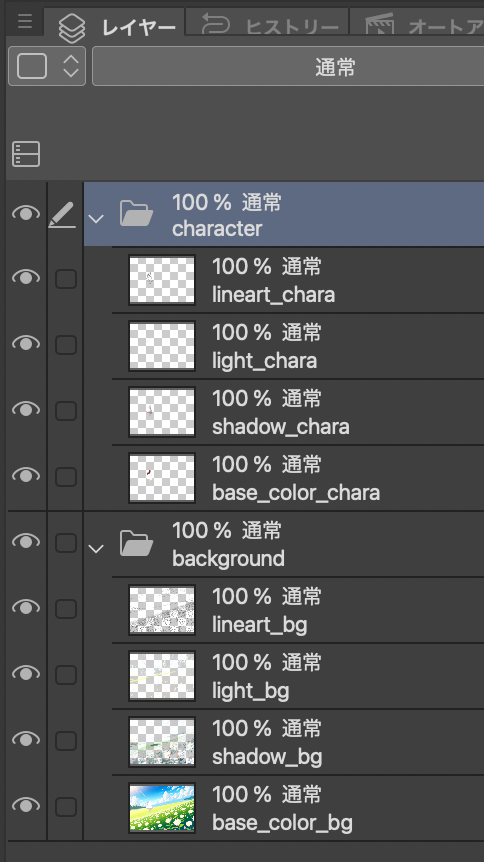
3) Your layered PSD is ready!
The output PSD file will be downloaded automatically.
- Background Separation: OFF
- Background Separation: ON
How to Use “Layer Separation” (With Other Features)
You can also separate layers from images generated by other features.
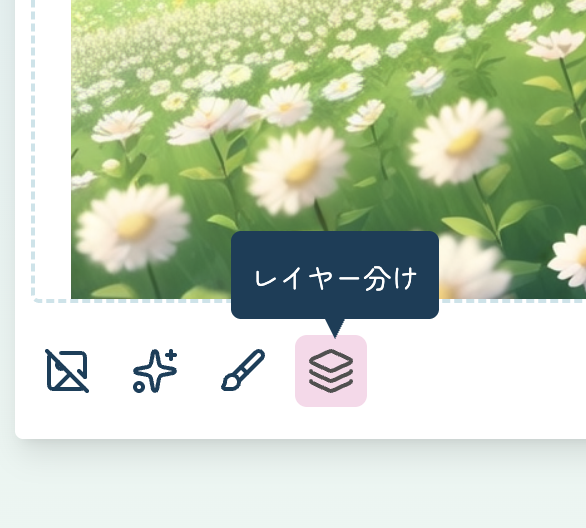
1) Click the Layer Separation button after generating an image
Click the button at the bottom-left of the output image.
2) Choose the background setting and submit
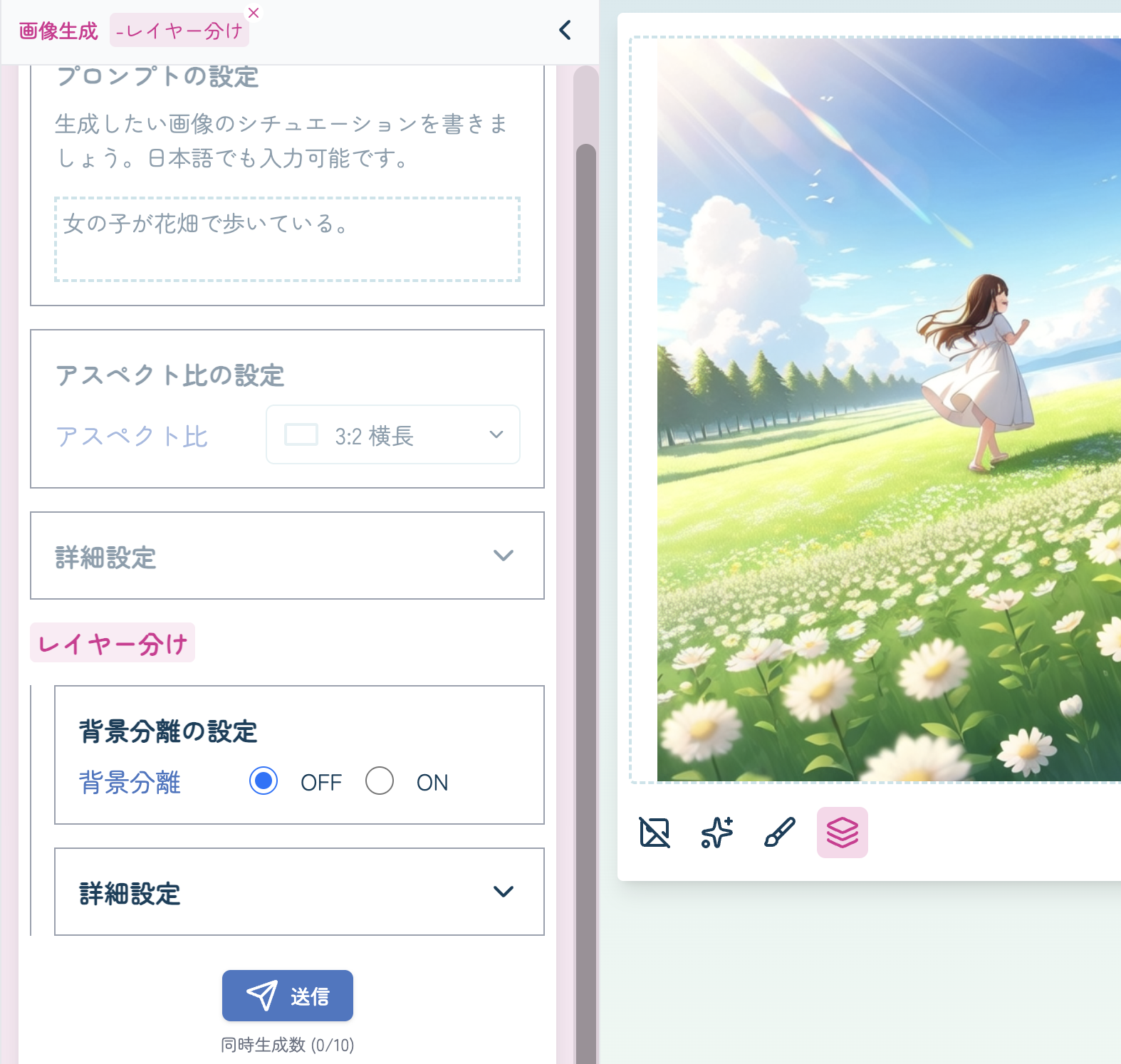
A Layer Separation option will appear. Set Background Separation, then click Submit.
(Consumes 3 tickets.)
3) Your layered PSD is ready!
The output PSD file will be downloaded automatically.
Layer Separation was previously available only in limited features, but with this update it can now be used much more widely.
Please give it a try!
With this release, copainter becomes even more convenient for manga/webtoons, animation, and game production.
We hope you enjoy using this new feature.
![[Free Download] Chibi Character Battle Pose Collection — Free for Copainter Users, Including Commercial Use](/content/images/size/w720/2026/03/header_pose-collection_battle-of-deformation-character-1.png)
![[Free Download] Female Battle Pose Collection — Free for Copainter Users, Including Commercial Use](/content/images/size/w720/2026/03/header_pose-collection_battle-of-woman-1.png)
![[Free Download] Male Battle Pose Collection — Free for Copainter Users, Including Commercial Use](/content/images/size/w720/2026/03/header_pose-collection_battle-of-man-1.png)