
Tool UI Renewal Announcement
We’ve updated part of the copainter tool screen UI. You can now add tools to Favorites and reorder them.
Thank you for using copainter.
We’ve recently refreshed part of the tool UI.
New Tool Screen
With this update, the left-hand toolbar on the tool screen is now collapsible.
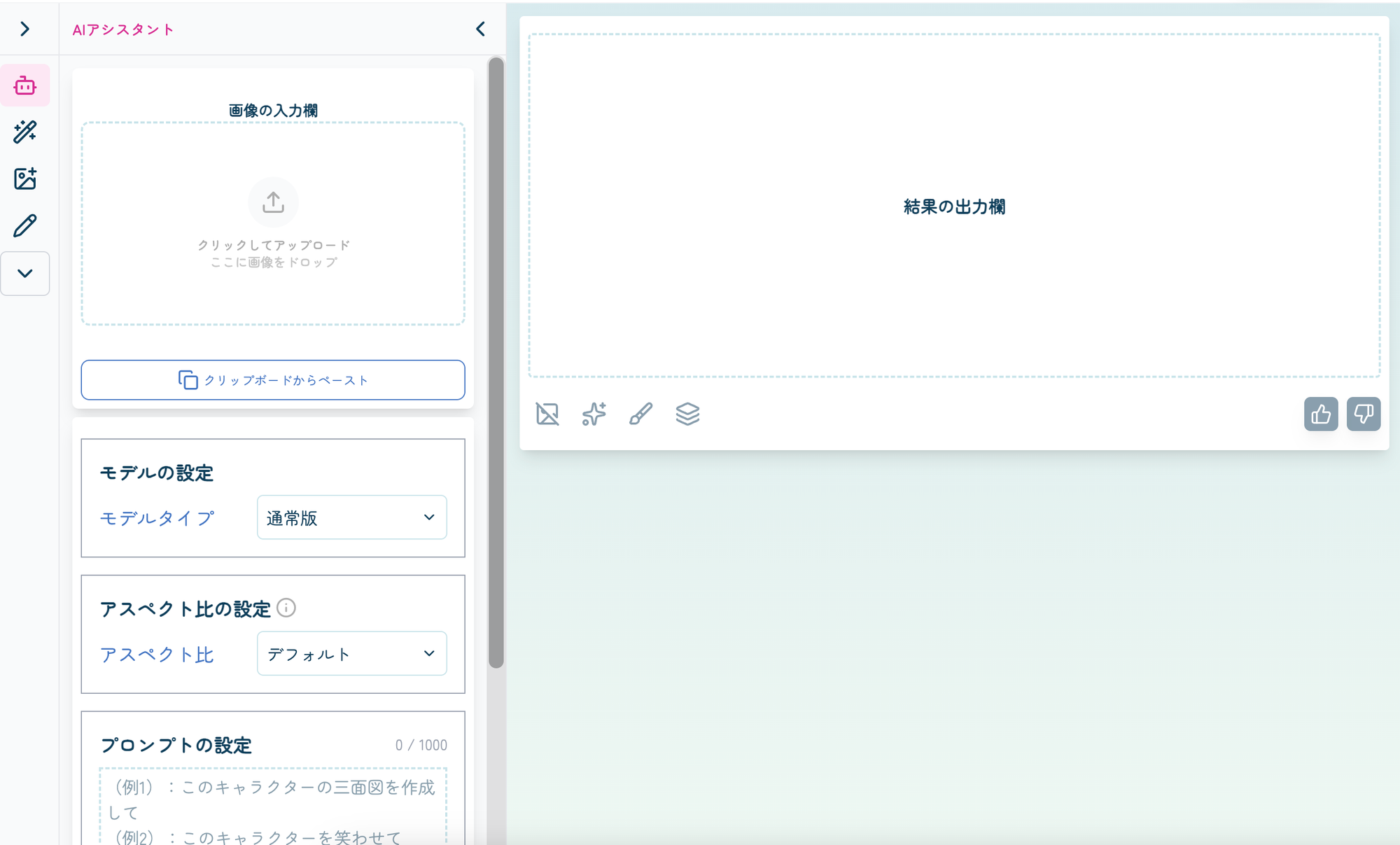
Click or tap the down arrow icon to display all tools.
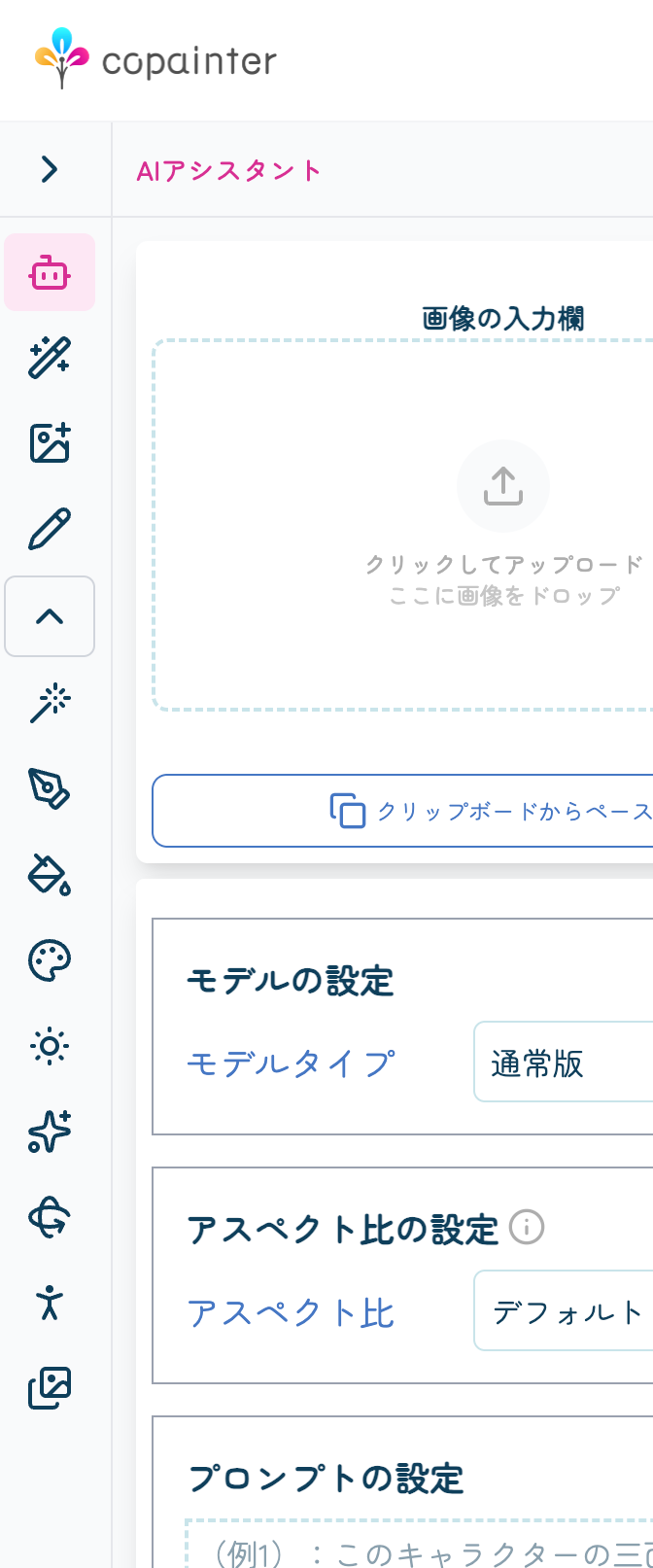
You can also choose which tools you want to keep visible at all times (not included in the collapsed menu) from My Page.
How to Use Favorites
On My Page, you’ll see sections for “Favorites” and “All Tools.”
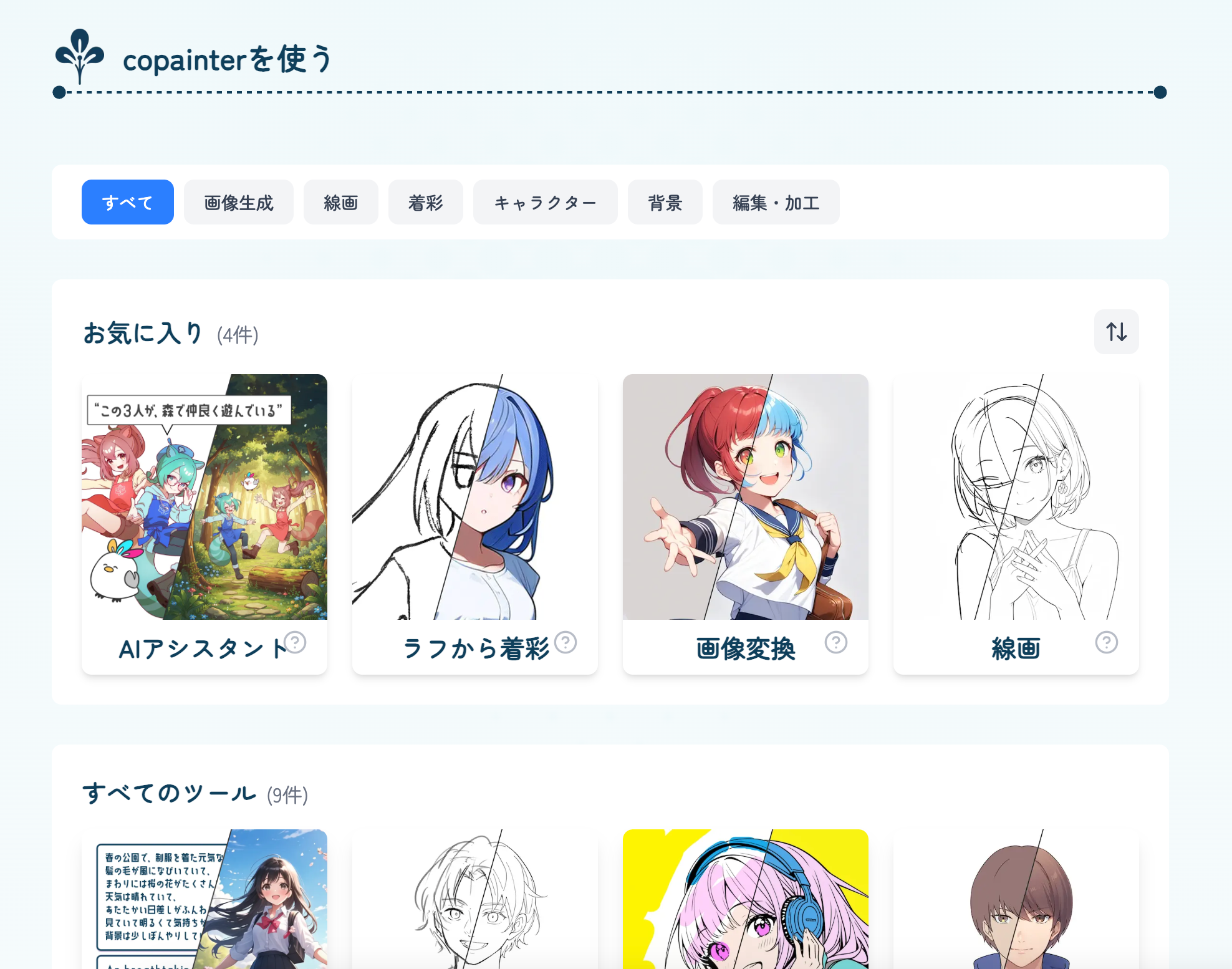
When you hover over a tool, a star icon will appear.
(On smartphones and tablets, the star icon is always visible.)

Click or tap the star to add the tool to your Favorites.
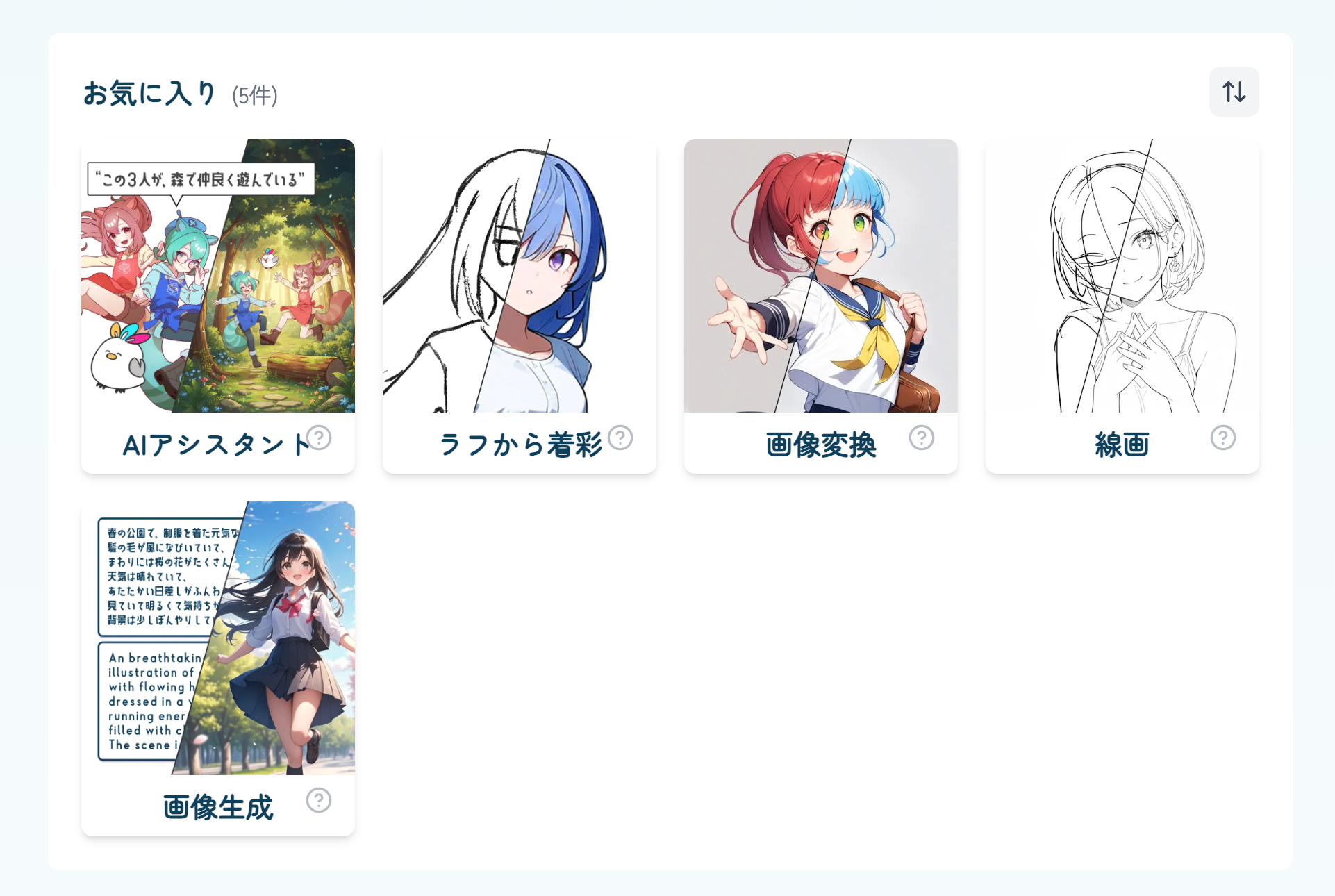
On the tool screen, the toolbar will show up to five favorite tools.

Click or tap the star again to remove a tool from Favorites.
This also allows you to reorder the tools.
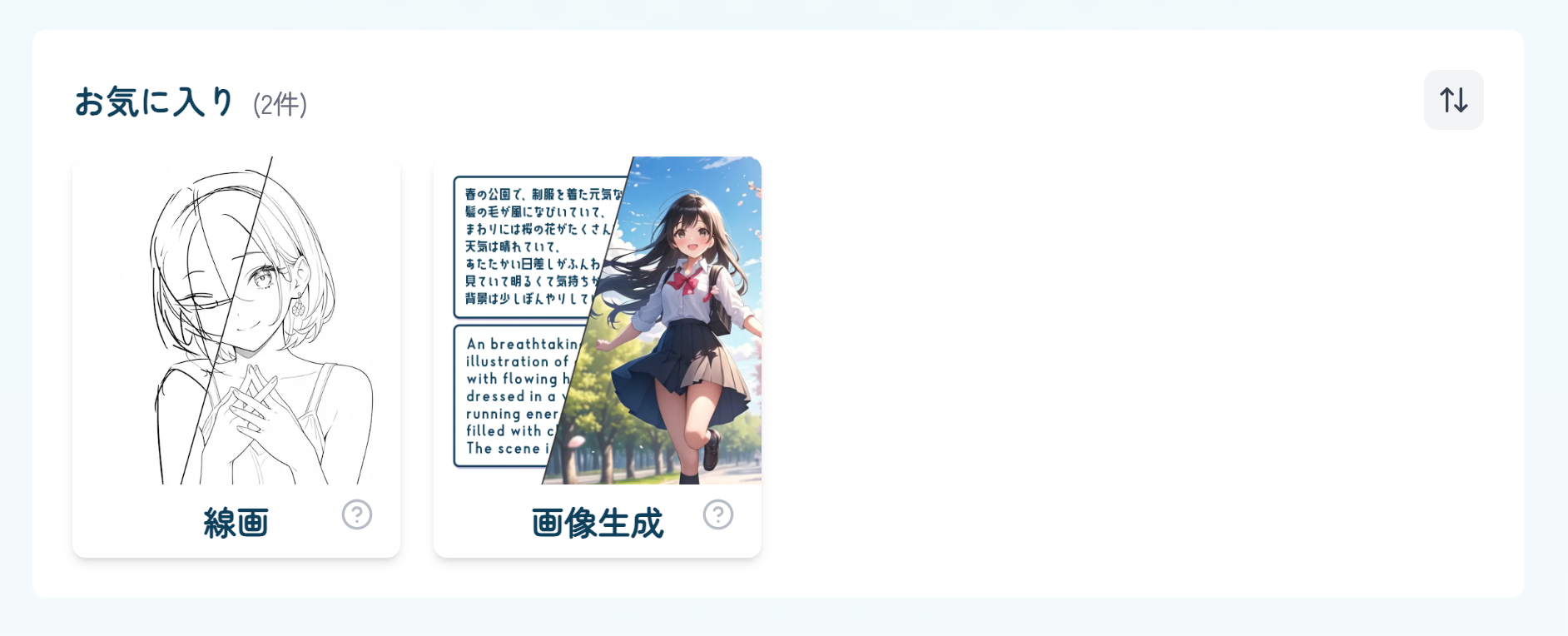
Customize the UI to match your creative workflow and make copainter even easier to use.
We’ll continue improving copainter to provide a smoother, more comfortable creation experience.
![[Free Download] Chibi Character Battle Pose Collection — Free for Copainter Users, Including Commercial Use](/content/images/size/w720/2026/03/header_pose-collection_battle-of-deformation-character-1.png)
![[Free Download] Female Battle Pose Collection — Free for Copainter Users, Including Commercial Use](/content/images/size/w720/2026/03/header_pose-collection_battle-of-woman-1.png)
![[Free Download] Male Battle Pose Collection — Free for Copainter Users, Including Commercial Use](/content/images/size/w720/2026/03/header_pose-collection_battle-of-man-1.png)