
【Free Download】Pose Reference Pack: Men Cooking — Copainter Users: Free to Use, Commercial Use Allowed
Free pose base pack of men cooking. Commercial use OK & free to use. Edits/additions and tracing are allowed.
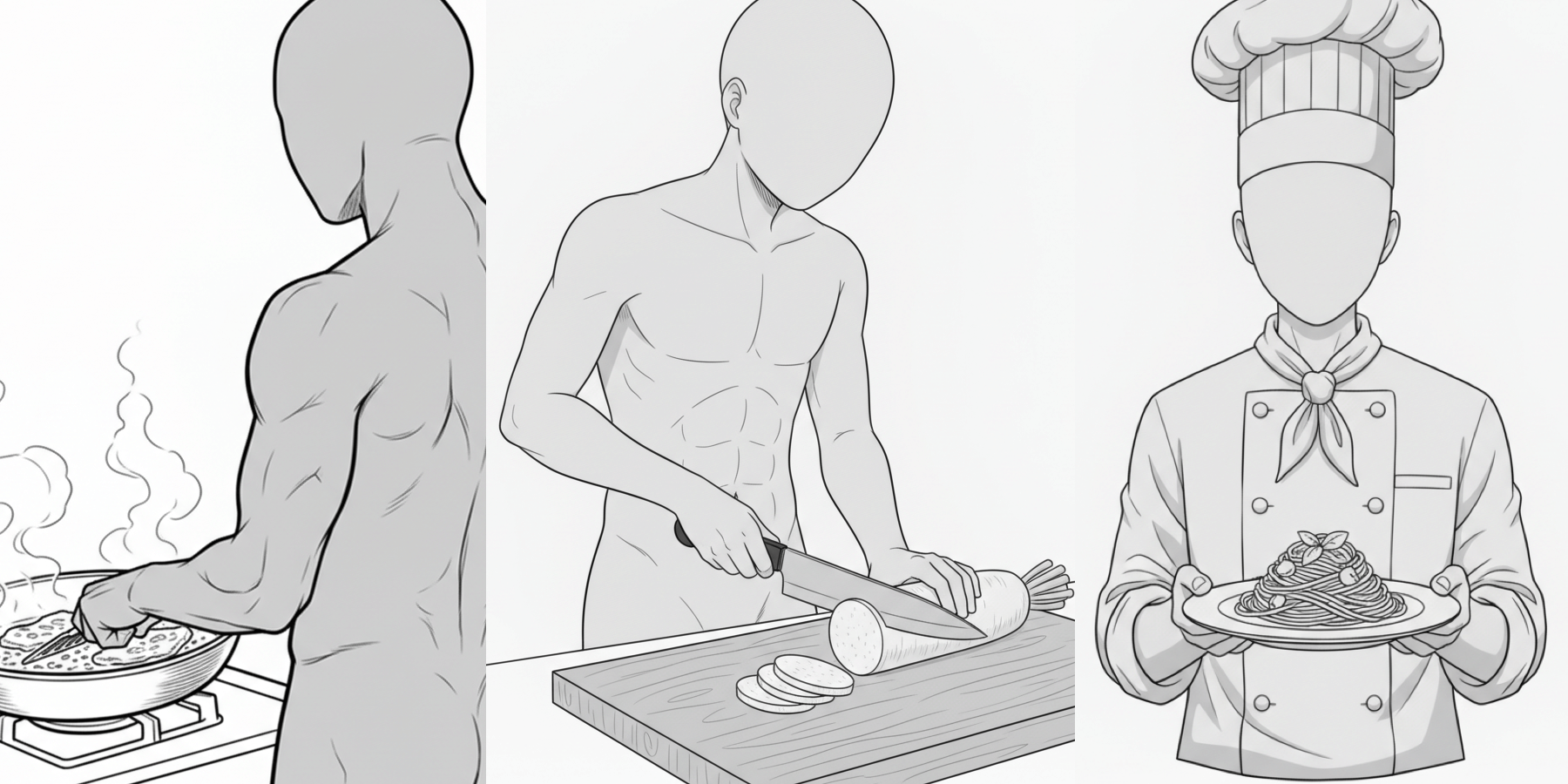
We’re releasing a pose reference pack featuring men cooking, designed to be easy to use for creating illustrations, manga, anime, games, and webtoons (Webtoon).
Please use it when you generate illustrations with pose control in copainter (Copainter), or when you need a rough sketch / underdrawing for character art.
Tracing and edits/additions are also welcome.
The license for the images downloadable from this page is listed further down below the main text.
File Details
- Format: PNG (white background)
- Resolution: 1024 × 1024 px (square)
- How to download: Please download and save the images attached in the body of this post as-is.
Note: A bulk ZIP download is not provided.
Men Cooking Poses (Download Available)
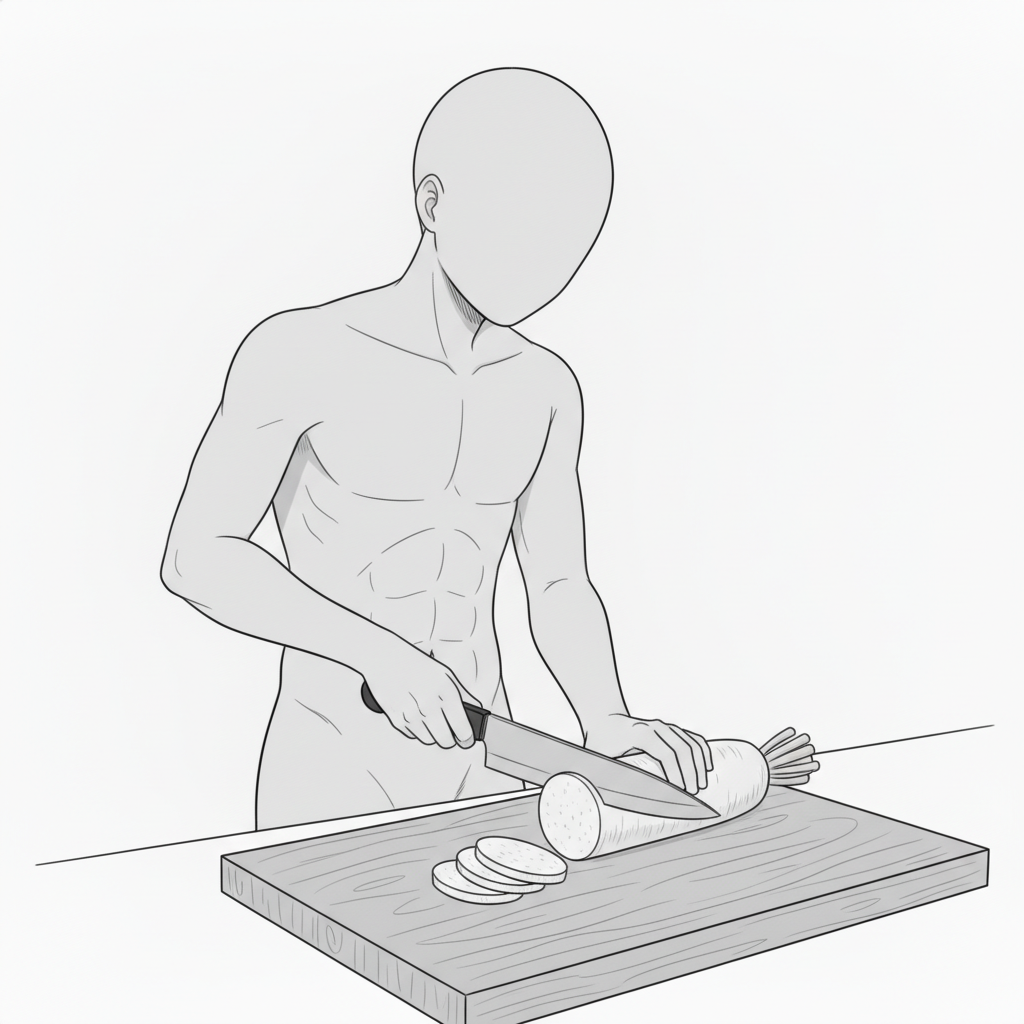
Man with a Knife | Cutting Daikon (Cooking in Progress)
A basic, highly usable cooking pose: cutting vegetables on a cutting board.
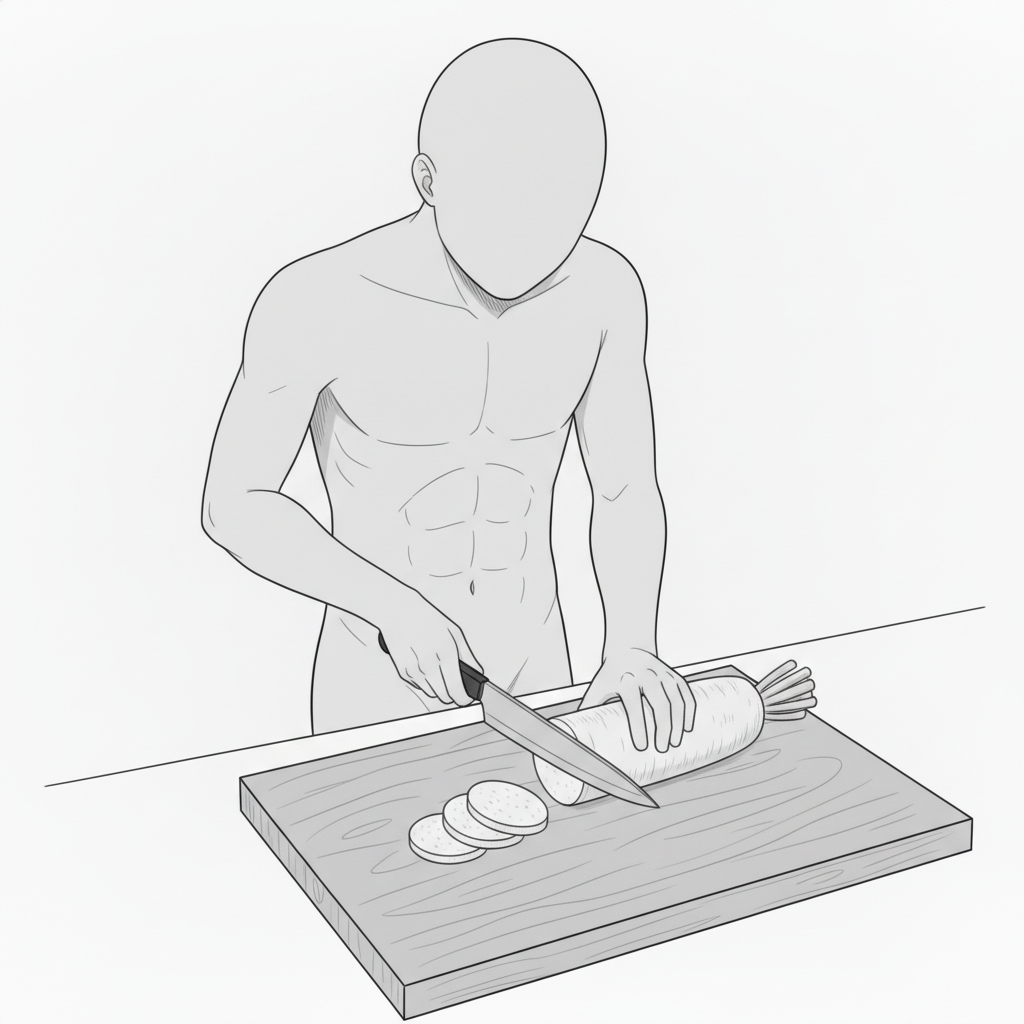
Man with a Knife | Front-leaning Pose Slicing Ingredients
Captures the moment the knife goes in, expressing realism in the cooking process.
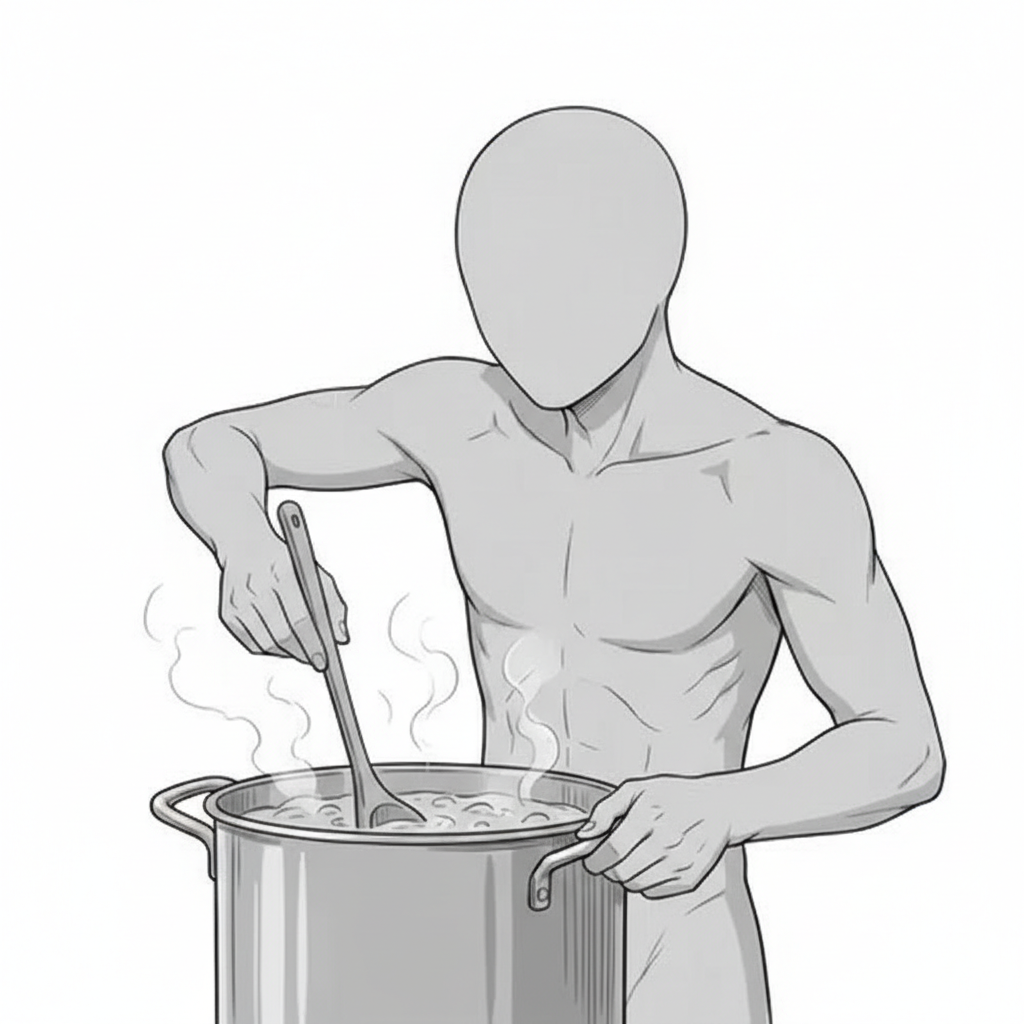
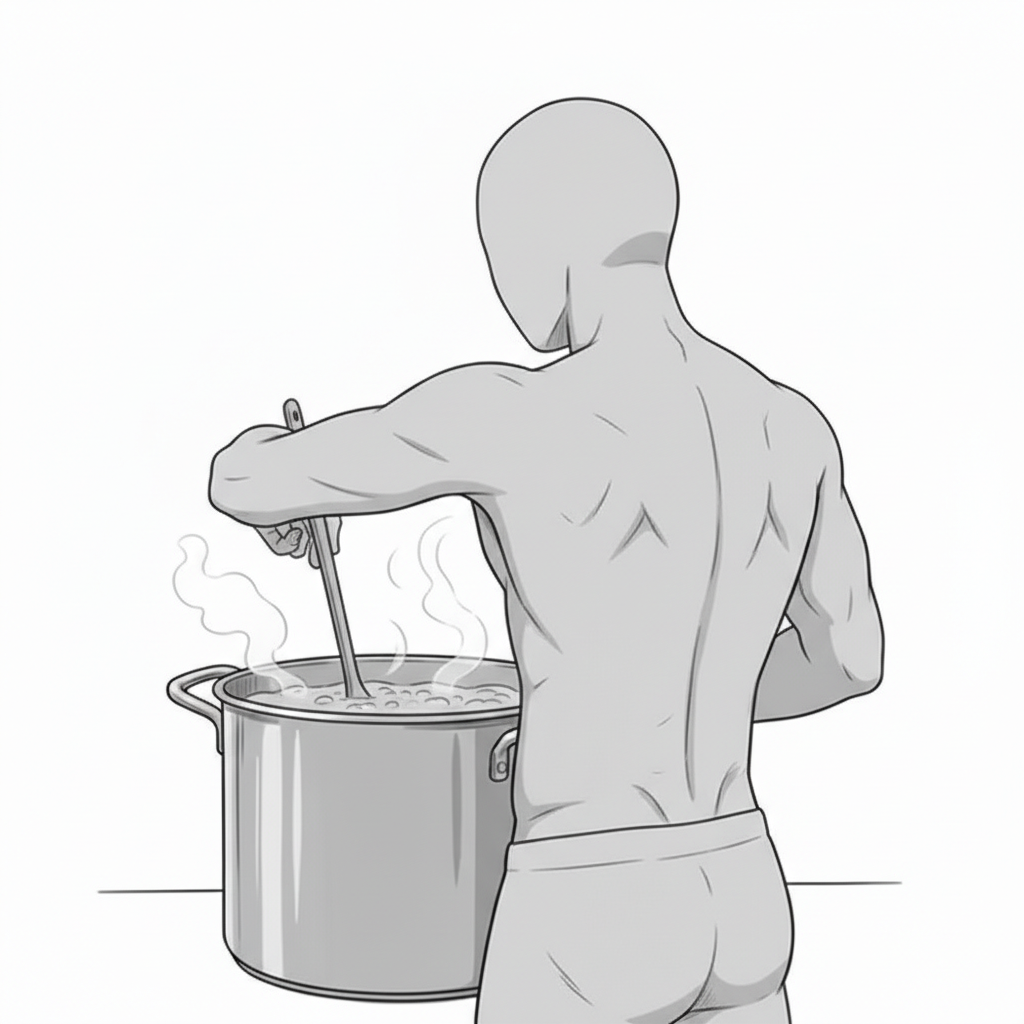
Man with a Pot | Stirring a Pot (Cooking in Progress)
Stirring a steaming pot creates a warm, comforting cooking scene.
Man with a Pot | Back View: Stirring a Pot
A rear-view composition that adds a sense of presence and immersion in the kitchen.
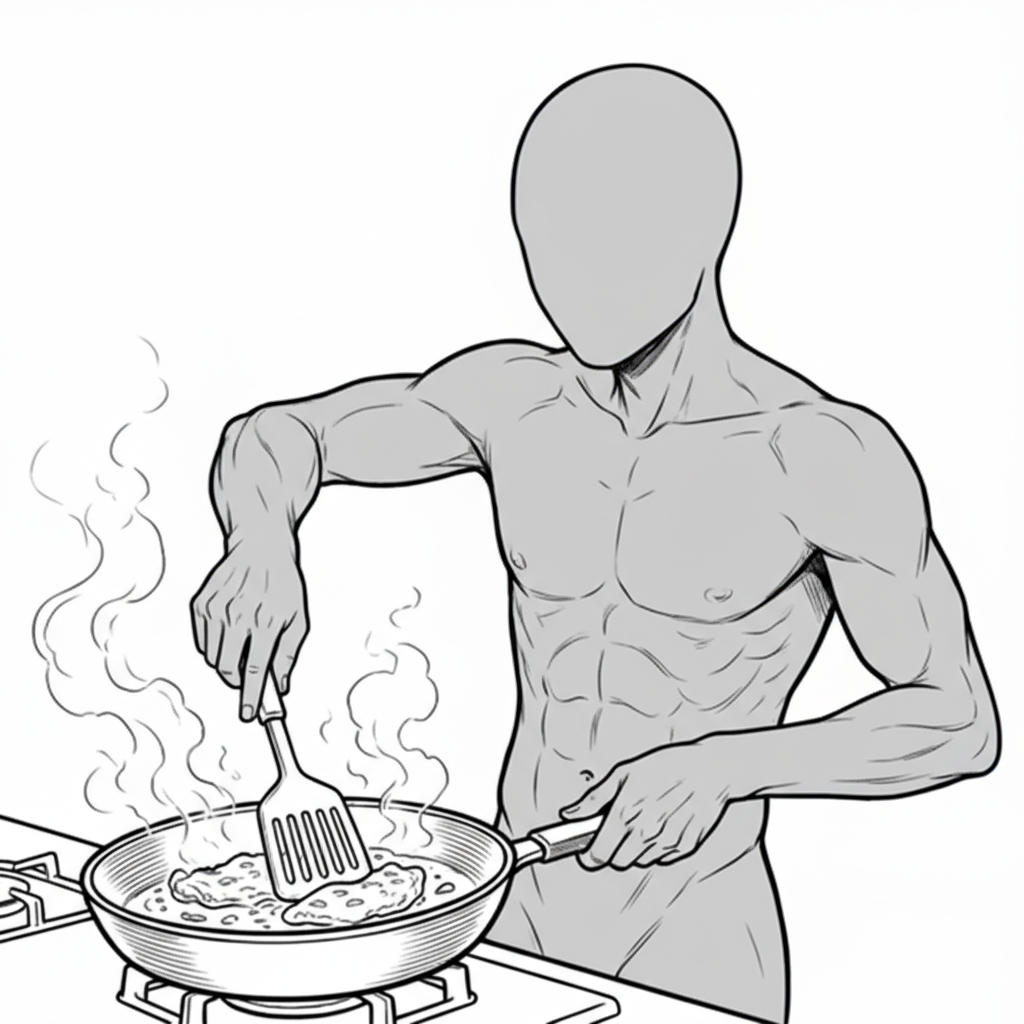
Man with a Frying Pan | Cooking in a Pan
A spatula-in-hand motion—ideal for meat dishes or pan-frying scenes.
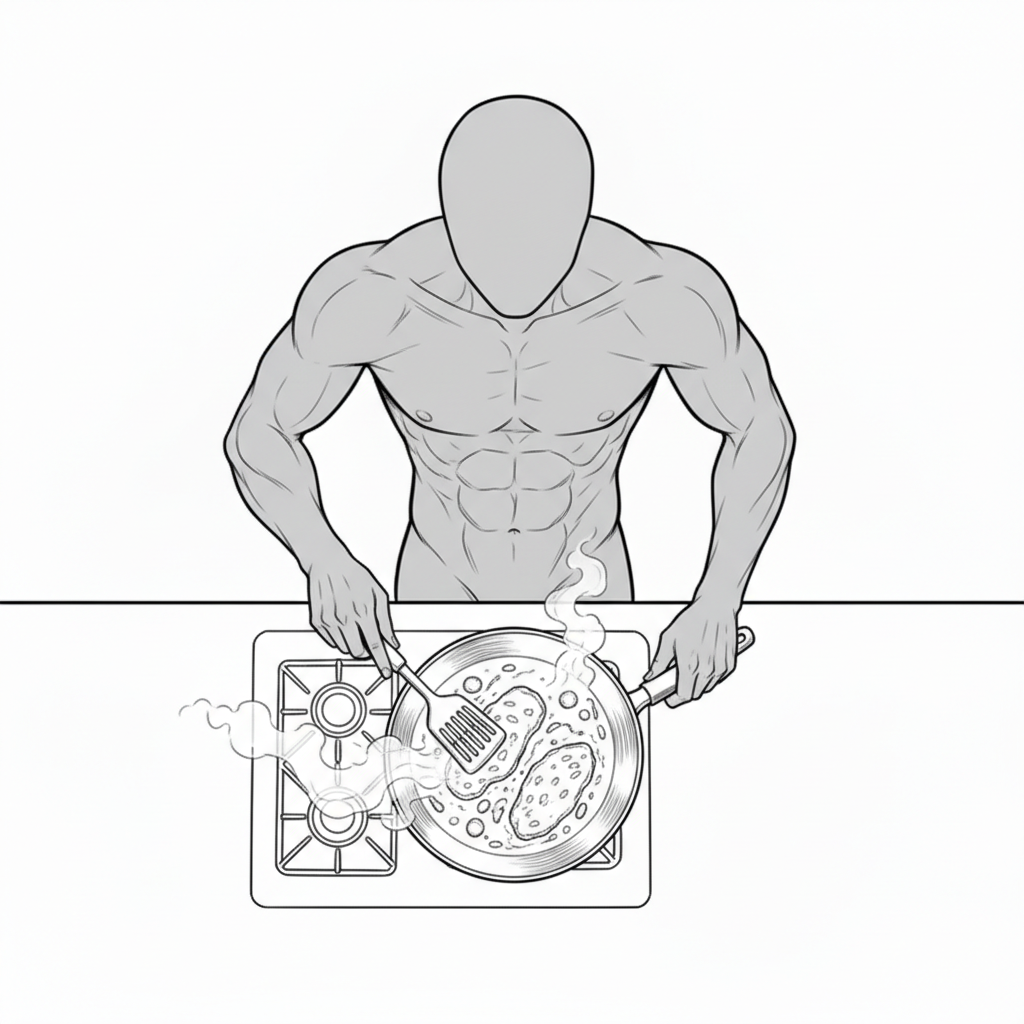
Man with a Frying Pan | Overhead View: Cooking Pose
A top-down composition that clearly shows the overall cooking flow.
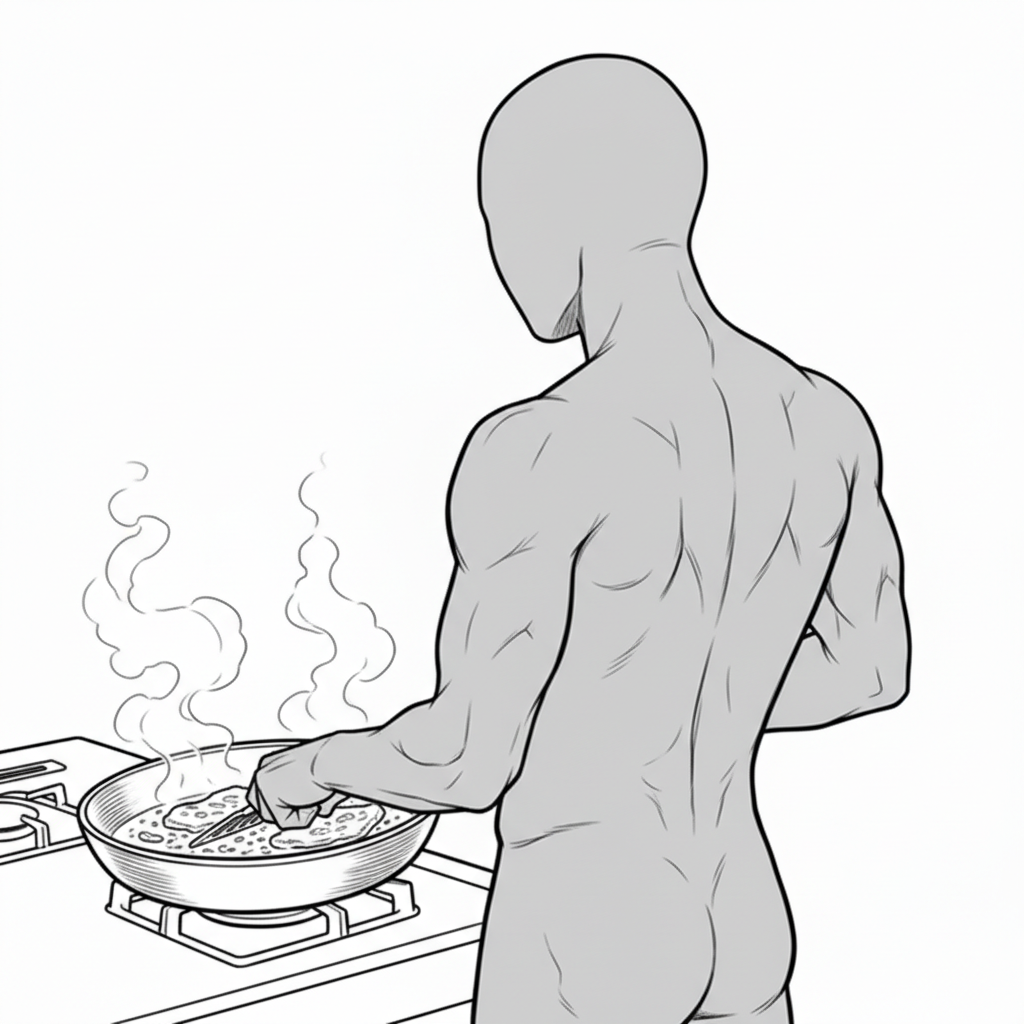
Man with a Frying Pan | Back View: Pan-Frying
The combination of a back view and rising steam conveys focused cooking.
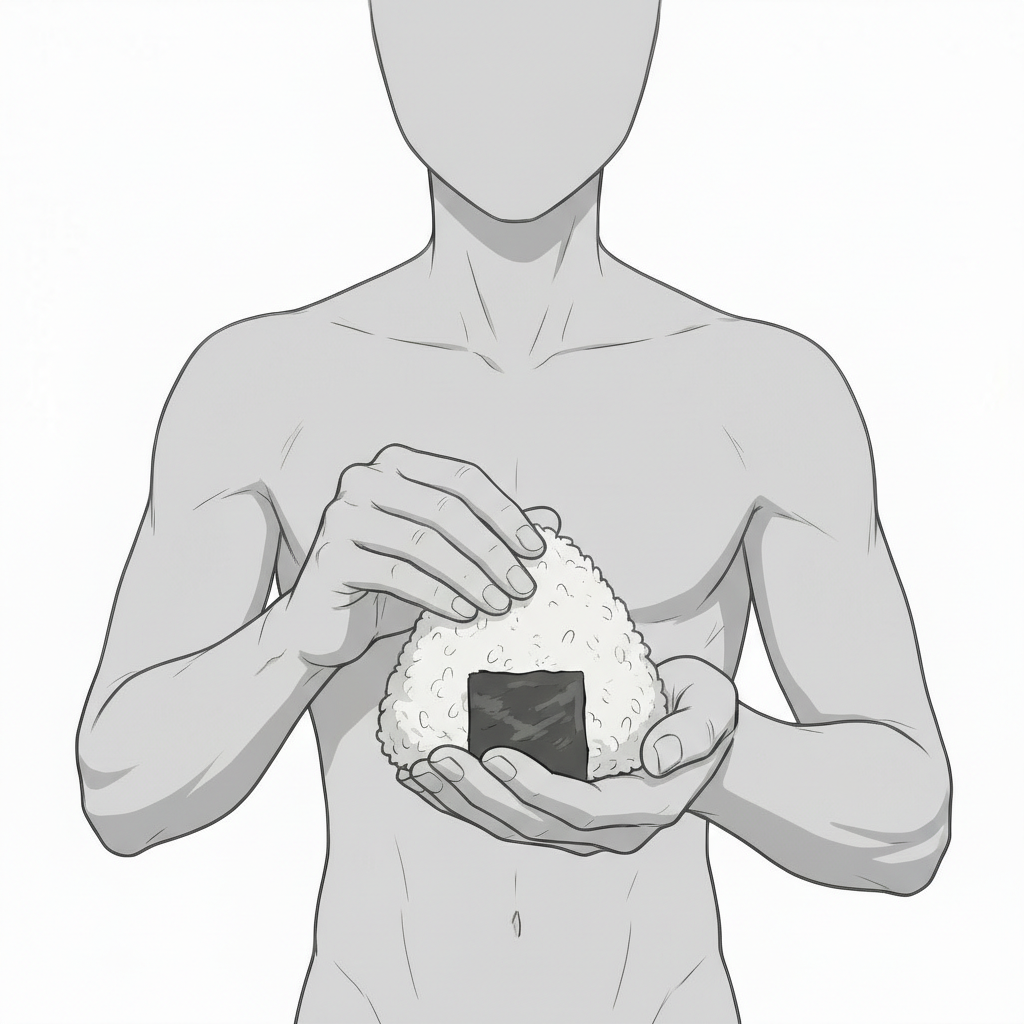
Man with Onigiri | Front View: Holding an Onigiri
A calm, post-cooking pose that works well as a “finished dish” moment.
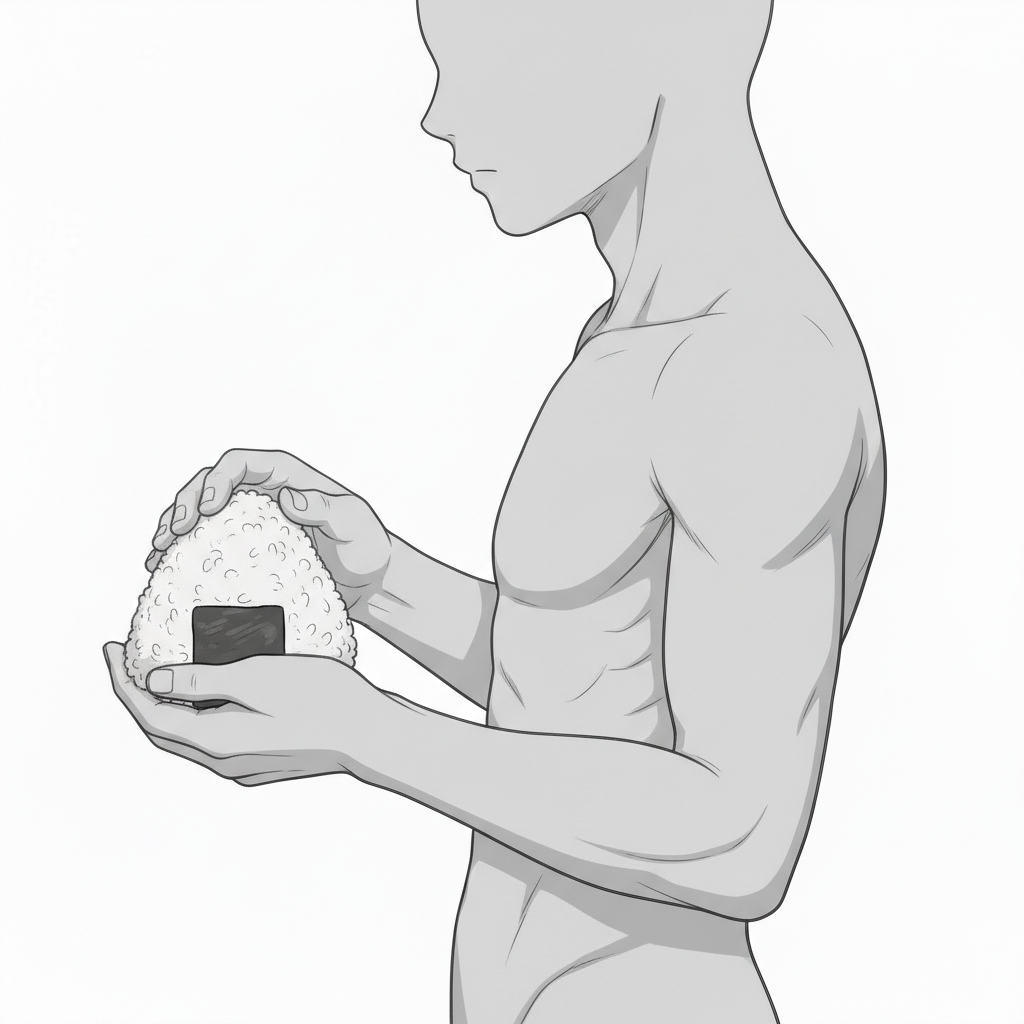
Man with Onigiri | Side View: Holding an Onigiri
A natural side composition that shows the hands and body lines cleanly.
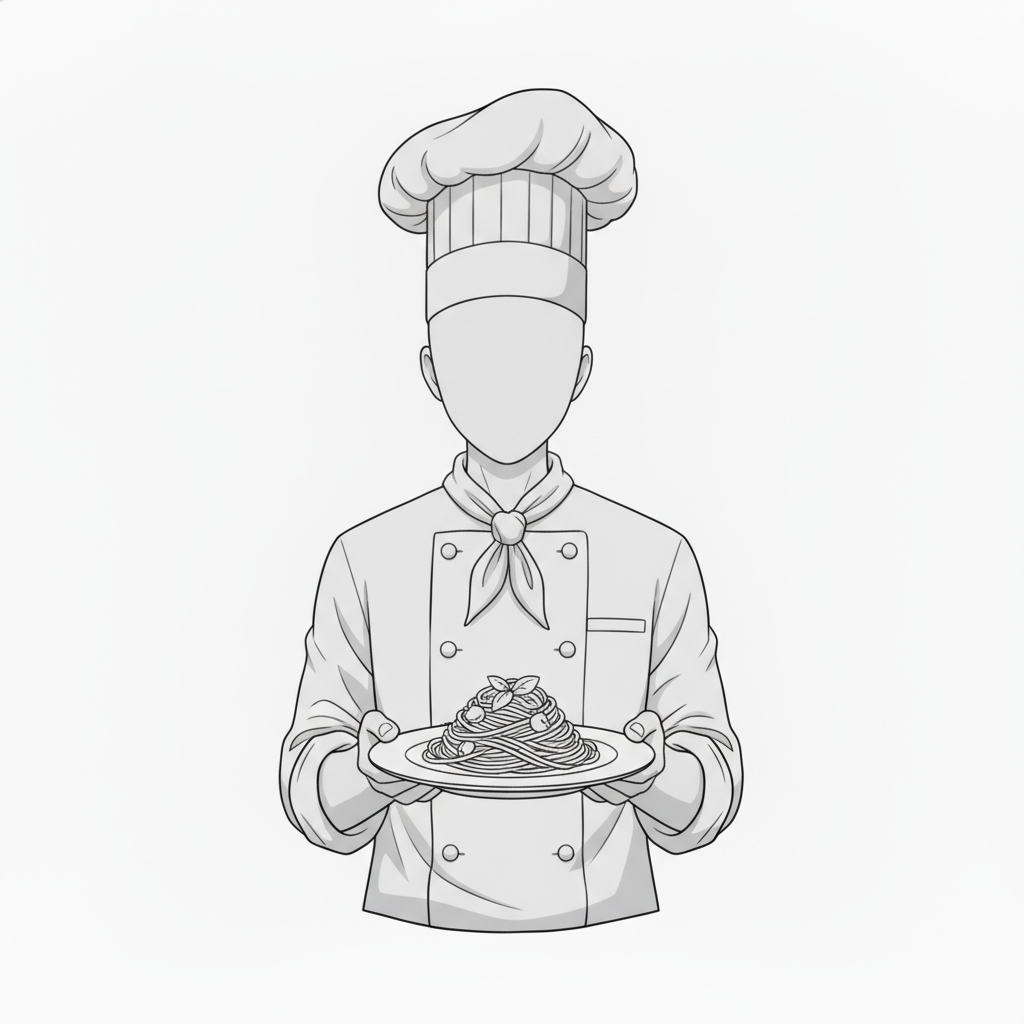
Man Serving Food | Front View: Chef Presenting a Dish
Holding out a plate—perfect for scenes that showcase the completed dish.
How to Use in copainter
Change Poses with the AI Assistant
Load these images as reference images to quickly generate pose variations such as angle changes, limb adjustments, or mirroring. Since these are pose references, they can also be used when specifying male character poses.
Maintain Consistency with the Training Feature
(Enterprise Plan Only)
By specifying poses for trained models, you can achieve highly accurate pose control. Even poses difficult to express with the AI Assistant alone can be handled effectively with trained models. Using the Image Transformation AI often produces better results.
Improve Efficiency Using Line Art AI
Use these assets as rough drafts before applying the Line Art AI to speed up production. You can edit them in tools such as Photoshop or Clip Studio Paint, then apply the Line Art AI to handle complex compositions.
Change Poses with the Pose Transformation AI
These images can be used as input for the Pose Transformation feature. Simply upload a character image and a pose image to easily change the character’s pose.
Terms of Use (License)
- Eligible users: Users with an active copainter subscription
- Usage scope: Free and commercial use allowed only within copainter
- Modifications: Allowed (cropping, repainting, color changes, vectorization, etc.)
- Credit: Not required
- Prohibited: Redistribution or resale of the asset data, claiming authorship, commercial use outside copainter
FAQ
Q. Can I use copainter for free?
A. Yes. There is a free plan where you receive tickets at no monthly cost. If you want more usage, please choose a higher plan. Please see the plan page for details.
Q. Can I use these outside copainter?
A. If you are a copainter subscriber and use them within copainter, commercial and free use are allowed. External edits are fine as long as the purpose is to use them in copainter.
Q. Can I use them in commercial works?
A. Yes, if you use copainter in your production process. You do not need to create the entire work only in copainter. Redistribution or resale of the assets themselves is not allowed.
Q. Are there more free pose packs?
A. Yes. Please see:
https://blog.copainter.ai/tag/assets-en/
Q. Are higher-resolution images available?
A. You can upscale images up to 4× in both width and height using the High-Resolution AI inside copainter. Please make use of it.
If you haven’t used copainter yet, this is a great opportunity—please sign up for copainter using the link below!
You can find copainter Learn, our media hub packed with tips and best practices for using copainter effectively, at the link below.
![[Free Download] Chibi Character Battle Pose Collection — Free for Copainter Users, Including Commercial Use](/content/images/size/w720/2026/03/header_pose-collection_battle-of-deformation-character-1.png)
![[Free Download] Female Battle Pose Collection — Free for Copainter Users, Including Commercial Use](/content/images/size/w720/2026/03/header_pose-collection_battle-of-woman-1.png)
![[Free Download] Male Battle Pose Collection — Free for Copainter Users, Including Commercial Use](/content/images/size/w720/2026/03/header_pose-collection_battle-of-man-1.png)