
【Free Download】Underground Passage Background Illustration (Wide Format) — Copainter Users: Free to Use, Commercial Use Allowed
Free underground passage background assets. Wide 16:9 composition—easy to use for PC-oriented projects. Commercial use and tracing are OK for manga/Webtoons and game backgrounds!
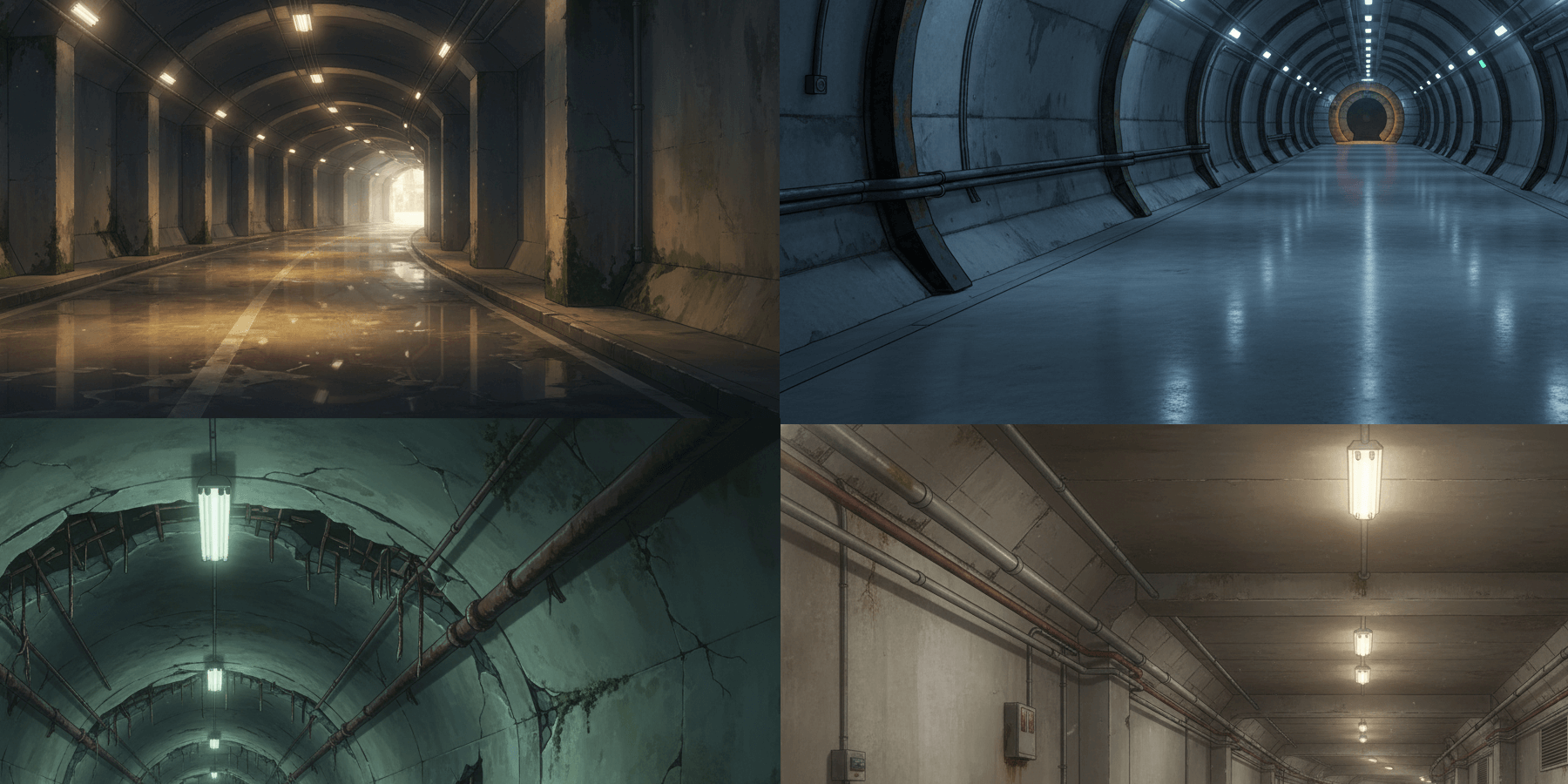
We’re releasing a free underground passage background illustration set (wide / 16:9). These wide-format assets are especially useful for PC-oriented works.
The set also includes lit / unlit variation images, making it extremely convenient for production.
Please feel free to use them for webtoons, games, manga, and commercial projects including advertisements.
Commercial use is allowed and free of charge. Tracing and edits/additions are also permitted.
Please save the images posted on this page as-is and use them. The license terms are listed at the end of this post.
File Details
- Format: PNG (non-transparent)
- Aspect ratio: Wide
- Resolution: 1344 × 768 px
- How to download: Save each image below as-is.
Note: A bulk ZIP download is not provided.
Underground Passage Manga/Anime Background Illustrations (Download Available)
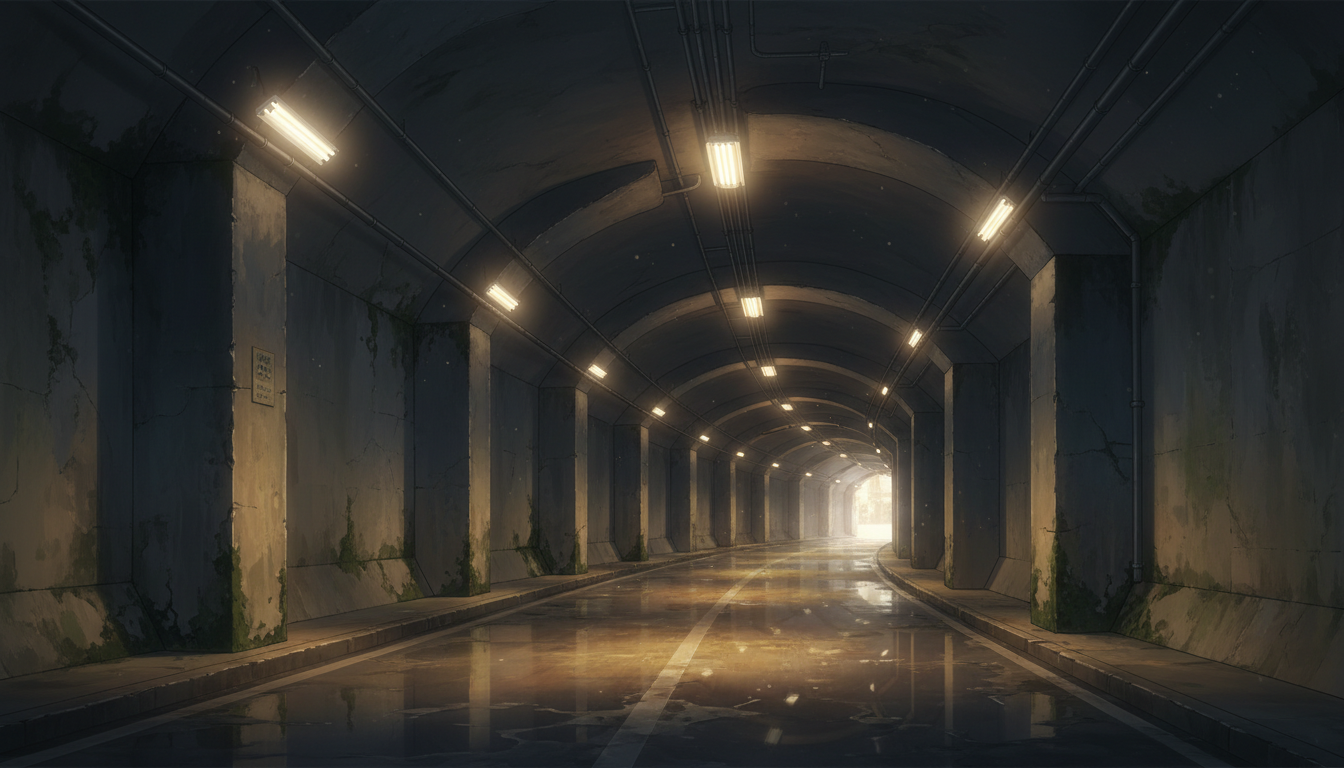
Underground Passage After the Rain | A Quiet Tunnel with Reflected Light
A highly usable background with strong storytelling: the wet ground reflects the lights.
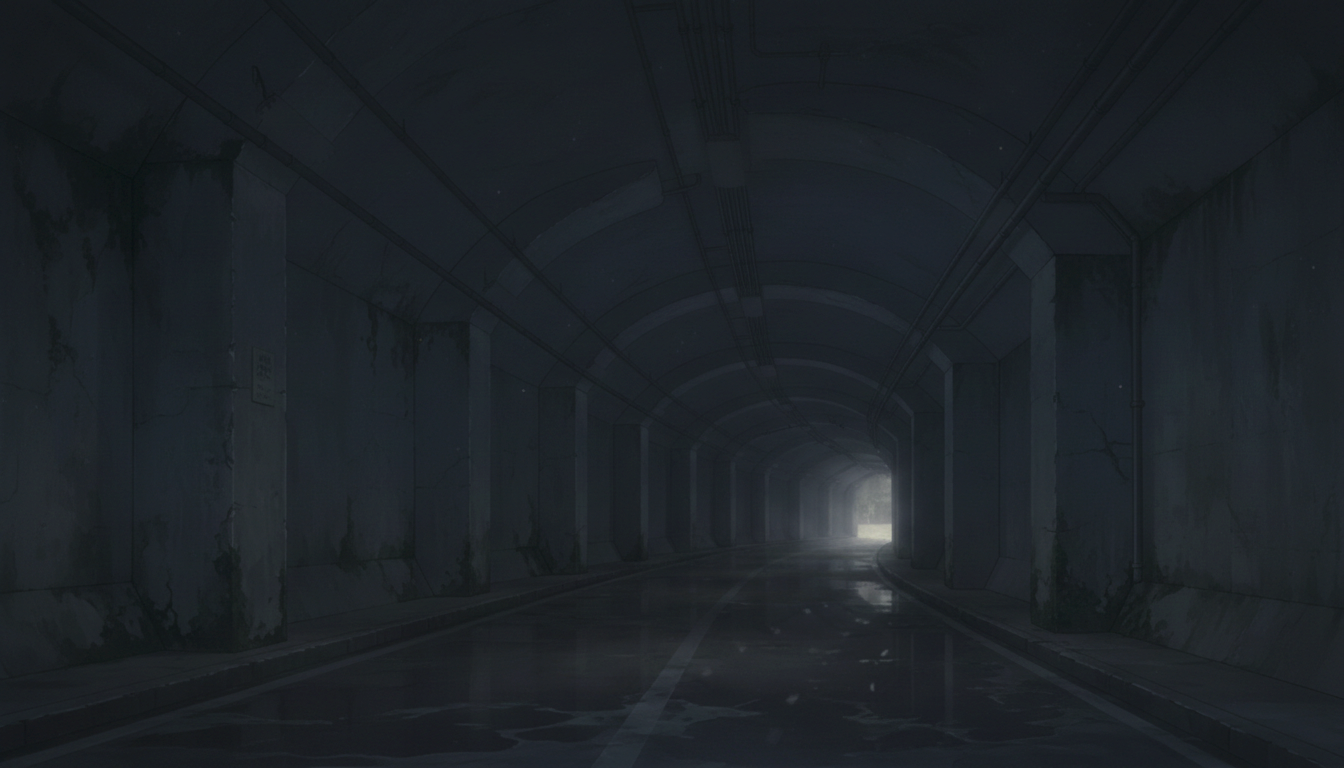
Blackout Underground Passage | A Horror Tunnel That Creates Unease
Low visibility makes it ideal for suspense and horror scenes.
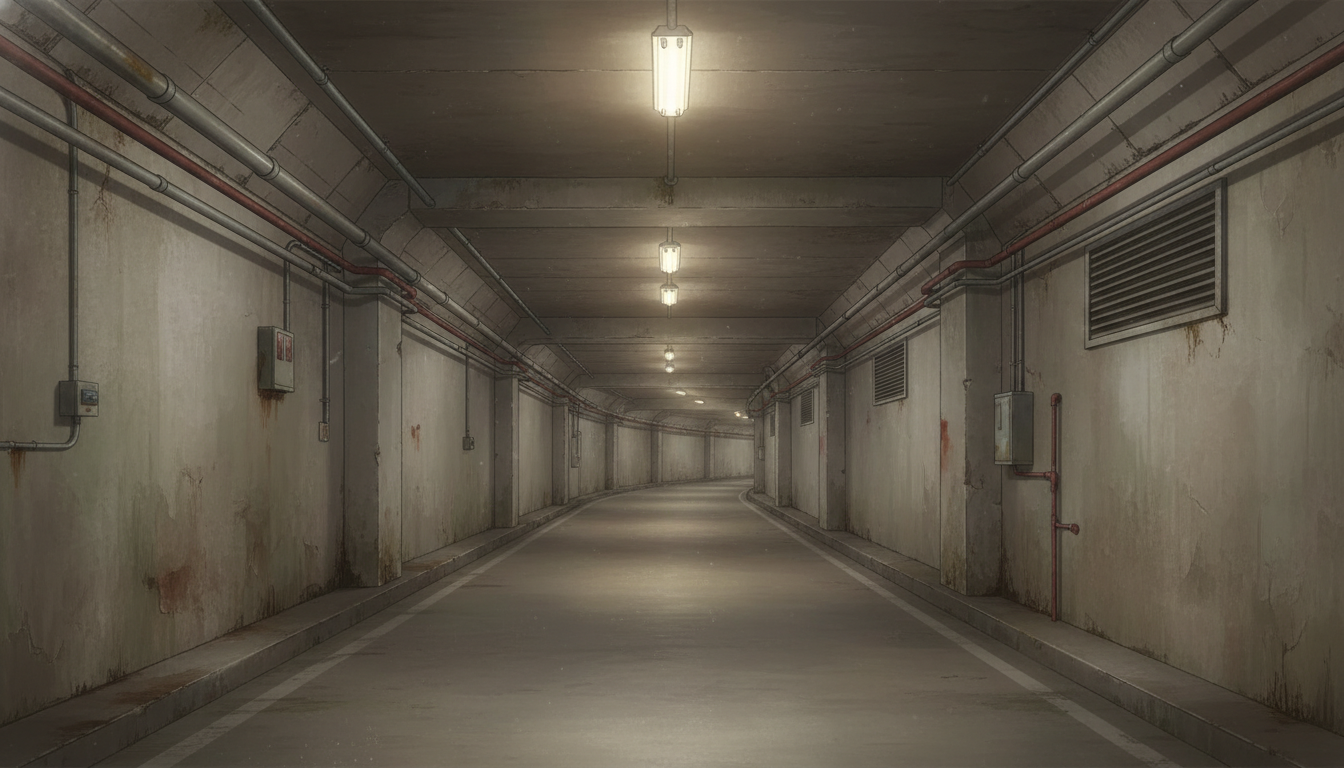
Industrial Underground Passage | Realistic Concrete Corridor
A grounded urban setting featuring pipes and lighting that blends naturally into city scenes.
Dim Underground Passage | A Silent, Enclosed Space
Reduced lighting emphasizes tension, loneliness, and stillness.
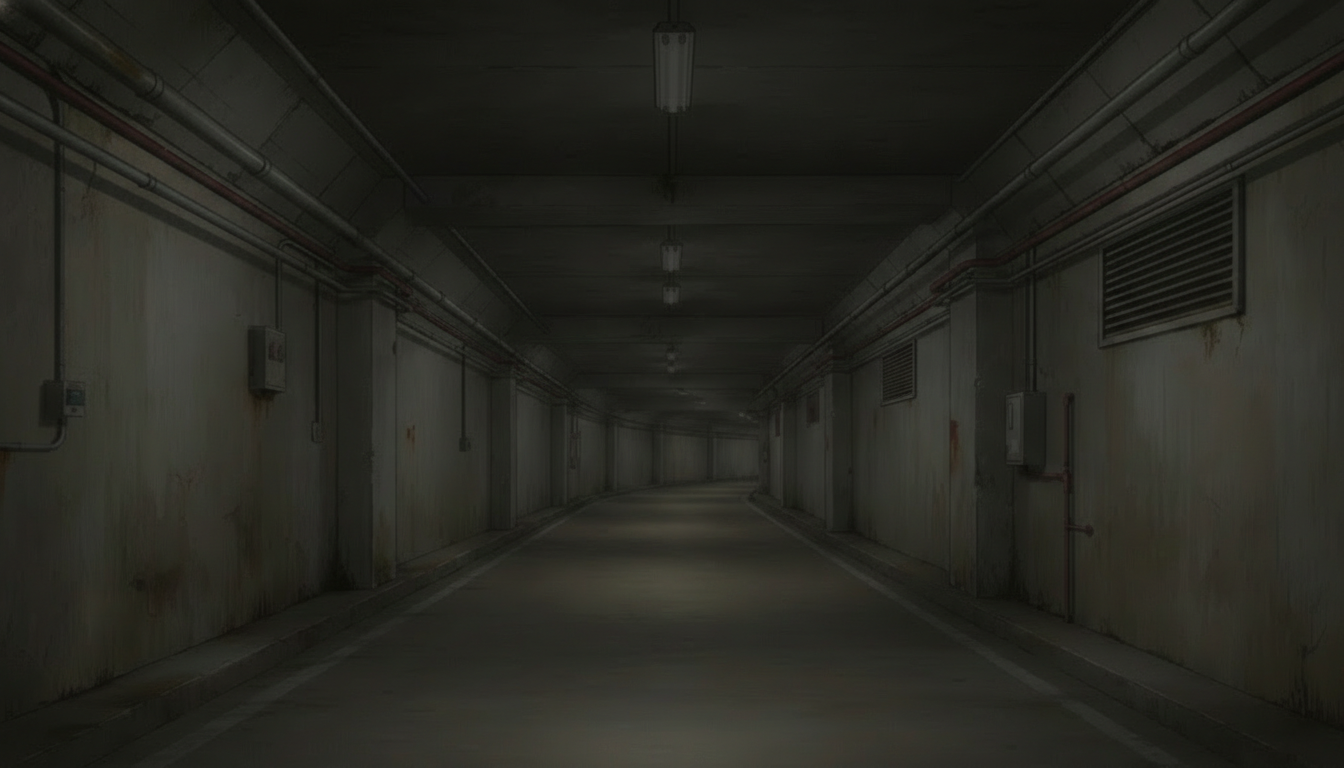
Futuristic Underground Passage | Circular Tunnel and Cold Light
A striking cylindrical structure—great for sci-fi, near-future, and lab/facility scenes.
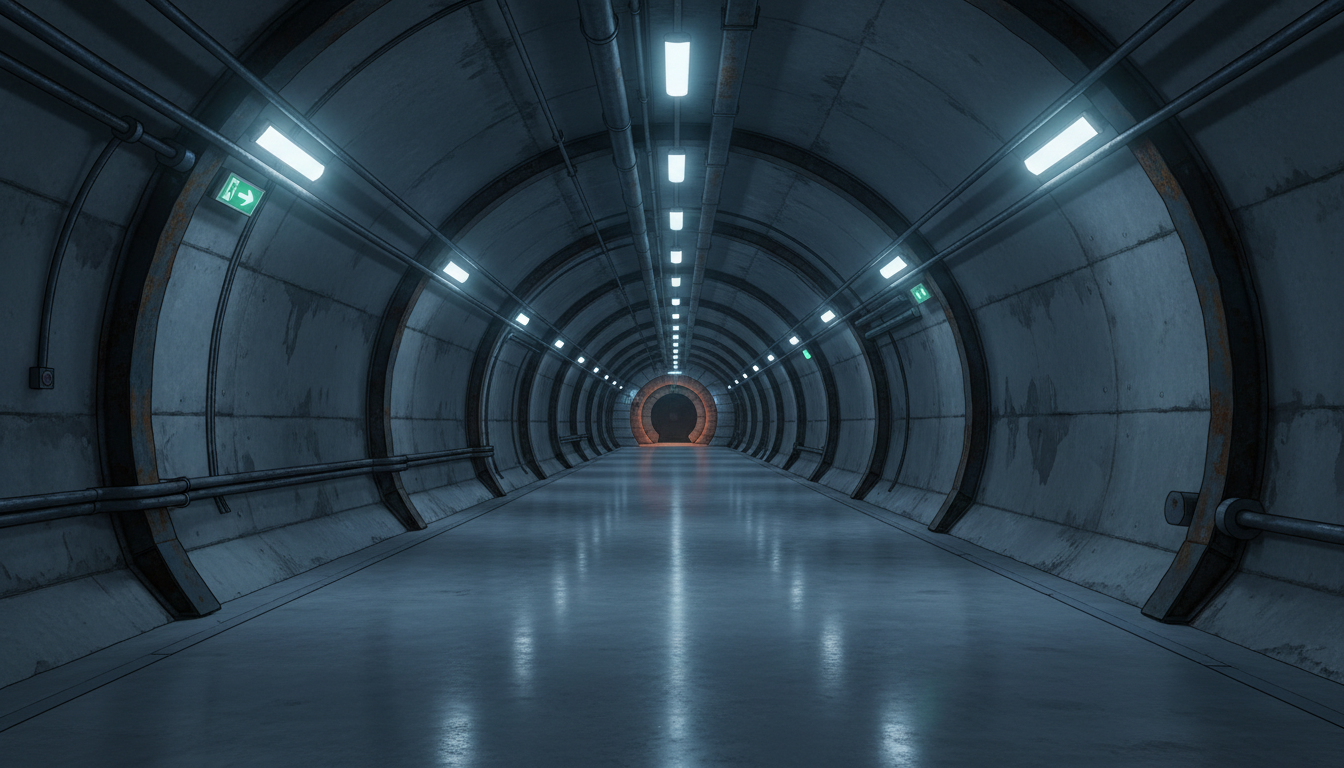
Red-Lit Underground Passage | An Ominous Space Hinting at Trouble
A red glow in the distance adds unease—perfect for intense game or cinematic moments.
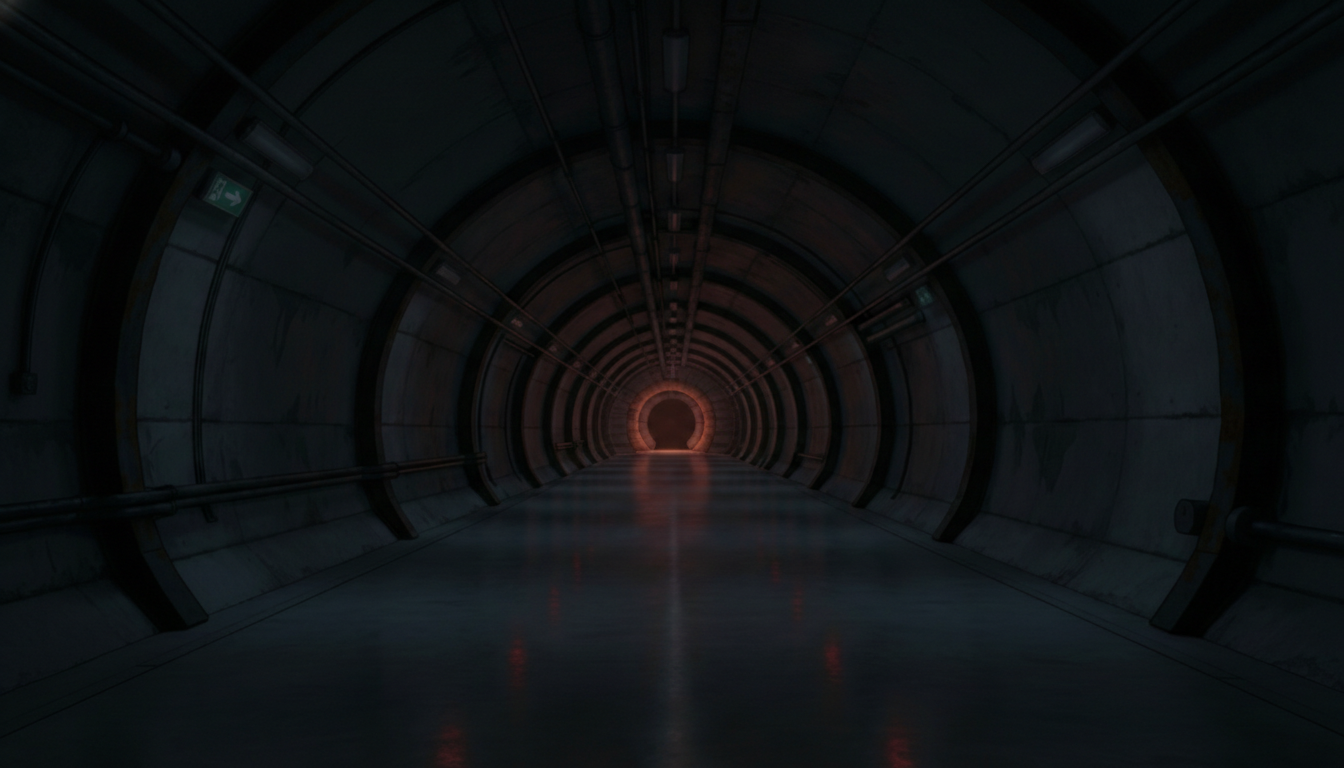
Near-Future Underground Passage | Clean Sci-Fi Corridor
Linear lighting and smooth walls suit futuristic cities and research facilities.
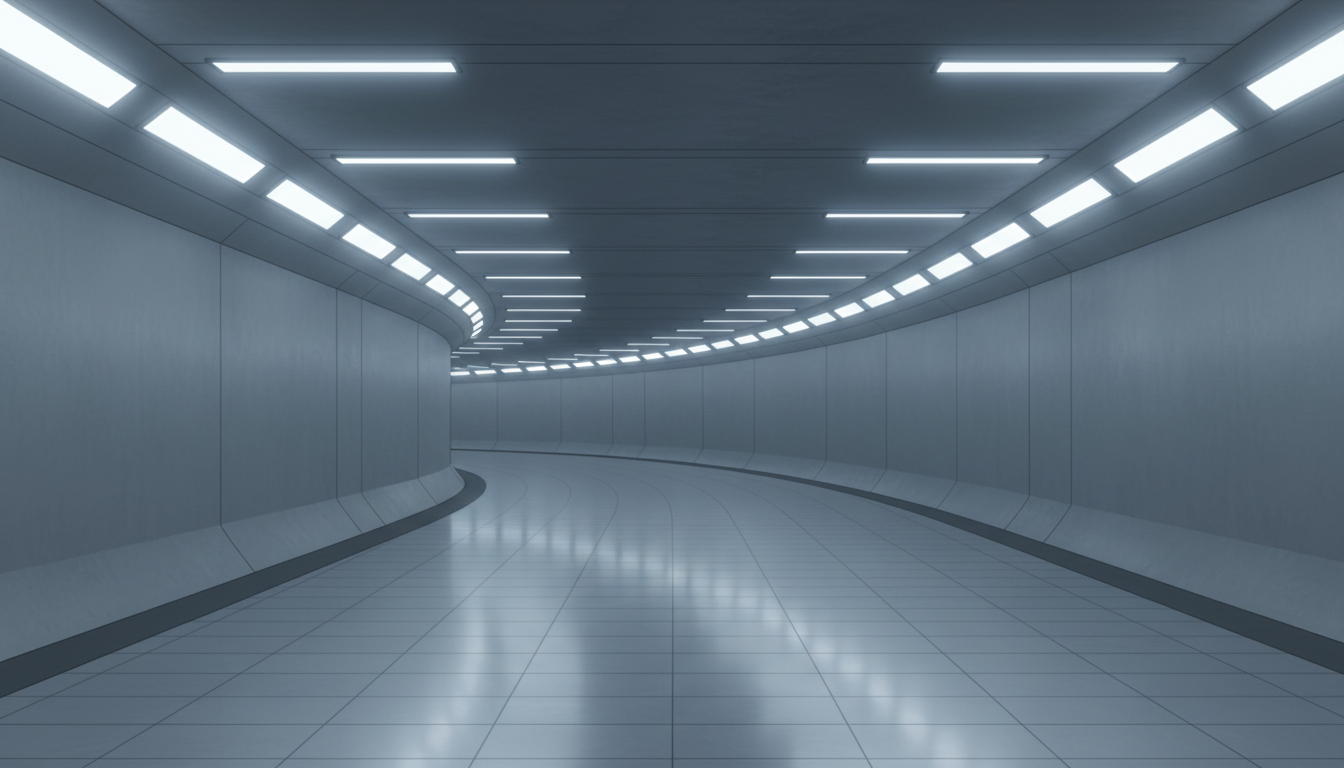
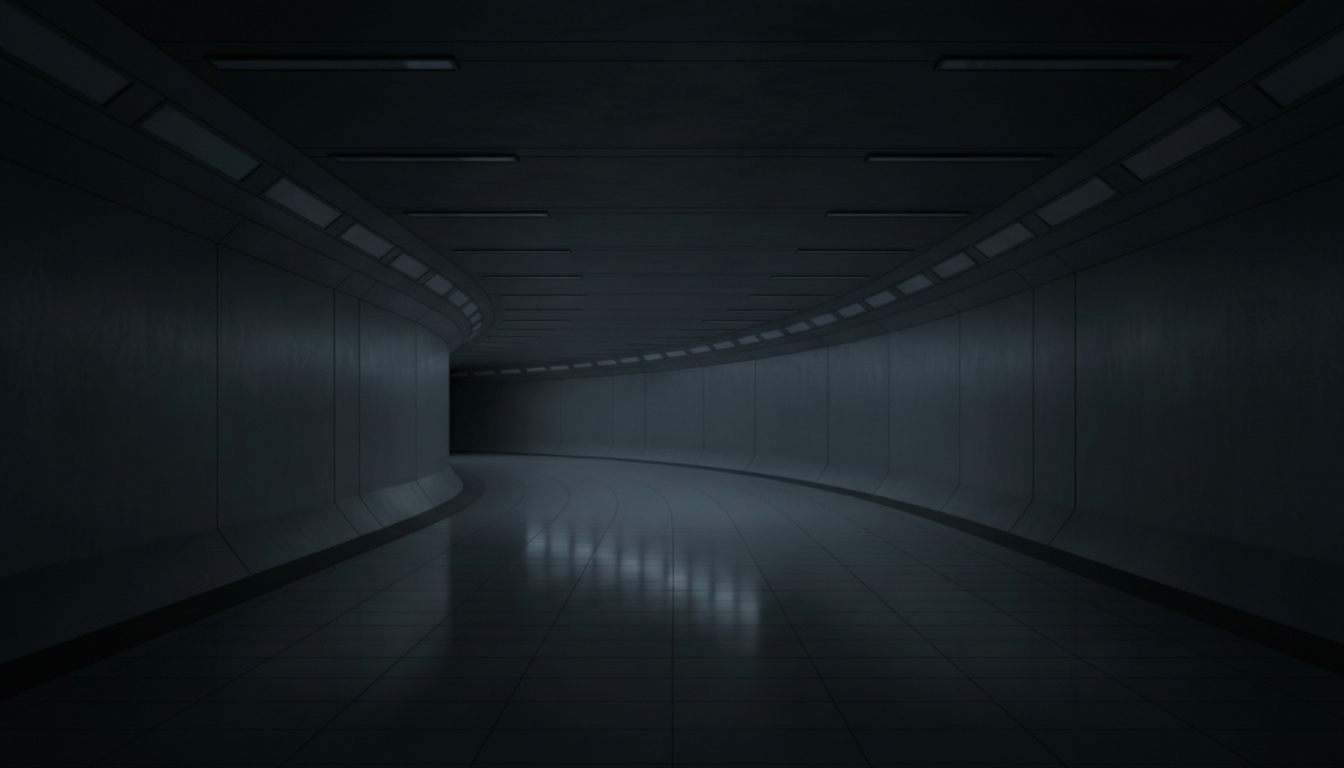
Dark Near-Future Underground Passage | A Quiet, Tense Sci-Fi Space
A low-light composition suited for infiltration and exploration scenes.
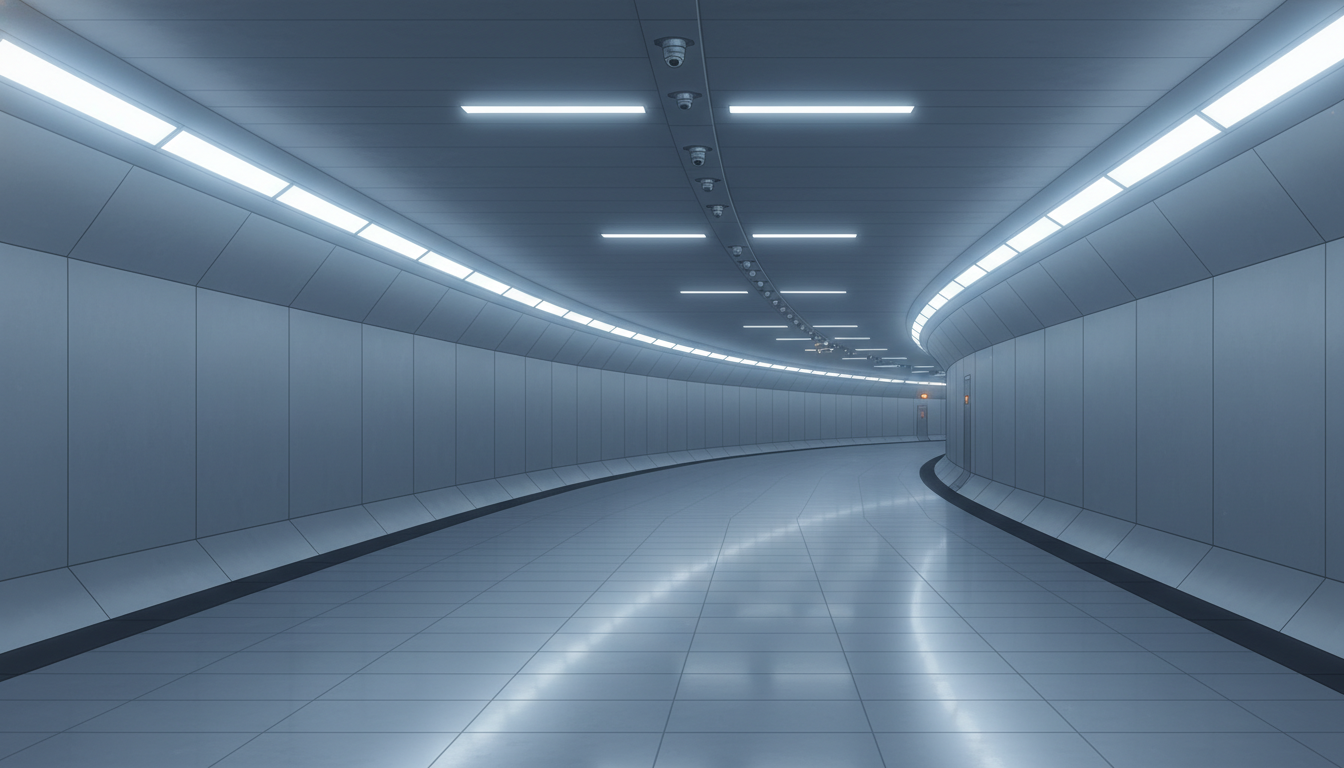
Curving Underground Passage | A Future Corridor with Strong Depth
A gentle curve enhances depth and creates natural immersion for movement scenes.
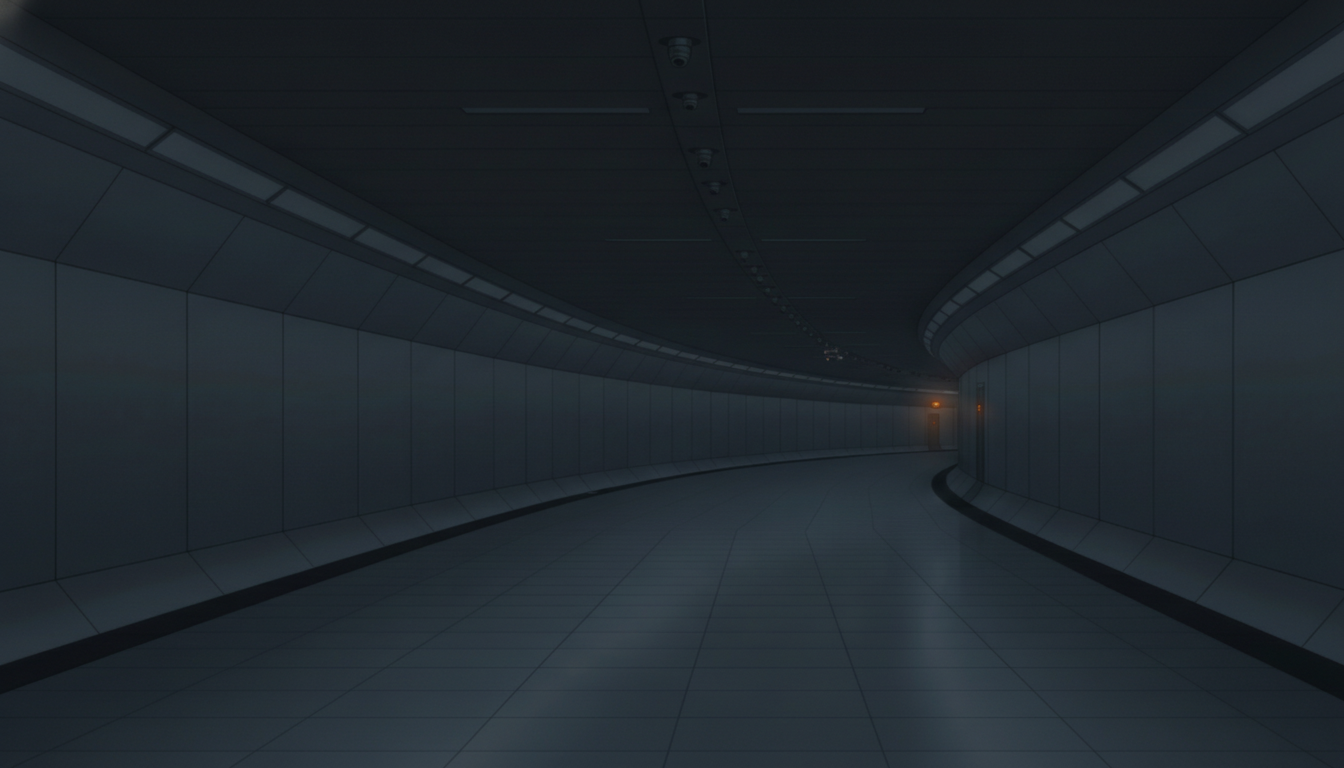
Empty Near-Future Underground Passage | A Silent Artificial Space
A deserted atmosphere ideal for sci-fi and mystery backgrounds.
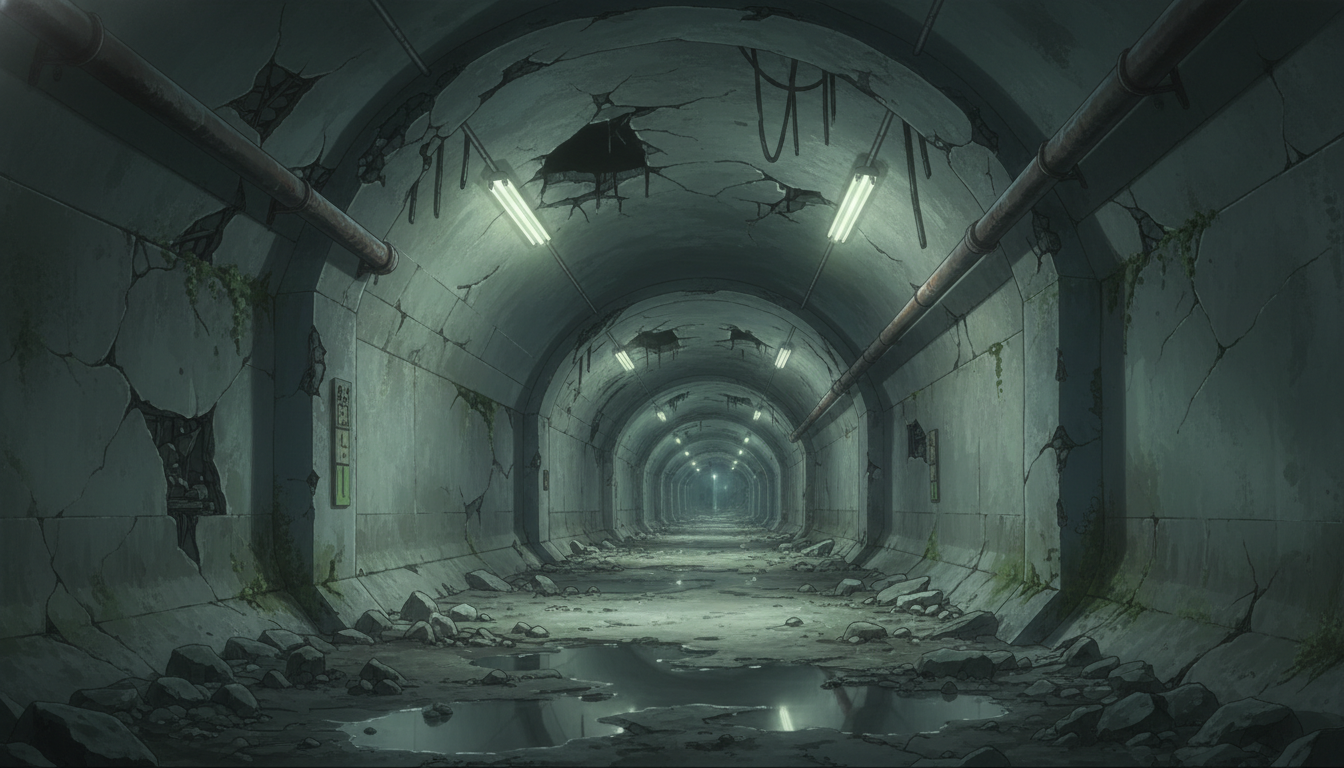
Collapsed Underground Passage | Ruins with Rubble and Puddles
A powerful ruined scene—great for post-apocalyptic worlds and exploration.
Blackout Ruined Underground Passage | A Fearful Tunnel That Steals Visibility
Lighting is cut, heightening anxiety—ideal for horror and tense sequences.
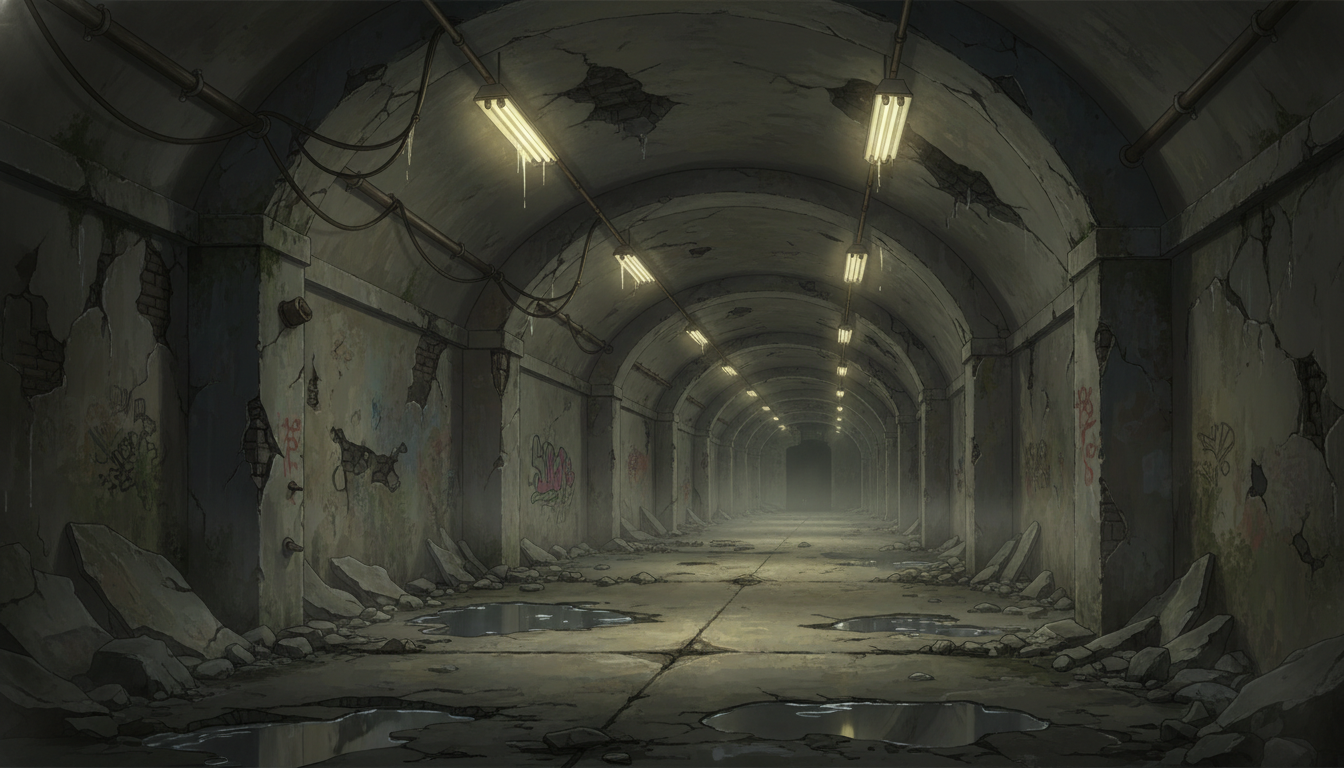
Aged Underground Passage | A Deteriorated Space with Graffiti
Cracked walls and graffiti realistically depict a rough, unsafe underground area.
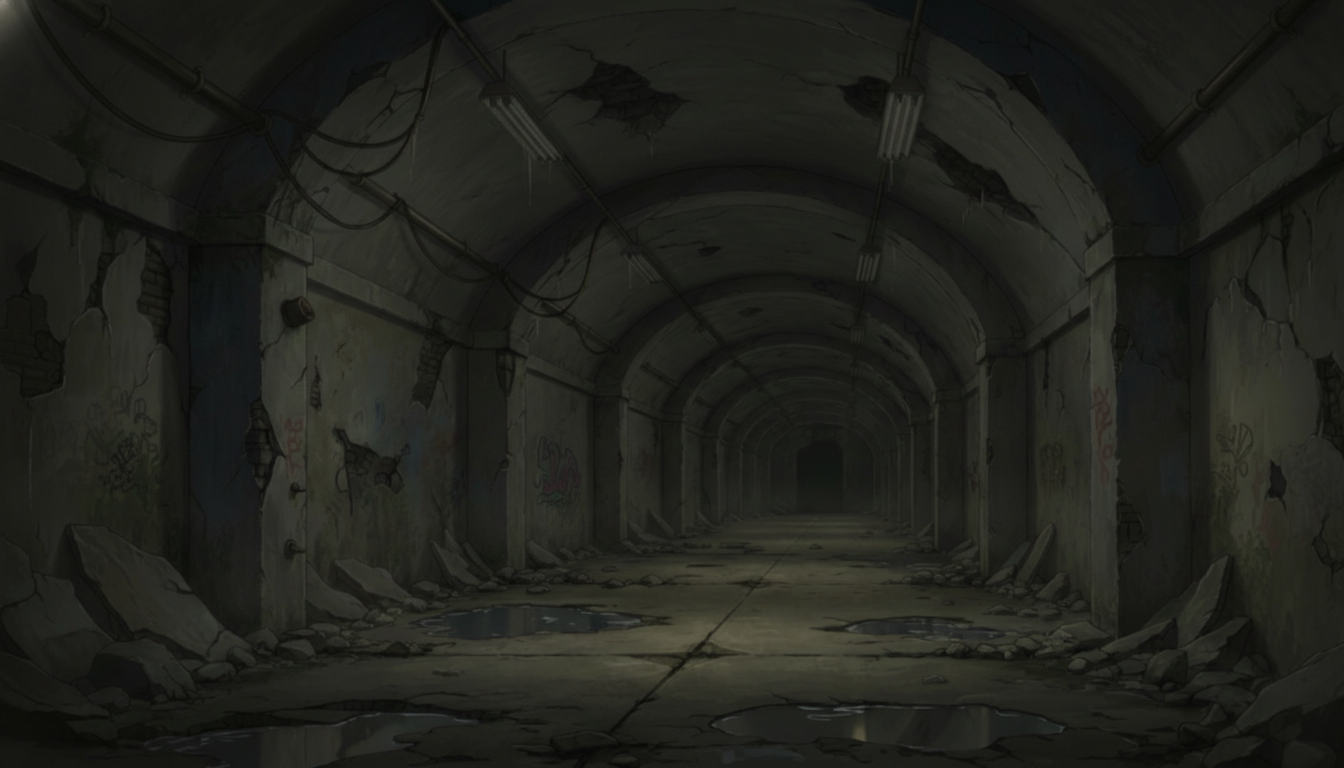
Dim Abandoned Underground Passage | A Long, Silent Corridor
A deep perspective that creates an eerie “no one is here” feeling.
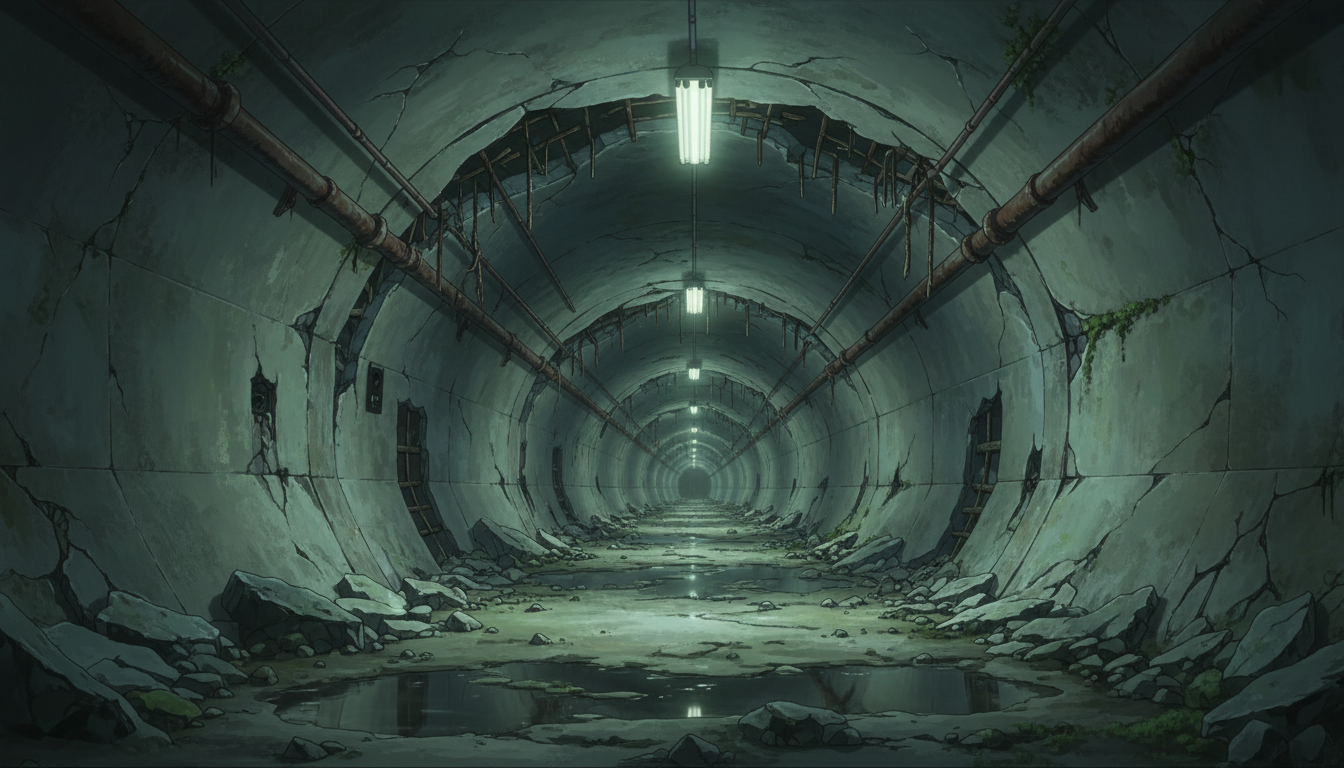
Collapsed Circular Underground Tunnel | A Sealed Space Leading Deeper In
Cylindrical structure plus rubble—great for escape and chase scenes.
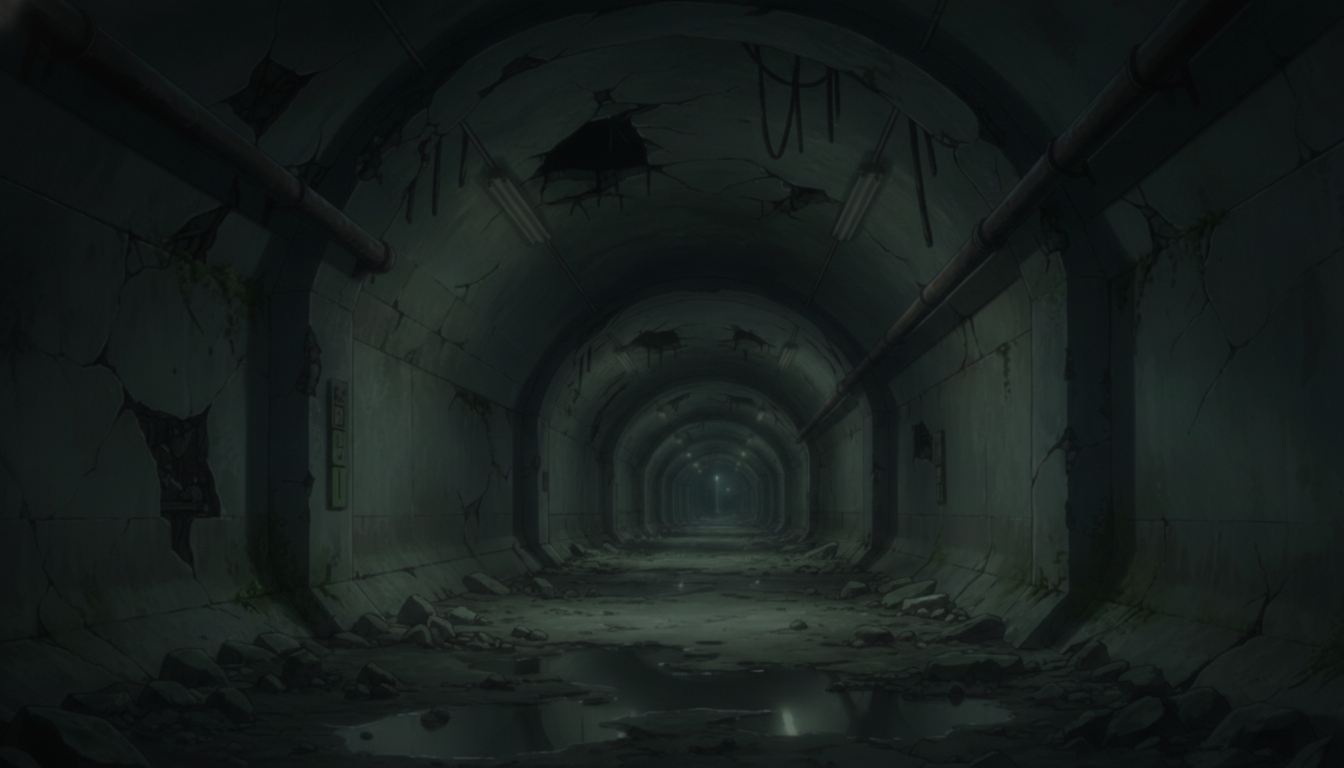
Circular Tunnel Sinking into Darkness | A Dangerous Low-Visibility Area
Low light adds tension for survival and stealth scenes.
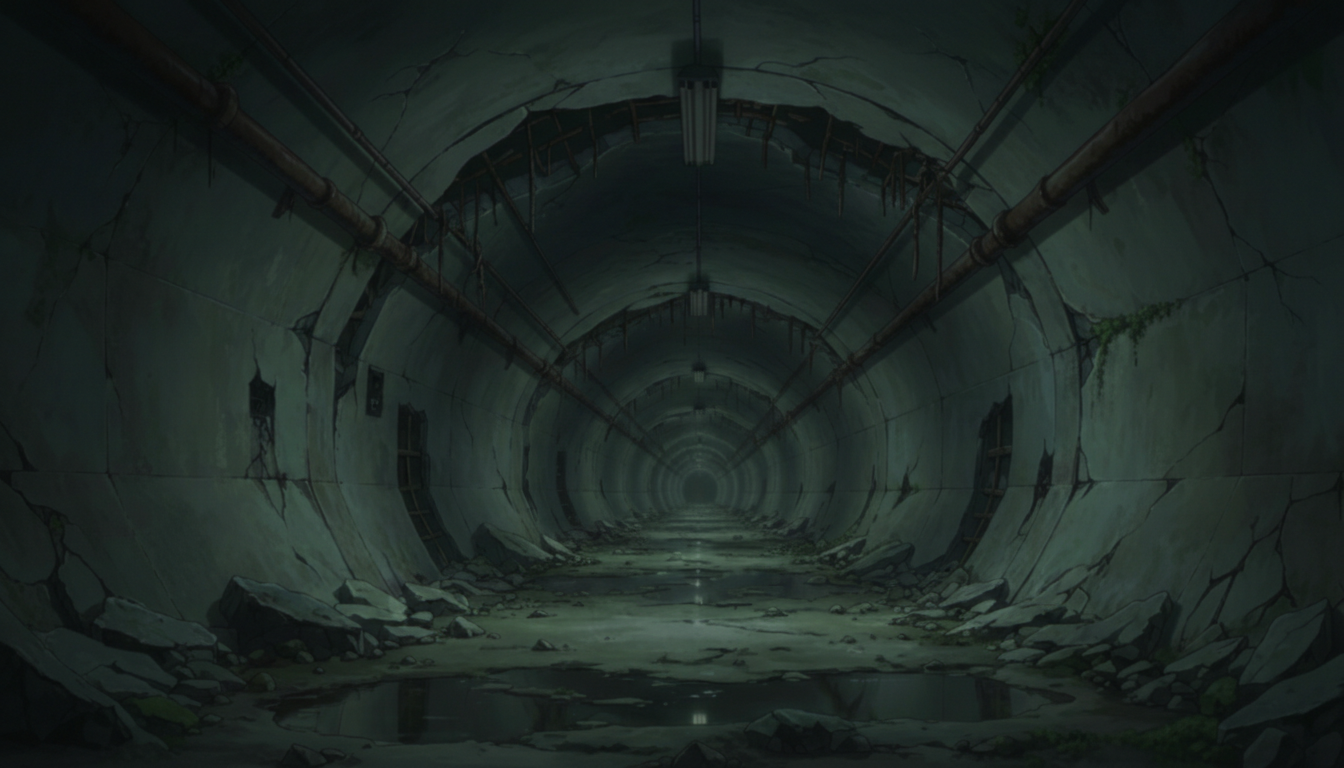
Underground Facility Corridor with Equipment | Industrial Ruin-Like Space
Dense pipes and devices—excellent for labs, facilities, and secret bases.
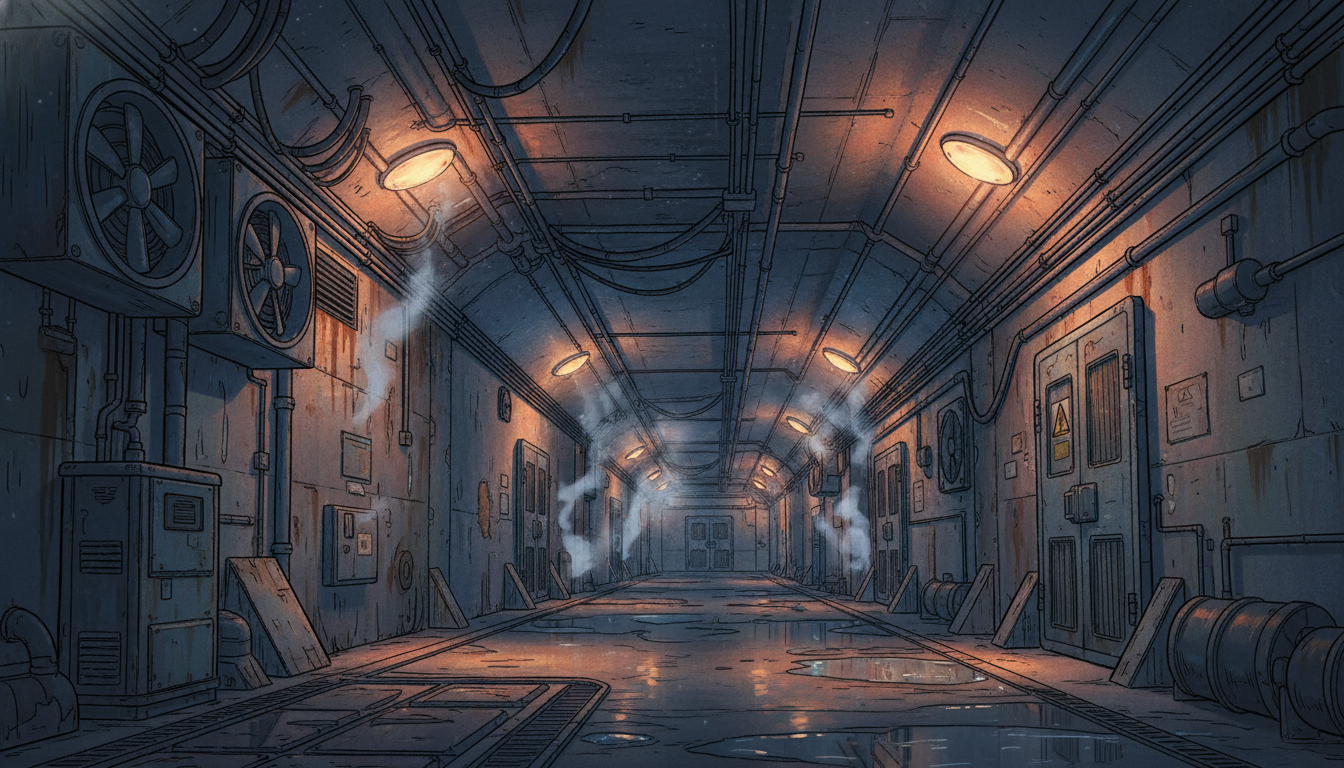
Blackout Underground Facility Corridor | Silence After an Incident
Dimmed lighting strongly conveys the aftermath of trouble or an abnormal event.
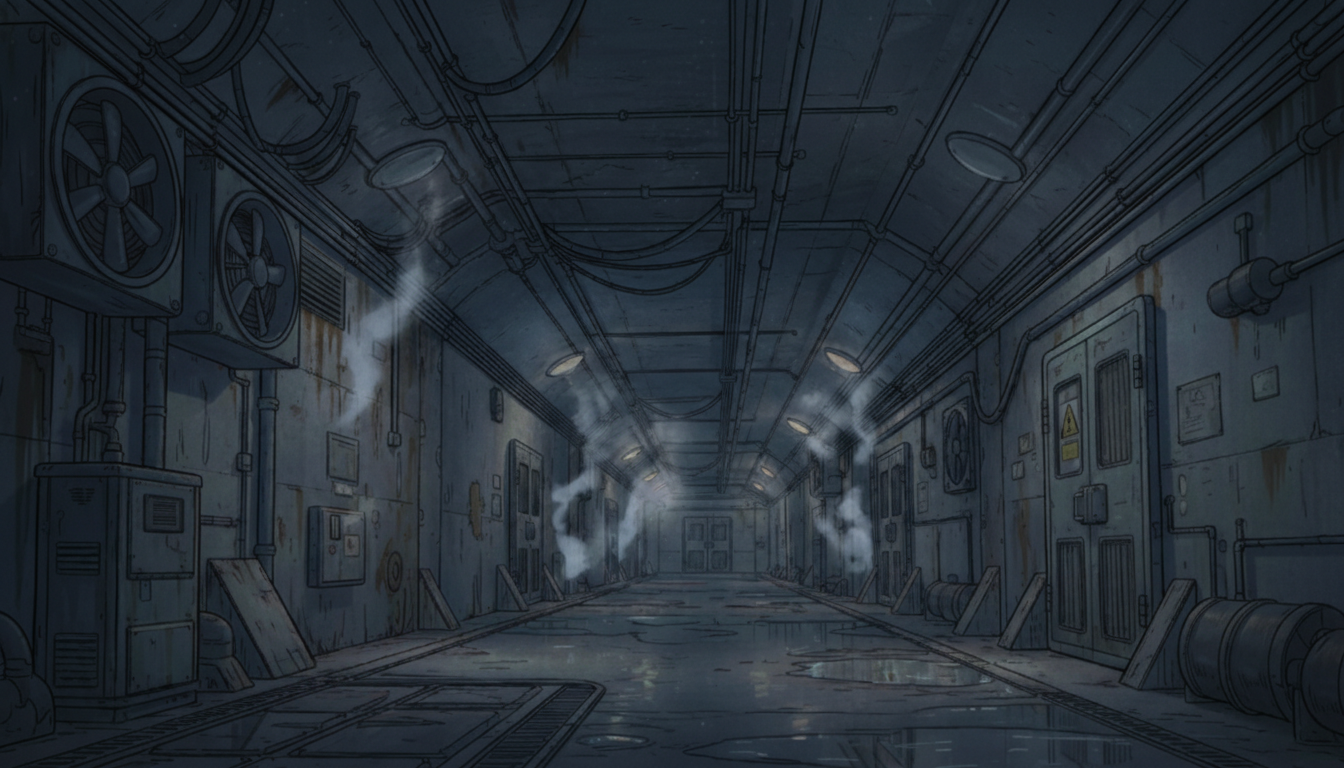
Cold Blue Underground Passage | An Impersonal Controlled Zone
Blue-toned lighting suggests management areas, containment, or isolation zones.
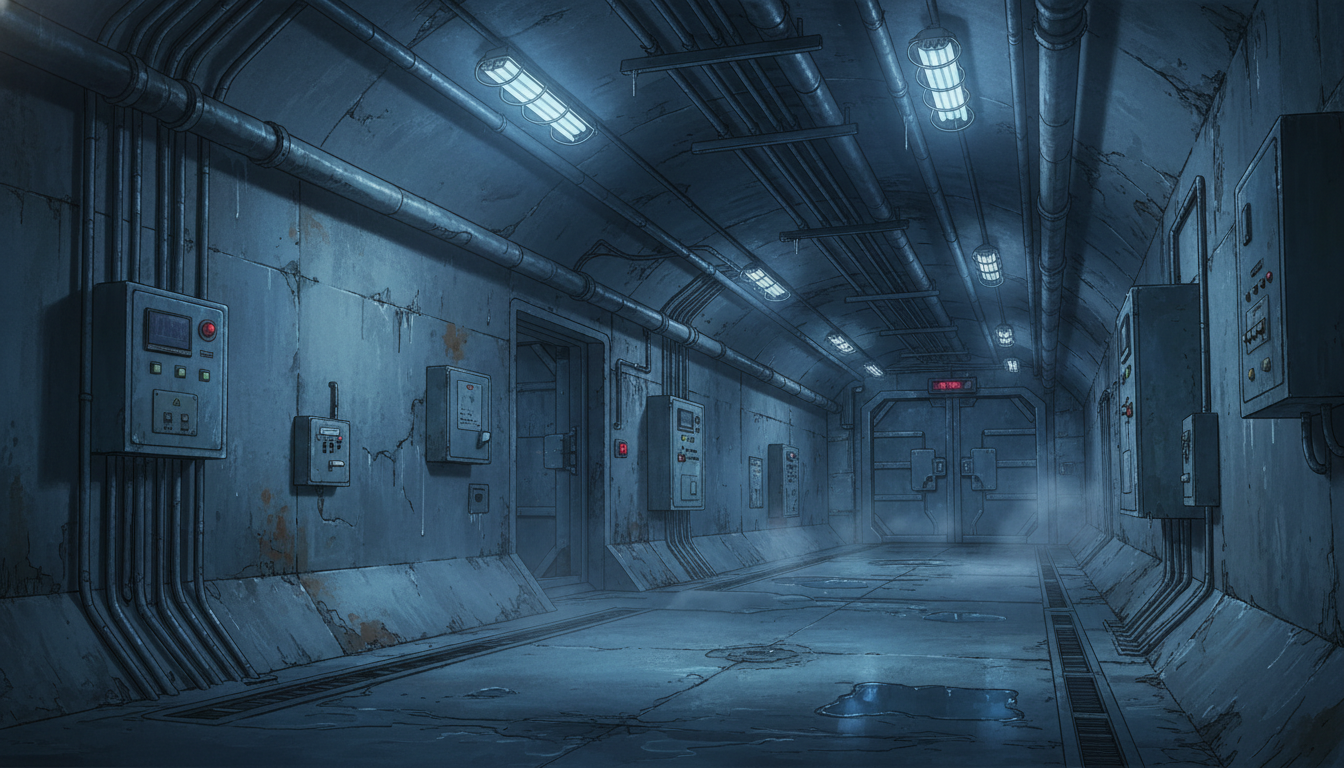
Dark Controlled Corridor | A Sealed Underground Section
Heavy doors and darkness fit turning points or “deepest area” scenes.
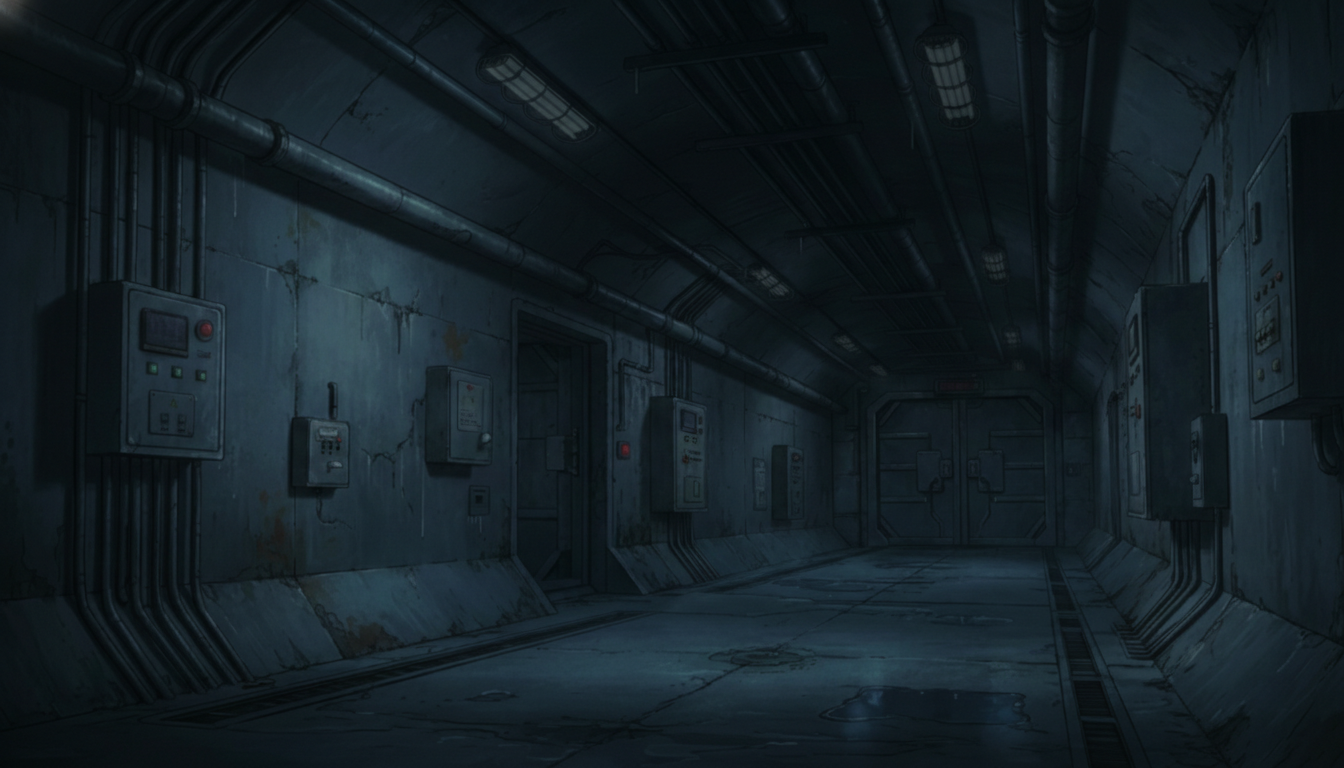
Curving Underground Facility Corridor | A Managed Area Filled with Pipes
Curved structure and piping work well for secret-base corridor depictions.
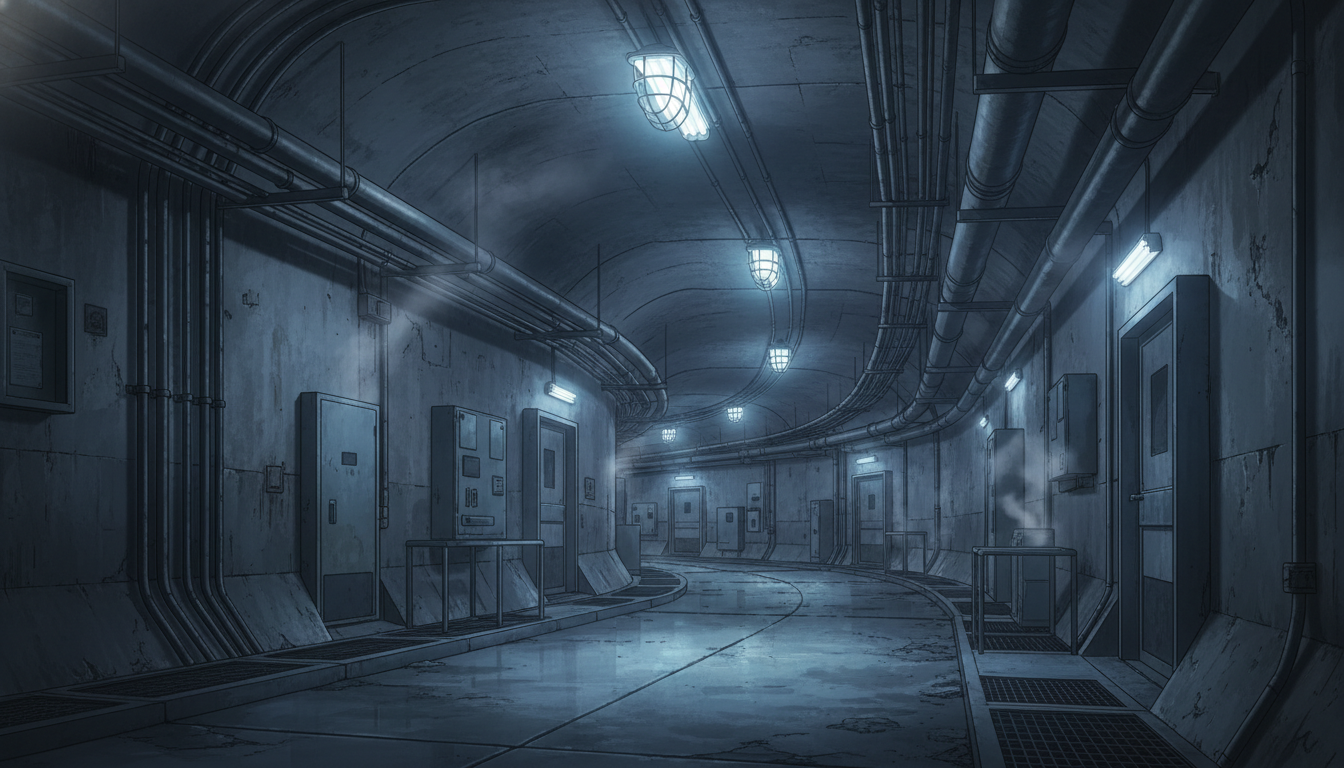
Blackout Facility Corridor | An Emergency Space with Rising Tension
Reduced lighting emphasizes alerts, abnormalities, and high-security moments.
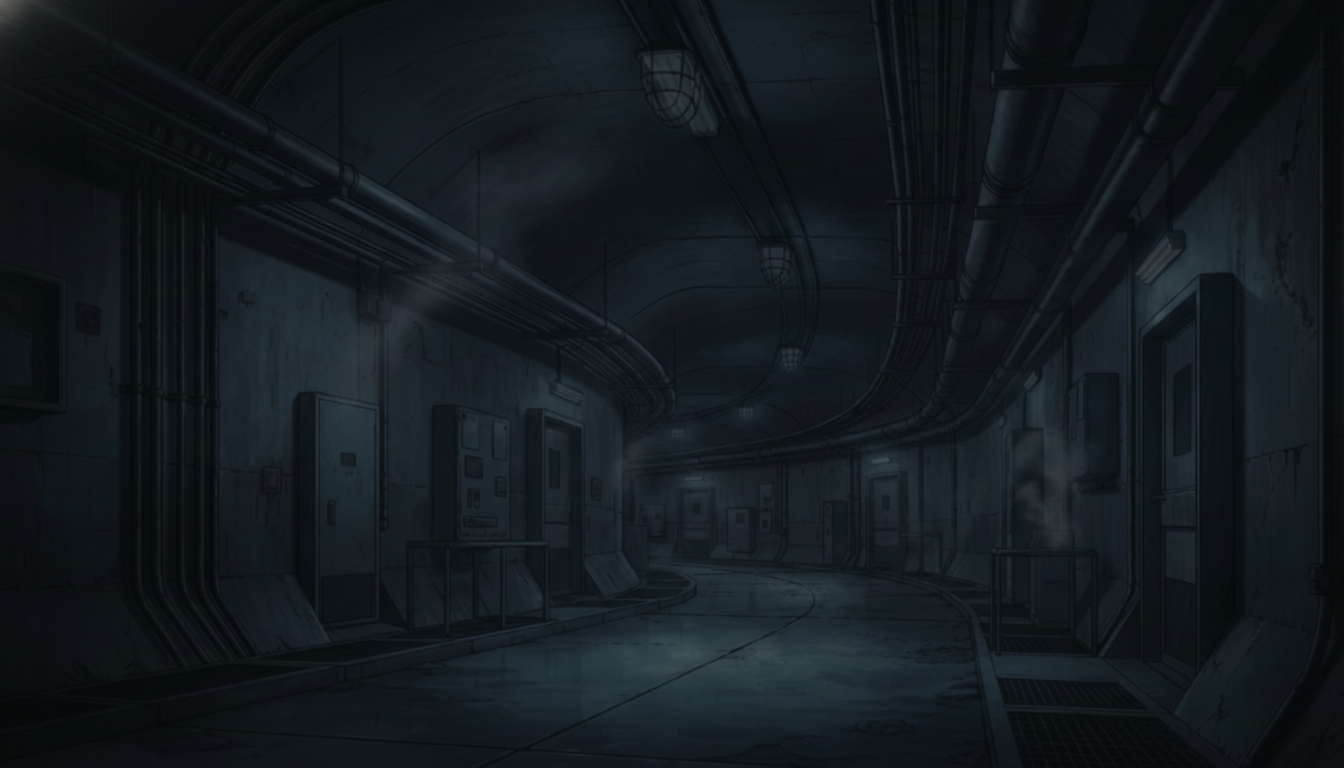
Underground Corridor with Stairs | A Branch Area for Vertical Movement
Stairs and a long corridor together—ideal for exploration and decision points.
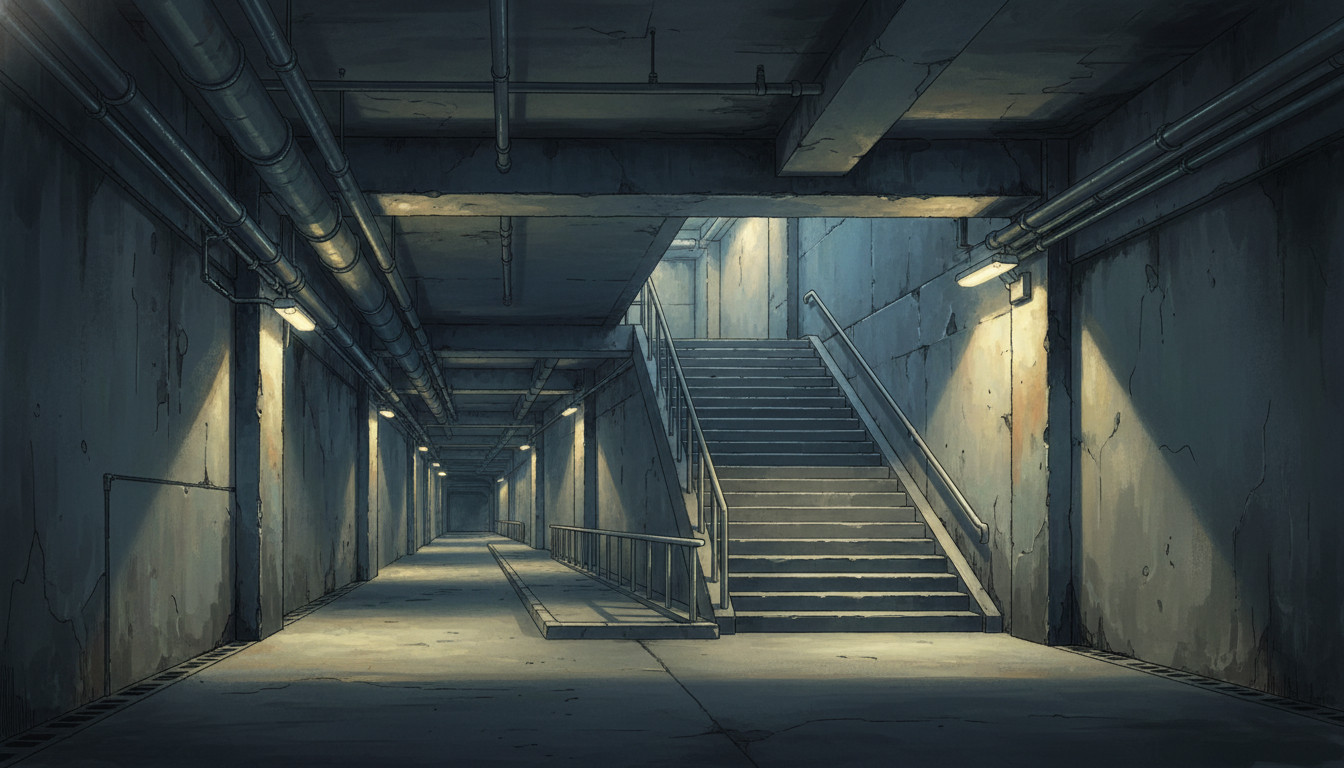
Dark Underground Corridor with Stairs | A Quiet Escape Route
A subdued composition suited for逃走/stealth/hiding scenes.
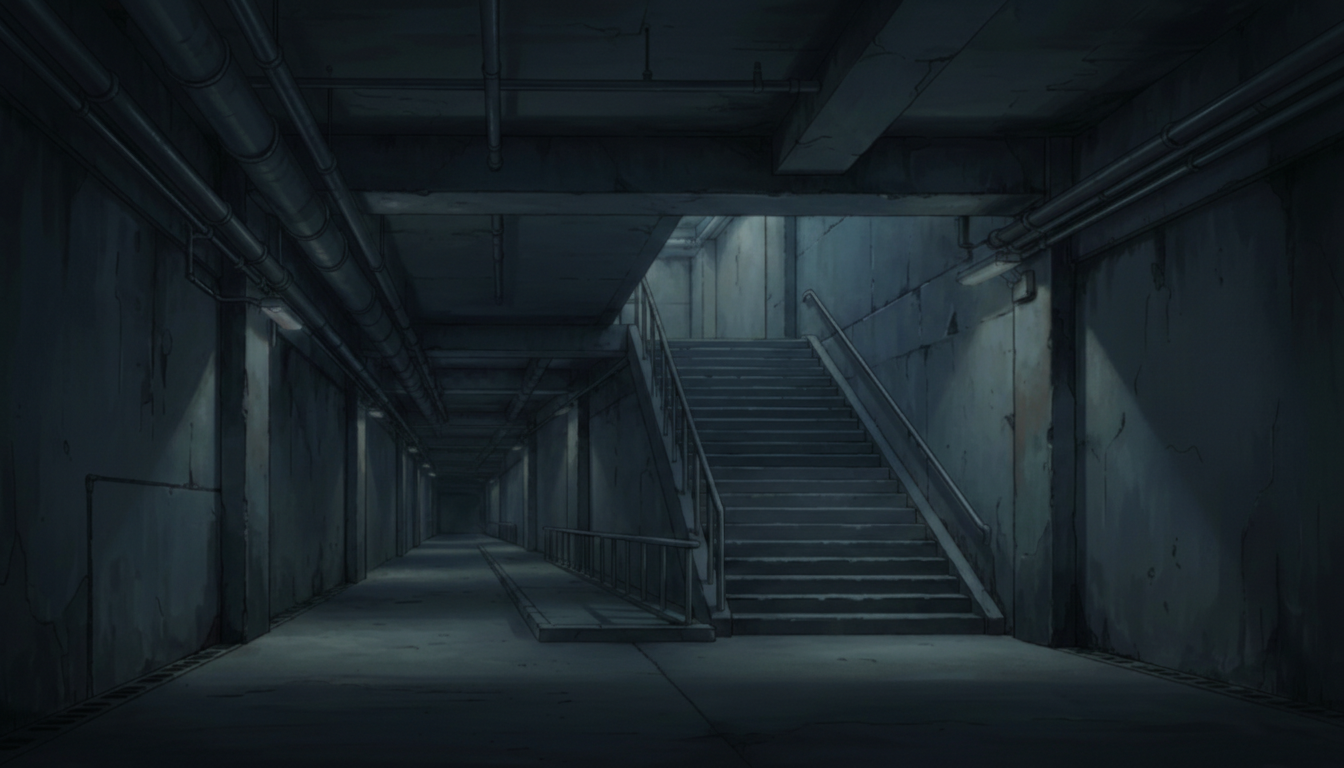
Underground Stair Corridor | A Sterile Structure Leading Deeper
Regular stairs and lighting convey scale inside a facility.
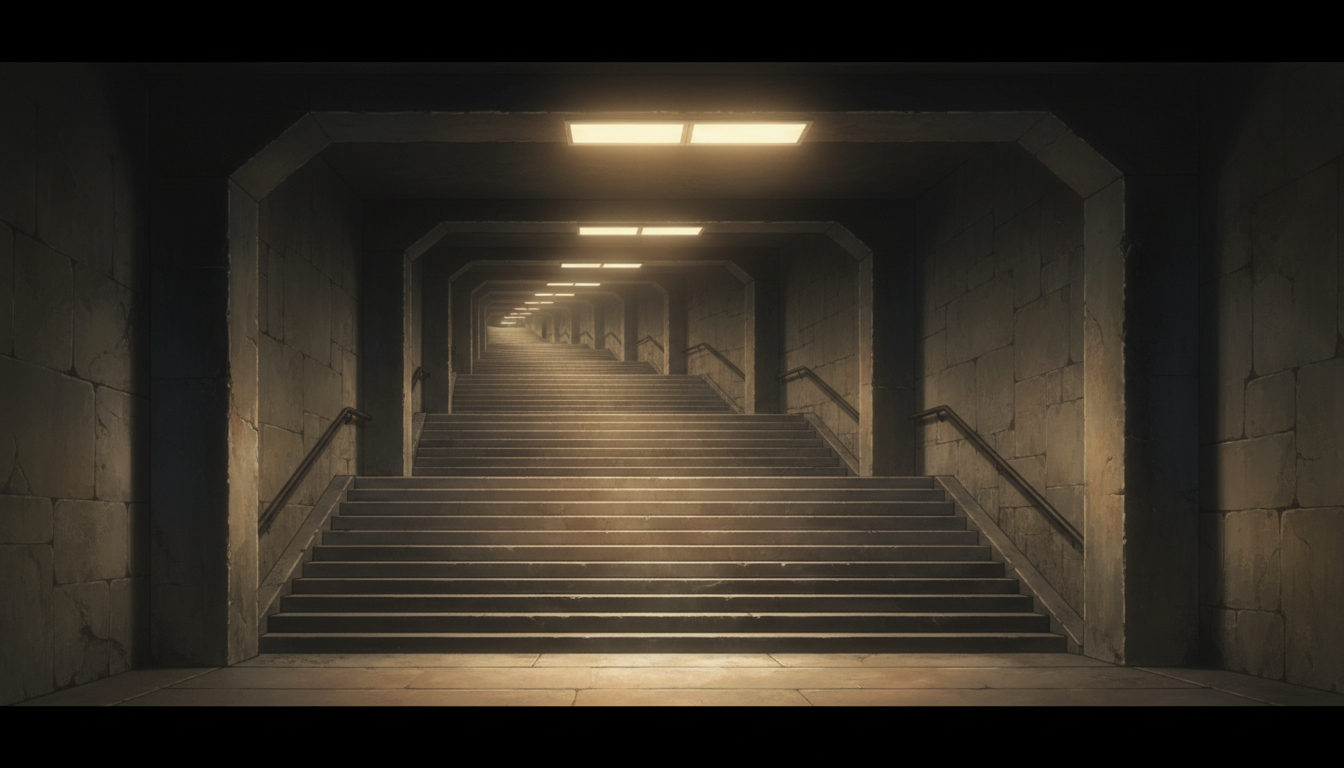
Blackout Underground Stairs | A Composition Suggesting an Endpoint
Stairs disappearing into darkness heighten anxiety and tension.
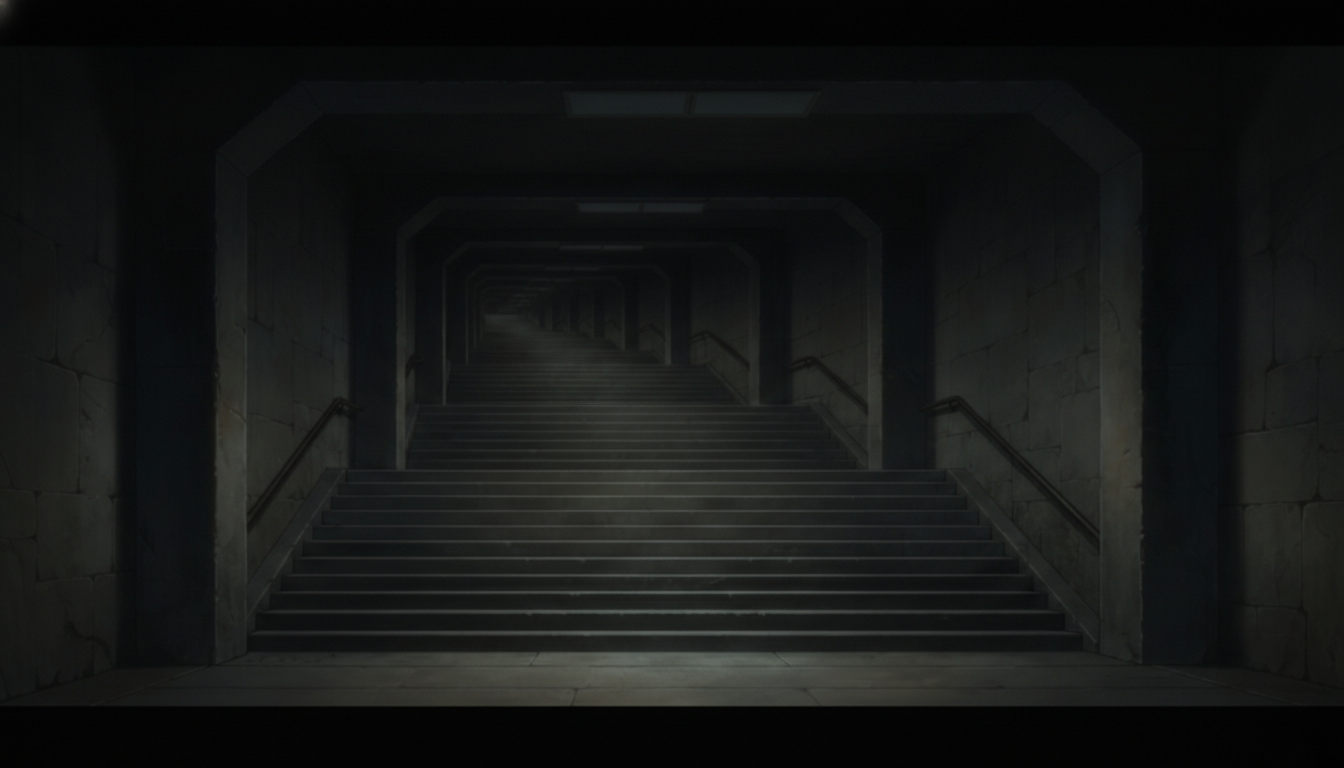
Underground Stairs Lit by Lights | A Grand, Artificial Space
Orderly structure fits important locations and major story turns.
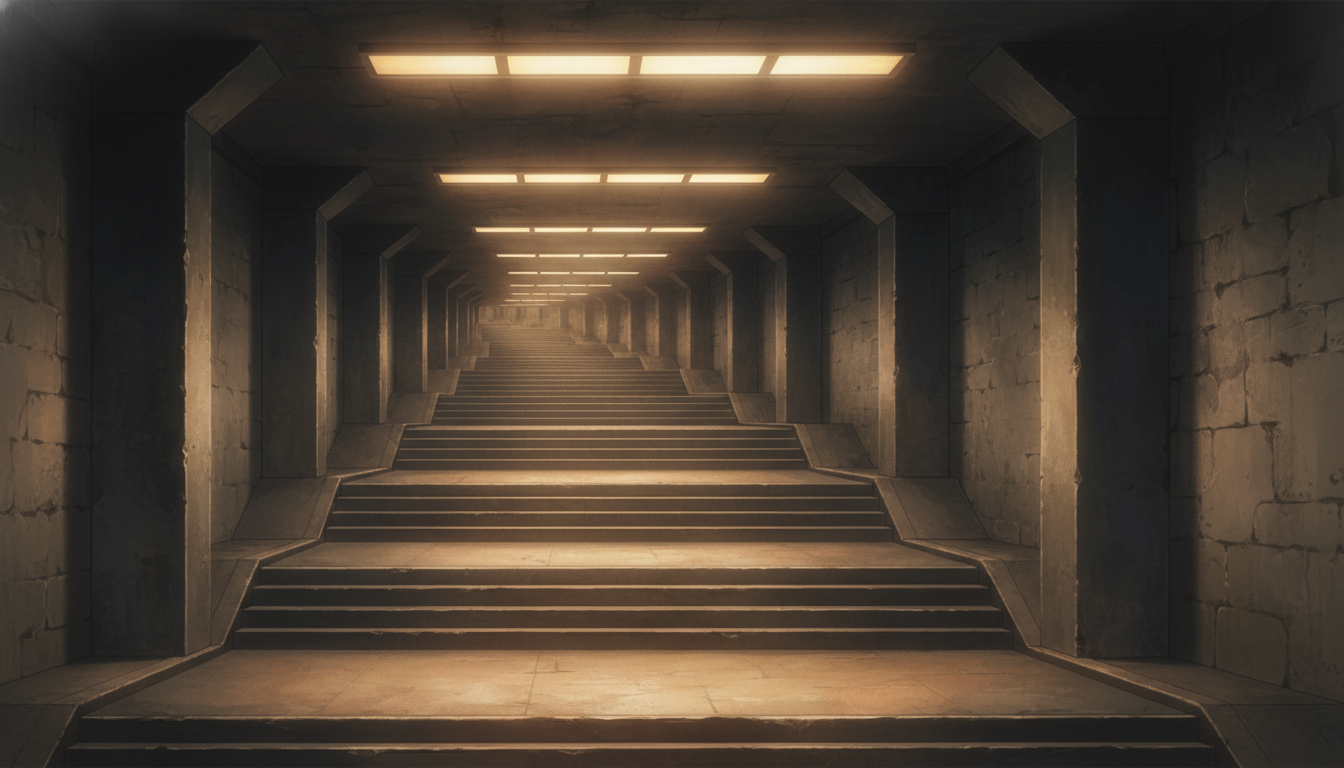
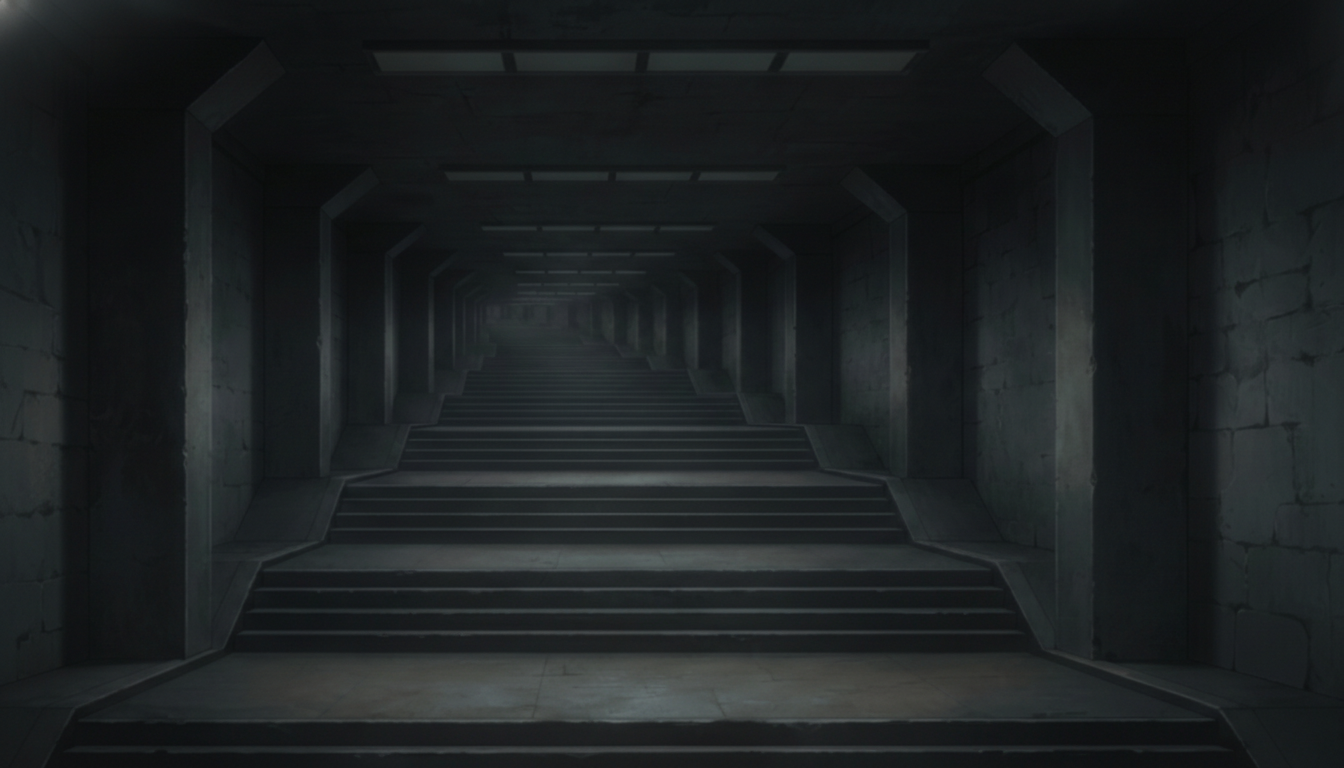
Dim Massive Underground Stairs | A Closed Space Leading to the Depths
Deep perspective strongly suggests descending toward the deepest zone.
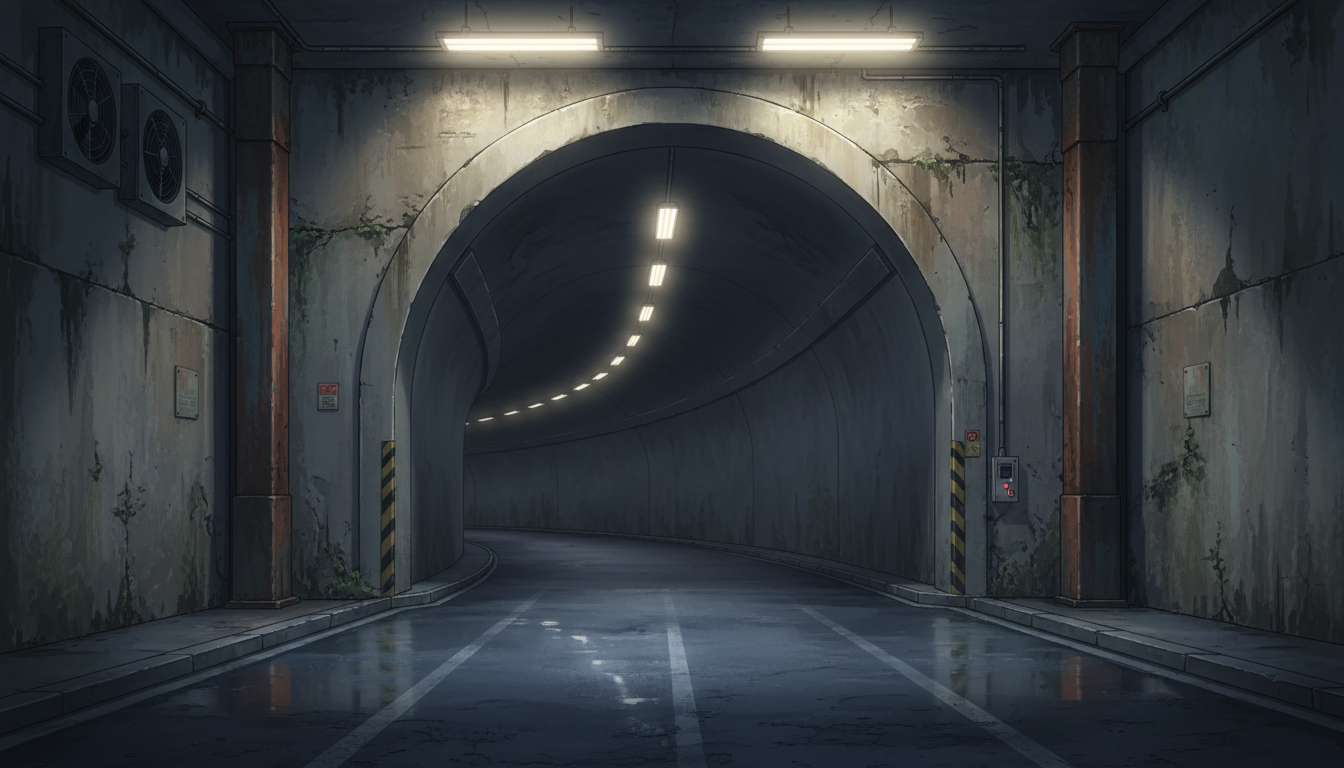
Underground Tunnel Entrance | The Start of a Curving Passage
An arched entrance is ideal as an intro scene into an underground world.
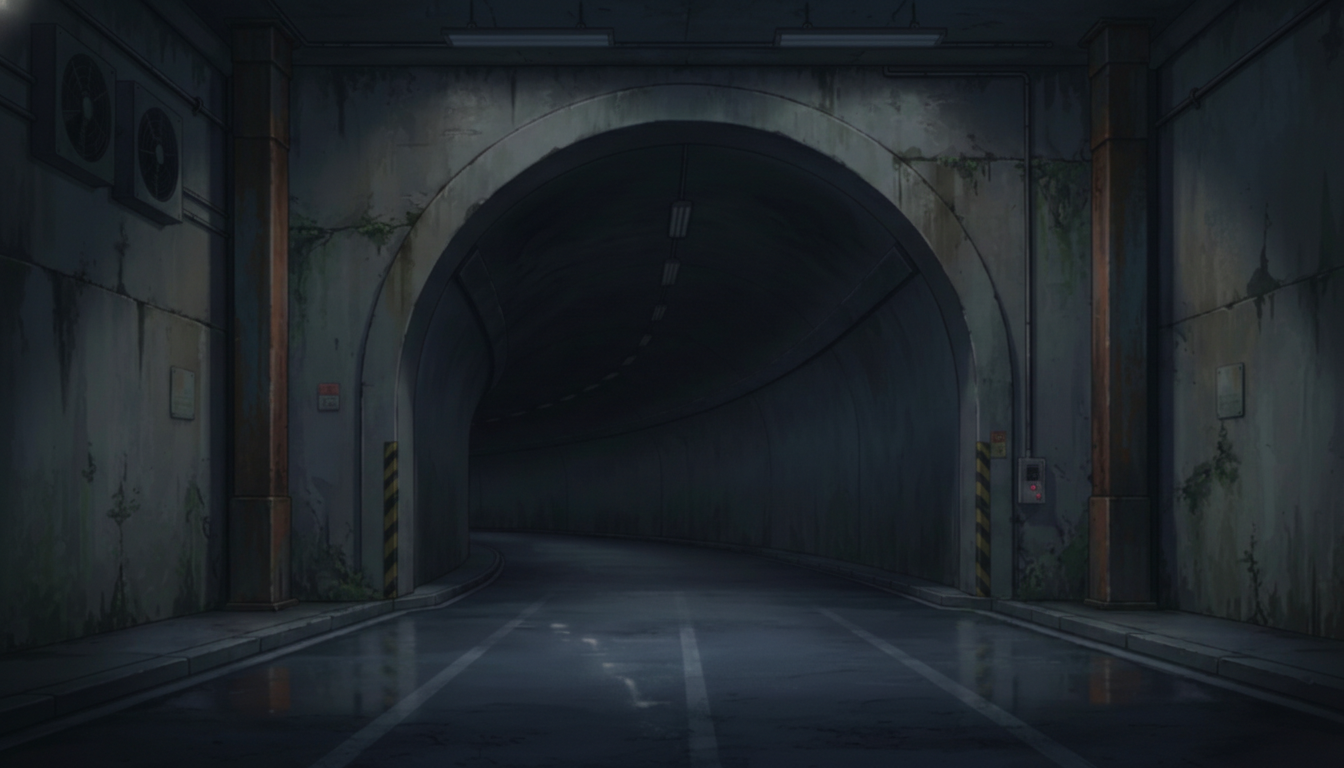
Dark Tunnel Entrance | A Boundary Leading into the Unknown
A depth without light supports ominous beginnings and unsettling developments.
How to Use in copainter
Mass-produce variations with the AI Assistant
Download the images above and load them into copainter as reference images. You can optimize them for your work by changing time of day (morning / evening / night), replacing the sky, or adding props.
Upscale to 4000px+ with the Upscaling AI
Use the Upscaling AI to increase resolution to a size suitable for most productions.
https://www.copainter.ai/ja/upscaling
Convert into manga-ready backgrounds with the Inking AI
Load the image as a reference for the Inking AI to simplify lines and make it easier to use in manga. Try different pen touches to add originality.
https://www.copainter.ai/ja/inking
Change the aspect ratio with the AI Assistant
If you like an illustration but the aspect ratio doesn’t fit, you can ask the AI Assistant to adjust the aspect ratio.
Terms of Use (License)
- Eligible users: Users with an active copainter subscription
- Scope of use: Limited to works created using copainter; commercial use and free use are allowed
- Modifications: Allowed (cropping / edits / color changes / vectorization, etc.)
- Credit: Not required
- Prohibited: Redistributing or selling the asset files / claiming the assets as your own / commercial use outside of copainter
- Disclaimer: The provider assumes no responsibility for any damages or losses resulting from use of these assets.
FAQ
Q. I want higher-resolution assets.
A. Please use copainter’s Upscaling AI. You can upscale up to 4× in both width and height, which is sufficient for commercial work.
Q. Can I use them outside of copainter?
A. If you are a copainter subscriber and you are using them as part of creating works that utilize copainter, commercial use is allowed and free of charge. Editing in external software for the purpose of using them in copainter-based production is also fine. As long as copainter is used as part of the production process, usage is permitted.
Q. Is it OK to use them in commercial projects?
A. Yes—commercial use is allowed when producing works using copainter. Your entire work does not need to be made only with copainter. Redistributing or selling the asset files themselves is not allowed.
Q. Are there more free assets?
A. Yes. We provide not only background illustrations but also pose packs and more. Please check “assets” here:
https://blog.copainter.ai/tag/assets/FAQ
Q. I want higher-resolution materials.
A. Use copainter’s Upscaling AI. You can upscale up to 4× in both width and height, making it suitable for commercial use.
Q. Can I use these outside copainter?
A. If you are a copainter subscriber and use them for works created using copainter, commercial use is allowed and free of charge. Edits using external services are also fine as long as the purpose is to use them in works created with copainter. As long as copainter is used for some part of the production process, it is allowed.
Q. Can I use these in commercial projects?
A. Yes, if the work is produced using copainter, commercial use is allowed. You do not need to create the entire work solely with copainter. Redistribution or resale of the assets themselves is not permitted.
Q. Are there other free pose collections?
A. Yes. Please refer to the following:https://blog.copainter.ai/tag/assets-en/
If you haven’t used copainter yet, this is a great opportunity—please sign up for copainter using the link below!
You can find copainter Learn, our media hub packed with tips and best practices for using copainter effectively, at the link below.