
[Free Download] Female Laptop-Use Pose Pack — Free to Use (Commercial OK) for copainter Users
A free pose-base pack of women using a laptop. Free to use with commercial rights, and tracing or edits are allowed.
![[Free Download] Female Laptop-Use Pose Pack — Free to Use (Commercial OK) for copainter Users](/content/images/size/w1200/2026/01/header_pose-collection_laptop-computer.png)
We are distributing a female laptop-working pose pack that is easy to use for illustration, manga, anime, game, and Webtoon production.
You can use these poses when generating illustrations with pose guidance in copainter, or as rough drafts for character illustrations. Tracing and additional edits are allowed.
The license for the downloadable images is described toward the bottom of this page.
File Details
- Format: PNG (white background)
- Resolution: 1024 × 1024 px (square)
- Download: Please download and save the attached images on this page directly
(Note: No ZIP file is provided)
Female Laptop-Working Poses (Download Available)
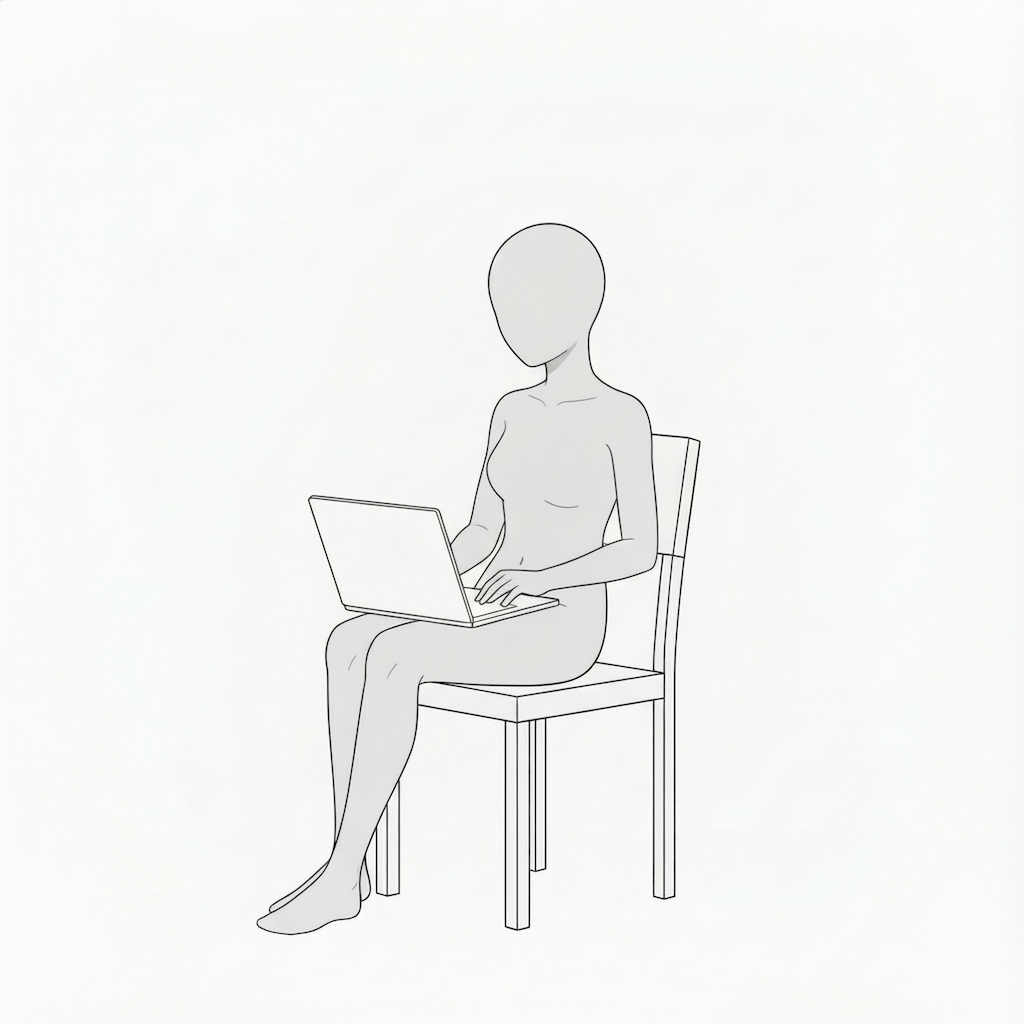
Woman working with a laptop on her lap | Seated pose
A natural seated pose suitable for remote work scenes, with a laptop resting on the knees.
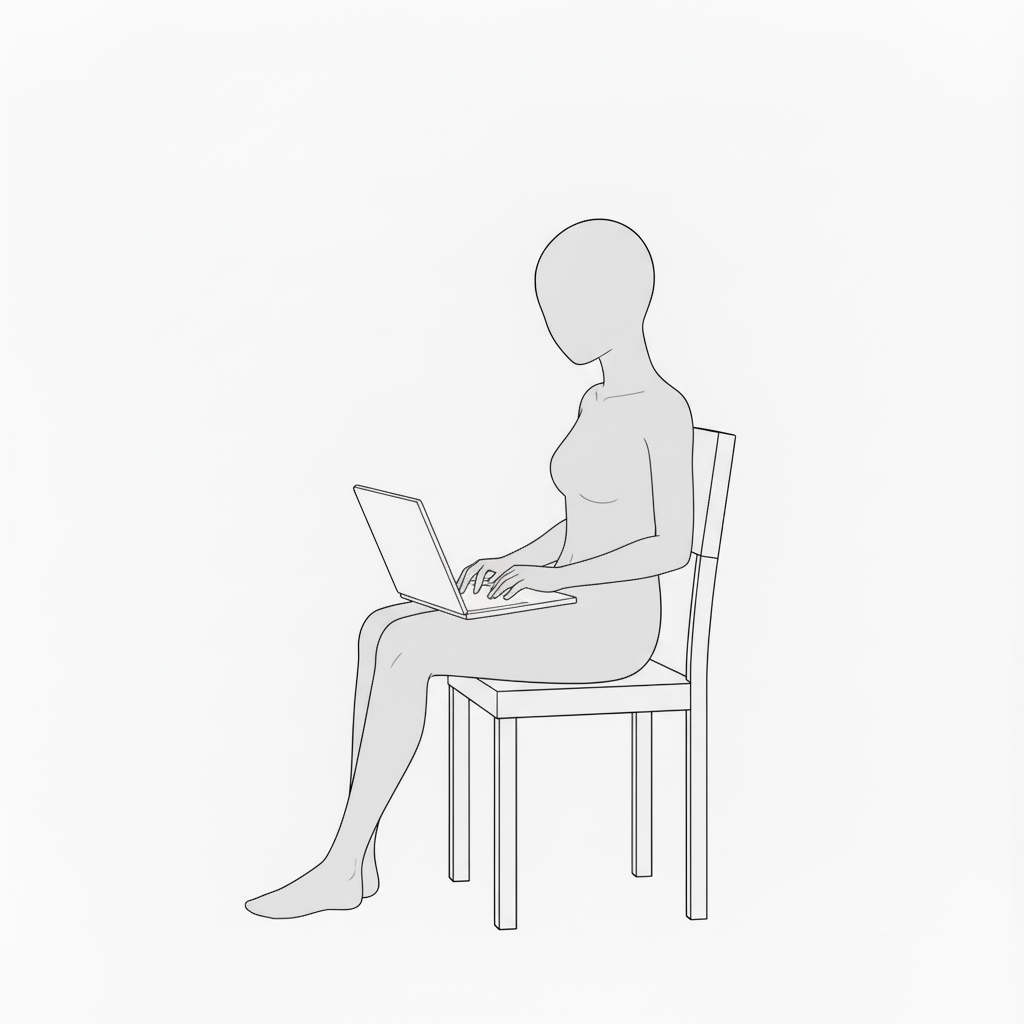
Side-view typing woman | Laptop work pose
A side-facing composition that conveys focused work while facing the screen.
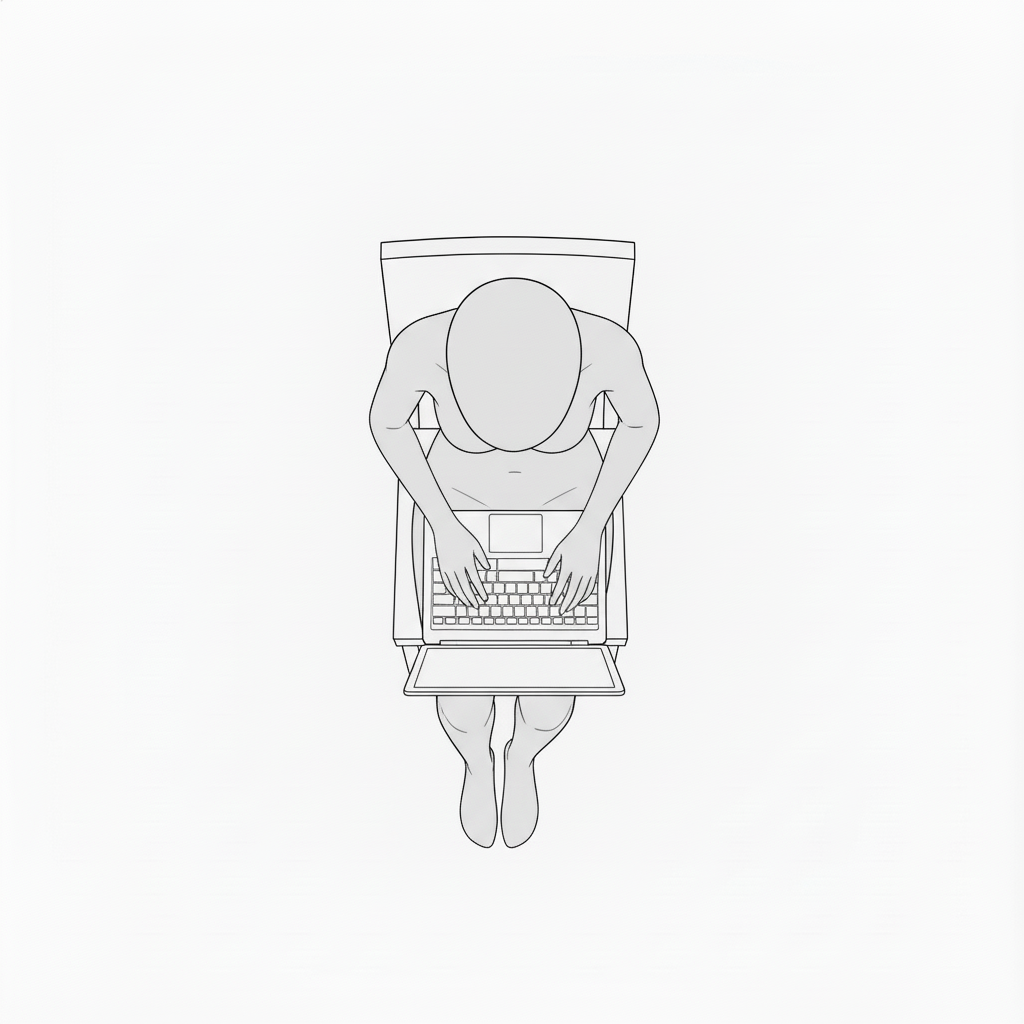
Top-down laptop work | Overhead pose
An overhead view where hands and keyboard are clearly visible—ideal for diagrams and UI-related visuals.
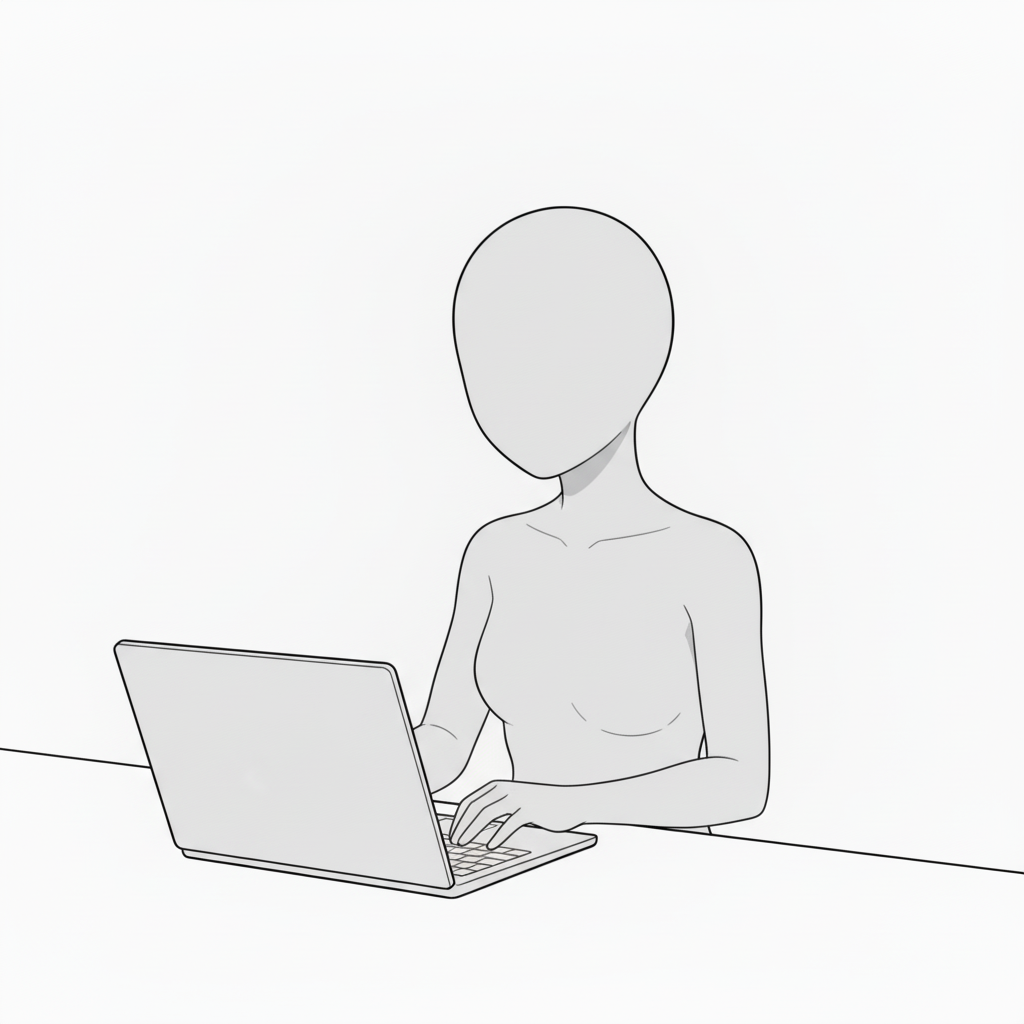
Woman using a laptop at a desk | Upper-body close-up
A classic desk-work scene that fits business or study-related imagery.
Woman supporting the screen with one hand | Laptop pose
A pose with movement, adding realism by touching the display while working.
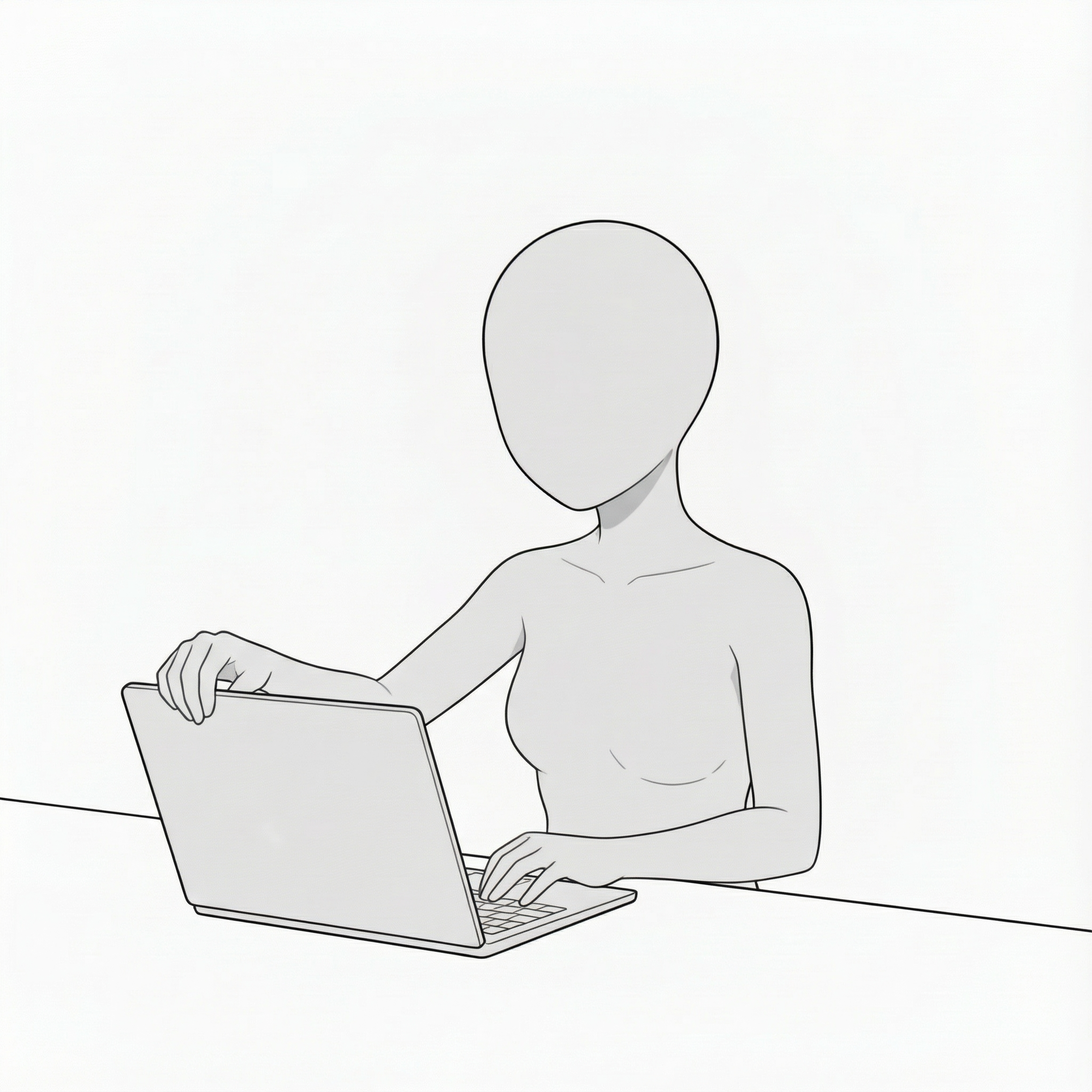
Woman working in profile | Side-view desk pose
Easy-to-read silhouette from the side, useful for dialogue scenes or explanatory cuts.
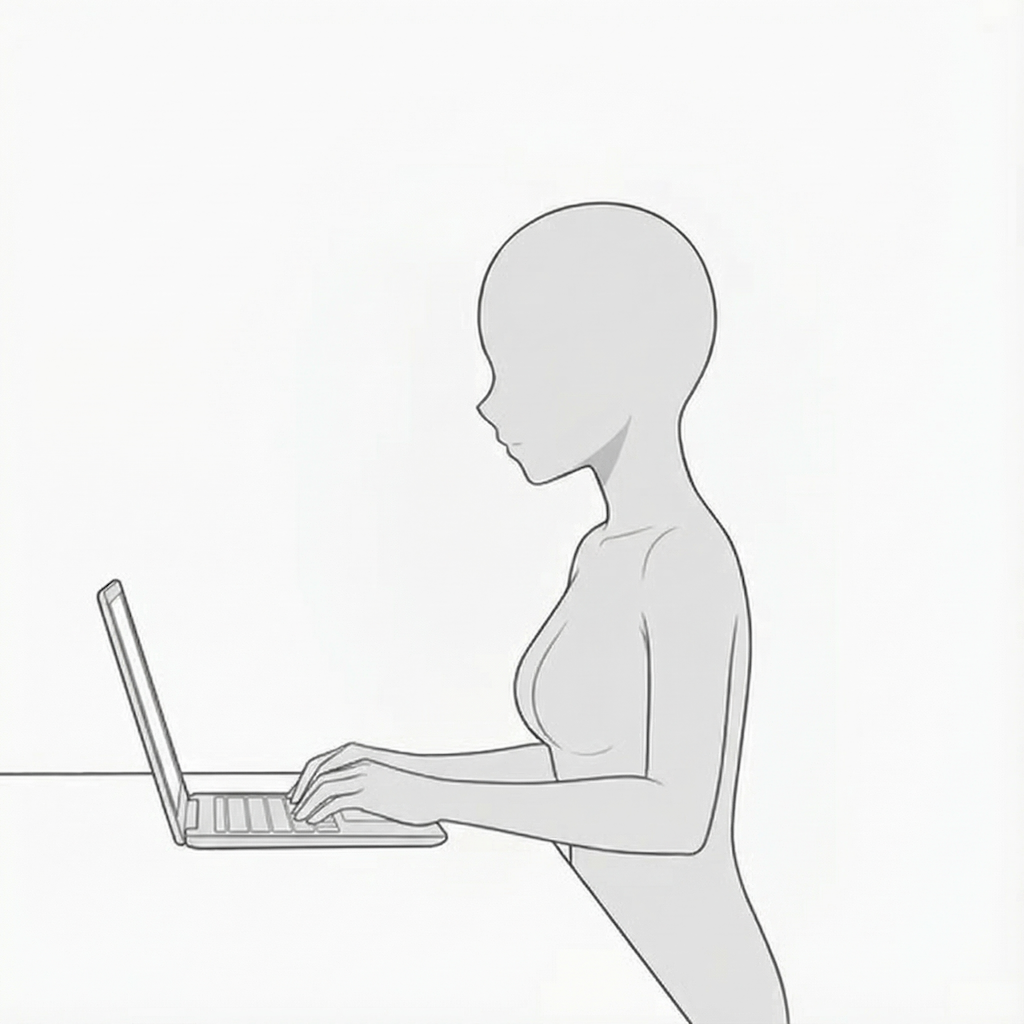
Laptop work on a desk | Overhead typing pose
A clear composition showing the flow from shoulders to hands, effectively conveying a work scene.
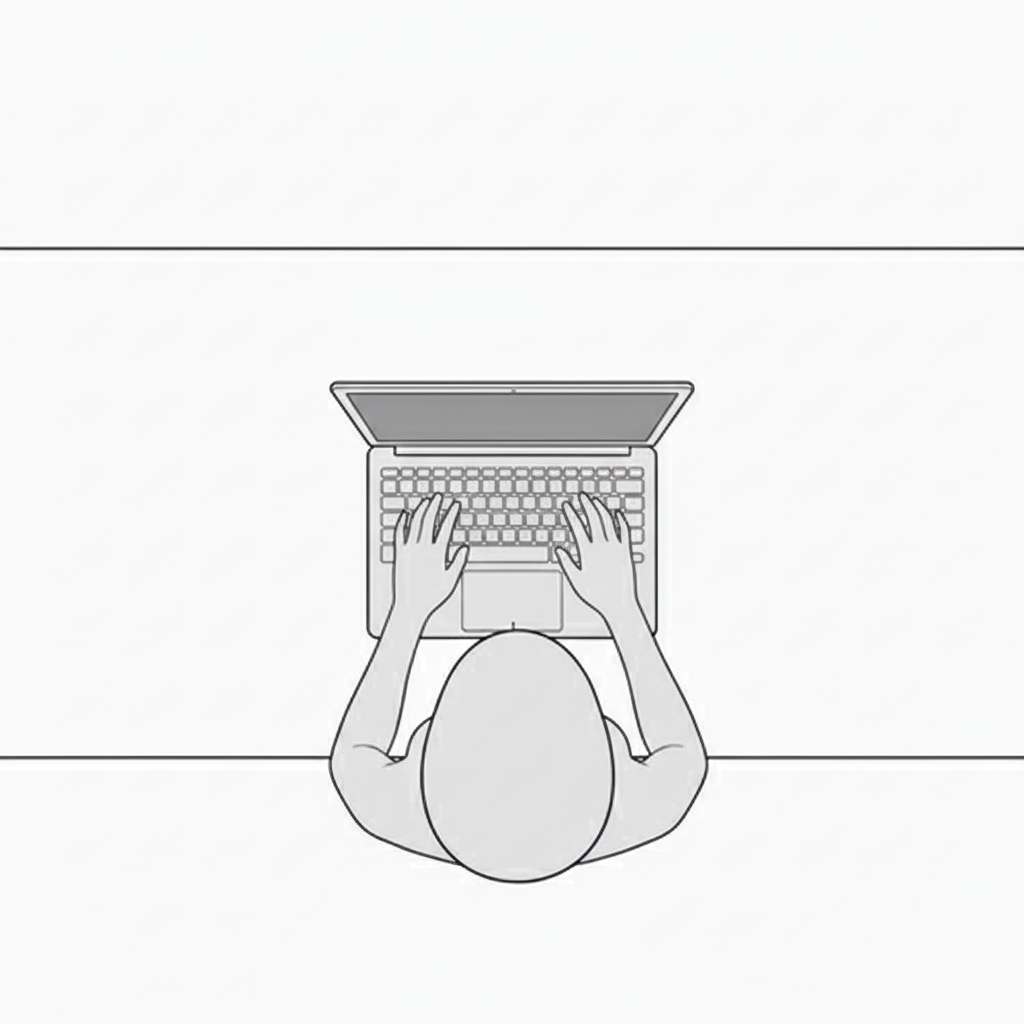
Standing woman using a laptop | Standing work pose
Perfect for mobile or standing work situations.
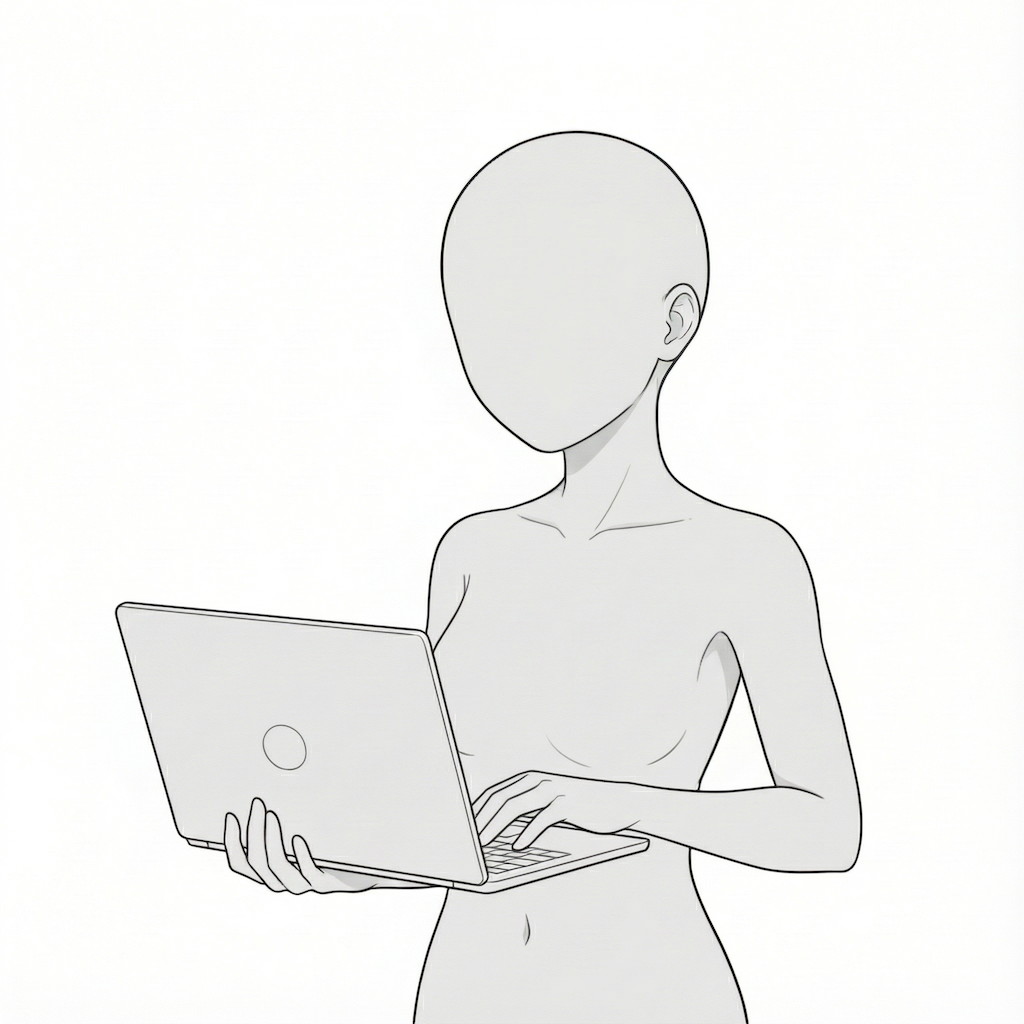
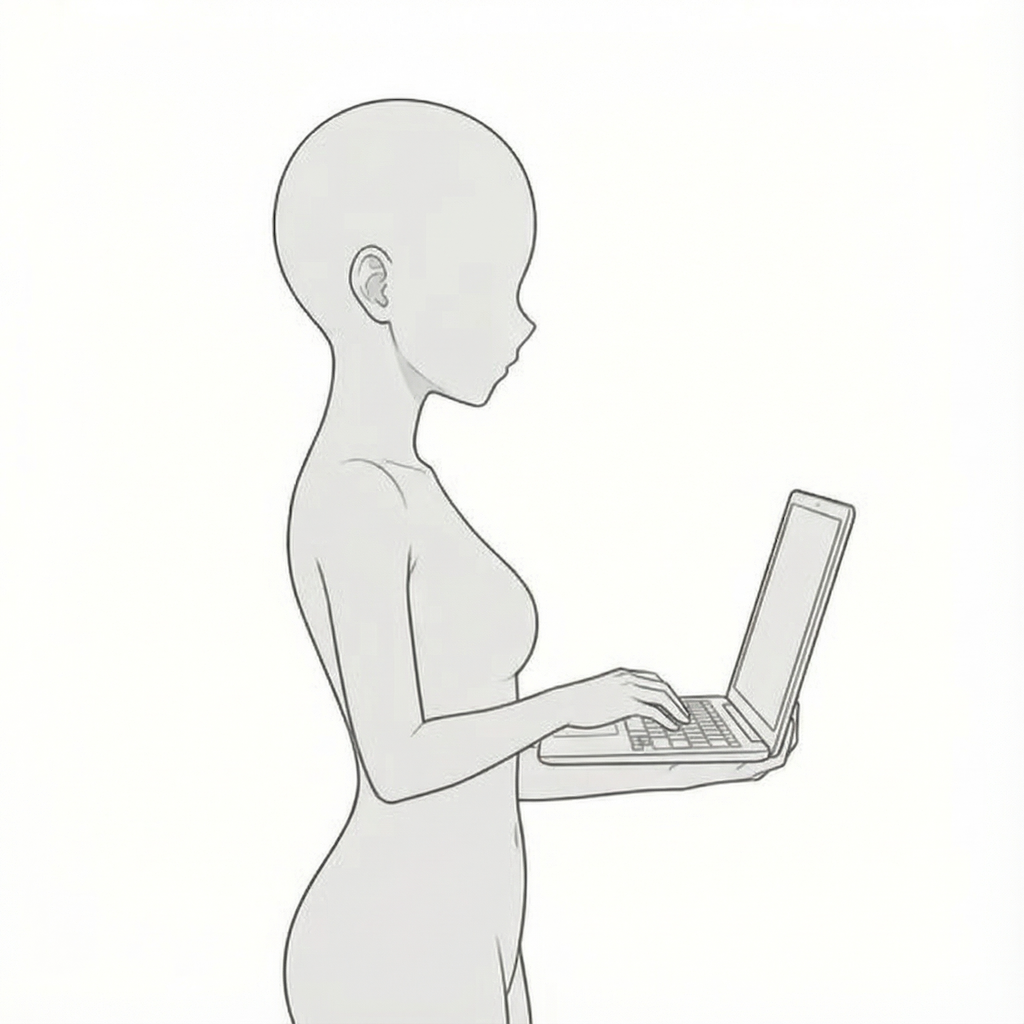
Side-view standing work | Carrying a laptop pose
A side-facing pose that clearly shows body lines and allows flexible character placement.
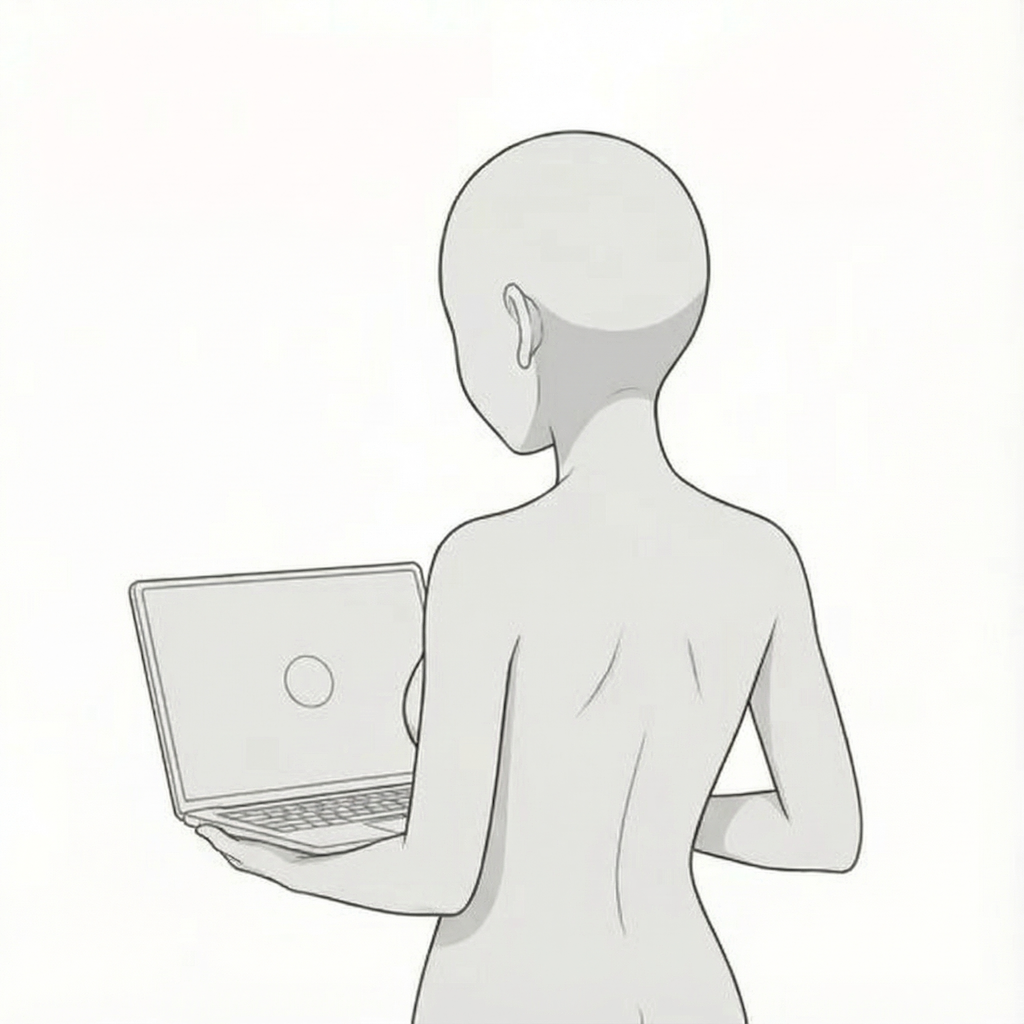
Laptop work seen from behind | Back-view pose
A rear-view composition that makes it easy to guide the viewer’s eye and emphasize on-screen content.
How to Use with copainter
Pose changes with the AI Assistant
By loading these images as reference materials, you can quickly generate pose variations such as angle changes, limb adjustments, or horizontal flips. Since these are pose references, they can also be used when specifying poses for male characters.
Ensuring consistency with the Learning Feature (Enterprise plan only)
By specifying poses for trained models, you can achieve highly accurate pose control. Even poses that are difficult to express with the AI Assistant alone can be reproduced precisely with trained models. Using image-to-image AI tends to produce the best results.
Use as a base for Line Art AI to improve efficiency
Using these materials as rough pose guides before applying Line Art AI can significantly speed up production. You can add manual adjustments in tools like Photoshop or Clip Studio Paint, then apply Line Art AI—even complex compositions can be handled effectively this way.
Terms of Use (License)
- Eligible users: copainter subscribers only
- Usage scope: Free and commercial use allowed within copainter only
- Modifications: Allowed (cropping, repainting, color changes, vectorization, etc.)
- Credit: Not required
- Prohibited: Redistribution or resale of the materials, claiming authorship, or commercial use outside copainter
FAQ
Q. Can I use copainter for free?
A. Yes. There is a free plan where you receive tickets at no monthly cost. If you want more usage, please choose a higher plan. Please see the plan page for details.
Q. Can I use these outside copainter?
A. If you are a copainter subscriber and use them within copainter, commercial and free use are allowed. External edits are fine as long as the purpose is to use them in copainter.
Q. Can I use them in commercial works?
A. Yes, if you use copainter in your production process. You do not need to create the entire work only in copainter. Redistribution or resale of the assets themselves is not allowed.
Q. Are there more free pose packs?
A. Yes. Please see:
https://blog.copainter.ai/tag/assets-en/
Q. Are higher-resolution images available?
A. You can upscale images up to 4× in both width and height using the High-Resolution AI inside copainter. Please make use of it.
If you haven’t used copainter yet, this is a great opportunity—please sign up for copainter using the link below!
You can find copainter Learn, our media hub packed with tips and best practices for using copainter effectively, at the link below.
![[Free Download] Children’s Poses Holding a Pencil — Copainter users can use it for free, including commercial use.](/content/images/size/w720/2026/01/header_pose-collection_kid-holding-a-pencil-1.png)
![[Free Download] Female Poses Holding a Pen — Copainter users can use it for free, including commercial use.](/content/images/size/w720/2026/01/header_pose-collection_woman-holding-a-pen-1.png)
![[Free Download] Theater Background Illustration (Landscape) — Copainter users can use it for free, including commercial use.](/content/images/size/w720/2026/01/header_background_theater-1.png)