
With copainter’s AI Assistant, your reference images can be turned directly into pose mannequins.
With copainter’s AI Assistant, reference images can be turned directly into pose mannequins. This article introduces pose asset examples using copainter, which is safe and approved for commercial use.
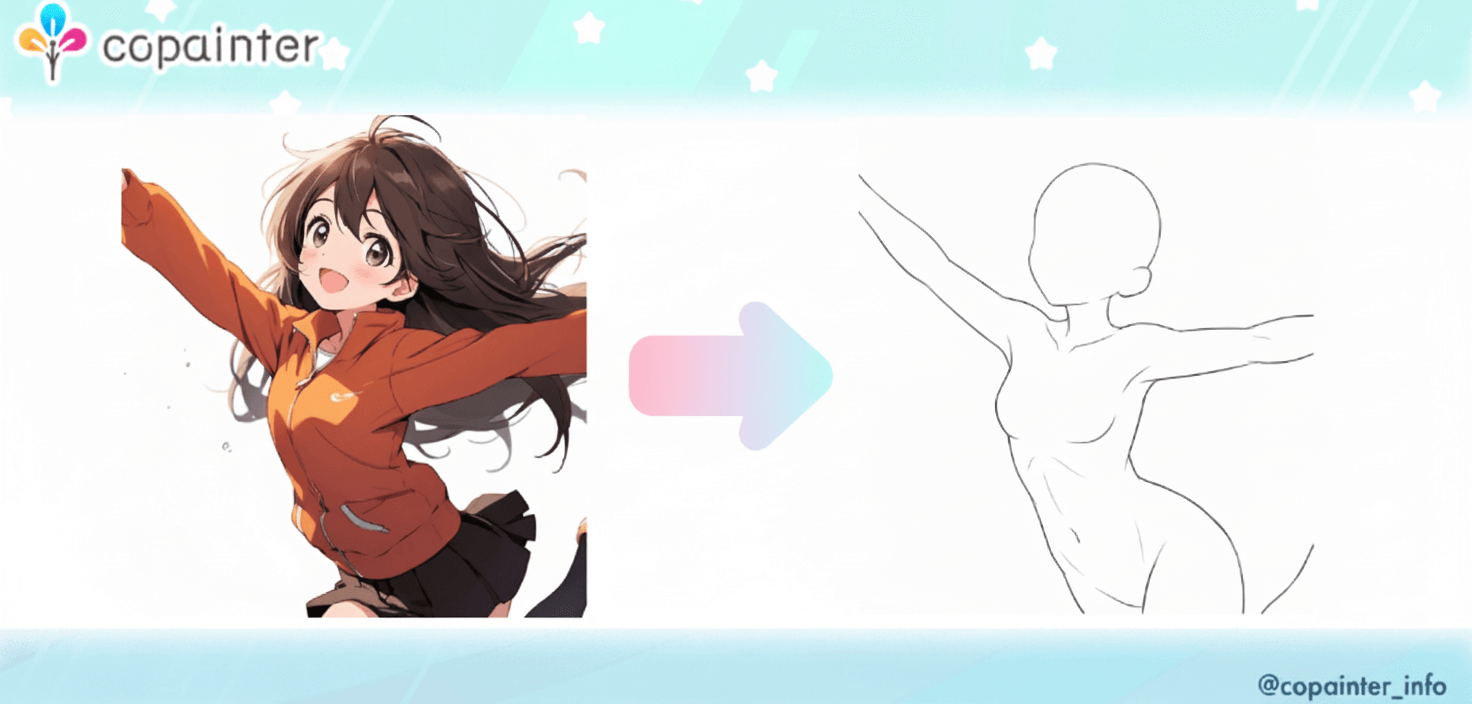
“I want to turn this reference image directly into a pose mannequin (pose base)!”
In that case, why not try copainter’s AI Assistant?
Just upload your reference image and give instructions in a prompt to generate a pose asset.
Workflow for creating a pose base
Because of the nature of AI, using the same prompt and input image does not guarantee identical results every time.
To obtain the sample outputs shown in this article, we ran generation about five times.
1) Prepare a reference image

First, choose an image that matches the pose you want and upload it to the AI Assistant.
If you already know the output aspect ratio you need, adjust the input image beforehand or select the aspect ratio option.
2) Enter a prompt
Type your prompt in text (Japanese is supported).
Sample prompt used:
Create a pose base (line art) from this character. Keep the pose faithful to the input image.
No clothes or hair (complete the head and body). No extra accessories.
White background.
3) Generate the image
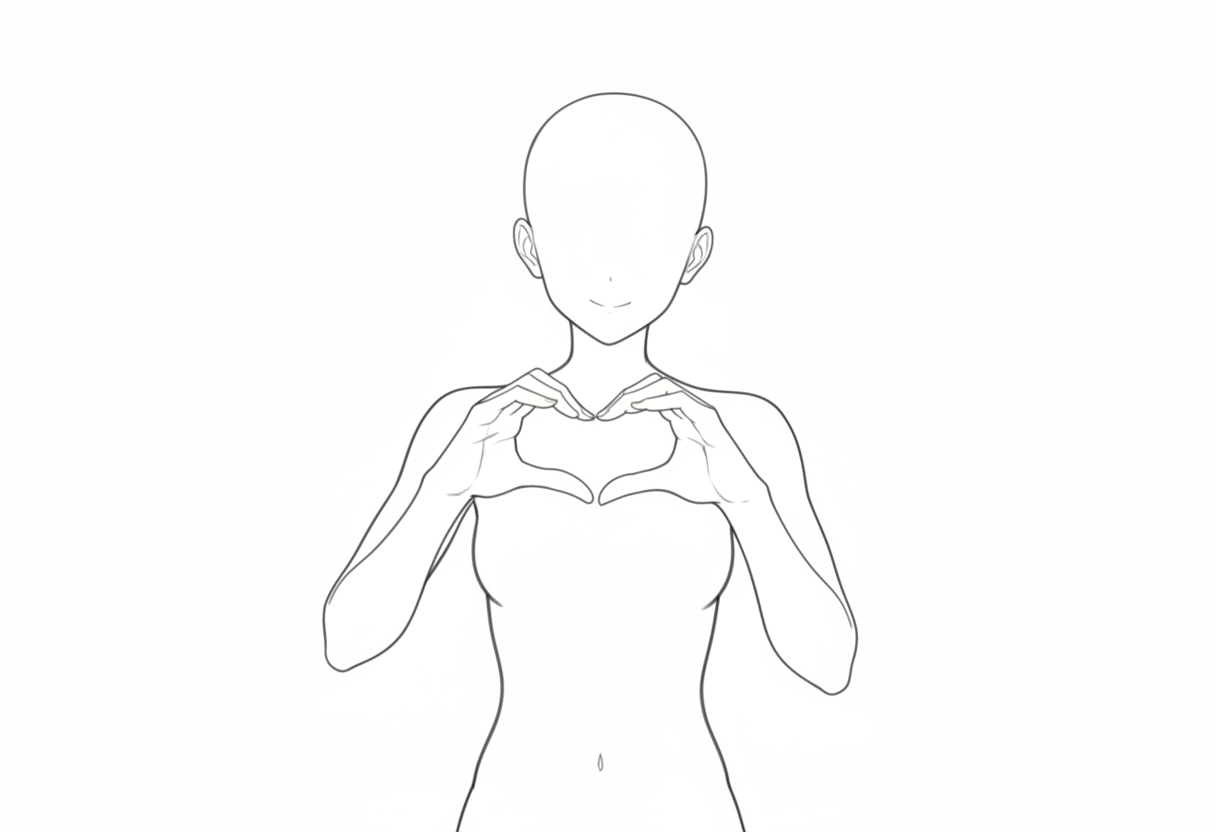
The AI Assistant will generate an image for you.
Since the result may not be perfect on the first try, refine it by adding more prompt instructions, regenerating, or doing minor manual edits.
Pose base examples
Walking male pose | Convert a reference image into a pose asset
Prompt used:
Create a monochrome pose mannequin illustration from this character. Keep the pose faithful to the input image. No clothes or hair (complete the head and body). Fill the background with white.
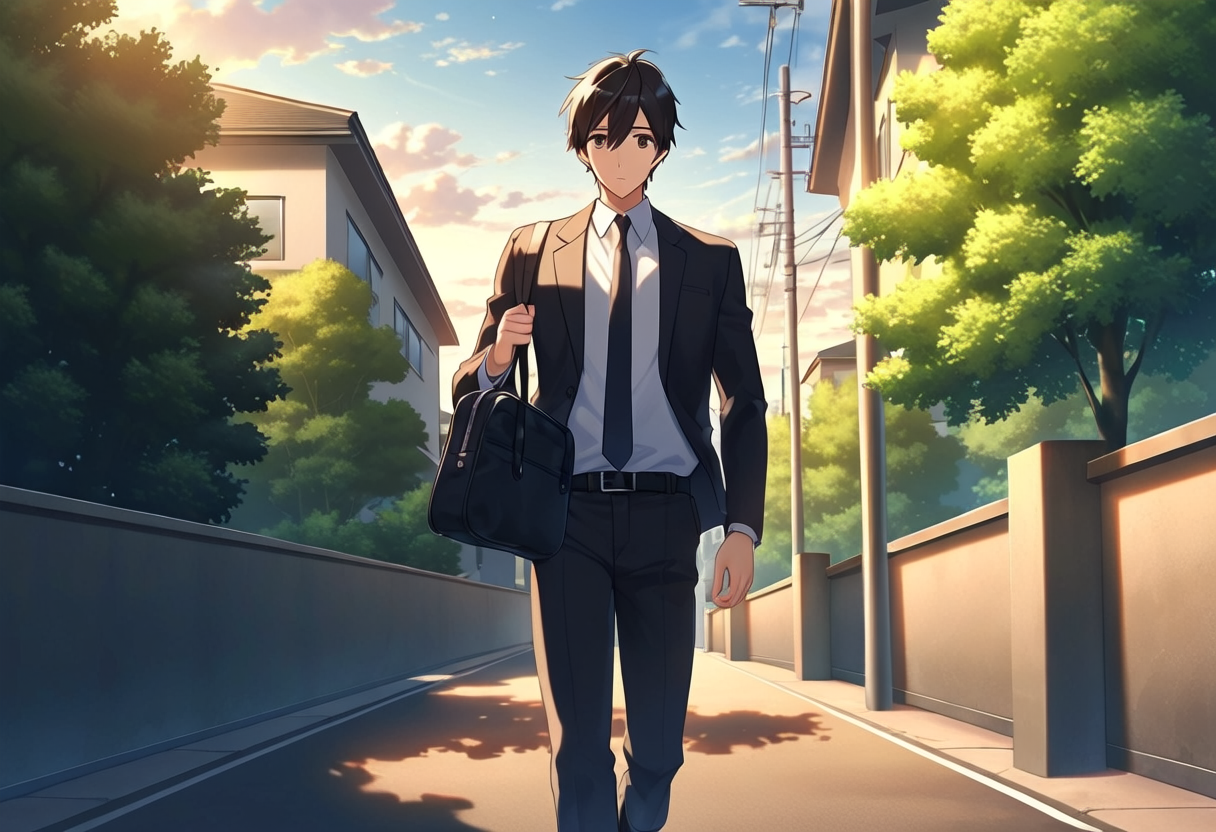
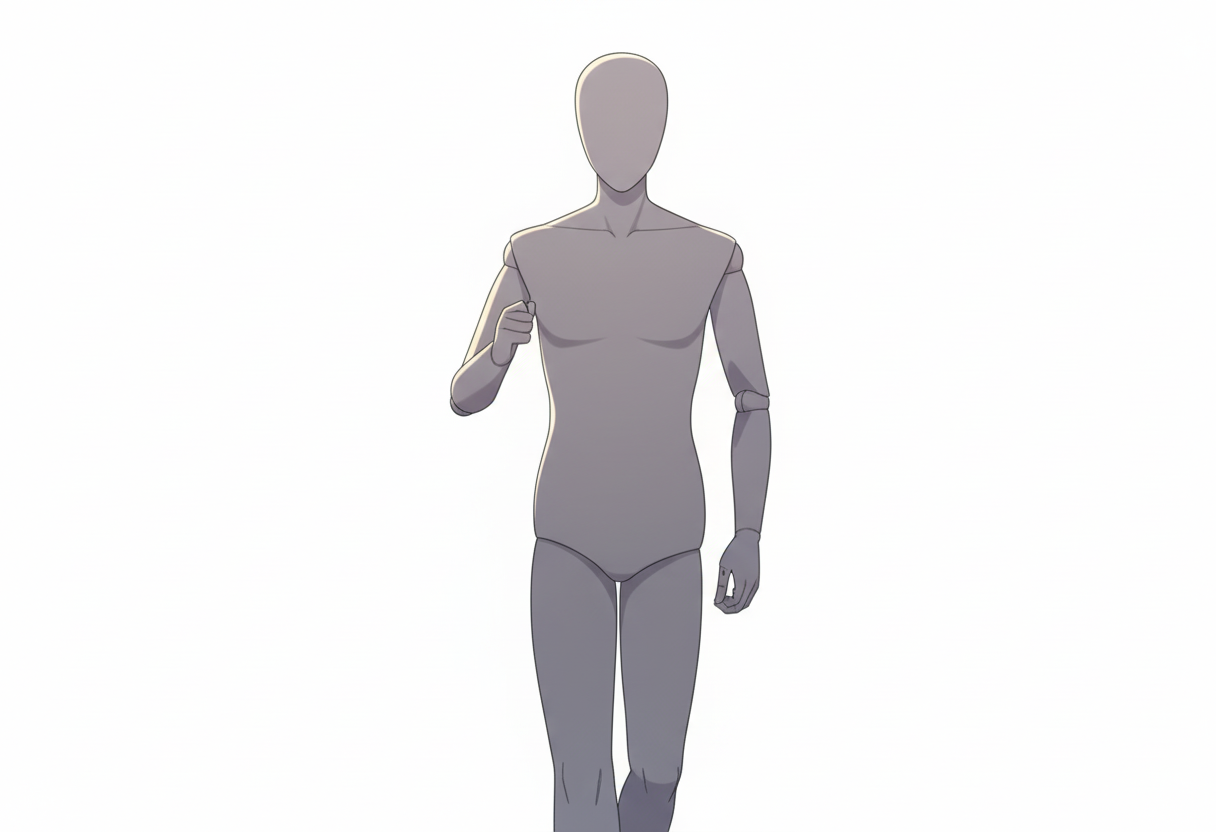
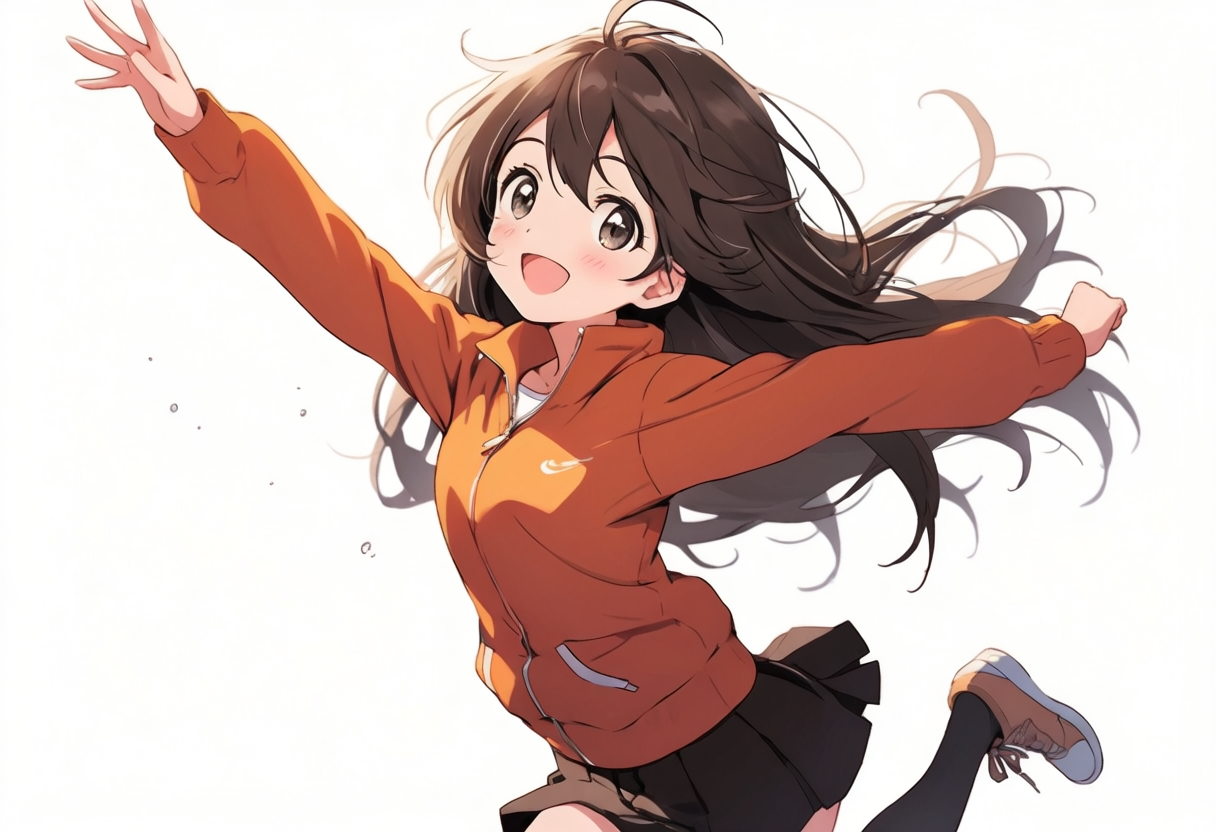
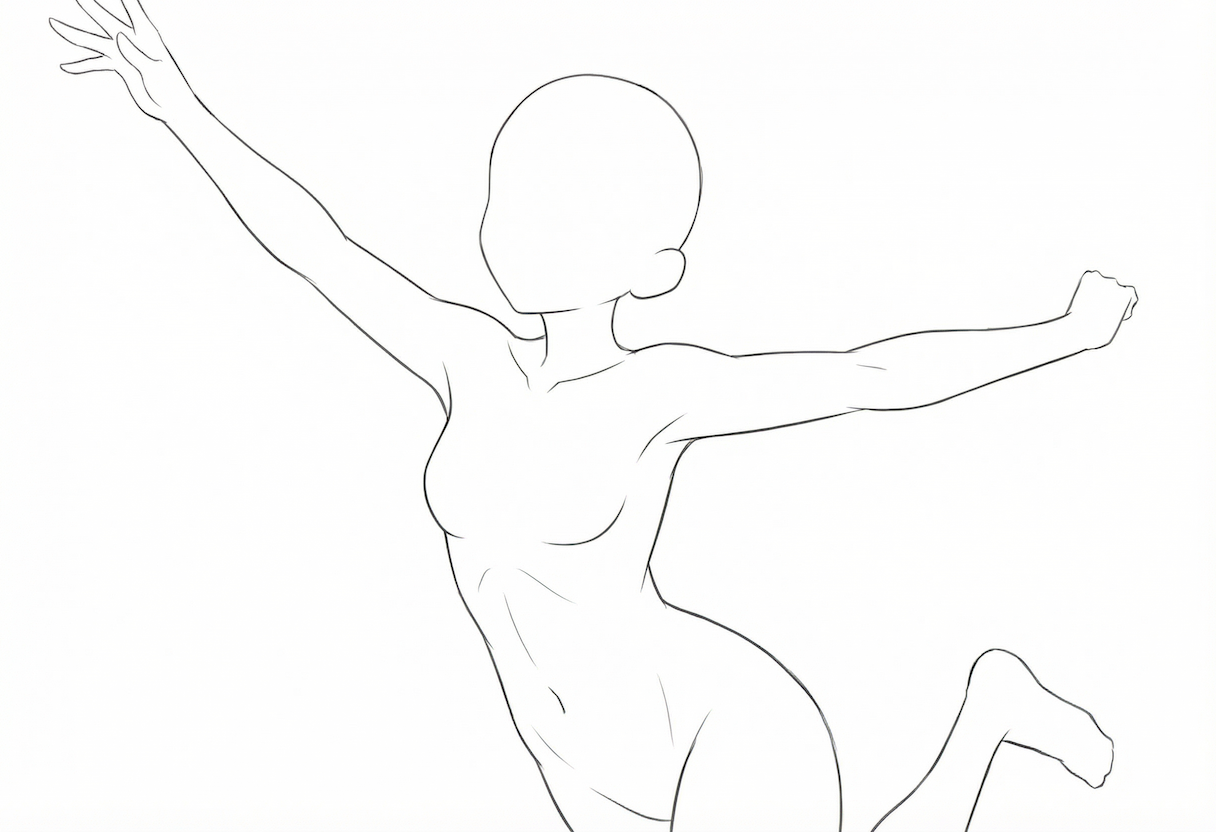
Jumping female pose | Generate a tracing-ready pose asset
Prompt used:
Create a tracing pose asset from this character. Keep the pose faithful to the input image. No clothes or hair (complete the head and body). White background.
Recommended for people who want to…
1) Illustration / Manga creation
- You struggle with full-body poses and spend too long on rough blocking
- You want to lock down dynamic action poses without breaking proportions
2) Game / Anime production
- You want to generate pose ideas quickly for standing sprites or event roughs
- You want to share “clear pose references” within a team
3) Teaching materials / diagrams / presentations
- You want to explain posture or movement using simplified pose bases
- Photos include too much detail, so you want only the essentials
Summary
With copainter’s AI Assistant, you can generate images simply by uploading a reference image and writing a prompt. This can greatly reduce preparation time in your workflow.
If you’re thinking, “I want to turn this reference into a pose asset,” start by trying Photo → Pose Base Conversion.
![[Free Download] Chibi Character Battle Pose Collection — Free for Copainter Users, Including Commercial Use](/content/images/size/w720/2026/03/header_pose-collection_battle-of-deformation-character-1.png)
![[Free Download] Female Battle Pose Collection — Free for Copainter Users, Including Commercial Use](/content/images/size/w720/2026/03/header_pose-collection_battle-of-woman-1.png)
![[Free Download] Male Battle Pose Collection — Free for Copainter Users, Including Commercial Use](/content/images/size/w720/2026/03/header_pose-collection_battle-of-man-1.png)