
[Free Download] Child Singing Pose Pack — Free to Use (Commercial OK) for copainter Users
A free pose-base pack of children singing. Free to use with commercial rights, and tracing or edits are allowed.
![[Free Download] Child Singing Pose Pack — Free to Use (Commercial OK) for copainter Users](/content/images/size/w1200/2026/01/header_pose-collection_kids-singing.png)
We’re distributing a pose pack of children singing, designed to be easy to use for illustration, manga, anime, game, and Webtoon production. Please use it when generating illustrations with pose guidance in copainter (コペインター), or when creating rough drafts for character illustrations. Tracing and additional edits are allowed.
The license for the images downloadable from this page is described toward the bottom of the text.
■ File Overview
- File format: PNG (white background)
- Resolution: 1024 × 1024 px (square)
- Download: Please download and save the images attached in this article as-is (※ No ZIP bundle is provided)
■ Child Singing Poses (Downloadable)
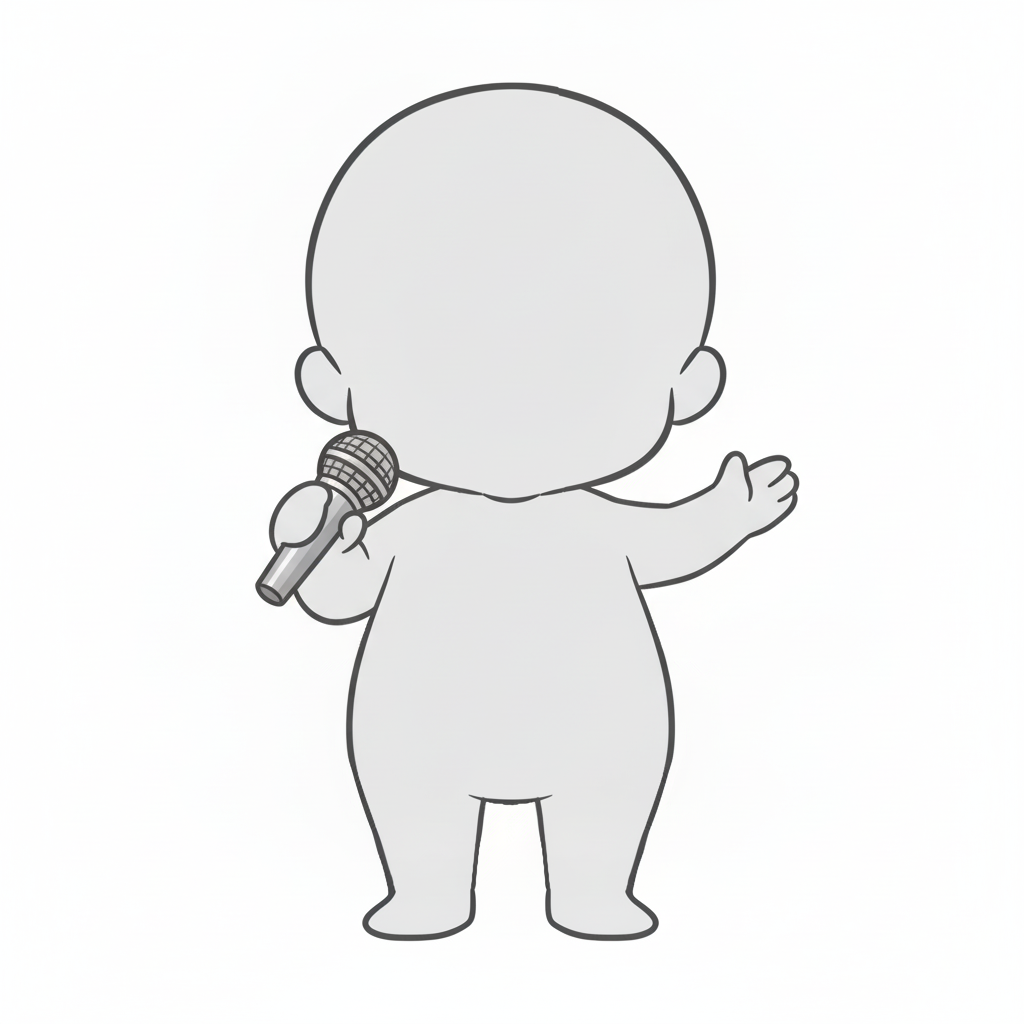
Back view of a child on stage | Chibi pose base holding up a microphone
A back-view child pose base holding a microphone in one hand and waving to the audience—easy to use for live-performance scenes.
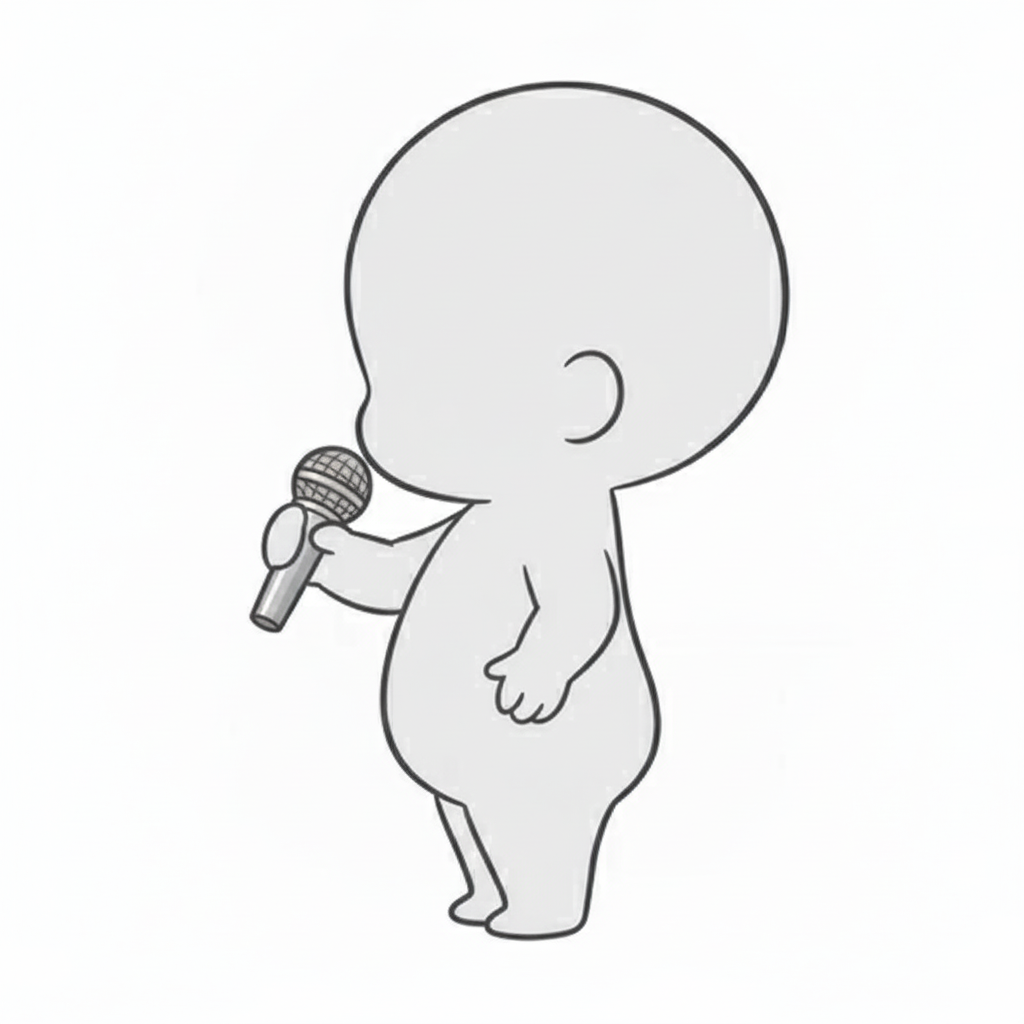
Side-view child singing | Chibi pose base holding a microphone to the mouth
A chibi child vocal pose base that helps you draw a side-profile silhouette singing while firmly holding a microphone.
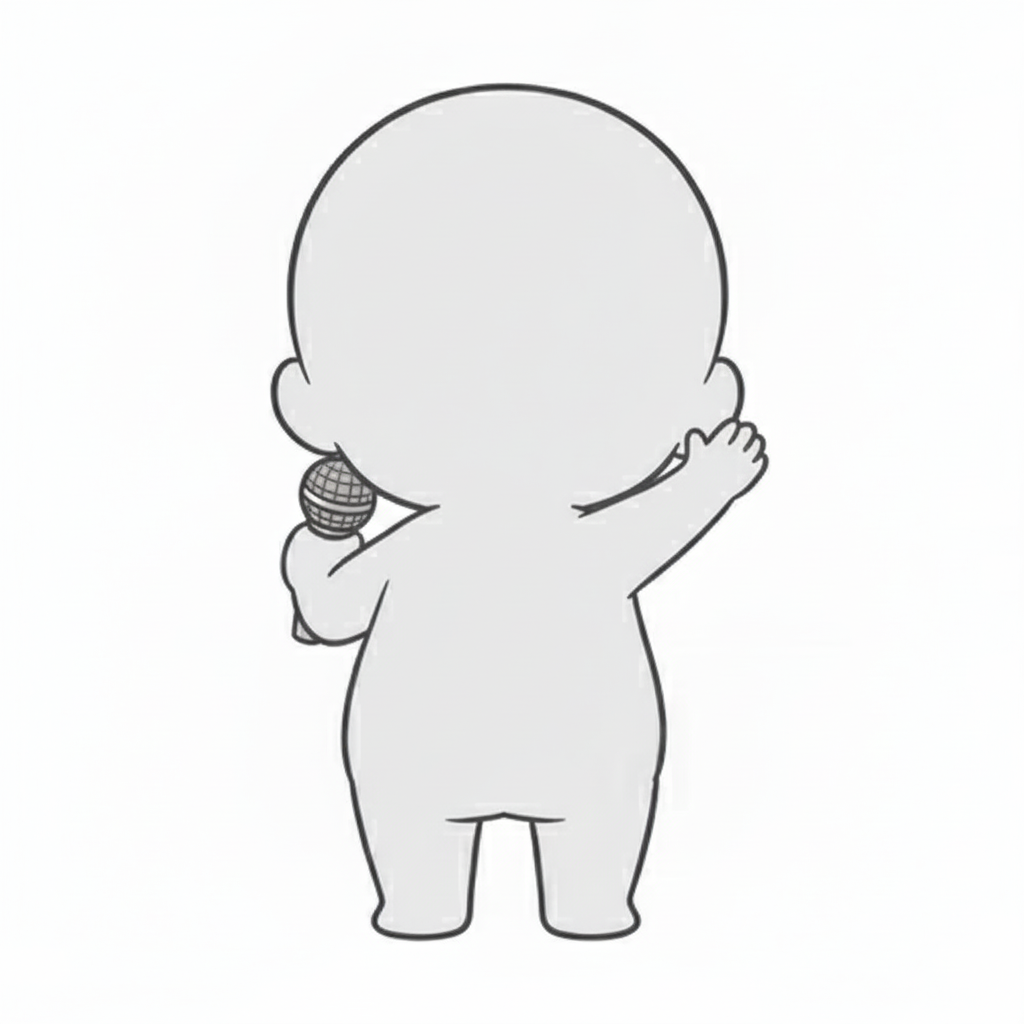
Child vocalist waving to the audience | Chibi pose like a live MC
A child singer pose base holding a microphone in one hand and raising the other high—useful for greetings or hyping the crowd.
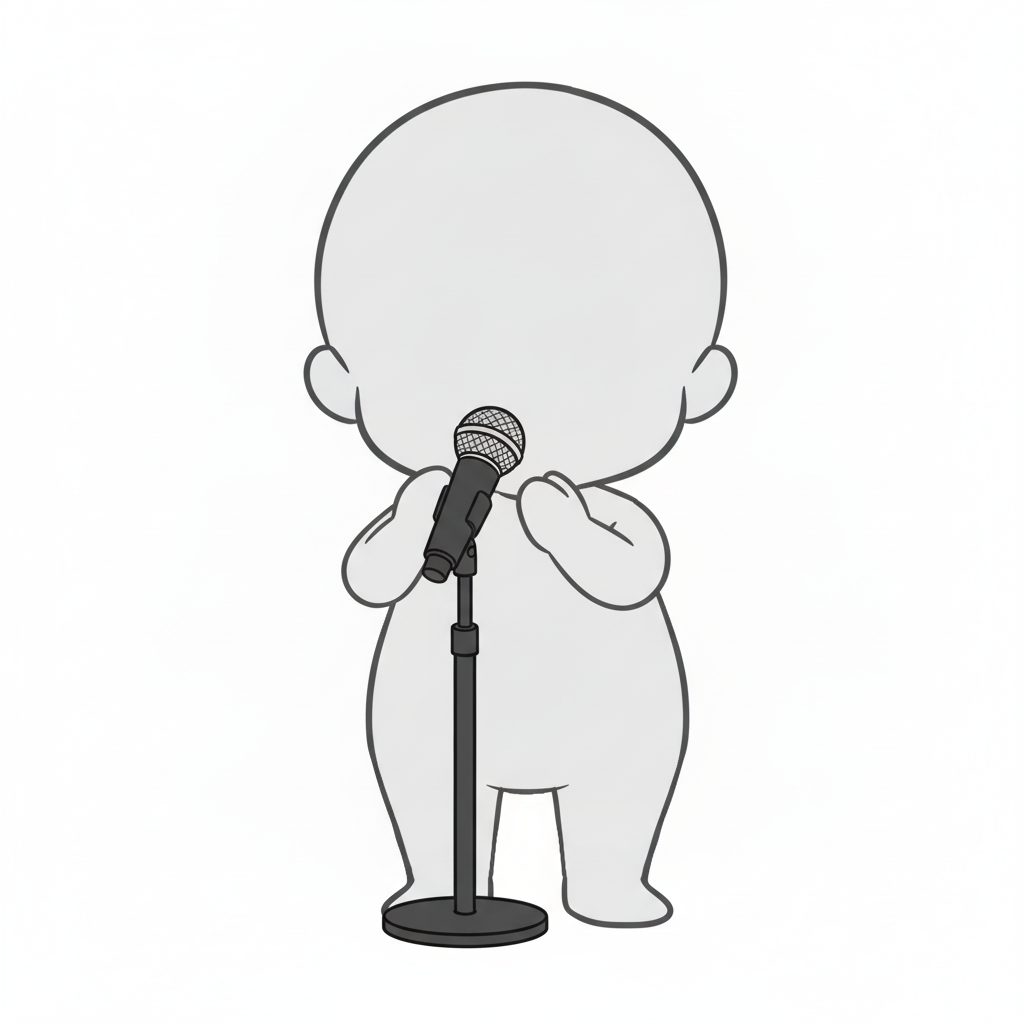
Child standing in front of a mic stand | Chibi pose base for the start of singing
A child vocal pose showing hands held near the chest in front of a stand mic—expressing the serious moment just before singing begins.
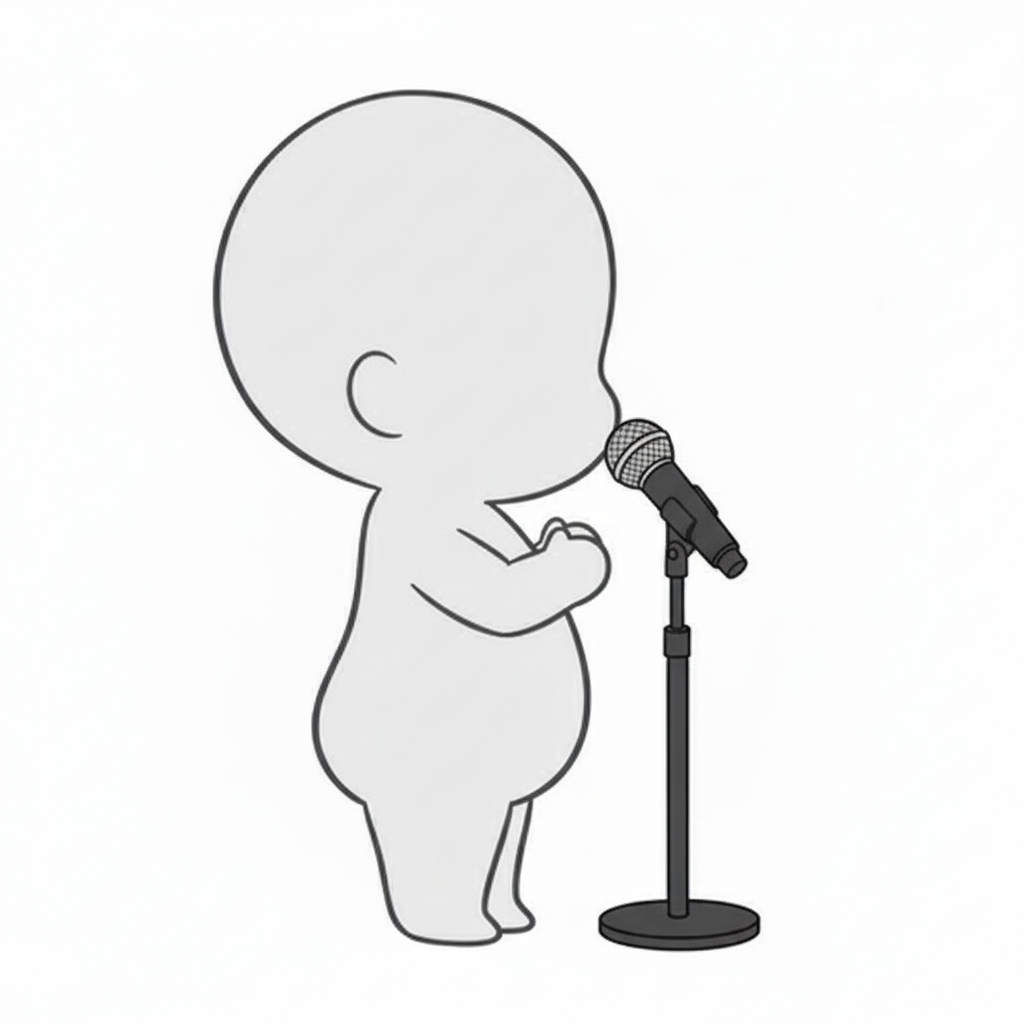
Side-view child vocalist | Silhouette reference singing into a stand mic
A chibi child base for live stages, showing a side view leaning close to a stand mic while singing.
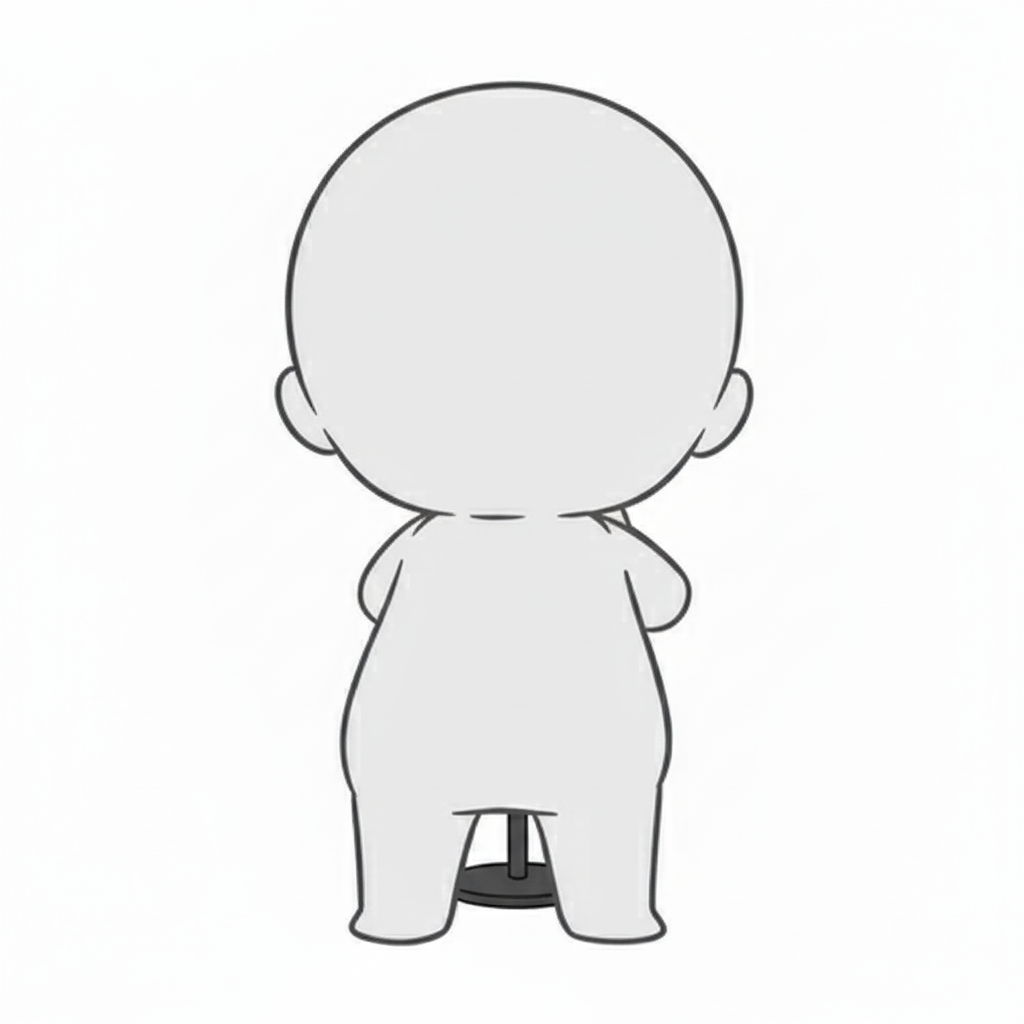
Back view child singer on stage | Pose across a mic stand
A back-view pose base that conveys singing from behind (not visible to the audience), useful for late-stage performances or ballad-style staging.
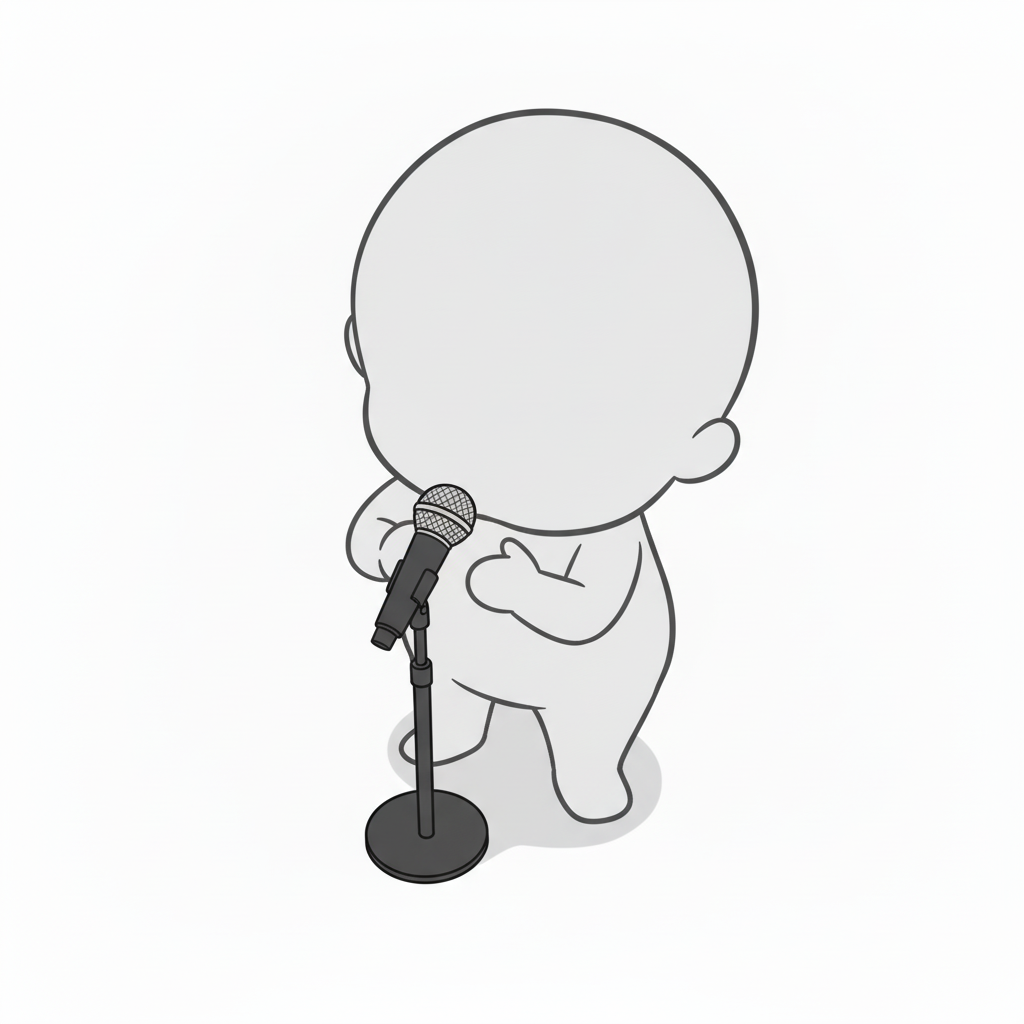
Top-down child vocalist | Overhead pose with stage presence
A chibi pose base that lets you draw the figure heading toward a mic stand from above—great for adding live-venue atmosphere.
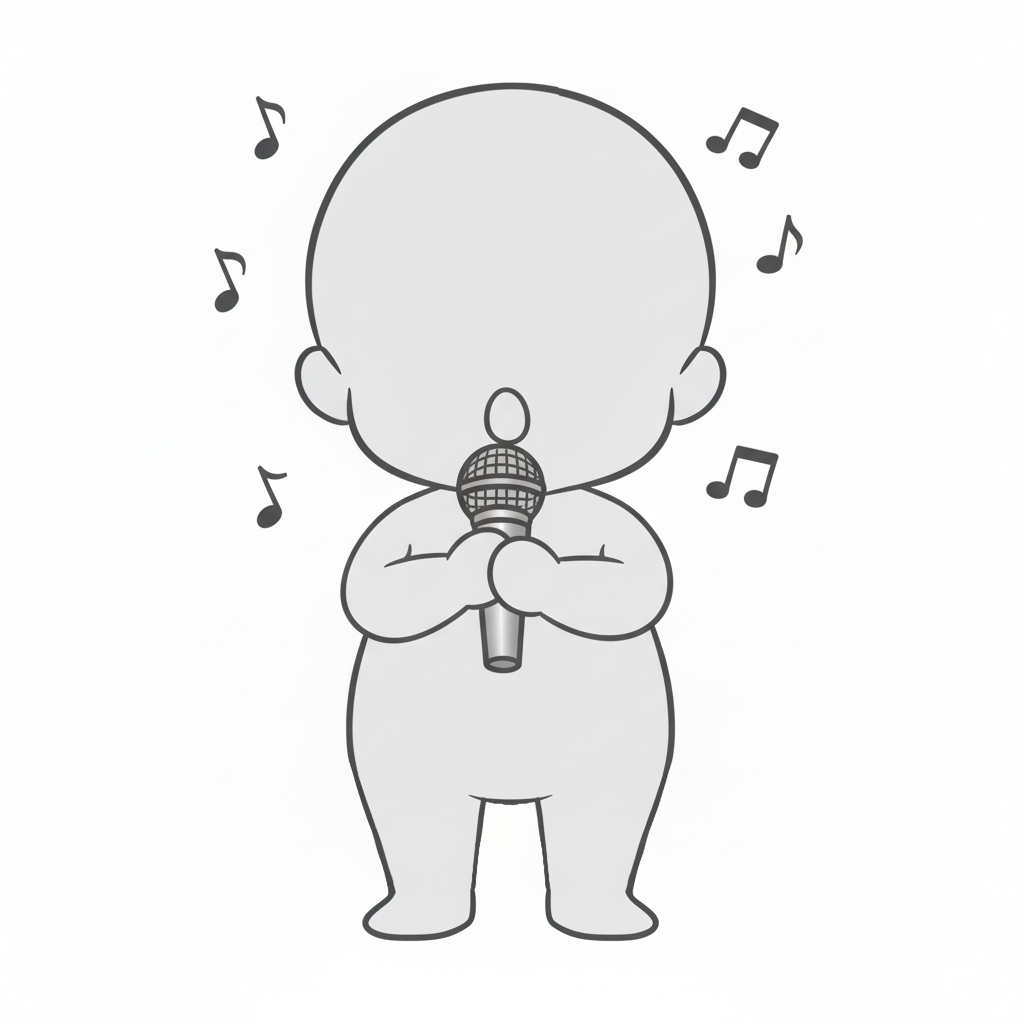
Child singer gripping the mic with both hands | Cute singing pose with floating notes
A front-facing chibi child base that makes it easy to add an earnest singing expression, surrounded by music notes—idol-like and cute.
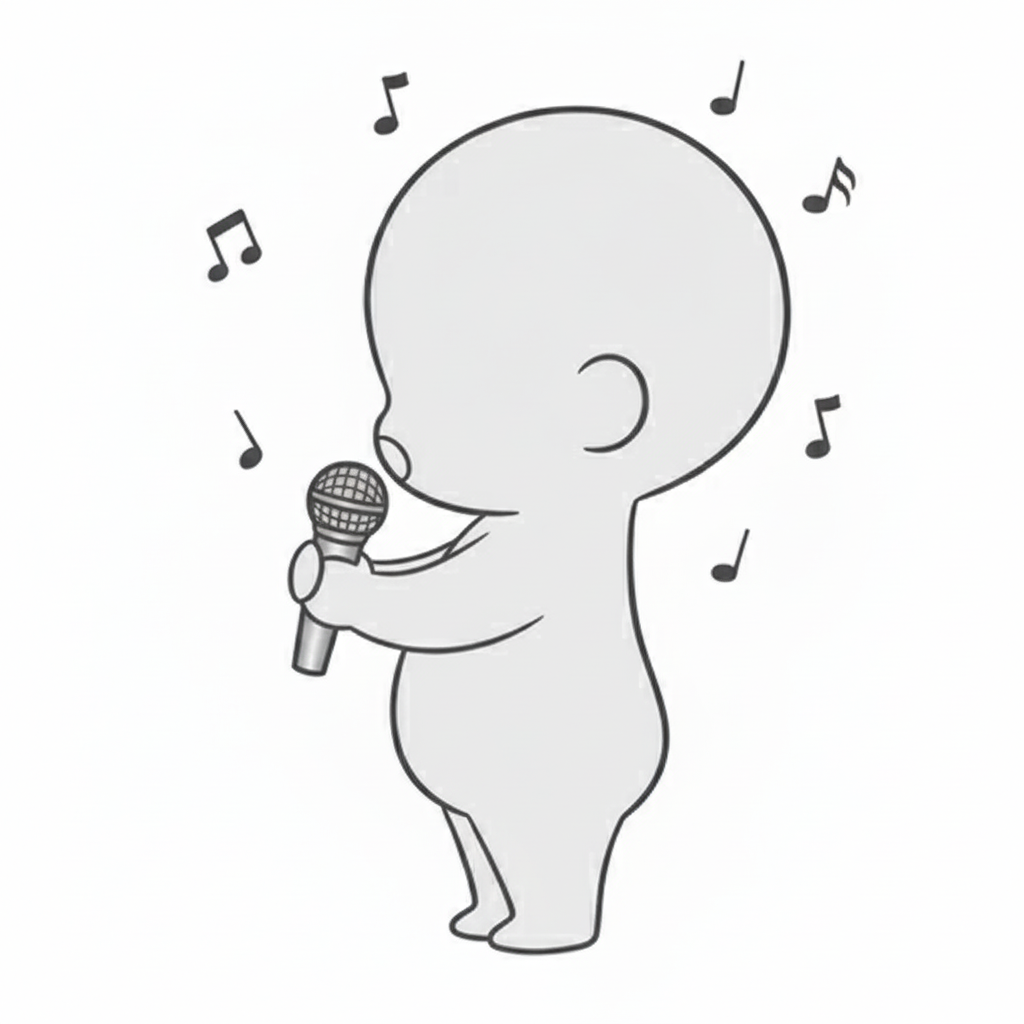
Side-view child belting | Vocal pose with music-note effects
A dynamic side-view child base singing with the mic thrust forward—ideal for live or karaoke scenes.
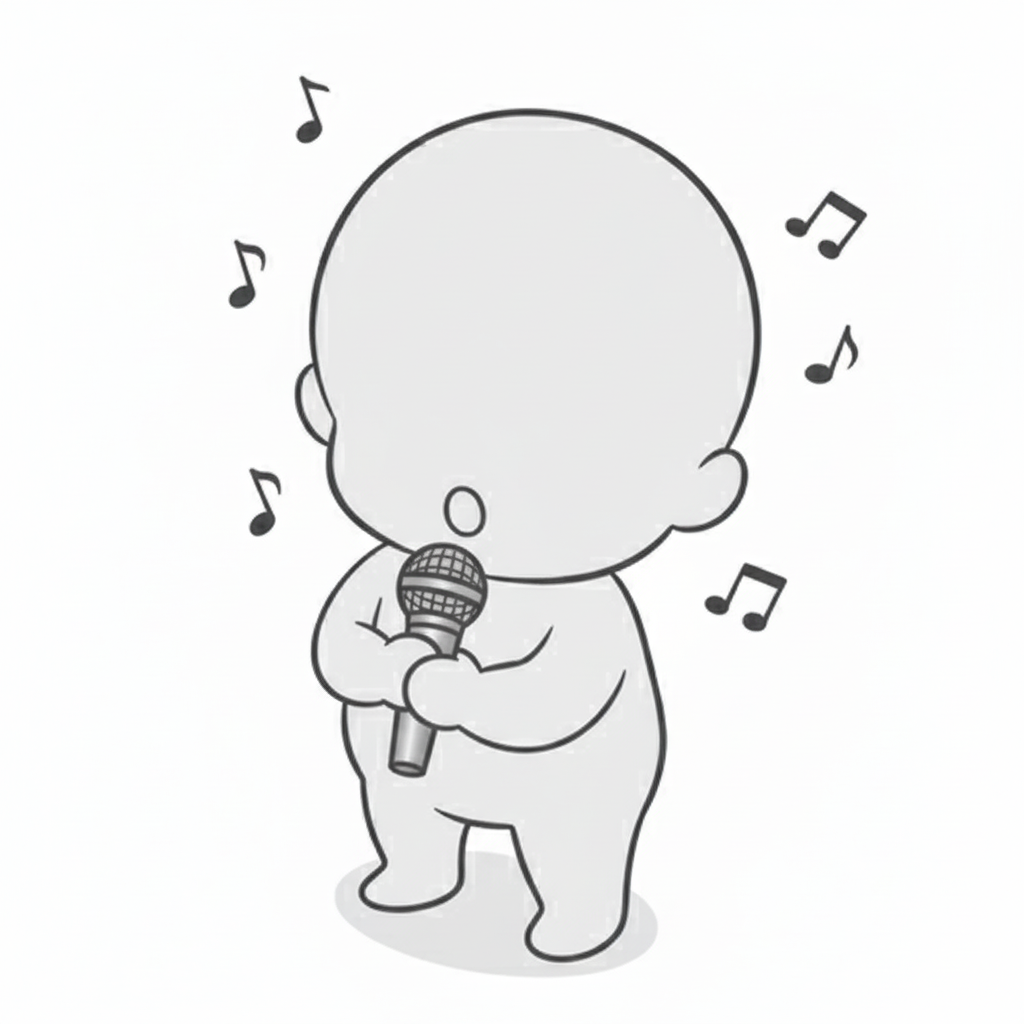
Top-down belting child | Live-stage style chibi pose
A dynamic composition base that shows a child singing at center stage from above, with notes scattered around.
■ Using with copainter
Pose changes with the AI Assistant
Load these as reference images to quickly generate pose variations such as angle changes, limb position adjustments, and left-right flips. Since this is pose guidance, you can also use these images when specifying poses for male characters.
Ensure consistency with the Training feature (Enterprise plan users only)
By specifying poses for trained models, you can achieve high-precision pose control. Even pose accuracy that the AI Assistant alone can’t express can work effectively when applied to trained models. Using image-to-image AI tends to produce better results.
Use as a base for Line Art AI to improve efficiency
Using these materials as rough pose guides before applying Line Art AI can improve production efficiency. You can edit and refine on top of these in Photoshop or Clip Studio Paint, then run Line Art AI—making it useful even for difficult compositions.
■ Terms of Use (License)
- Eligible users: Users subscribed to copainter
- Usage scope: Commercial use allowed and free of charge, limited to use within copainter
- Modifications: Allowed (cropping / edits / color changes / vectorization, etc.)
- Credit: Not required
- Prohibited: Redistributing or selling the material data / claiming authorship / commercial use outside copainter
FAQ
Q. Can I use copainter for free?
A. Yes. There is a free plan where you receive tickets at no monthly cost. If you want more usage, please choose a higher plan. Please see the plan page for details.
Q. Can I use these outside copainter?
A. If you are a copainter subscriber and use them within copainter, commercial and free use are allowed. External edits are fine as long as the purpose is to use them in copainter.
Q. Can I use them in commercial works?
A. Yes, if you use copainter in your production process. You do not need to create the entire work only in copainter. Redistribution or resale of the assets themselves is not allowed.
Q. Are there more free pose packs?
A. Yes. Please see:
https://blog.copainter.ai/tag/assets-en/
Q. Are higher-resolution images available?
A. You can upscale images up to 4× in both width and height using the High-Resolution AI inside copainter. Please make use of it.
If you haven’t used copainter yet, this is a great opportunity—please sign up for copainter using the link below!
You can find copainter Learn, our media hub packed with tips and best practices for using copainter effectively, at the link below.
![[Free Download] Chibi Character Battle Pose Collection — Free for Copainter Users, Including Commercial Use](/content/images/size/w720/2026/03/header_pose-collection_battle-of-deformation-character-1.png)
![[Free Download] Female Battle Pose Collection — Free for Copainter Users, Including Commercial Use](/content/images/size/w720/2026/03/header_pose-collection_battle-of-woman-1.png)
![[Free Download] Male Battle Pose Collection — Free for Copainter Users, Including Commercial Use](/content/images/size/w720/2026/03/header_pose-collection_battle-of-man-1.png)