
With copainter’s AI Assistant, anyone can create manga—easily.
copainter’s AI Assistant makes manga creation easy by turning simple storyboards into finished pages. By preparing basic character references and a base image, creators can quickly produce 4-panel manga and focus on ideas and storytelling rather than heavy drawing work.
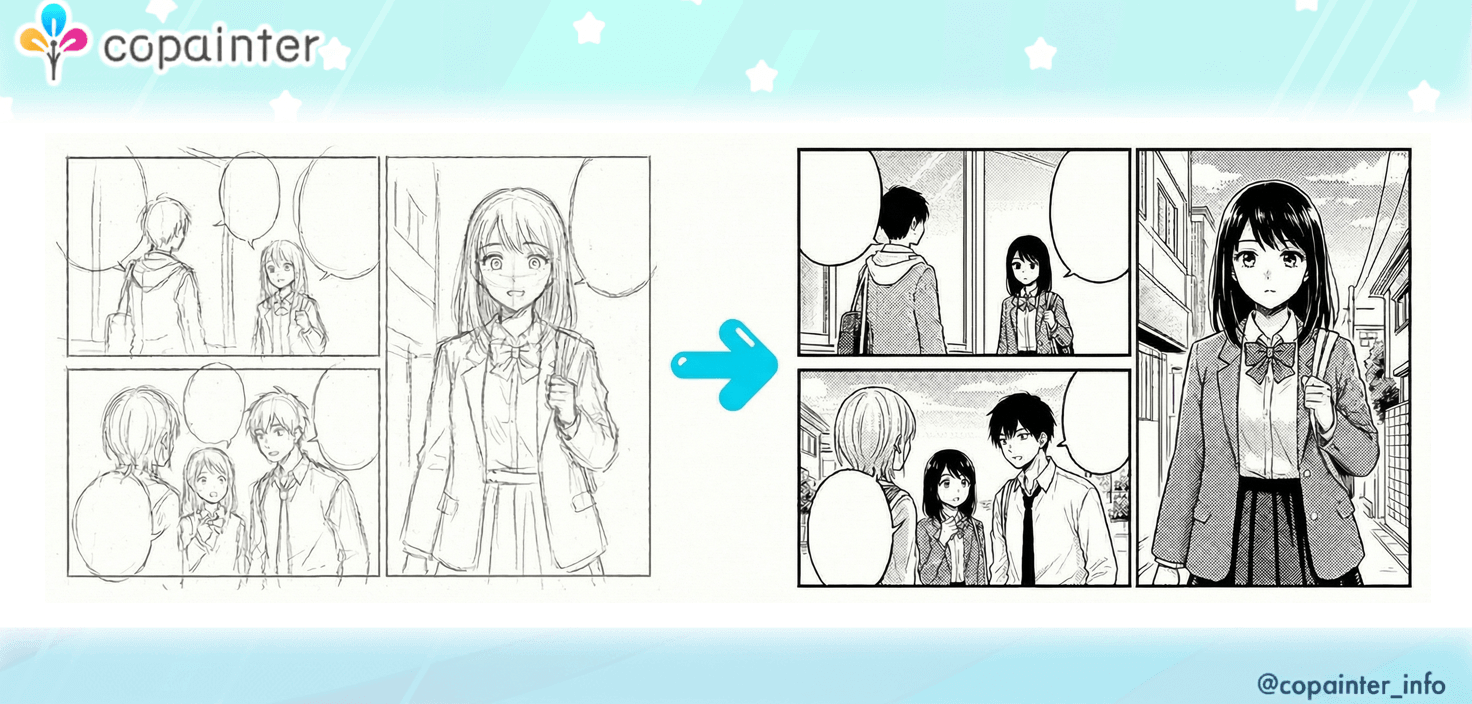
“I finished the storyboards, but everything after that feels exhausting…”
“I just want to make at least one page into a real manga…”
When you feel like that, the AI Assistant feature of copainter is here to help.
Easy Manga Creation – Sample
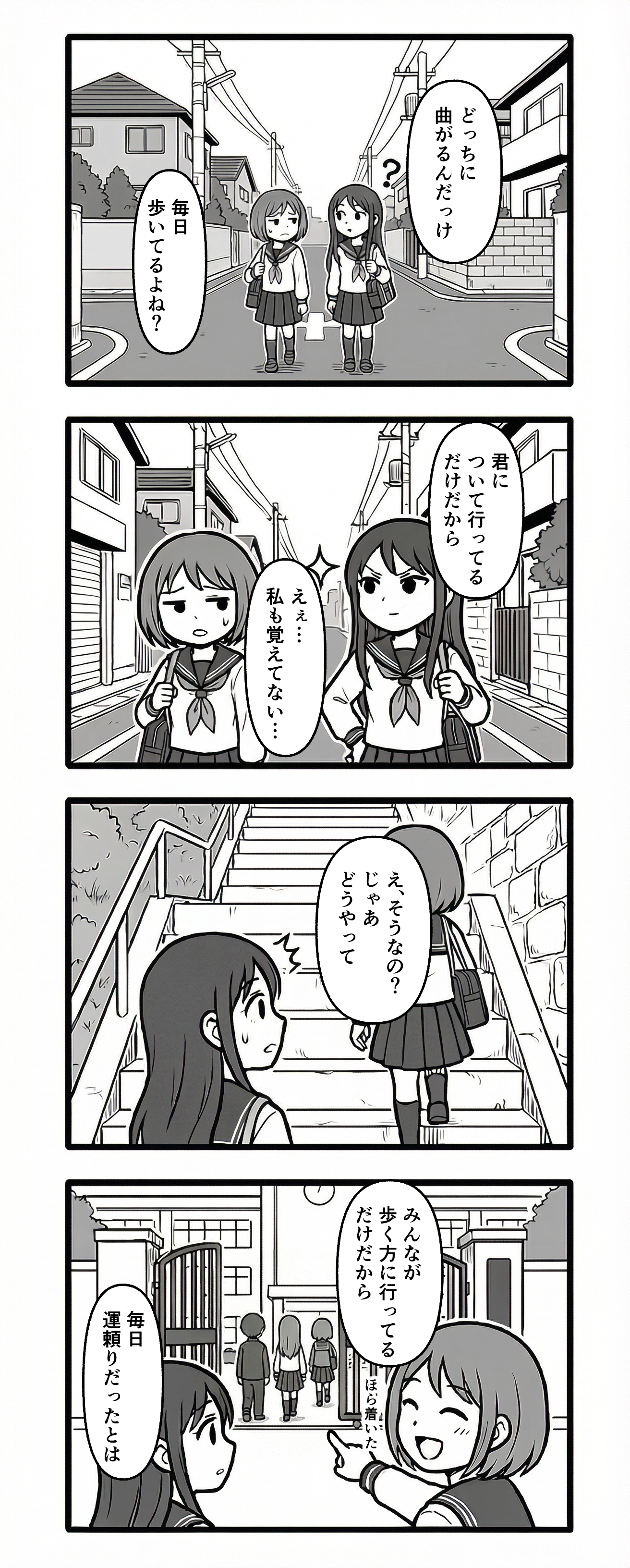
We actually created one full page of a 4-panel manga as a sample.
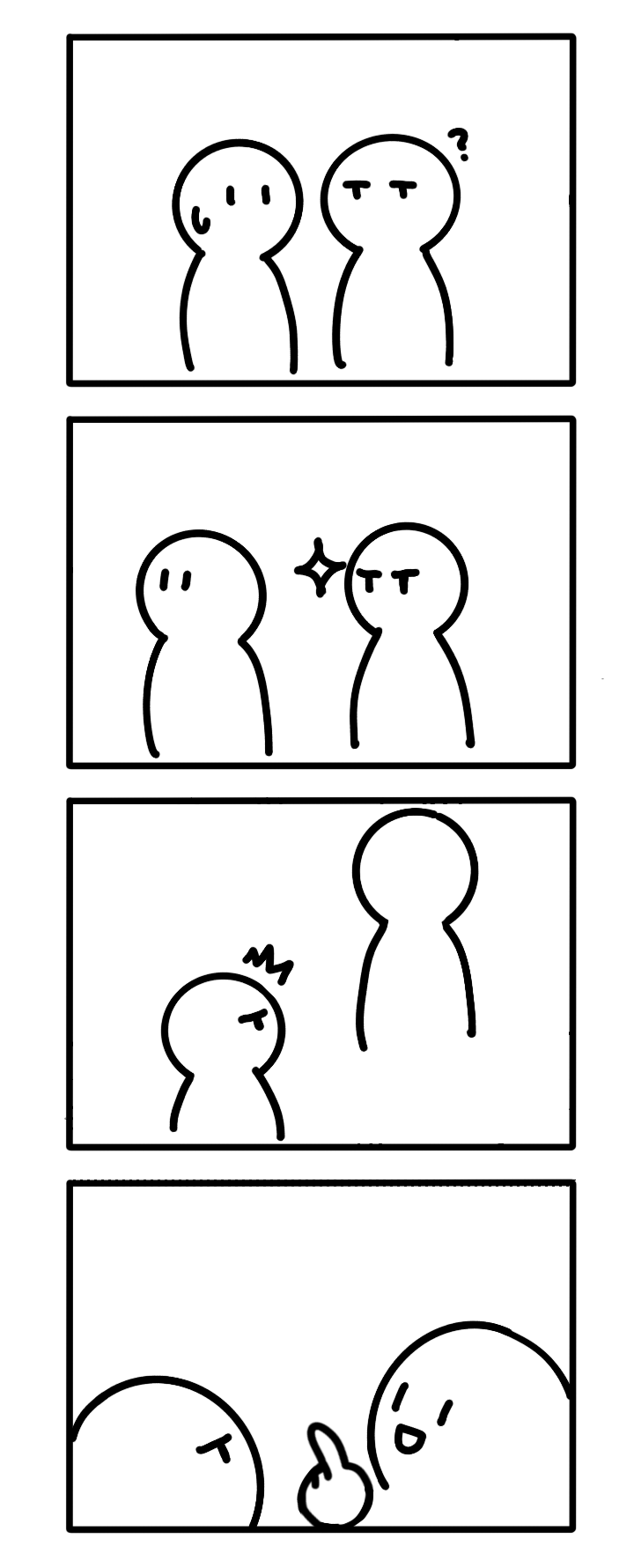
The first image is the base image we provided, and the second is the generated image with dialogue added.
Theme: Two people talking on their way to school
Actual Creation Workflow
Below is an overview of how to create manga using copainter’s AI Assistant.
① Prepare a basic character set
Prepare a standing illustration or rough sketch of your main character.
Using copainter’s AI Assistant, you can also generate character sheets (front/side/back views) and facial expression variations if needed.
By preparing these and using them as reference images, your character design stays consistent.
If you want to create a series, this step is highly recommended.
If you just want to make a one-off page quickly, you can also generate using prompts only.
② Create a base image
Next, prepare a base image for a 4-panel manga, such as:
- An image with only rough storyboards
- An image with only dialogue
- An image with just the 4-panel frames
For this sample, we used frames + simple storyboards.
③ Generate the image with the AI Assistant
Here is the actual prompt used in the sample:
Turn this storyboard into a completed vertical 4-panel manga page.
No text or sound effects.
Two characters: female students A and B.
A has long hair, B has short hair.
Panel 1:
A forked road in the background.
A (right) looks curious, B (left) looks slightly troubled.
Panel 2:
A and B walking down the street.
A (right) looks sharp and focused.
B (left) looks worried.
Panel 3:
A and B climbing outdoor stairs.
A’s surprised side profile (left).
B (right) is seen from behind, standing one step above A.
Panel 4:
B (right) smiles and points at the school gate.
A (left) looks at it.
Two or three background students pass through the gate.
Fine details such as facial expressions and mouth shapes are adjusted in the next step.
④ Fine-tuning
Using your favorite illustration or manga software:
- Add speech bubbles, dialogue, and sound effects
- Adjust character expressions and backgrounds
Once done, one full page of a 4-panel manga is complete.
At this point, production time is already drastically reduced, letting you focus on ideas, jokes, and dialogue instead of heavy drawing work.
Recommended For
① Individual creators / Web manga artists
- Want to produce pages one by one
- Prefer focusing on story and characters over backgrounds
② Company SNS & PR teams
- Want to share services or internal stories as 4-panel manga
- Need consistent world-building for ongoing series
③ Game & app developers
- Want to explain tutorials or events using 4-panel manga
- Need to quickly produce seasonal event comics
④ Education & learning materials
- Want to make complex topics easier to read
- Need multiple variations of the same scenario
Summary
Manga creation normally requires a lot of time and effort.
But with copainter’s AI Assistant, simply preparing a base image can bring you much closer to a finished result in one step.
If you’ve ever thought, “Someday, I’d like to draw manga,”
why not start by creating just one page together with the AI Assistant?
copainter might become the reliable partner that helps turn your ideas into reality.
![[Free Download] Chibi Character Battle Pose Collection — Free for Copainter Users, Including Commercial Use](/content/images/size/w720/2026/03/header_pose-collection_battle-of-deformation-character-1.png)
![[Free Download] Female Battle Pose Collection — Free for Copainter Users, Including Commercial Use](/content/images/size/w720/2026/03/header_pose-collection_battle-of-woman-1.png)
![[Free Download] Male Battle Pose Collection — Free for Copainter Users, Including Commercial Use](/content/images/size/w720/2026/03/header_pose-collection_battle-of-man-1.png)