
[Free Download] Female Punching Pose Set — Free for Commercial Use by copainter Users
New to copainter? Sign up to try it today, and explore copainter Learn for practical tips and guides to use copainter more effectively.
![[Free Download] Female Punching Pose Set — Free for Commercial Use by copainter Users](/content/images/size/w1200/2026/01/copainter_posecollection_5.png)
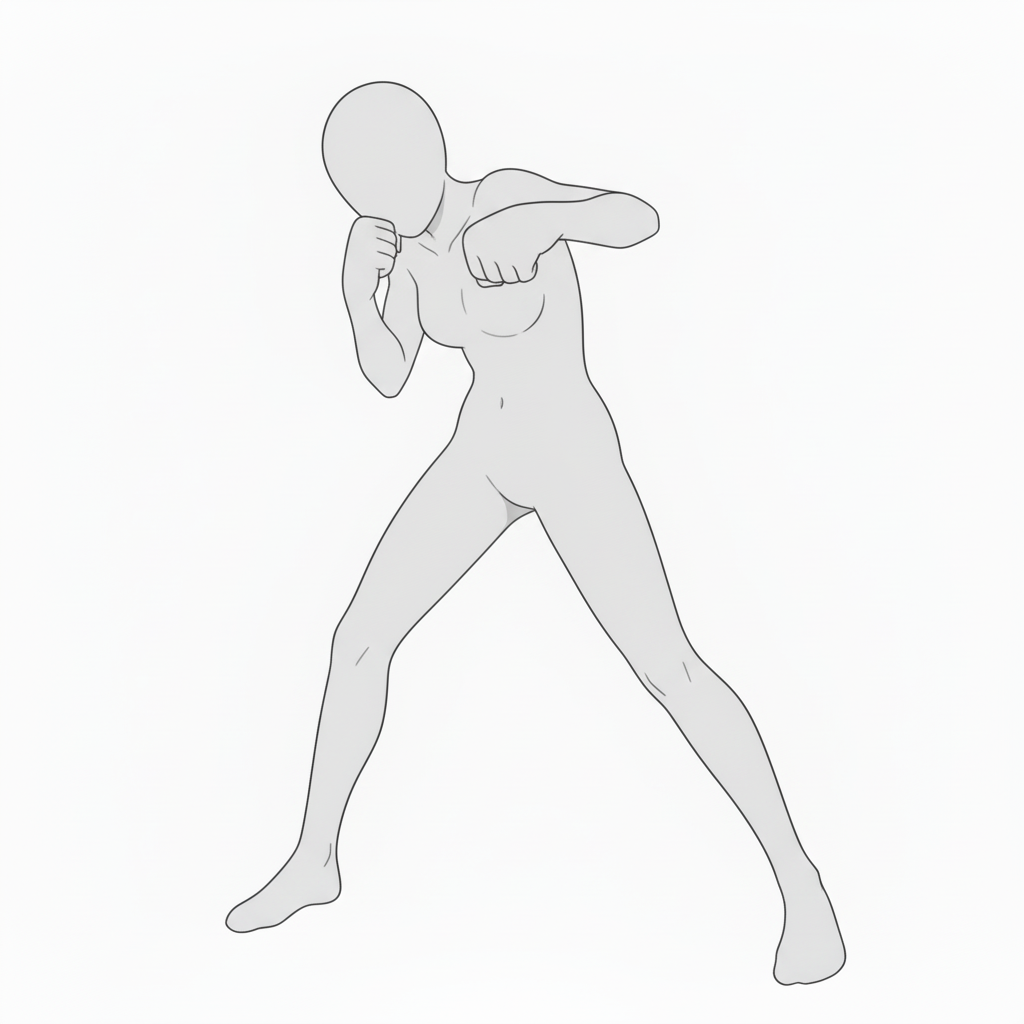
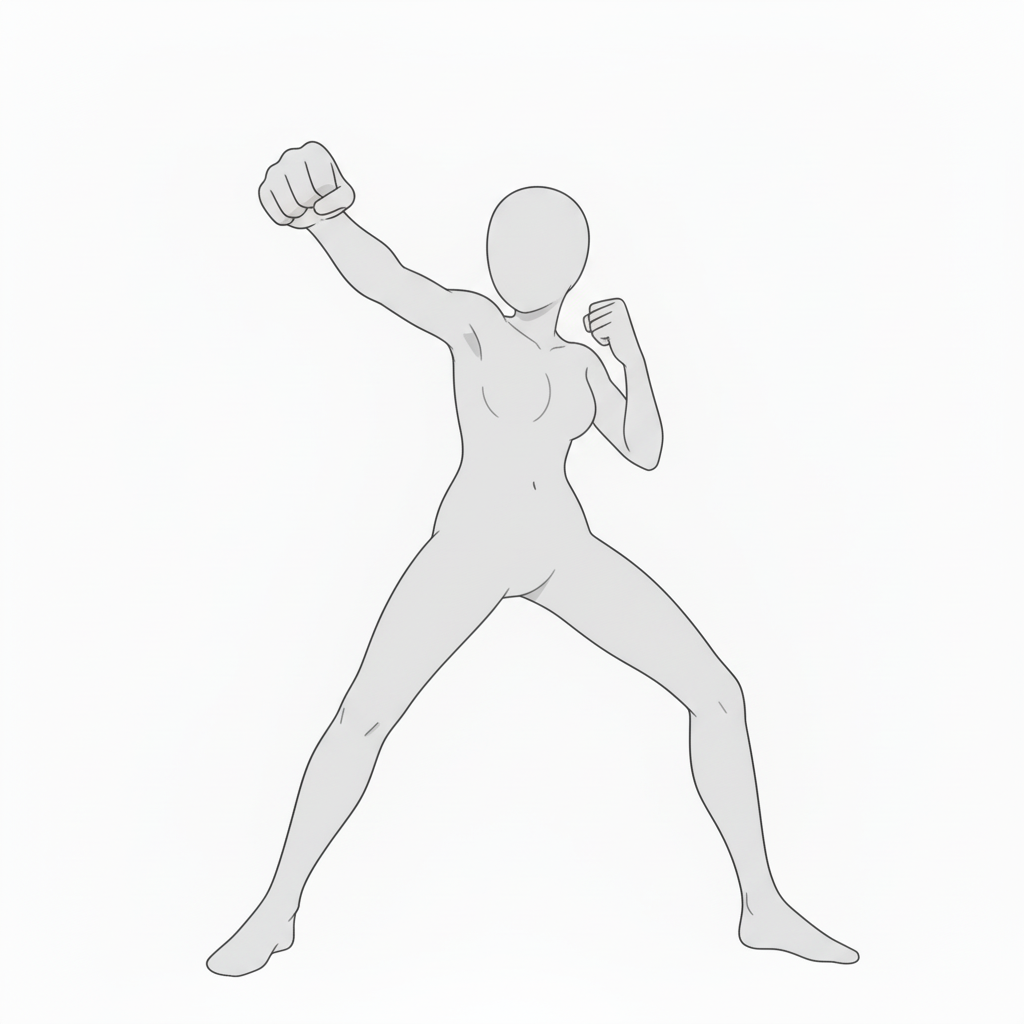
We’re distributing a set of base poses of female mob characters punching, designed to be easy to use for illustration, manga, anime, game, and webtoon production. Please use them when specifying poses in copainter or as rough underdrawings for character illustrations. Tracing and additional edits are also allowed.
The license for the downloadable images on this page is listed near the bottom of this article.
File Details
- Format: PNG (white background)
- Resolution: 1024 × 1024 px (square)
- Download: Download and save the attached images in this post as-is.
Poses (Downloadable)
- Straight punch (stance included)
A stable straight punch with a lowered center of gravity—ideal for martial arts and fighting scenes.
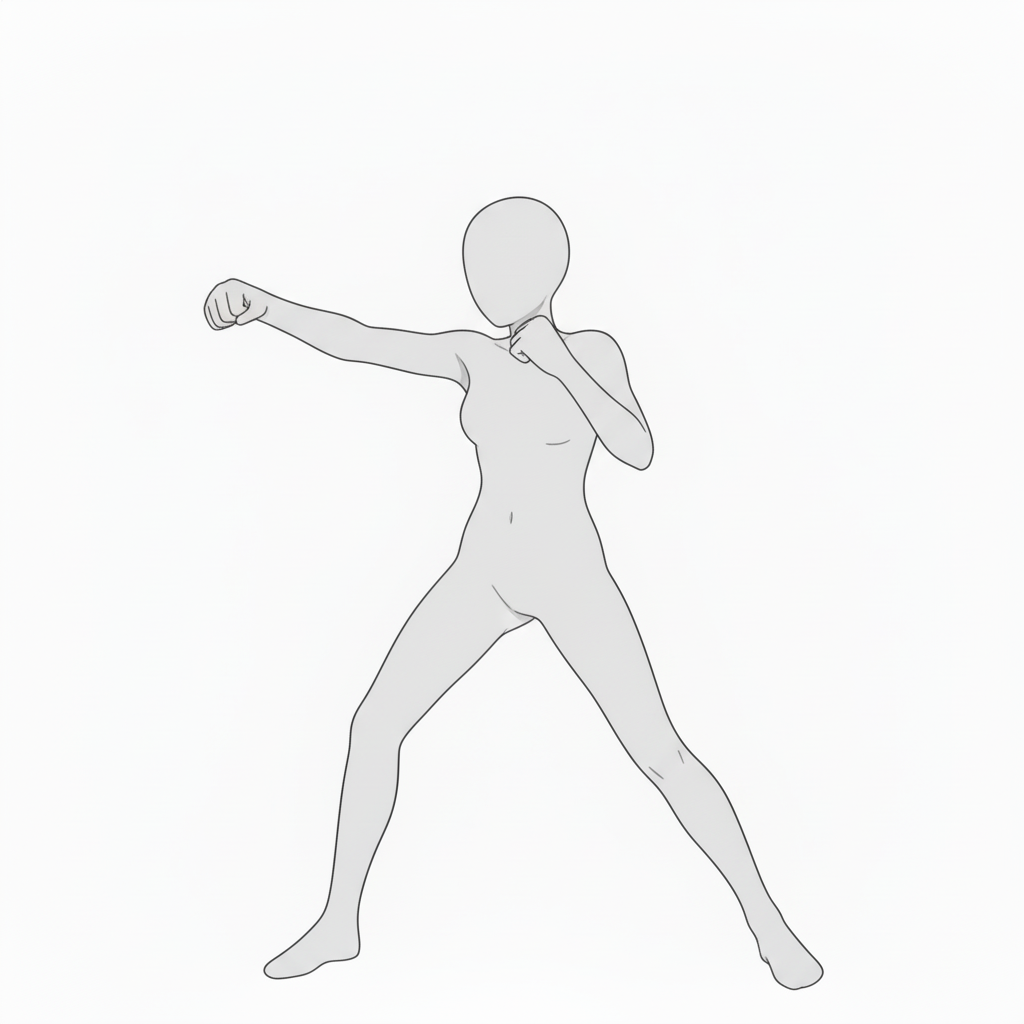
- Punch motion (natural composition)
A slightly forward-leaning punch—useful for fast action 표현.
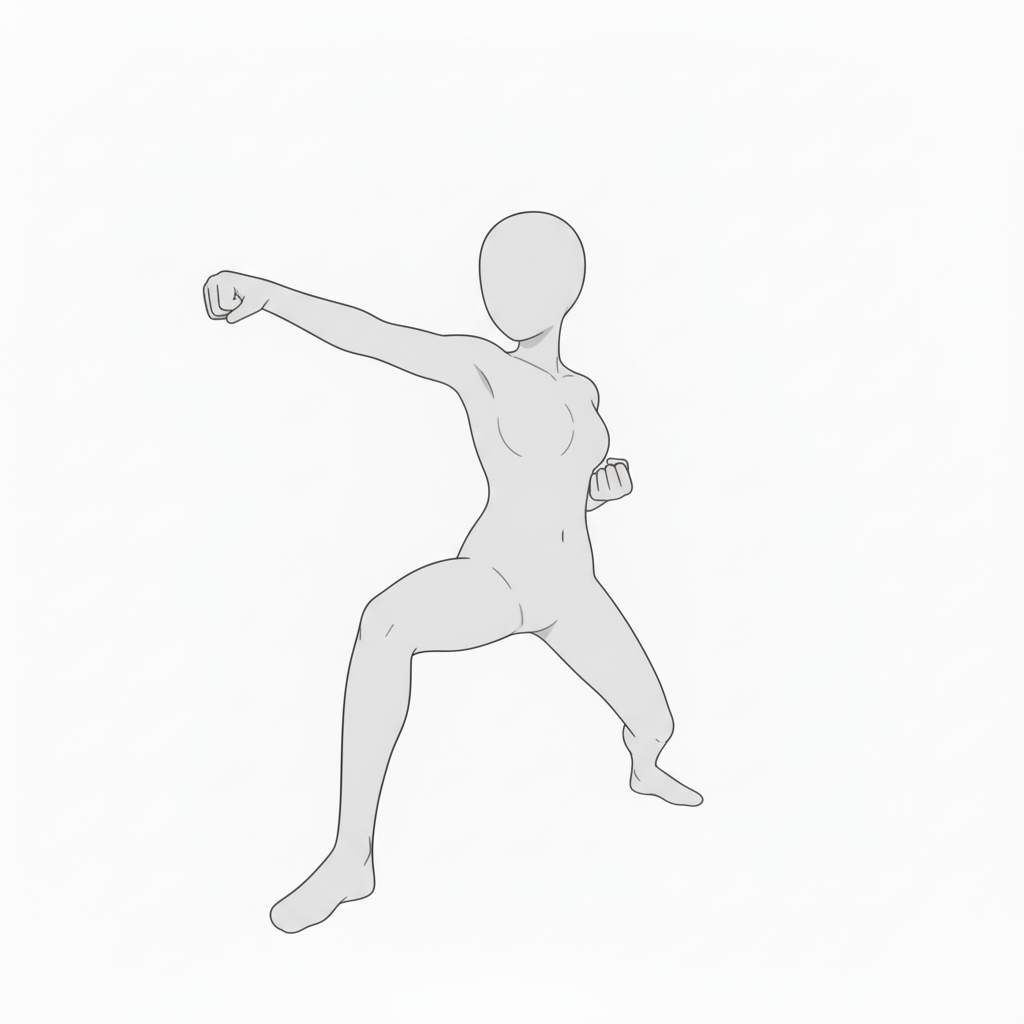
- Front-facing punch (straight-on)
A punch thrust toward the viewer—recommended for combat or tense moments.
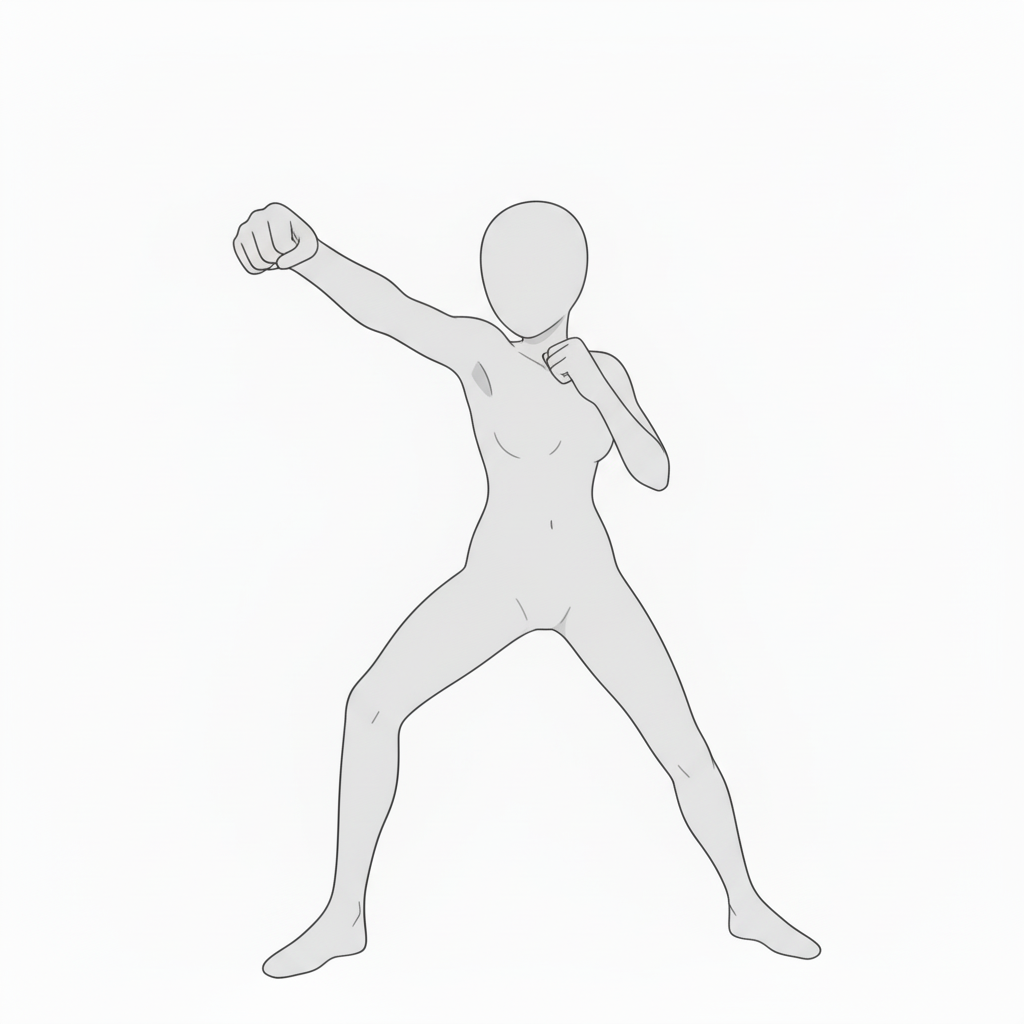
- Fighting stance (guard up)
A ready position with fists raised—perfect before a fight or in a face-off scene.
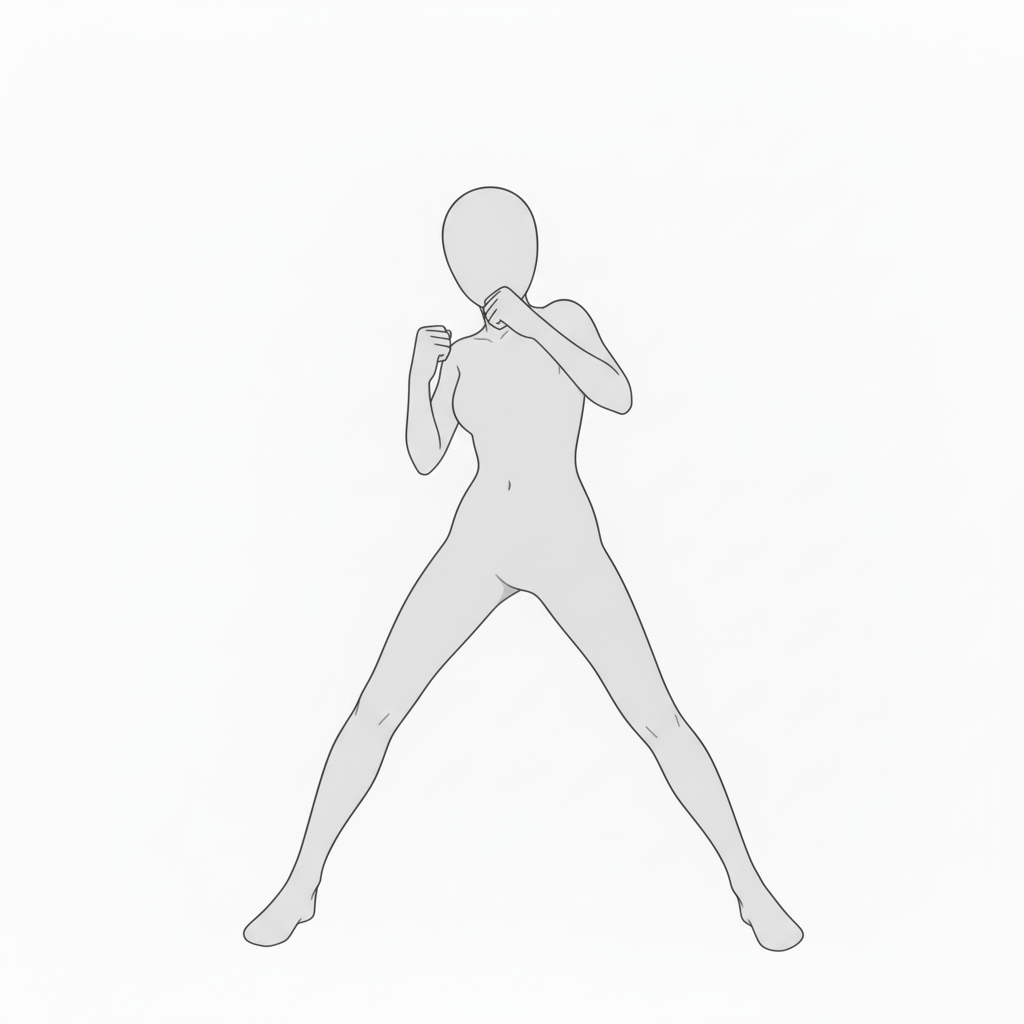
- Combat-ready pose (low guard)
A grounded, low-center stance—great for stable, realistic fight compositions.
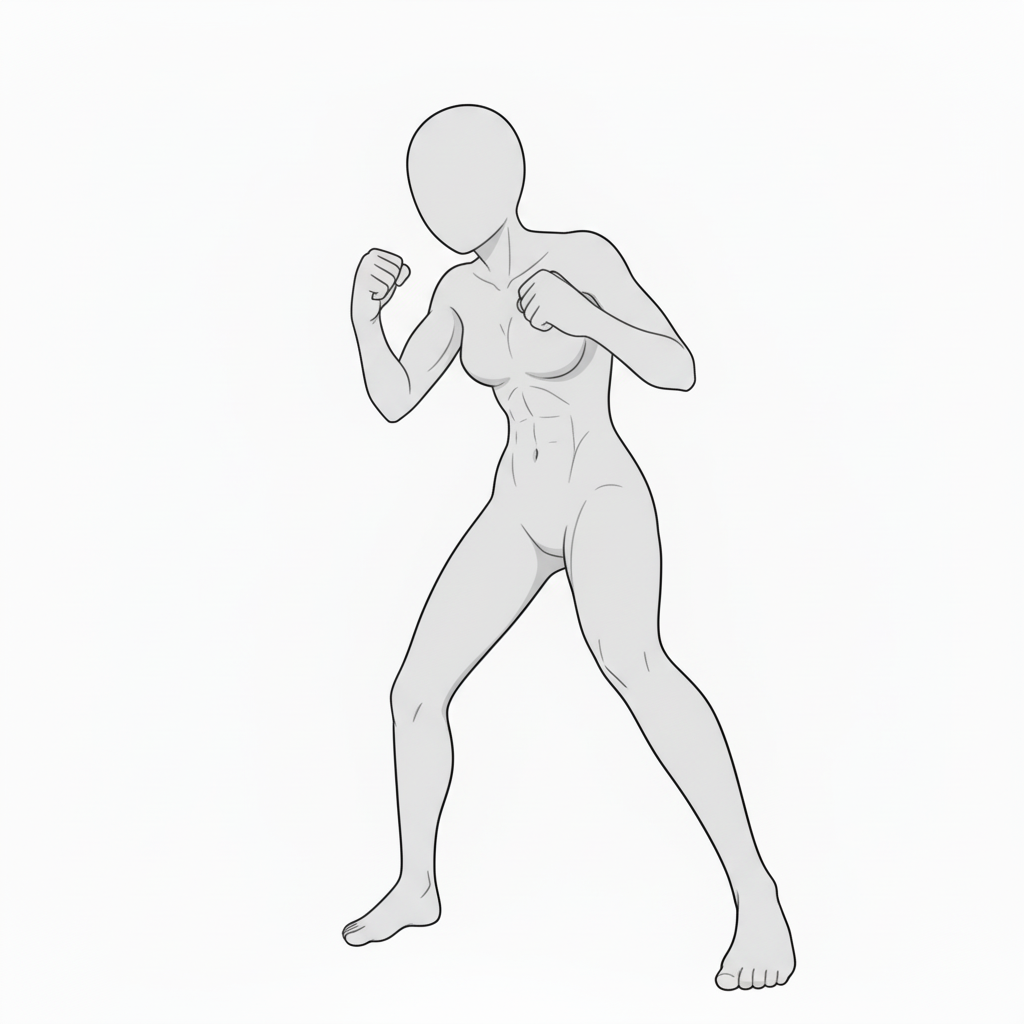
- Side punch (attack motion)
A twisting punch with torso rotation—adds impact to fight action.
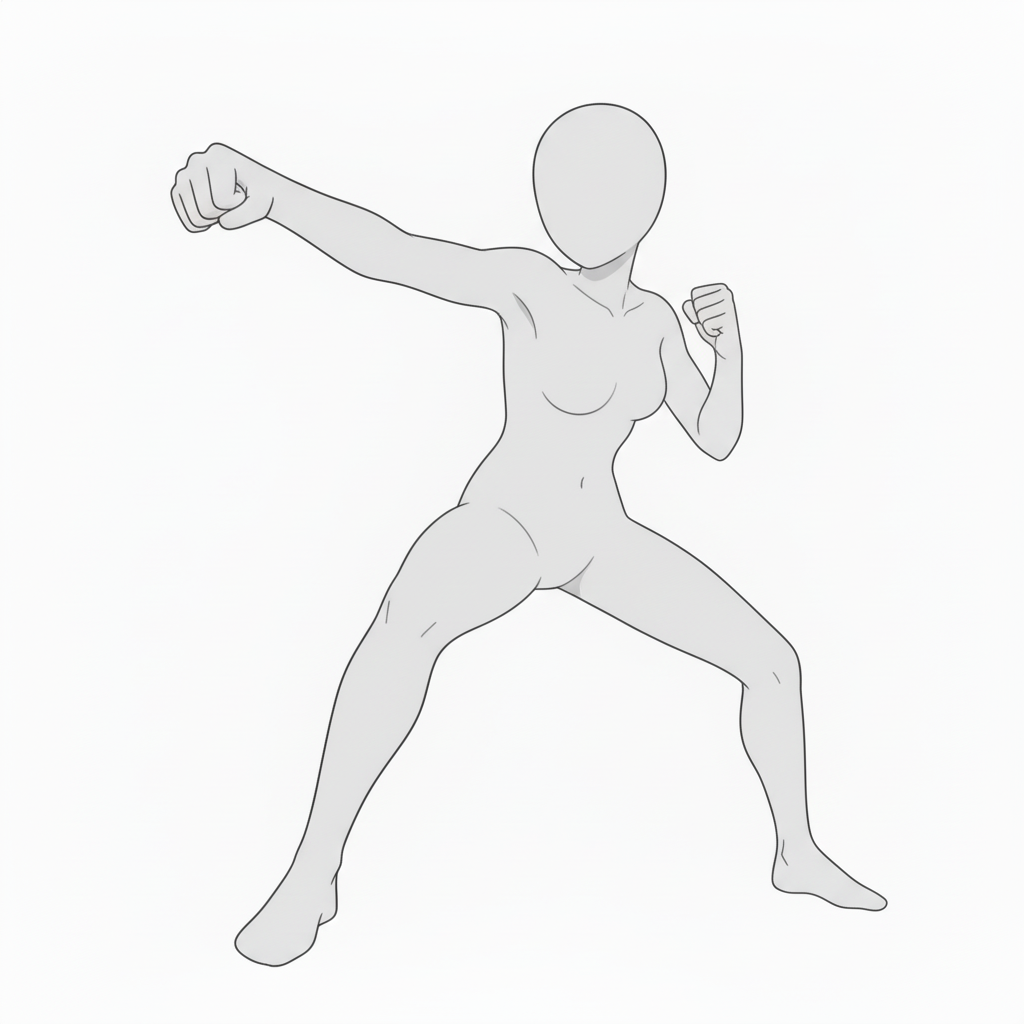
- Low-angle punch (impact angle)
A punch thrown toward the foreground—recommended for dynamic, dramatic cuts.
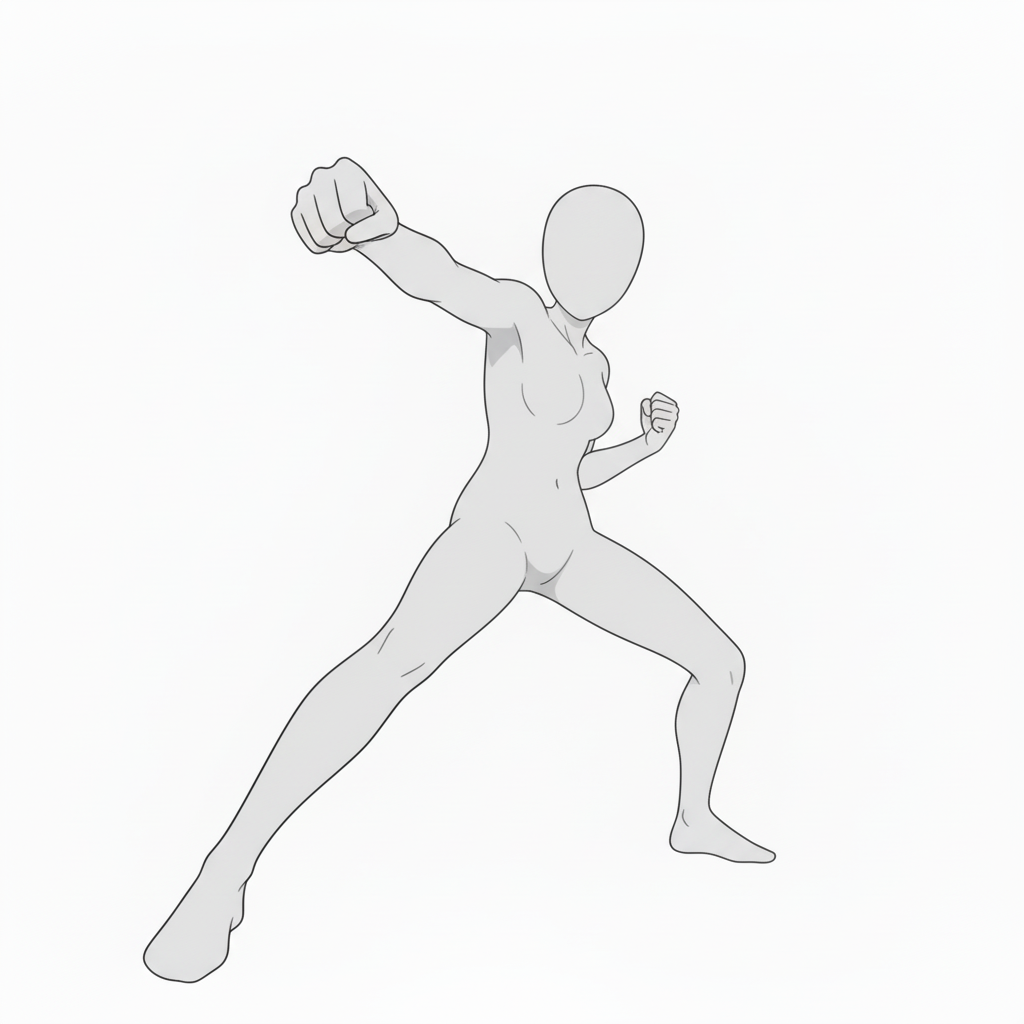
- Defensive guard (foreground arm)
A defensive arm guard—ideal right before a counterattack.
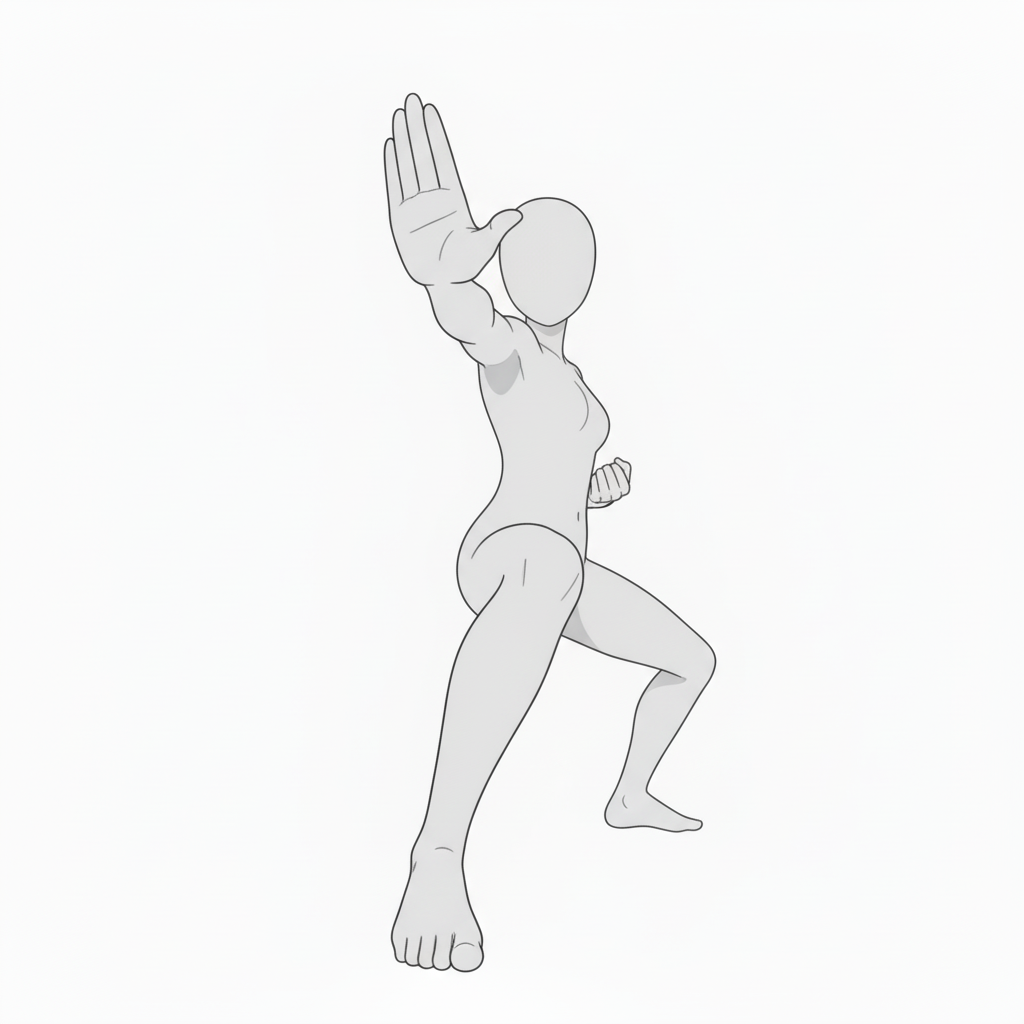
- Mid-level punch (in motion)
A straight punch aimed at mid-height—captures a natural body flow.
- Powerful straight punch (strong angle)
A full-body punch with strong force—good for training scenes as well as combat.
How to Use in copainter
Quick pose variations with AI Assistant
Load the image as a reference to quickly generate pose variations such as angle changes, limb adjustments, and left-right flips. Since these are pose references, they can also be used to specify poses for male characters.
Ensure consistency with Training (Enterprise only)
By specifying poses for a trained model, you can achieve highly accurate pose control—sometimes beyond what AI Assistant alone can produce. Using Image Transformation AI often yields especially good results.
Speed up workflows as a base for Line Art AI
Use these bases as early-stage roughs to improve efficiency. You can edit them in tools like Photoshop or Clip Studio Paint, then run Line Art AI—making even difficult compositions easier to handle.
License / Terms of Use
- Eligible users: copainter subscribers
- Usage scope: Free and permitted for commercial use only when used within copainter
- Modifications: Allowed (cropping, painting over, color changes, vectorization, etc.)
- Attribution: Not required
- Prohibited: Redistributing or selling the asset data, claiming it as your own, or commercial use outside copainter
FAQ
Q. Can I use this outside copainter?
A. No. Free/commercial use is permitted only when subscribed copainter users use it within copainter. However, editing the assets in external software is fine if the purpose is to use them in copainter.
Q. Can I use it in commercial works?
A. Yes. Commercial use is allowed for works created using copainter. You do not need to create the entire work exclusively in copainter.
However, redistribution or resale of the assets themselves is not allowed.
Q. Are there more free pose assets?
A. Yes. Please see:
https://blog.copainter.ai/tag/assets/
If you haven’t used copainter yet, this is a great opportunity—please sign up for copainter using the link below!
If you haven’t used copainter yet, this is a great opportunity—please sign up for copainter using the link below!
You can also check out copainter Learn, our media hub with tips on how to get the most out of copainter, here.
![[Free Download] Chibi Character Battle Pose Collection — Free for Copainter Users, Including Commercial Use](/content/images/size/w720/2026/03/header_pose-collection_battle-of-deformation-character-1.png)
![[Free Download] Female Battle Pose Collection — Free for Copainter Users, Including Commercial Use](/content/images/size/w720/2026/03/header_pose-collection_battle-of-woman-1.png)
![[Free Download] Male Battle Pose Collection — Free for Copainter Users, Including Commercial Use](/content/images/size/w720/2026/03/header_pose-collection_battle-of-man-1.png)