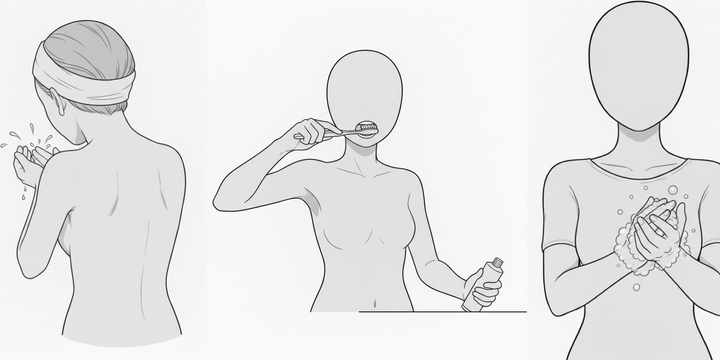
[Free Download] Female Walking Pose Set — Free for Commercial Use by copainter Users
Free female walking pose assets are available to copainter users, with free commercial use permitted within copainter.
![[Free Download] Female Walking Pose Set — Free for Commercial Use by copainter Users](/content/images/size/w1200/2026/01/copainter_-------------------1.png)
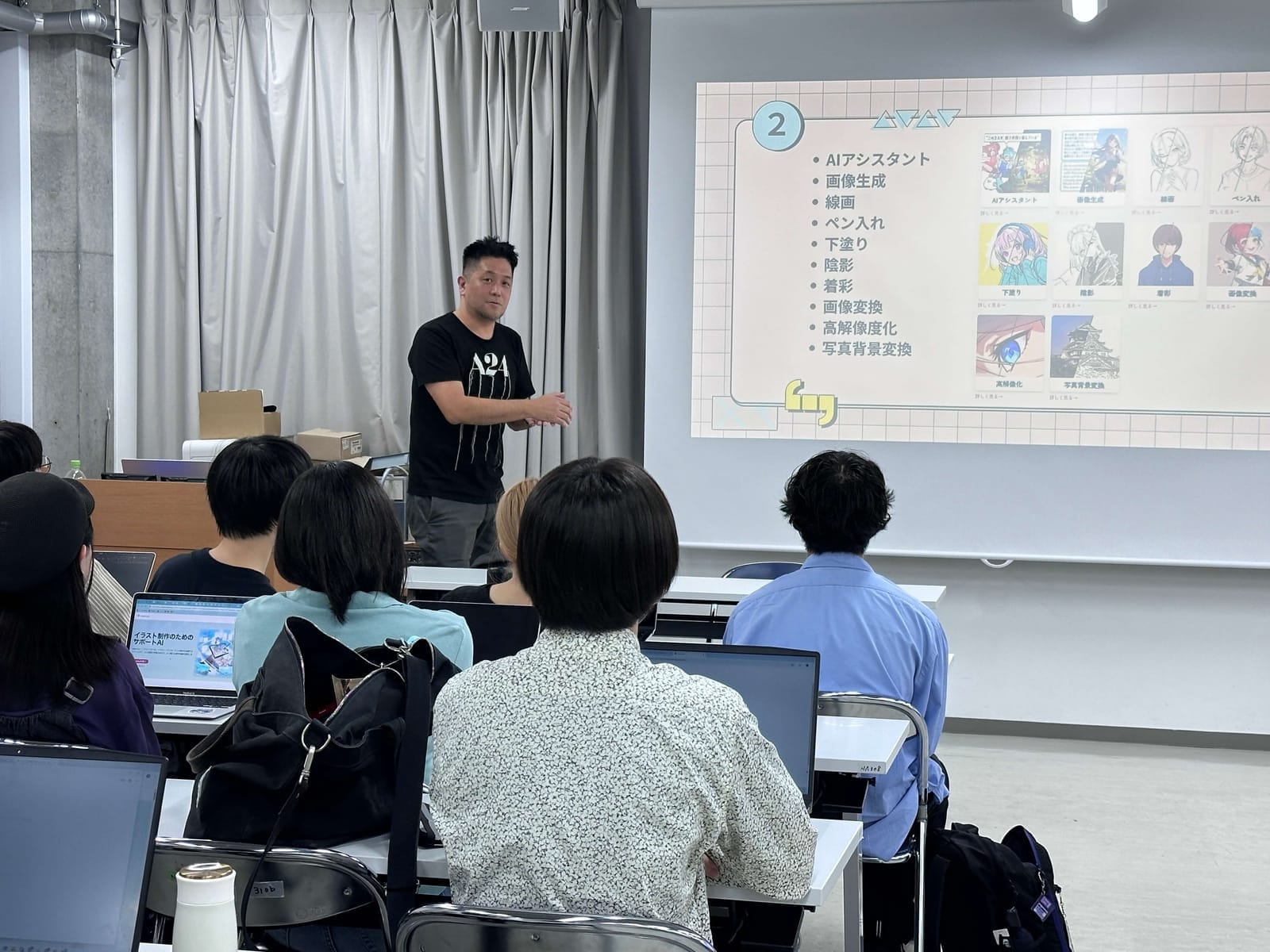
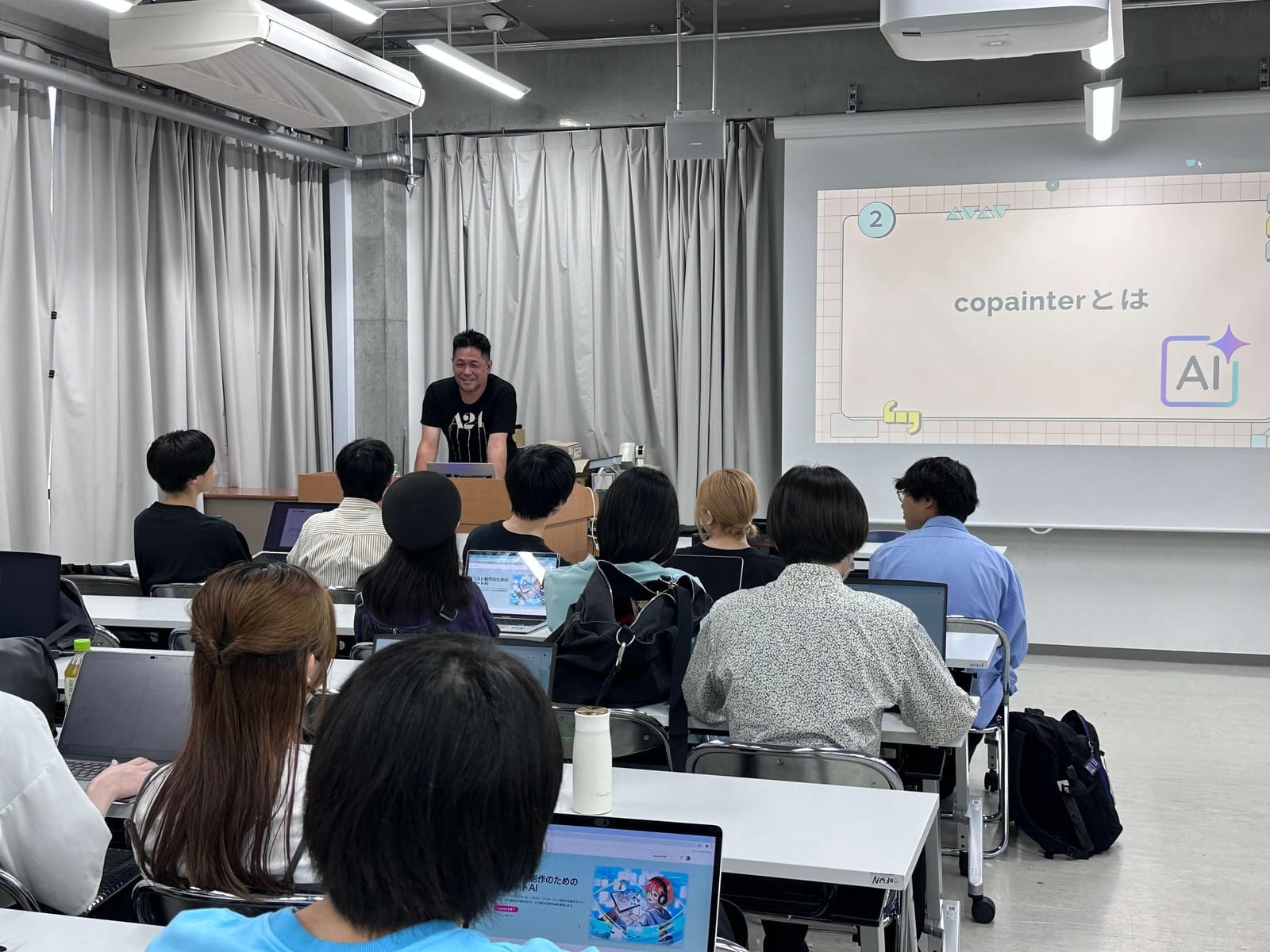
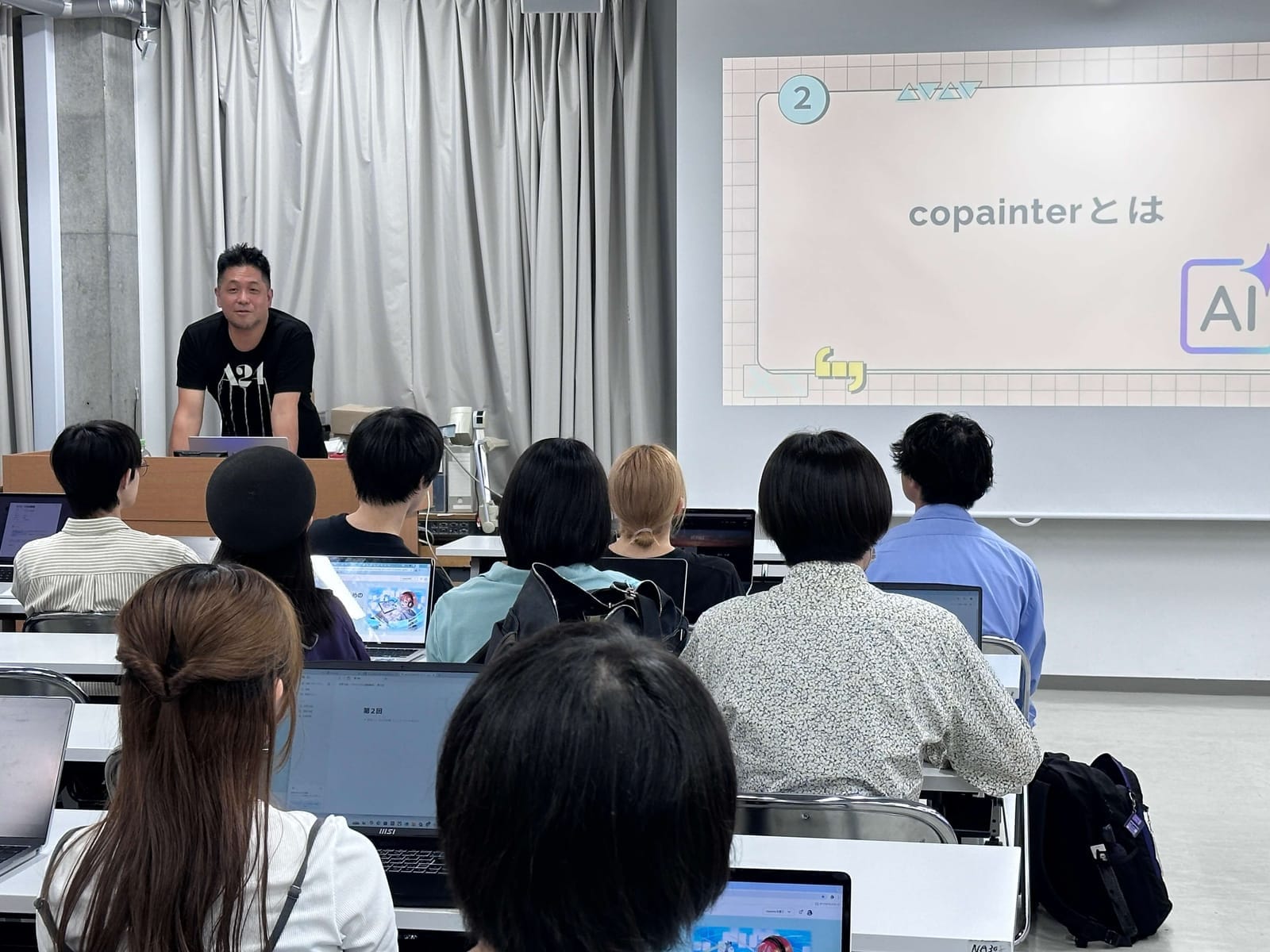
In early October, we held a manga production class using copainter, a creative-support AI tool, in Kyoto University of the Arts’ Product Design course “Project Practice Seminar.” Students brought their laptops and participated in a hands-on workshop where they used AI as an assistive tool through the full workflow: rough sketch → line art → coloring → finishing. This article summarizes the session based on the lecture slides and photos from the day (images on this page).
Purpose of the Class
- Not “fully automated generation,” but learning how to use AI effectively during intermediate steps to improve efficiency
- Building a practical workflow that preserves individual creativity while using copainter to significantly reduce production time
- Balancing reproducibility and productivity
- copainter’s strength is rapid iteration: improve rough accuracy and quickly repeat line art, coloring, and light/shadow adjustments until you’re satisfied
Agenda
- Introduction and self-introduction
- What is copainter? (feature overview)
- Breaking down the production process (rough / line art / coloring / finishing / background)
- Hands-on: create a work using copainter
- AI usage in real production and trends in Japan and abroad
- Q&A
Key copainter Features Covered
- AI Assistant: Edit by combining an image with instructions (outfit changes, background compositing, pose adjustment, etc.)
- Image Generation / Image Transformation: Includes automatic prompt estimation from existing images
- Line Art / Base Coloring / Shading / Coloring: Step-by-step production support
- Upscaling / Photo Background Transformation: Efficiency for finishing and batch production
During the lecture, students tried concrete instructions such as “put a sailor uniform on the character” and “adjust light and shadow to match the background,” experiencing the AI Assistant’s consistency firsthand.
Workflow Practiced in Class
- Rough: Create rough sketches with pencil, Photoshop, or CLIP STUDIO (even very simple sketches are OK)
- Line Art: copainter Line Art mode → auto prompt estimation → parameter tuning
- Coloring: Input line art + base colors → generate colored output
- Assist Editing: Outfit changes, background compositing, texture tuning (light/shadow)
- Finishing: Upscale as needed
Tips Shared
- Base colors placed cleanly within line boundaries improve accuracy
- Repeating short cycles of “output → minor edits → re-output” stabilizes quality
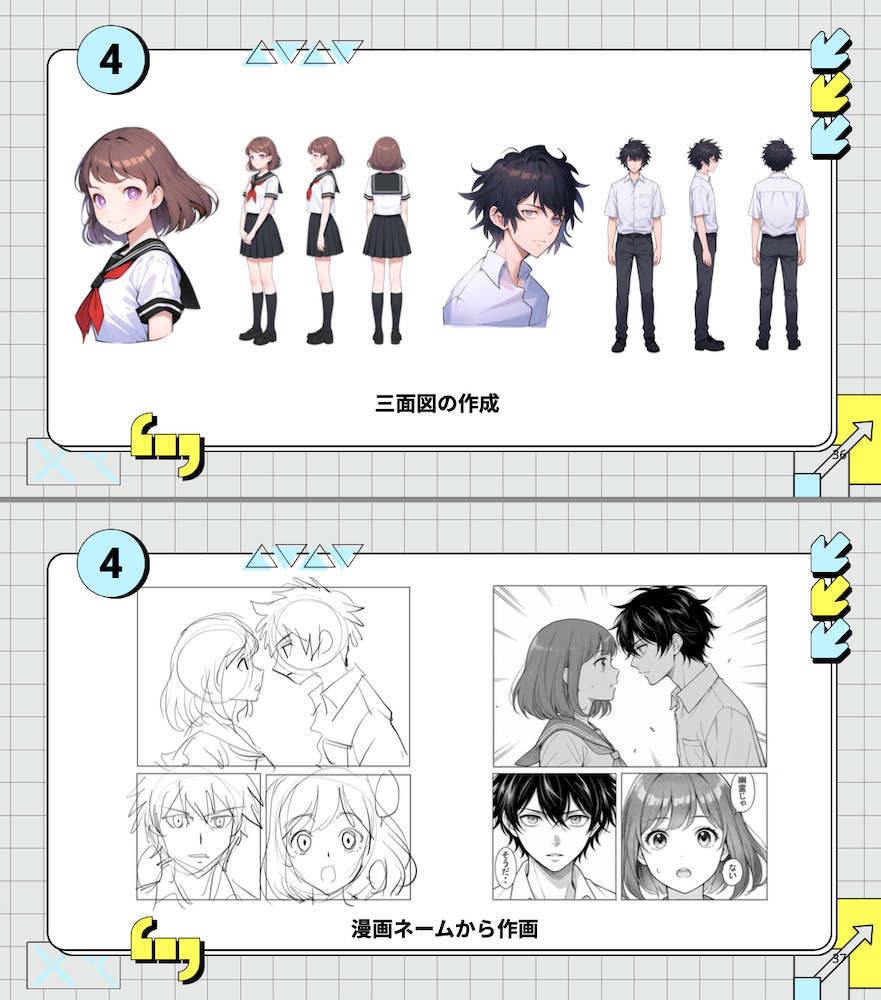
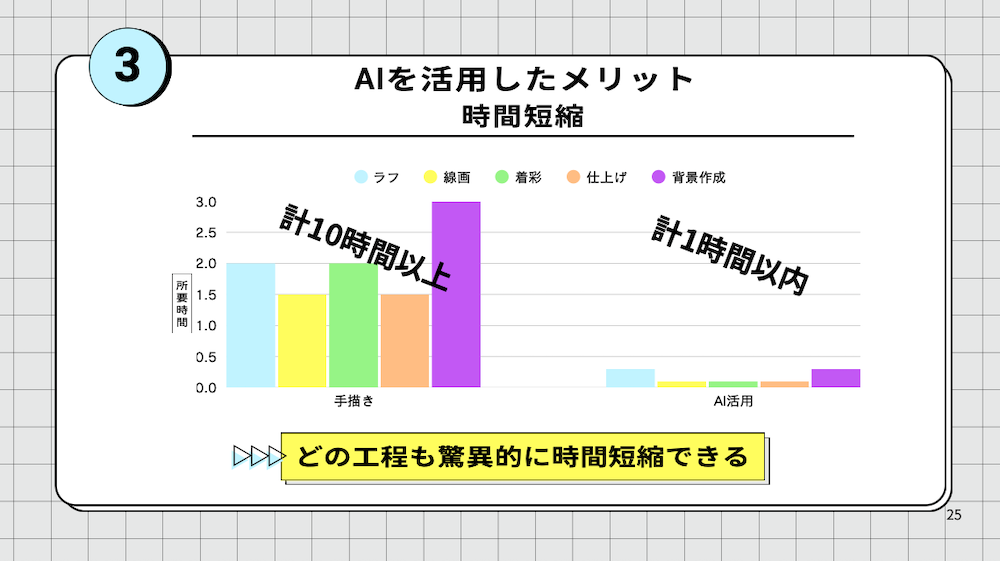
Results: From “10+ Hours” to “Under 1 Hour”
In the slide examples, replacing parts of each step with AI assistance dramatically reduced total production time. Being able to test multiple variations quickly also helped improve overall quality.
Discussion: Global Trends in AI Adoption
- U.S.: Fast adoption driven by a culture of small-scale experimentation
- China: Rapid implementation accelerated by national strategy
- EU: Expanding use into the public sector while strengthening regulation
- Japan: Cautious adoption with an emphasis on guidelines and risk assessment—however, once security and legal frameworks mature, adoption may accelerate significantly
Conclusion: AI as a “Creative Co-Pilot”
The takeaway is simple: AI is a powerful tool. When used smartly in steps like roughing, line art, coloring, and compositing, it greatly increases both creative freedom and the number of iterations you can try. The key skill in the AI era is to start using it and find the workflow that fits you best.
Contact
For inquiries about university classes, corporate training, or on-site workshops, please feel free to contact the copainter administration office.