
[Free Download] Female Walking Pose Set — Free for Commercial Use by copainter Users
A free female mob-character walking pose set is available for copainter users, allowing commercial use within copainter to streamline illustration, manga, anime, game, and webtoon workflows.
![[Free Download] Female Walking Pose Set — Free for Commercial Use by copainter Users](/content/images/size/w1200/2026/01/copainter_posecollection_8.png)
We’re distributing a female mob-character walking pose base set that’s easy to use for illustration, manga, anime, games, and webtoons. Use it when specifying poses in copainter or as rough underdrawings for character illustrations. Tracing and paint-overs are allowed.
The license for the images downloadable from this page is listed near the bottom of this article.
File Details
- Format: PNG (white background)
- Resolution: 1024 × 1024 px (square)
- Files: Download and use the attached images in this post as-is.
Poses (Downloadable)
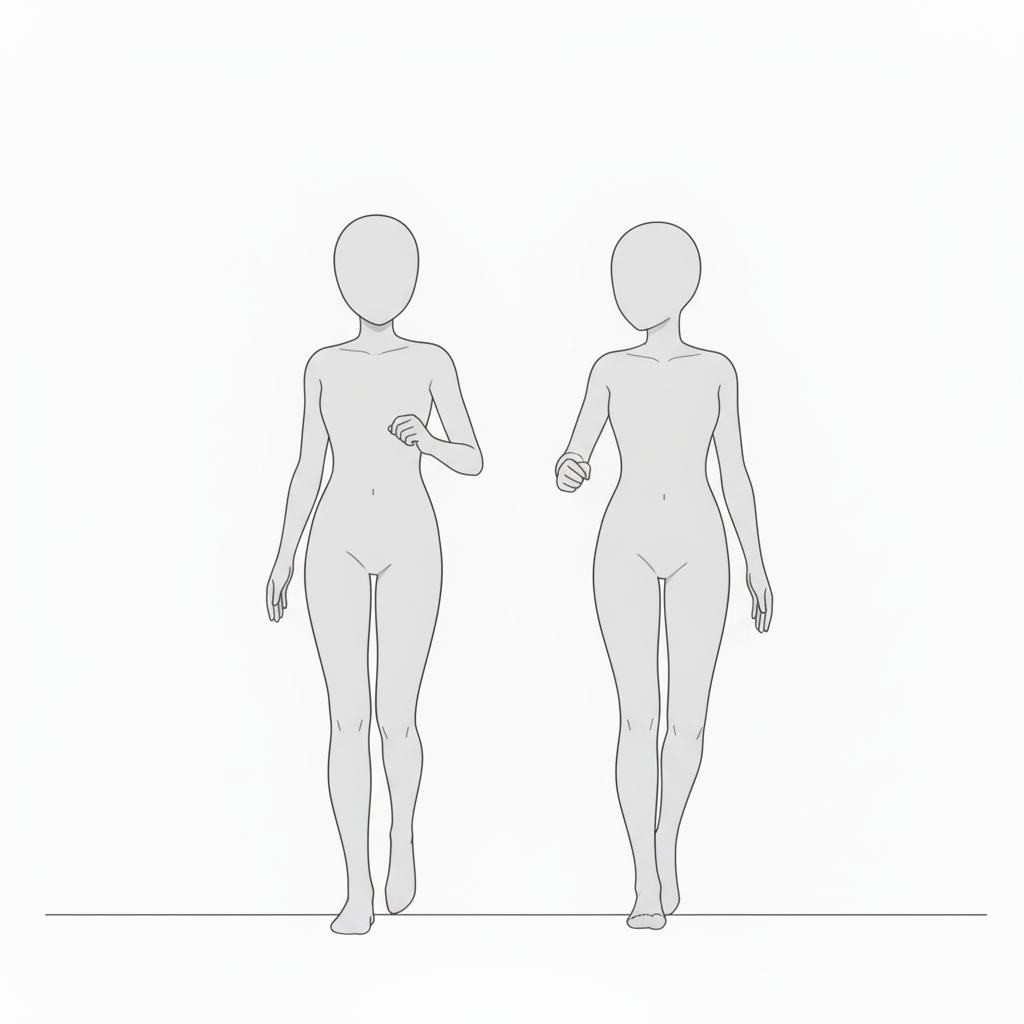
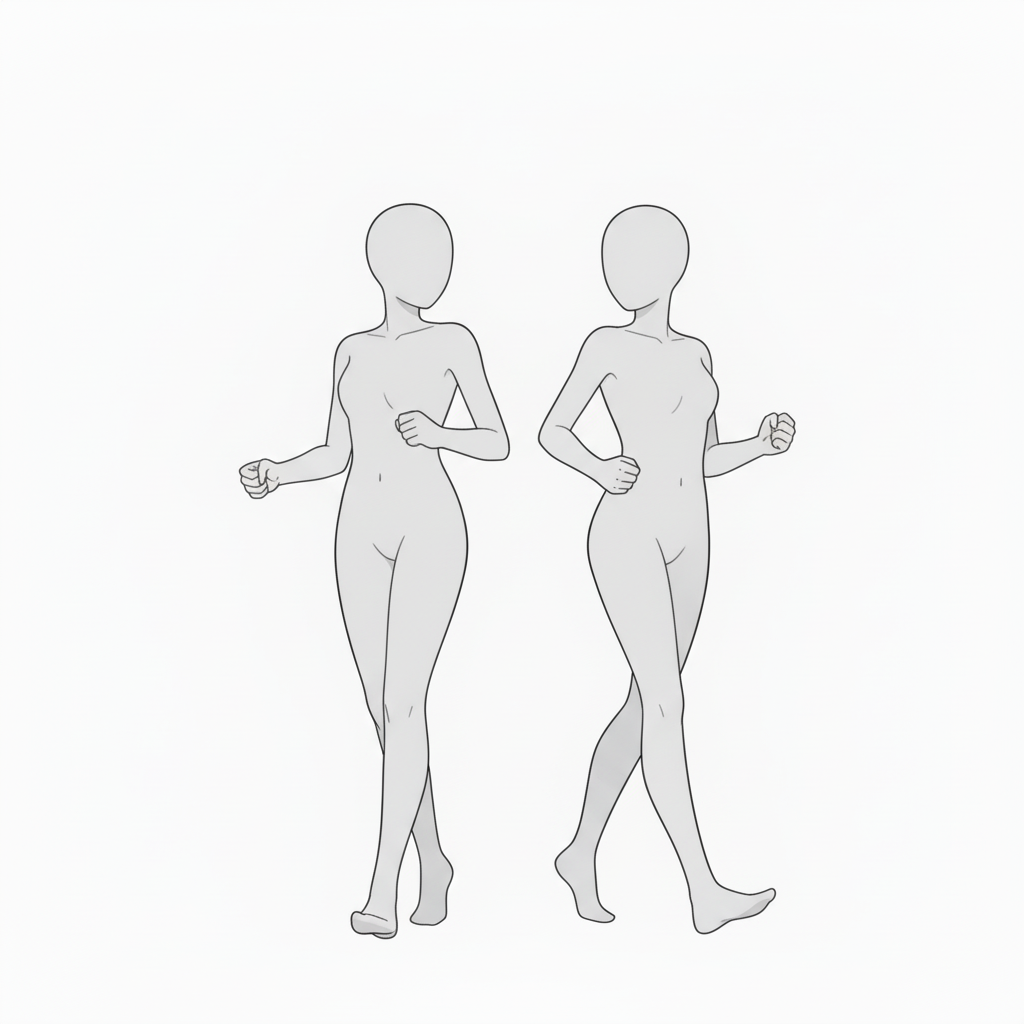
- Two characters walking side by side (front view)
A synchronized walking composition—ideal for daily life, conversation, or moving-together scenes.
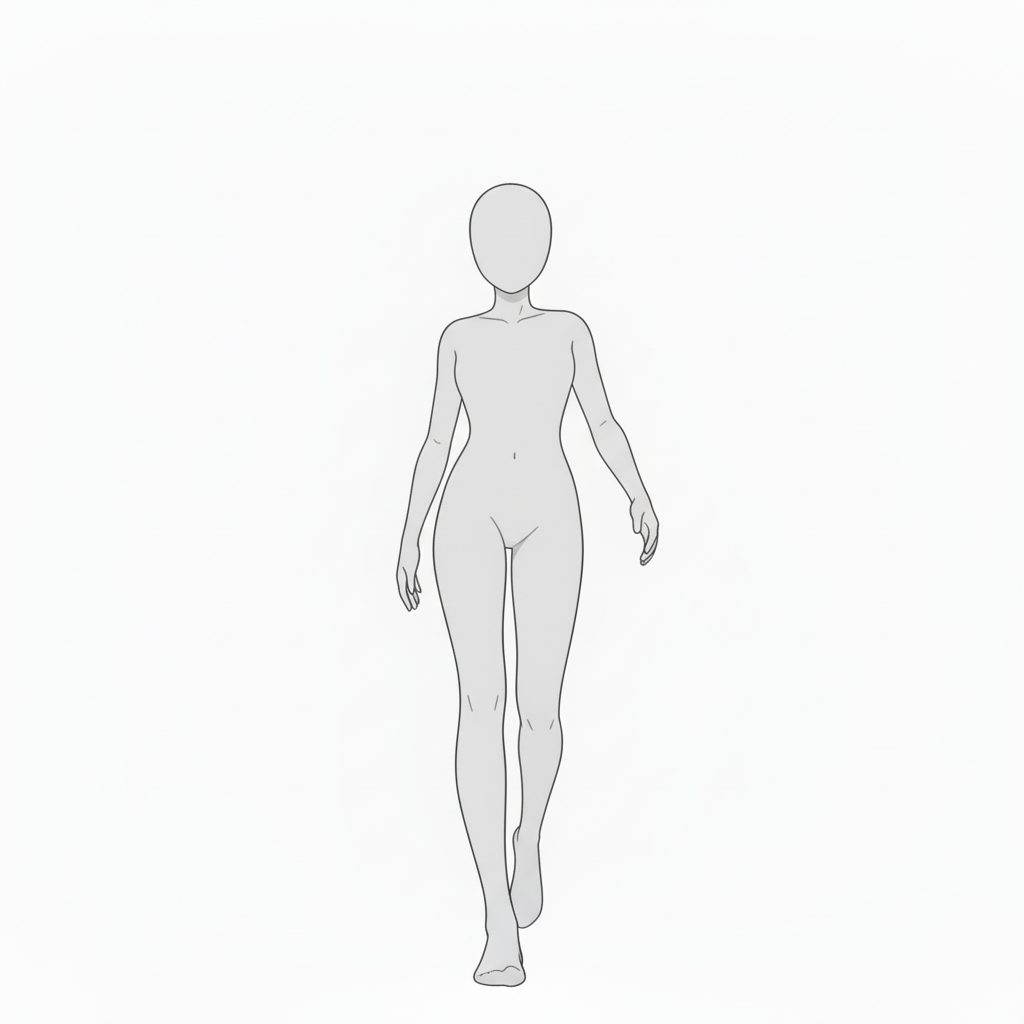
- Front-facing walk (natural stance)
A straightforward walking pose—great for entrances or movement scenes.
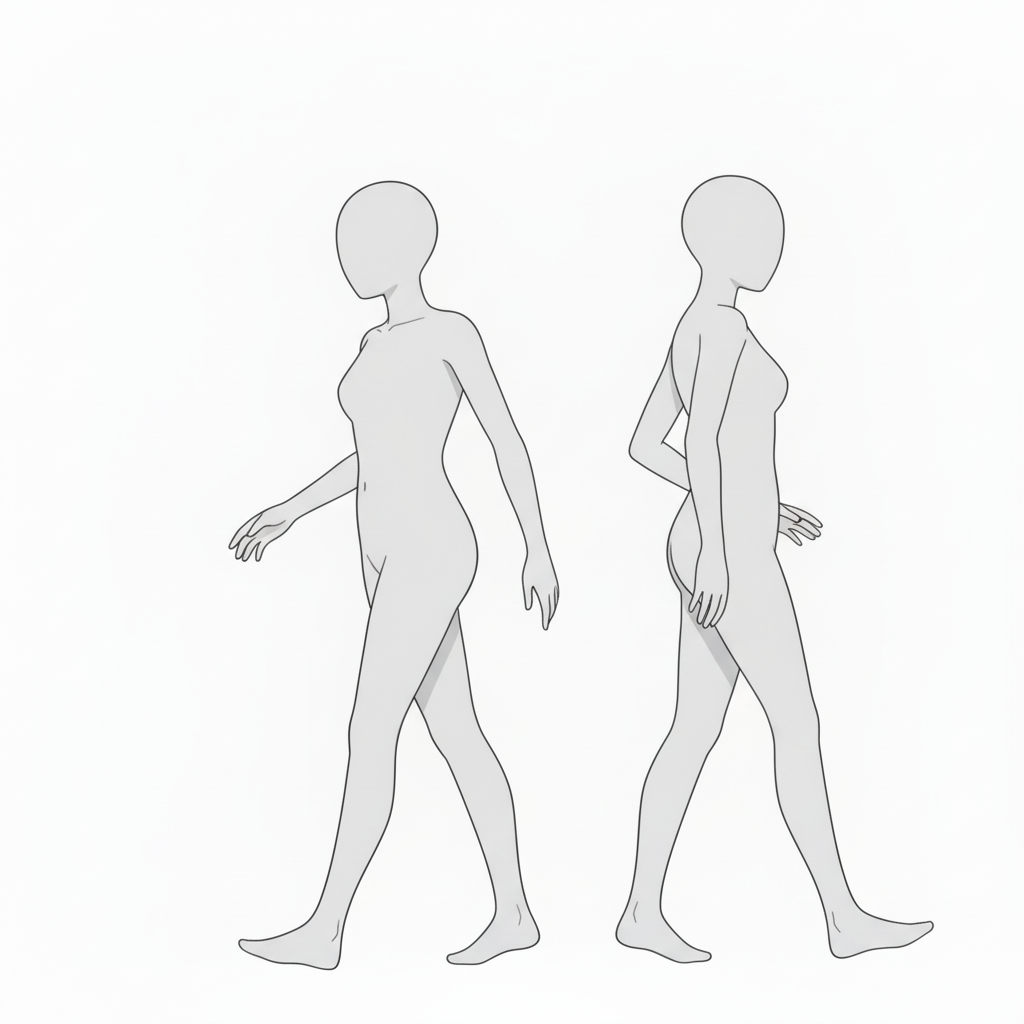
・Side-walking poses (left/right set)
Side-view walking motion—useful for passing scenes, parallel movement, or background variations.
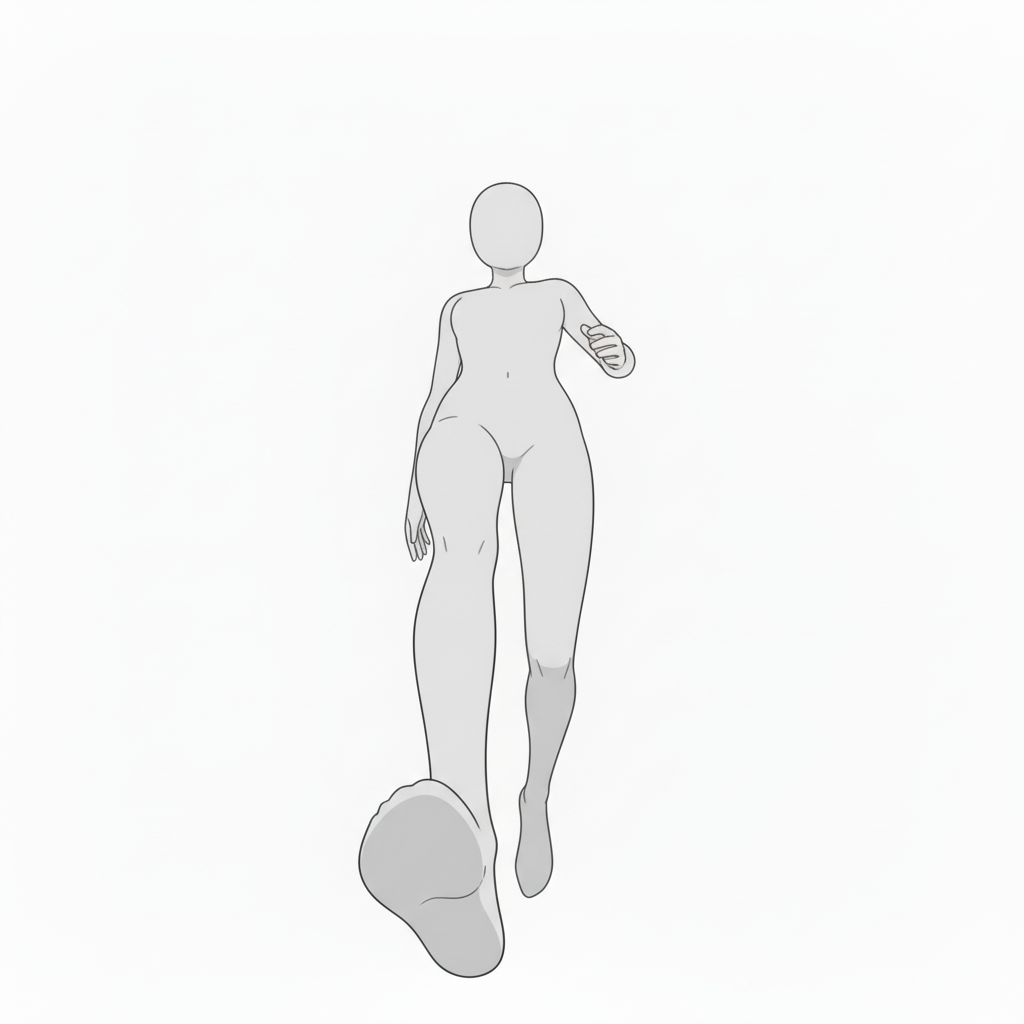
- Low-angle walk (dynamic impact)
Emphasizes the feet for a powerful entrance or dramatic staging.
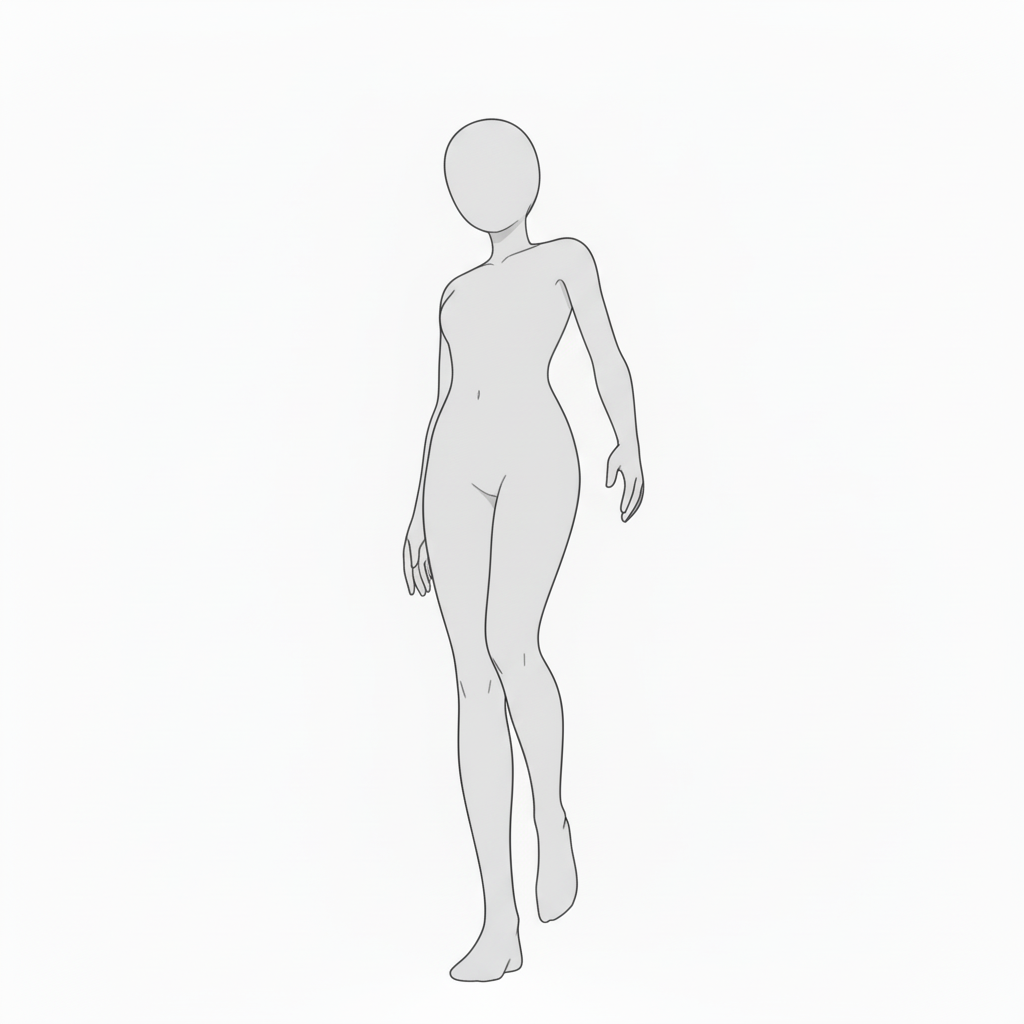
- Light, natural walk
A casual gait—perfect for everyday character actions.
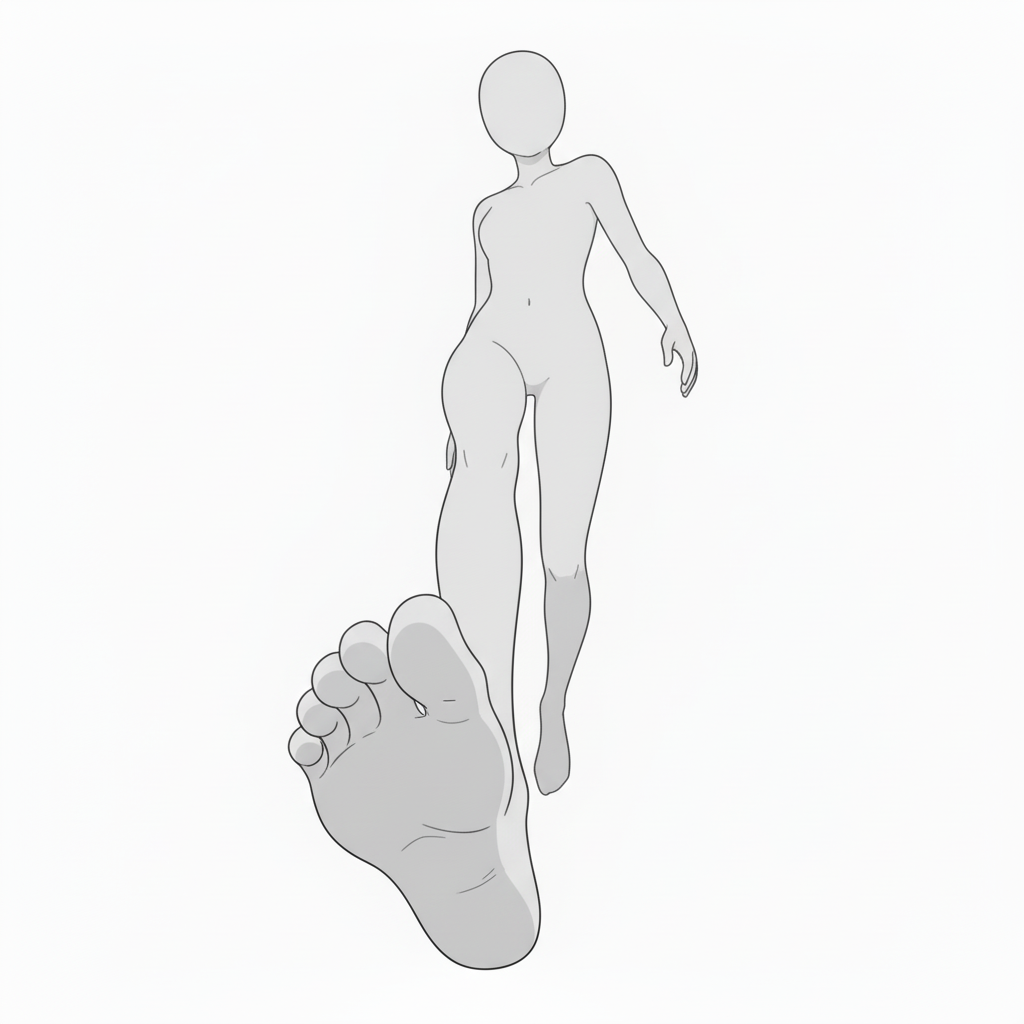
- Foreground-emphasized walk (feet focus)
A perspective-heavy pose with a large foreground foot—adds depth to walking scenes.
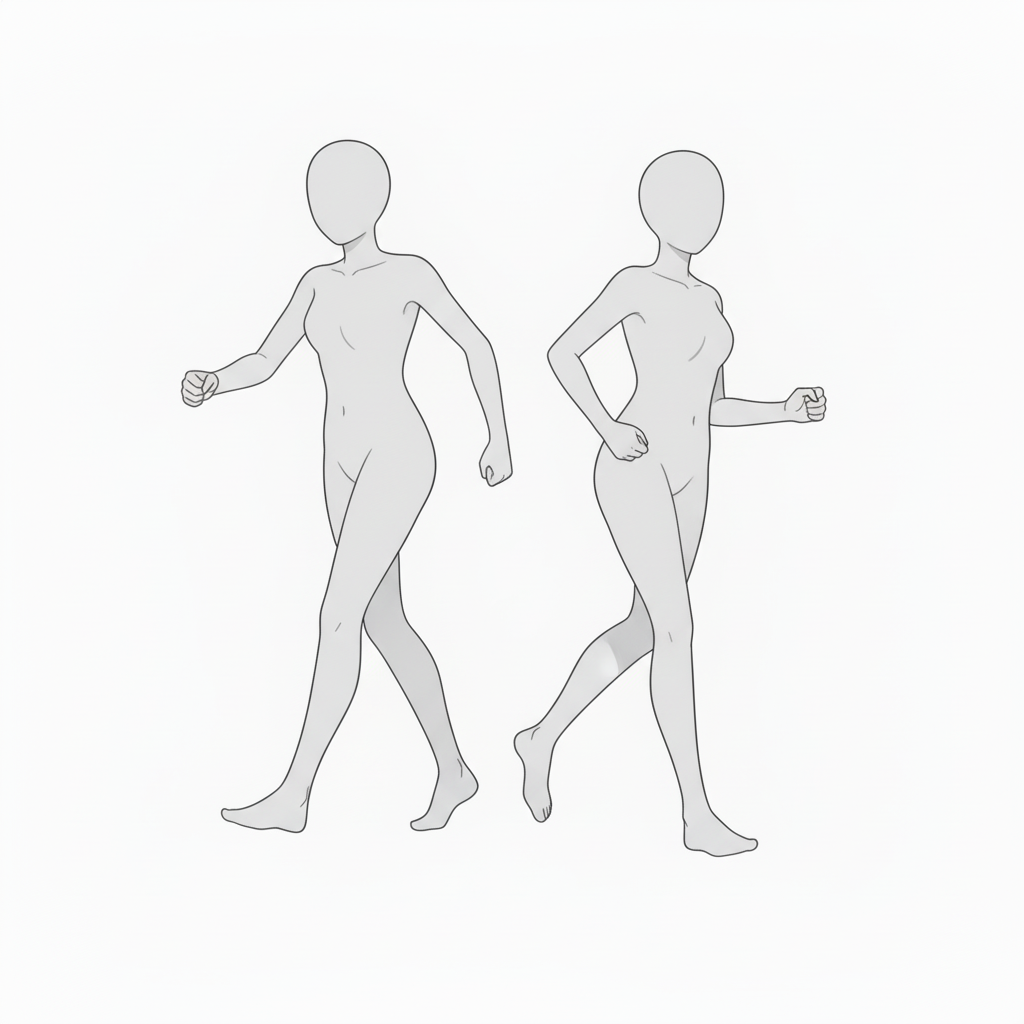
- Two-character walk (motion comparison)
Same action from different angles—useful for comparing movements between characters.
- Diagonal walk (slight tilt)
Crossing paths or moving at an angle—great for city scenes or passing moments.
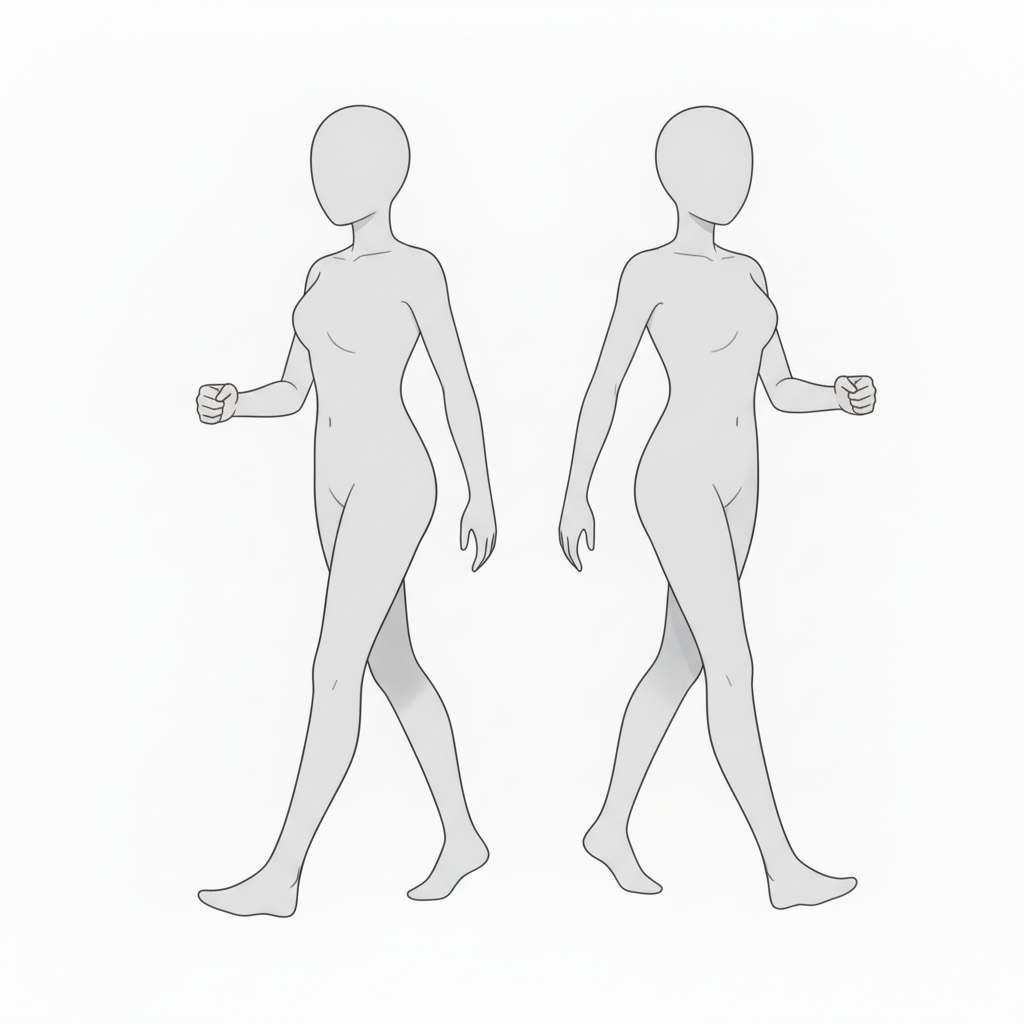
- Two-shot walking (side composition)
Side-view with matched pace—ideal for conversation or traveling together.
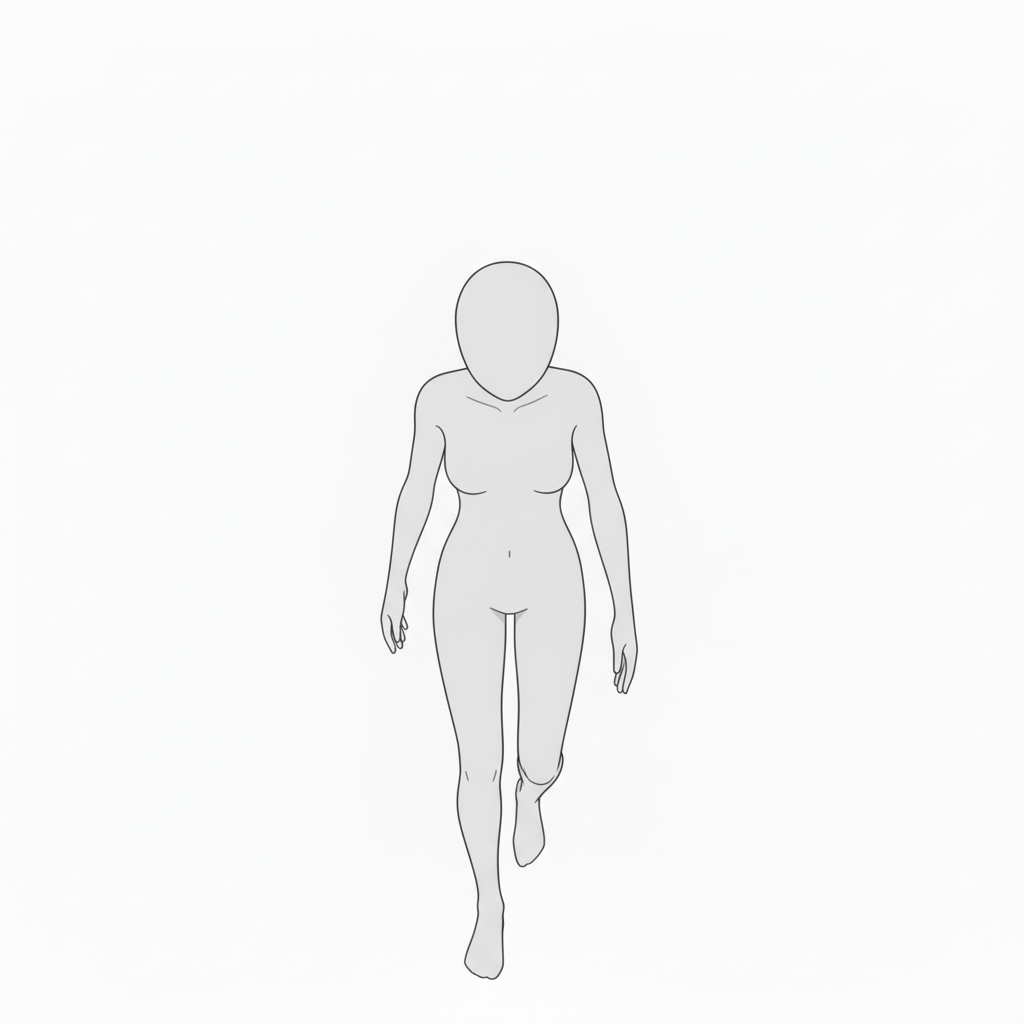
- Top-down walk (overhead view)
A bird’s-eye walking composition—effective for scene introductions or story panels.
How to Use in copainter
Quick pose variations with AI Assistant
Load the image as a reference to quickly generate pose variations such as angle changes, limb adjustments, and left-right flips. Since these are pose references, they can also be used to specify poses for male characters.
Ensure consistency with Training (Enterprise only)
By specifying poses for a trained model, you can achieve highly accurate pose control—sometimes beyond what AI Assistant alone can produce.
Speed up workflows as a base for Line Art / Image Transformation AI
Use these bases as early-stage roughs to boost efficiency. Paint over or edit them in tools like Photoshop or Clip Studio Paint, then run Line Art AI to handle even complex compositions.
License / Terms of Use
- Eligible users: copainter subscribers only
- Usage scope: Free and permitted for commercial use only when used within copainter
- Modifications: Allowed (cropping, paint-overs, color changes, vectorization, etc.)
- Attribution: Not required
- Prohibited: Redistributing or selling the asset data, claiming it as your own, or commercial use outside copainter
FAQ
Q. Can I use this outside copainter?
A. No. Free/commercial use is permitted only when subscribed copainter users use it within copainter. Editing in external software is fine if the purpose is to use it in copainter.
Q. Can I use it in commercial works?
A. Yes—commercial use is allowed for works created using copainter. You do not need to create the entire work exclusively in copainter. Redistribution or resale of the assets themselves is not allowed.
If you haven’t used copainter yet, we invite you to register and try it out via the link below.
![[Free Download] Chibi Character Battle Pose Collection — Free for Copainter Users, Including Commercial Use](/content/images/size/w720/2026/03/header_pose-collection_battle-of-deformation-character-1.png)
![[Free Download] Female Battle Pose Collection — Free for Copainter Users, Including Commercial Use](/content/images/size/w720/2026/03/header_pose-collection_battle-of-woman-1.png)
![[Free Download] Male Battle Pose Collection — Free for Copainter Users, Including Commercial Use](/content/images/size/w720/2026/03/header_pose-collection_battle-of-man-1.png)