
AI Assistant Feature Update Announcement | Aspect Ratio Adjustment
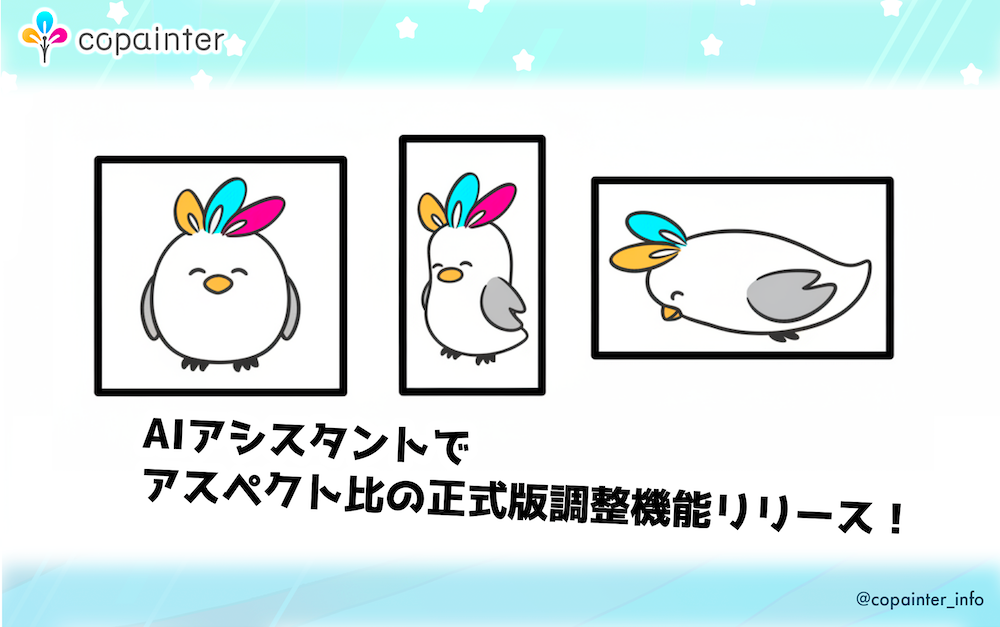
copainter’s AI Assistant now has a stable aspect ratio feature with more presets, improving composition freedom, accuracy, and reliability for creative workflows.
Thank you for using copainter.
Today, we released the official (stable) version of aspect ratio adjustment in the AI Assistant feature. We’ve added more preset options—square, portrait, landscape, ultra-wide, and more—greatly improving composition flexibility and output consistency. In addition, the frequent failures that occurred in the previous beta version have been resolved.
New Feature: Official Aspect Ratio Adjustment
Supported aspect ratios
- Square: 1:1
- Portrait: 3:4, 9:16
- Landscape: 4:3, 16:9
- Ultra-wide: 21:9
- Ultra-tall: 9:21
What is the “AI Assistant”?
The AI Assistant is copainter’s creative support feature for illustration, manga, anime, and game production. By combining prompts with image references, you can generate results closer to your intended composition, characters, and textures.
It can be used for a wide range of tasks, such as creating turnaround sheets, generating facial expression variations, changing background composition, and converting seasons.
How to use (3 simple steps)
- Open AI Assistant
- Select an aspect ratio (choose from presets)
- Enter your prompt and generate
With this update, the AI Assistant becomes even more powerful and convenient.
We hope you enjoy the improved copainter AI Assistant!
![[Free Download] Chibi Character Battle Pose Collection — Free for Copainter Users, Including Commercial Use](/content/images/size/w720/2026/03/header_pose-collection_battle-of-deformation-character-1.png)
![[Free Download] Female Battle Pose Collection — Free for Copainter Users, Including Commercial Use](/content/images/size/w720/2026/03/header_pose-collection_battle-of-woman-1.png)
![[Free Download] Male Battle Pose Collection — Free for Copainter Users, Including Commercial Use](/content/images/size/w720/2026/03/header_pose-collection_battle-of-man-1.png)