
Never struggle with creating backgrounds again! Time-saving techniques to turn photos into manga backgrounds with AI
Turn photos into manga backgrounds fast with copainter.
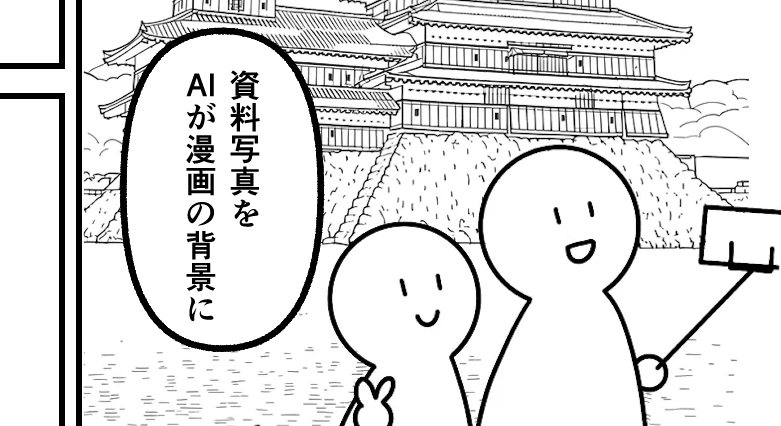
Are you having trouble creating backgrounds for manga or illustrations?
With copainter’s “Photo Background Conversion,” you can turn real photos into usable background materials.
Hello, this is the copainter content team.
We operate “copainter” (in Japanese: コペインター), a service that helps creators make use of AI in their creative work.
https://www.copainter.ai/
In this article series, we’ll share tips on how to get more out of copainter, as well as ideas on how AI can be used in the creative process in general. We hope these tips and perspectives will be helpful when you use AI in your work. If you’re interested, we’d love for you to check it out.
Today’s topic is copainter’s “Photo Background Conversion.”
What is Photo Background Conversion?
Photo Background Conversion lets you transform an input photo into background material that can be used in manga or illustrations.
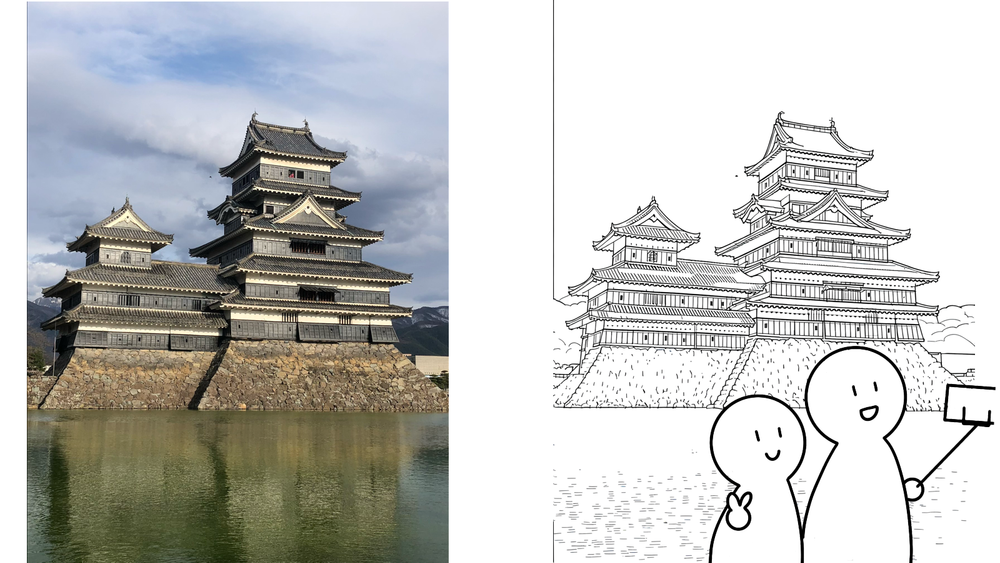
(Input image → Output image)
Simply upload a cityscape, a room interior, or a natural landscape—whether it’s your own photo or a free stock image—and AI will generate line-art style background drawings.
Note: If you use free photos or stock materials, be sure to check the distributor’s terms of use.
By streamlining the process of tracing reference photos, you can spend more time focusing on the parts you really want to refine.
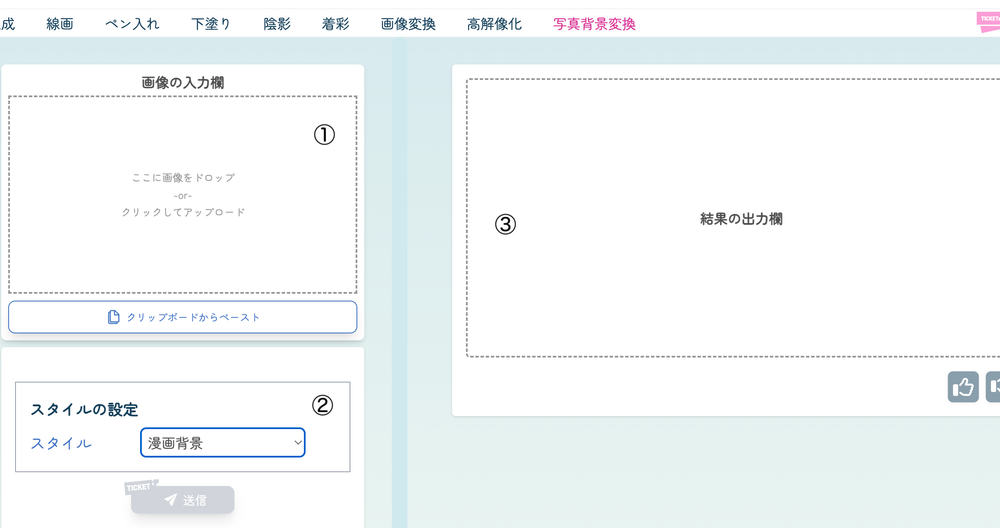
It’s easy to use:
- Upload the image you want to convert
- Choose a style (Manga / Anime) and submit
- Download the generated background
How to use it in manga production
By using reference images directly as background materials, you can support your storyboarding and rough drafts.
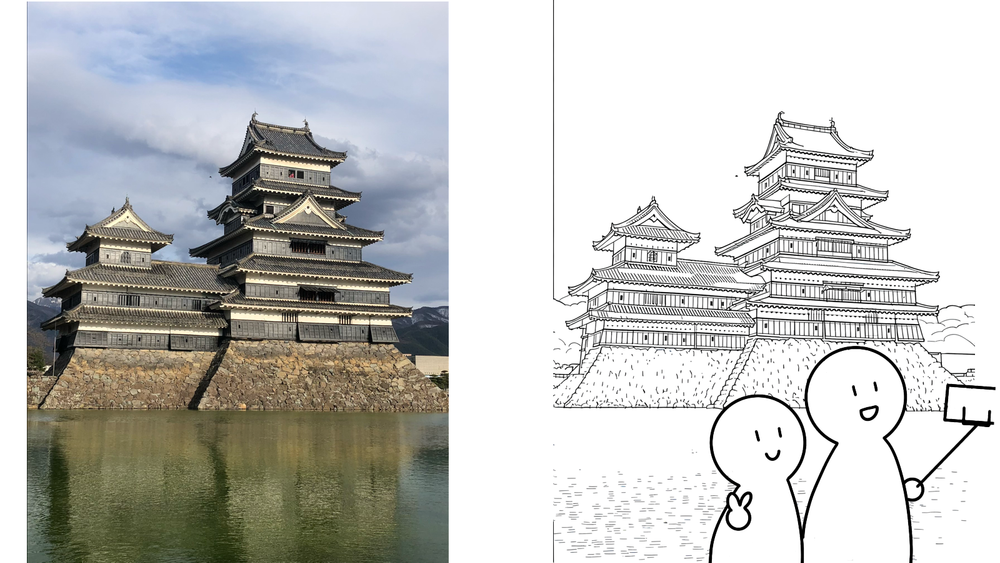
(Input image → Output image + additional touch-ups)
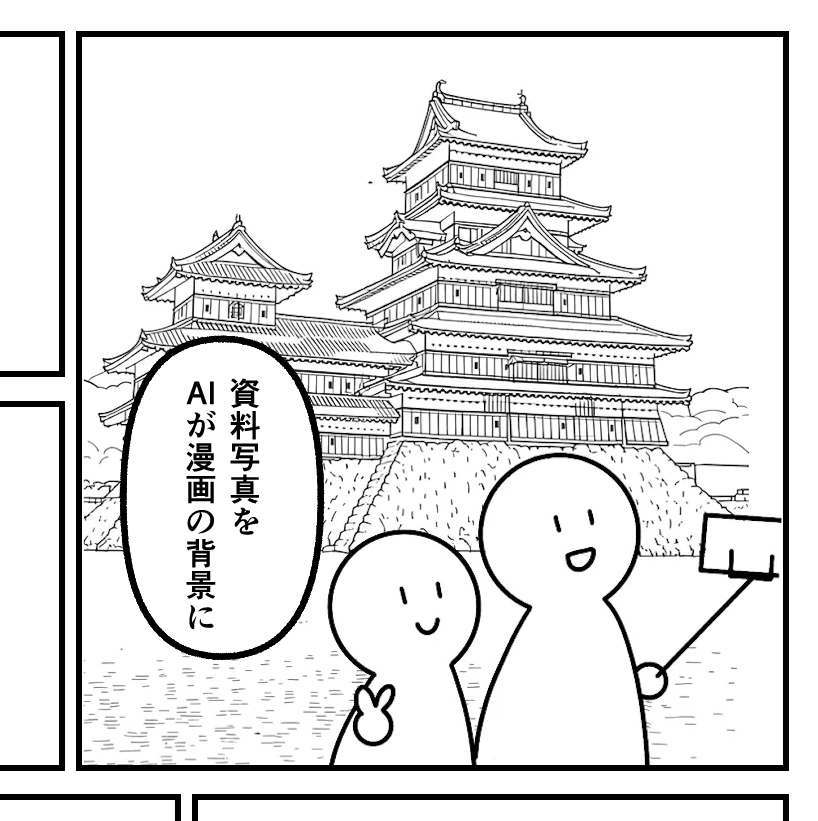
It may also help during the ideation stage—like when you’re wondering:
“What kind of mood would this photo create if I traced it?”
Why not turn the time you spend tracing photos into more time enjoying the creative process?
Give it a try with a photo you already have.
![[Free Download] Chibi Character Battle Pose Collection — Free for Copainter Users, Including Commercial Use](/content/images/size/w720/2026/03/header_pose-collection_battle-of-deformation-character-1.png)
![[Free Download] Female Battle Pose Collection — Free for Copainter Users, Including Commercial Use](/content/images/size/w720/2026/03/header_pose-collection_battle-of-woman-1.png)
![[Free Download] Male Battle Pose Collection — Free for Copainter Users, Including Commercial Use](/content/images/size/w720/2026/03/header_pose-collection_battle-of-man-1.png)