
[Free Download] Men Doing Karate Pose Collection — Free for copainter Users, Commercial Use Allowed
Free karate pose set for men. Commercial use allowed for copainter projects, with editing and pose changes supported.
![[Free Download] Men Doing Karate Pose Collection — Free for copainter Users, Commercial Use Allowed](/content/images/size/w1200/2026/01/header_pose-collection_man-practicing-karate-1.png)
We’re distributing a pose collection of men practicing karate, designed for easy use in illustration, manga, anime, games, and webtoon (Webtoon) production. Please use these poses when generating illustrations with pose guidance in copainter or when creating rough drafts for character illustrations. Tracing and additional edits are also allowed.
The license for the images downloadable from this page is listed near the bottom of this article.
File Overview
- Format: PNG (white background)
- Resolution: 1024 × 1024 px (square)
- Download: Please download and save each image attached in the article as-is.
(Note: a bulk ZIP download is not provided.)
Try copainter for free
Men Practicing Karate – Poses (Downloadable)
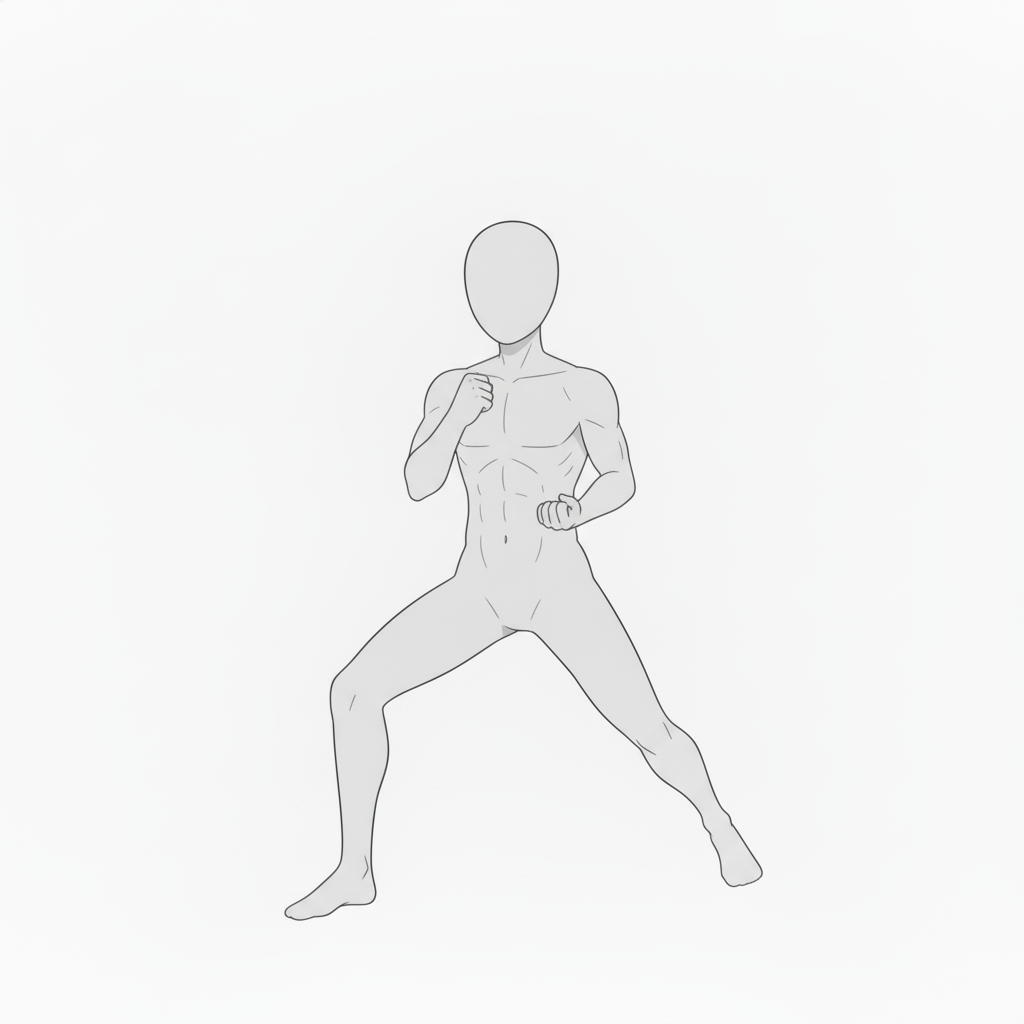
Powerful Basic Stance (Front Stance) | Male Karate Pose
A front stance with the legs set wide, expressing a strong guard position—ideal for explaining fundamental karate movements.
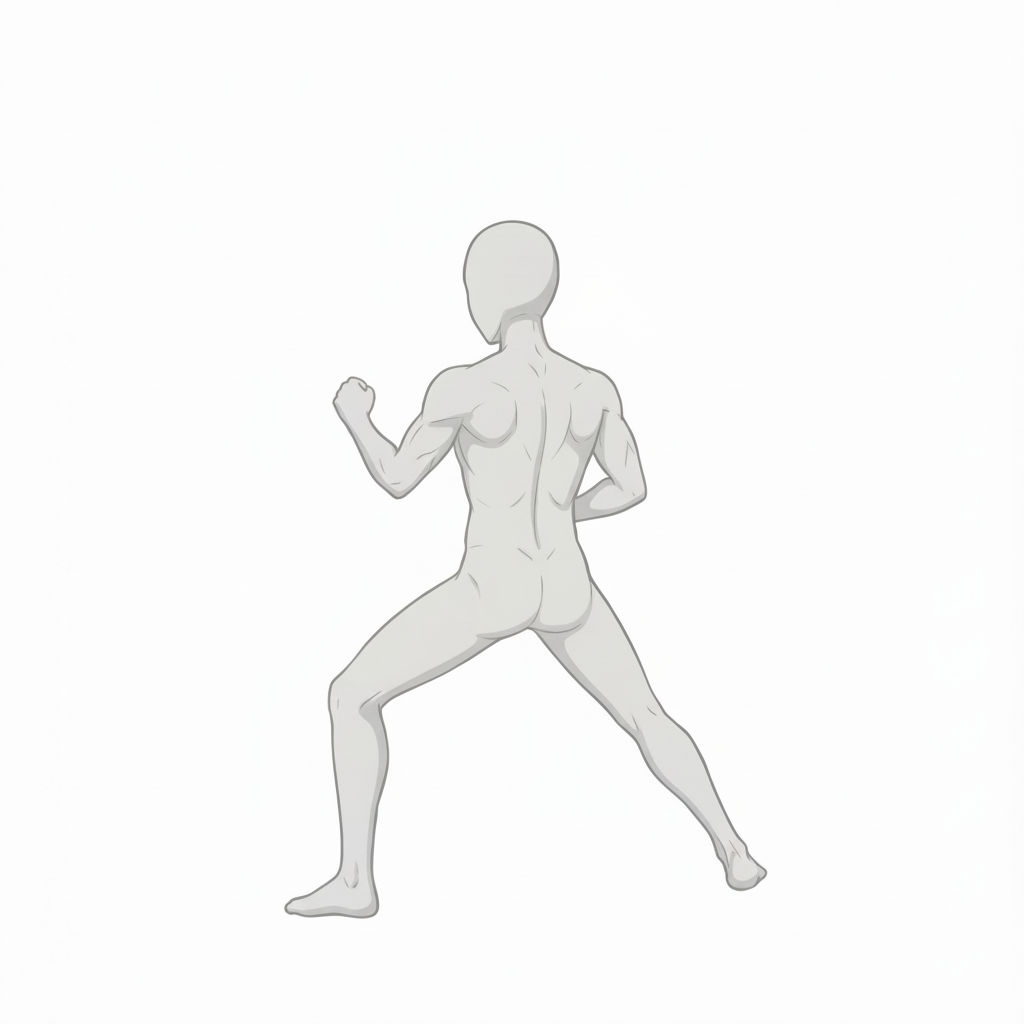
Front Stance from the Rear | For Checking Karate Form
A rear-view front stance that makes it easy to check weight distribution and overall stability.
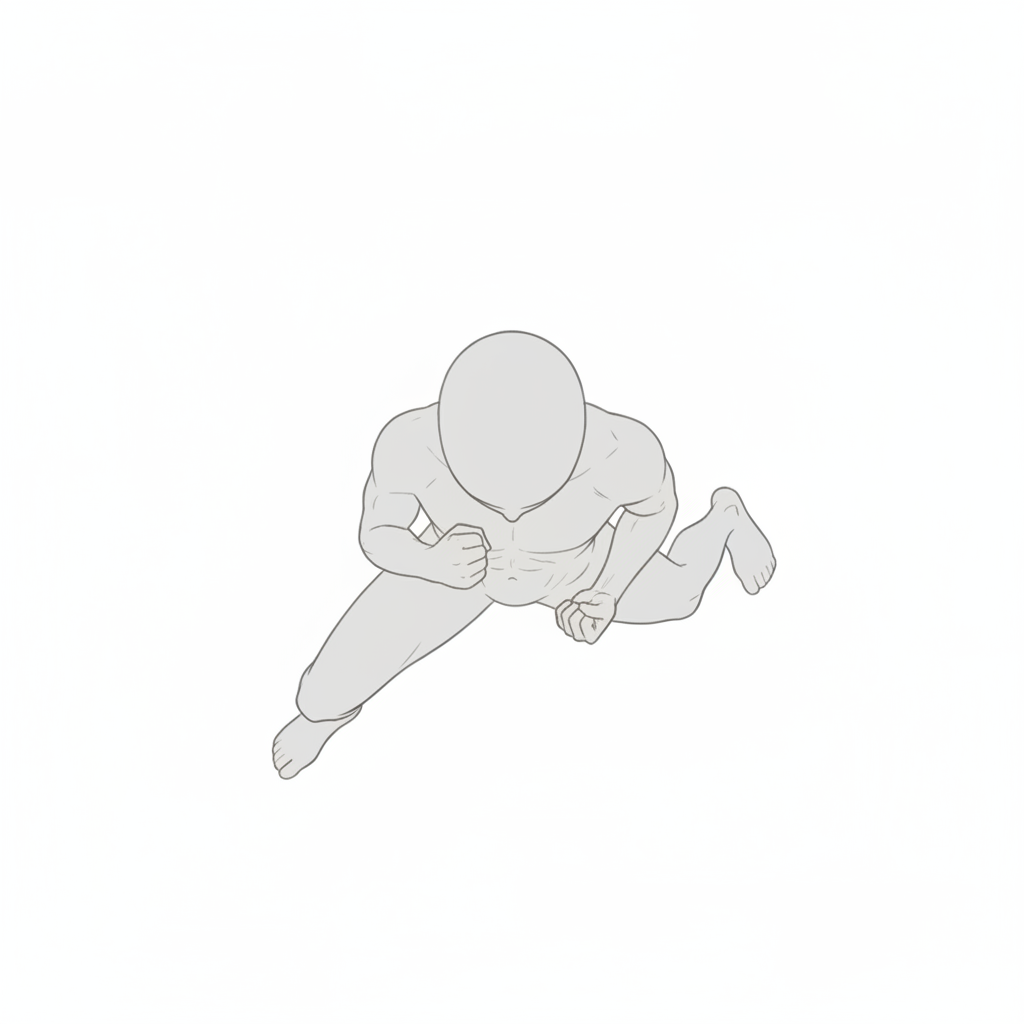
Low Guard from an Overhead View | Practical Karate Movement
A low stance viewed from above, useful for conveying distance and the tension of offense/defense.
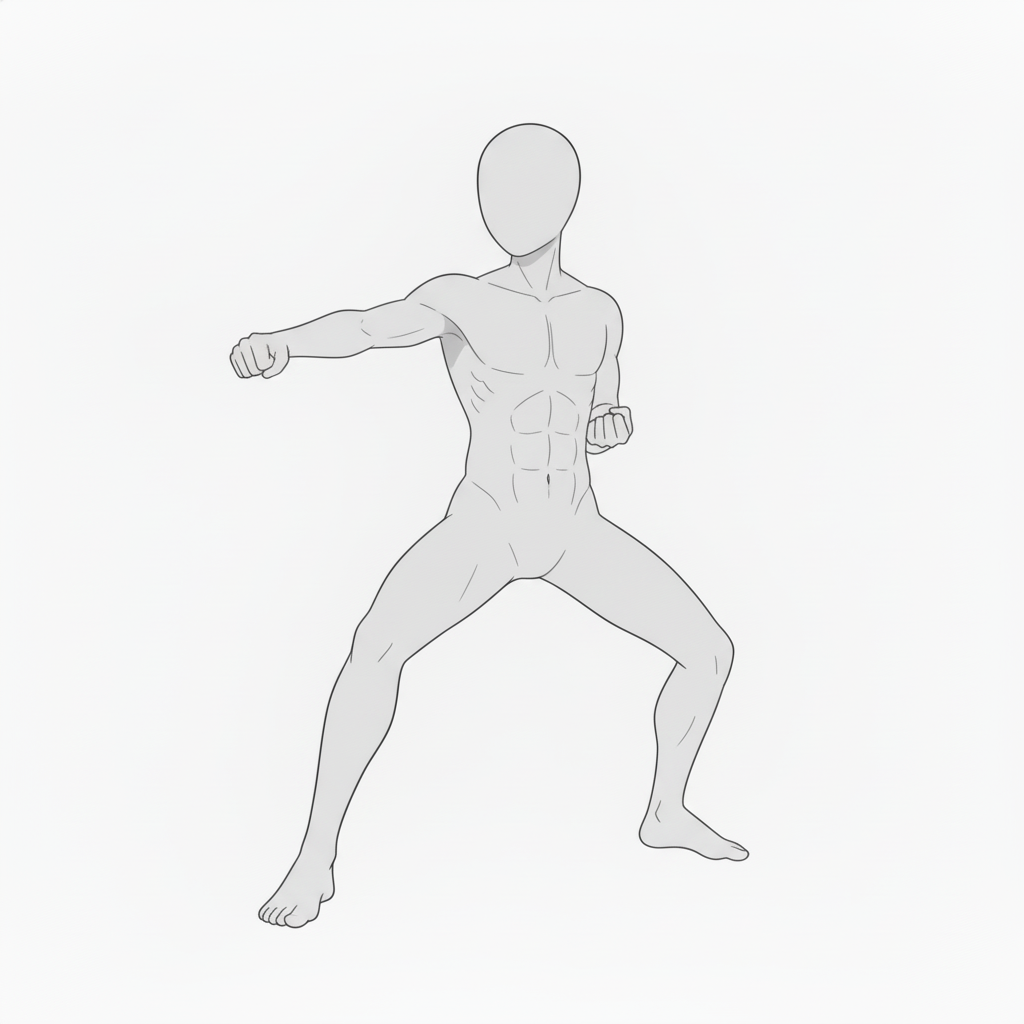
Mid-Level Punch from the Front | Karate Attack Pose
A front-facing pose showing a mid-level punch, suitable for technique explanations and action staging.
Mid-Level Punch from a Low Angle | Impactful Karate Composition
A punch depicted from a low angle looking upward, emphasizing strength and dynamic motion.
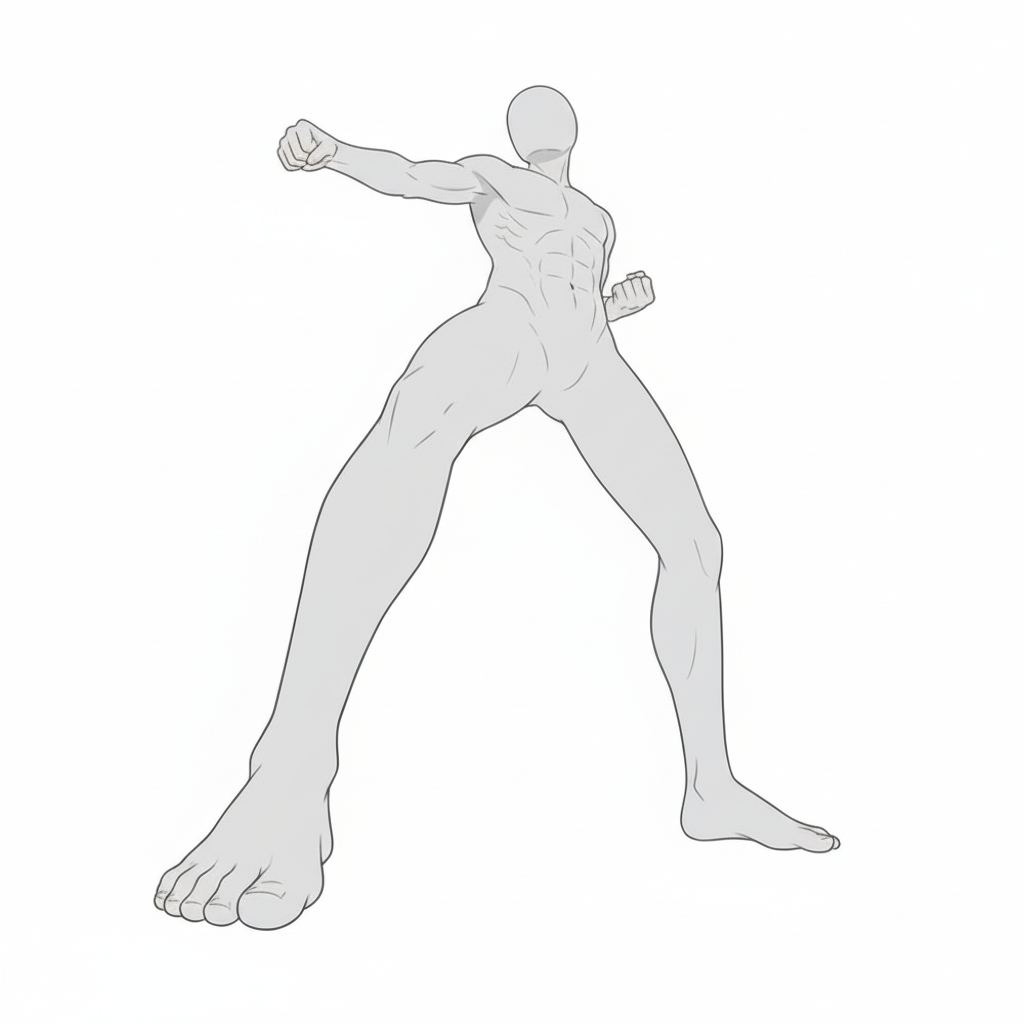
Mid-Level Punch from the Side | Karate Motion Reference
A side-view mid-level punch that clearly shows torso twist and arm extension.
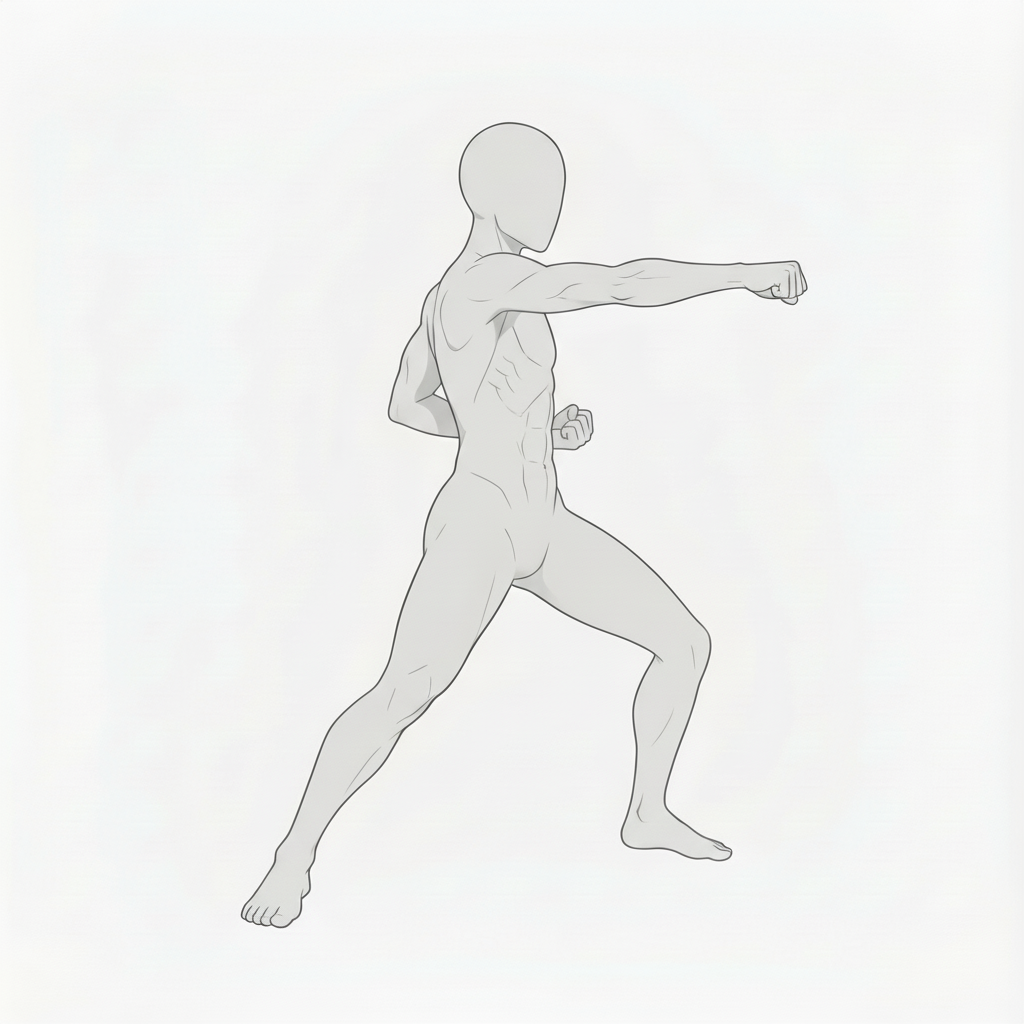
Jumping Side Kick in Motion | Dynamic Karate Pose
A moment captured mid-air while delivering a side kick—great for fast, action-heavy scenes.
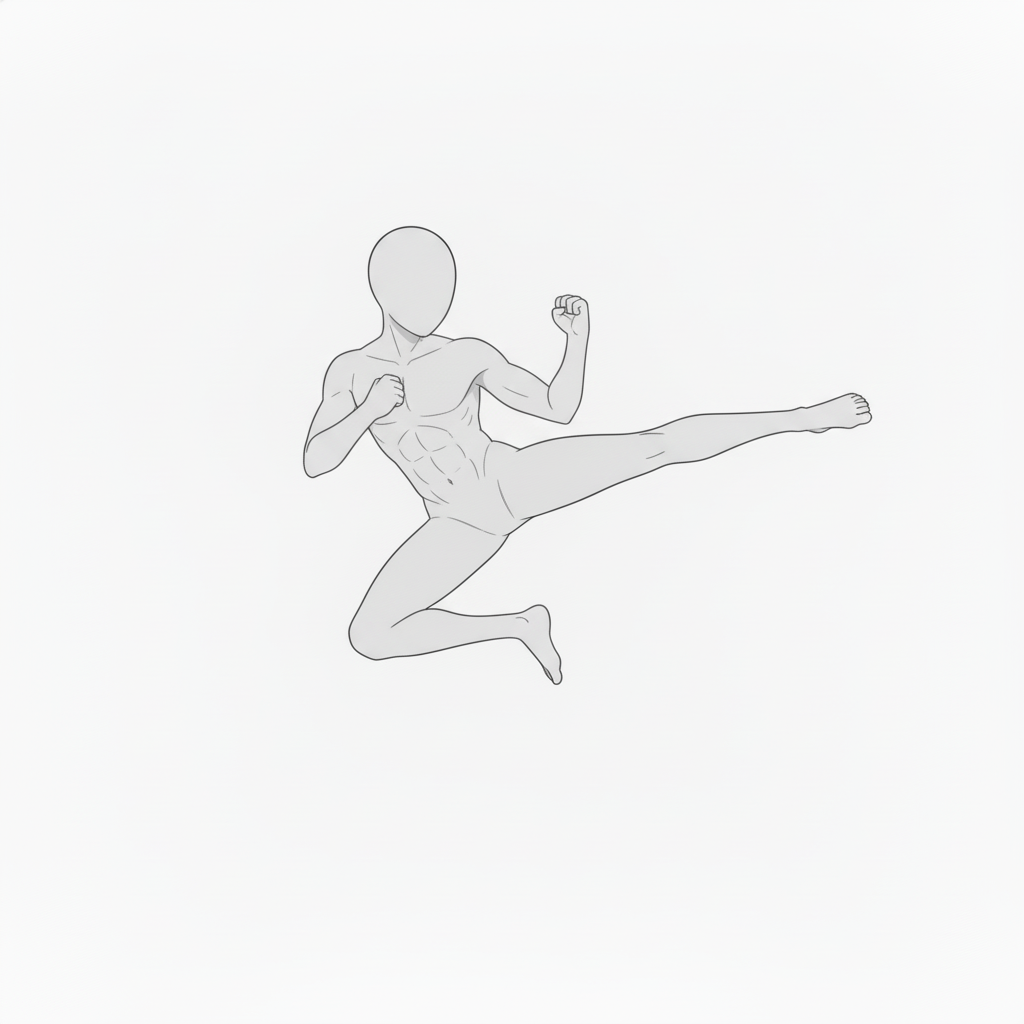
Jumping Side Kick from the Rear | Karate Action Reference
A rear-view jumping side kick composition that helps convey full-body coordination.
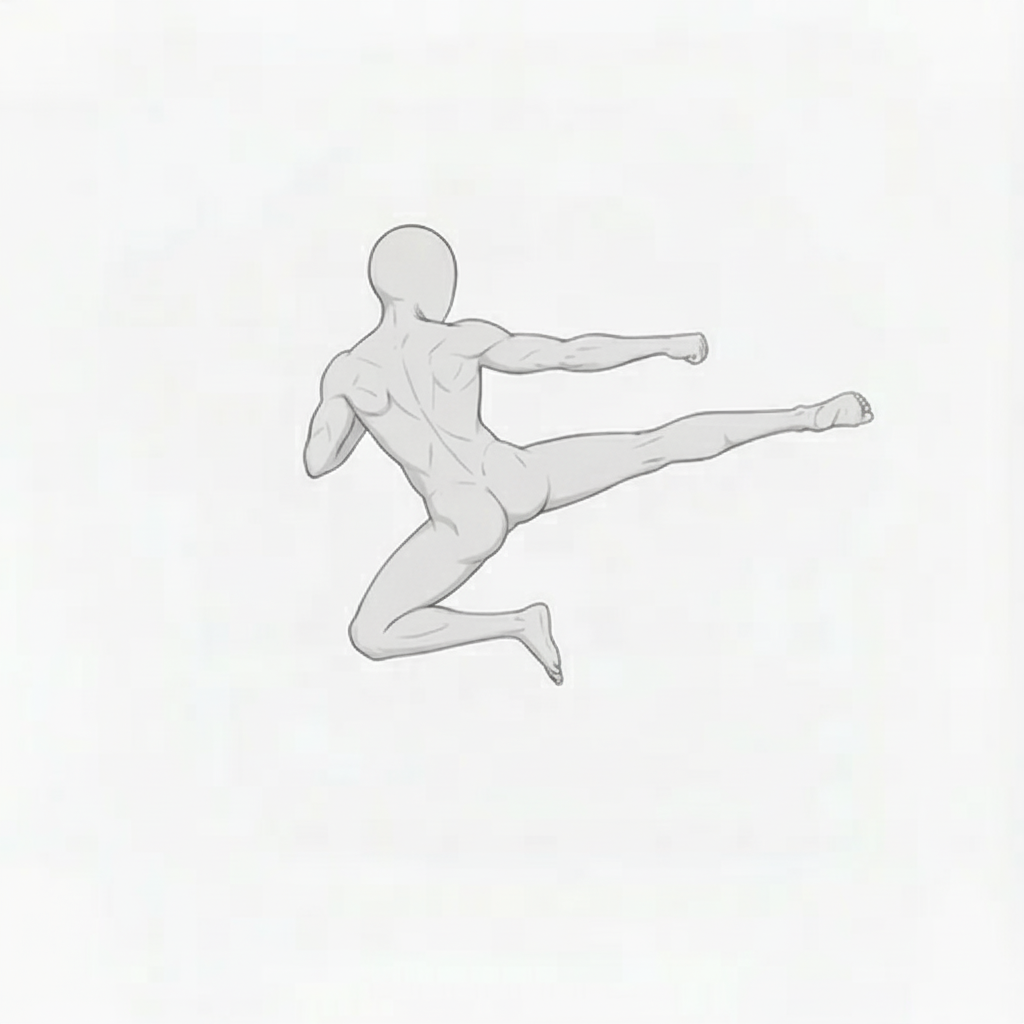
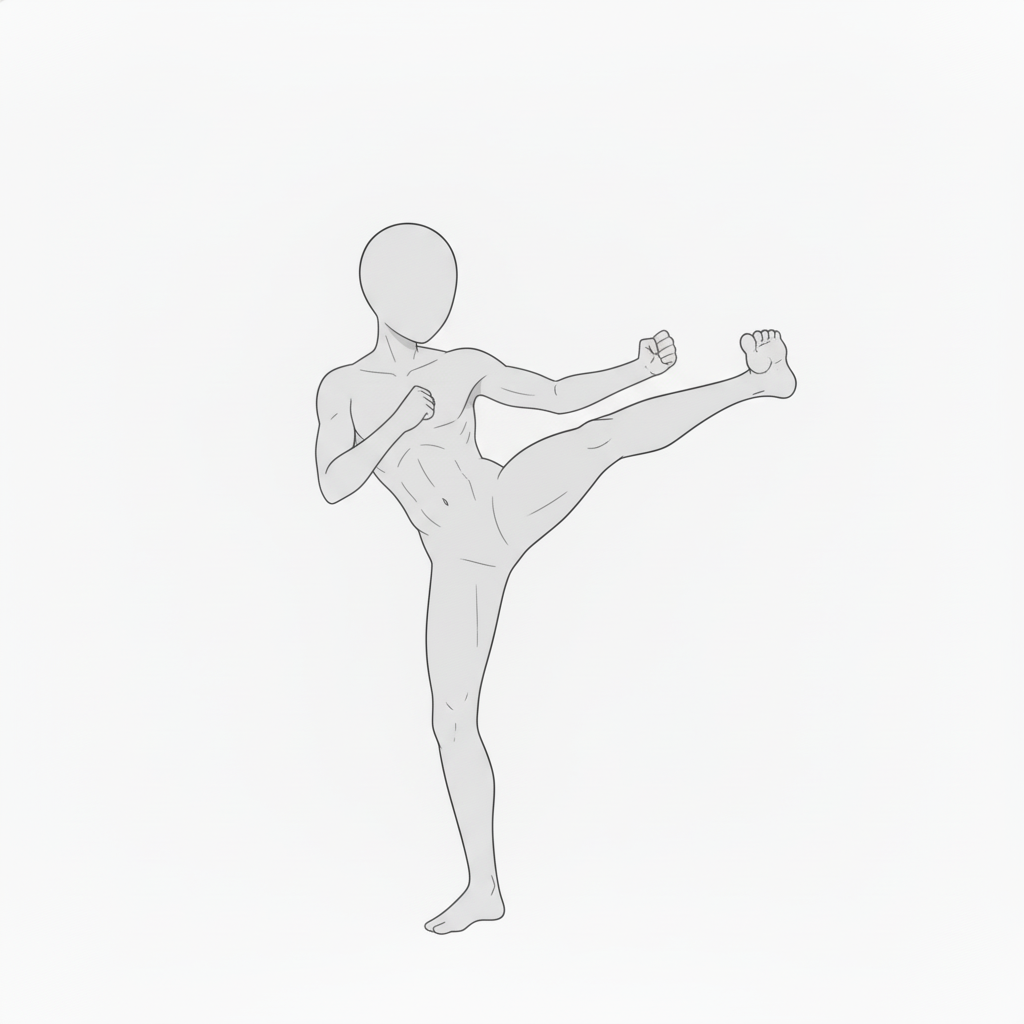
High Side Kick | Karate Kick Form
A stable high side kick pose balancing on the supporting leg—well suited for form breakdowns.
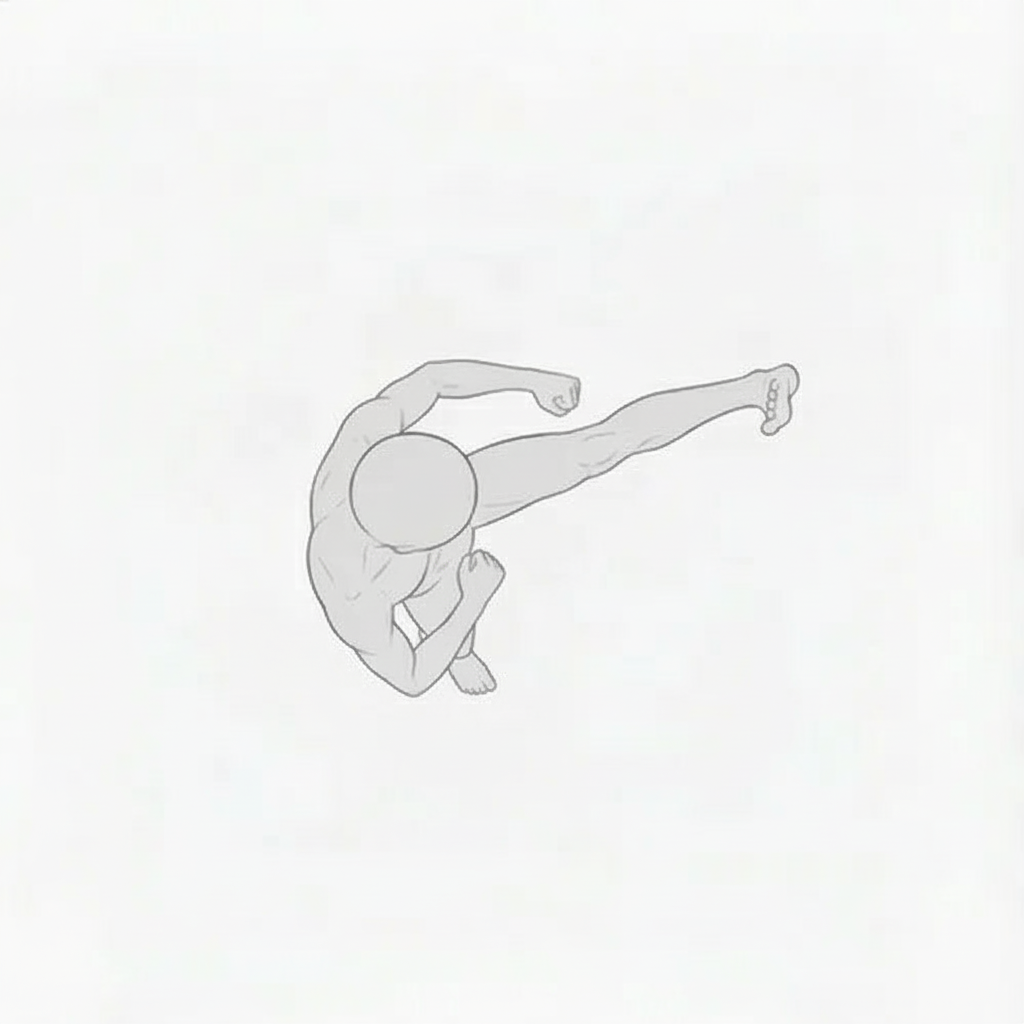
Side Kick from an Overhead View | Three-Dimensional Karate Pose
An overhead view of a side kick, useful for studying spatial composition and perspective.
Using These Poses in copainter
Adjust Poses with the AI Assistant
Load the images as reference inputs to quickly generate pose variations such as changing angles, adjusting limb positions, or mirroring left/right. Since these are pose references, they can also be used when specifying poses for male characters.
Maintain Consistency with the Training Feature (Enterprise Plan Only)
By specifying poses for trained models, you can achieve highly accurate pose control. Pose precision that may be difficult to reproduce with the AI Assistant alone can work effectively on trained models. Using the Image-to-Image AI often produces better results.
Boost Efficiency by Using Them as a Base for the Line Art AI
Use these materials as rough layout references before applying the Line Art AI to improve workflow. You can edit and refine them in tools such as Photoshop or Clip Studio Paint, then apply the Line Art AI—making them useful even for difficult compositions.
Change Poses with the Pose Transfer AI
These can be used as input images for the Pose Transfer feature. Simply upload a character image and a pose image to easily change the character’s pose.
Terms of Use (License)
- Eligible users: copainter subscribers
- Permitted use: Commercial use allowed and free of charge, limited to use within copainter
- Modifications: Allowed (cropping, redraws, color changes, vectorization, etc.)
- Credit: Not required
- Prohibited: Redistribution or sale of the asset data, claiming authorship, commercial use outside copainter
FAQ
Q. Can I use copainter for free?
A. Yes. There is a free plan where you receive tickets at no monthly cost. If you want more usage, please choose a higher plan. Please see the plan page for details.
Q. Can I use these outside copainter?
A. If you are a copainter subscriber and use them within copainter, commercial and free use are allowed. External edits are fine as long as the purpose is to use them in copainter.
Q. Can I use them in commercial works?
A. Yes, if you use copainter in your production process. You do not need to create the entire work only in copainter. Redistribution or resale of the assets themselves is not allowed.
Q. Are there more free pose packs?
A. Yes. Please see:
https://blog.copainter.ai/tag/assets-en/
Q. Are higher-resolution images available?
A. You can upscale images up to 4× in both width and height using the High-Resolution AI inside copainter. Please make use of it.
If you haven’t used copainter yet, this is a great opportunity—please sign up for copainter using the link below!
You can find copainter Learn, our media hub packed with tips and best practices for using copainter effectively, at the link below.
![[Free Download] Chibi Character Battle Pose Collection — Free for Copainter Users, Including Commercial Use](/content/images/size/w720/2026/03/header_pose-collection_battle-of-deformation-character-1.png)
![[Free Download] Female Battle Pose Collection — Free for Copainter Users, Including Commercial Use](/content/images/size/w720/2026/03/header_pose-collection_battle-of-woman-1.png)
![[Free Download] Male Battle Pose Collection — Free for Copainter Users, Including Commercial Use](/content/images/size/w720/2026/03/header_pose-collection_battle-of-man-1.png)