
[Free Download] Fantasy Guild Background Illustration (Portrait) — Free for copainter users, commercial use permitted.
Free vertical 9:16 fantasy guild background PNGs for mobile works. Commercial use allowed. You may save images directly, trace, edit, and modify them. For copainter subscribers only; redistribution or resale is prohibited.
![[Free Download] Fantasy Guild Background Illustration (Portrait) — Free for copainter users, commercial use permitted.](/content/images/size/w1200/2026/01/header_background_guild.png)
Free Fantasy Guild Background Illustrations (Vertical / 9:16)
We’re releasing fantasy guild background illustrations (vertical / 9:16) for free.
These portrait assets are ideal for smartphone-oriented works. Many of the illustrations are drawn in a bird’s-eye view composition, making them especially convenient to use.
Feel free to use them for webtoons / games / manga, and also advertising and other projects.
Commercial use is allowed and free of charge. Tracing and modifications (edits/overpaints) are also permitted.
Please save and use the images as they appear on this page.
For the license terms, please check the end of this page.
File Overview
- Format: PNG (non-transparent)
- Aspect ratio: Vertical (optimized for smartphone viewing)
- Resolution: 768 px (W) × 1344 px (H)
- Download: Please save each image directly (※ We do not provide a bulk ZIP.)
Fantasy Guild Manga/Anime Background Illustrations (Downloadable)
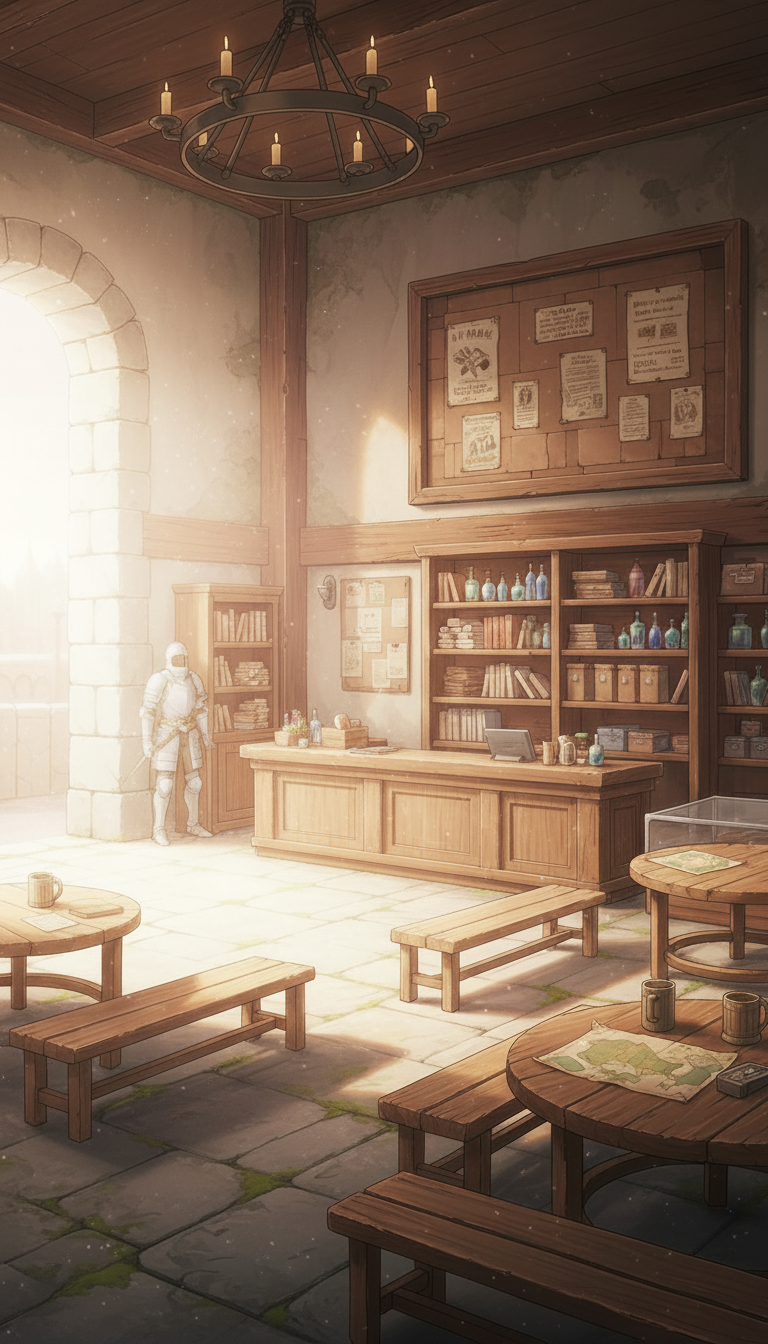
Sunlit Guild Reception Counter | Wooden Interior Background
A warm indoor background featuring a guild reception desk and bookshelves with soft morning sunlight streaming in.
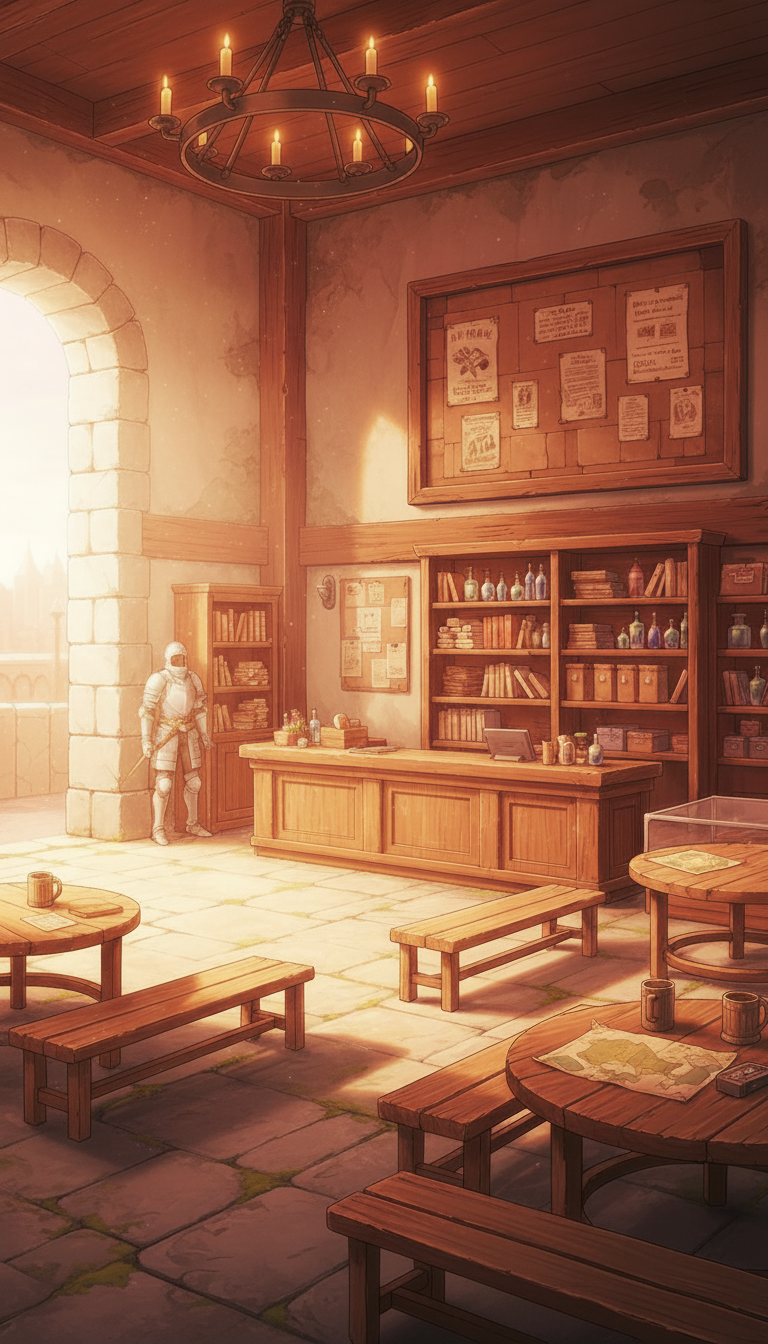
Chandelier-Lit Guild Reception at Dusk | Warm Lighting
A reception counter scene where sunset and candlelight overlap, creating a golden atmosphere.
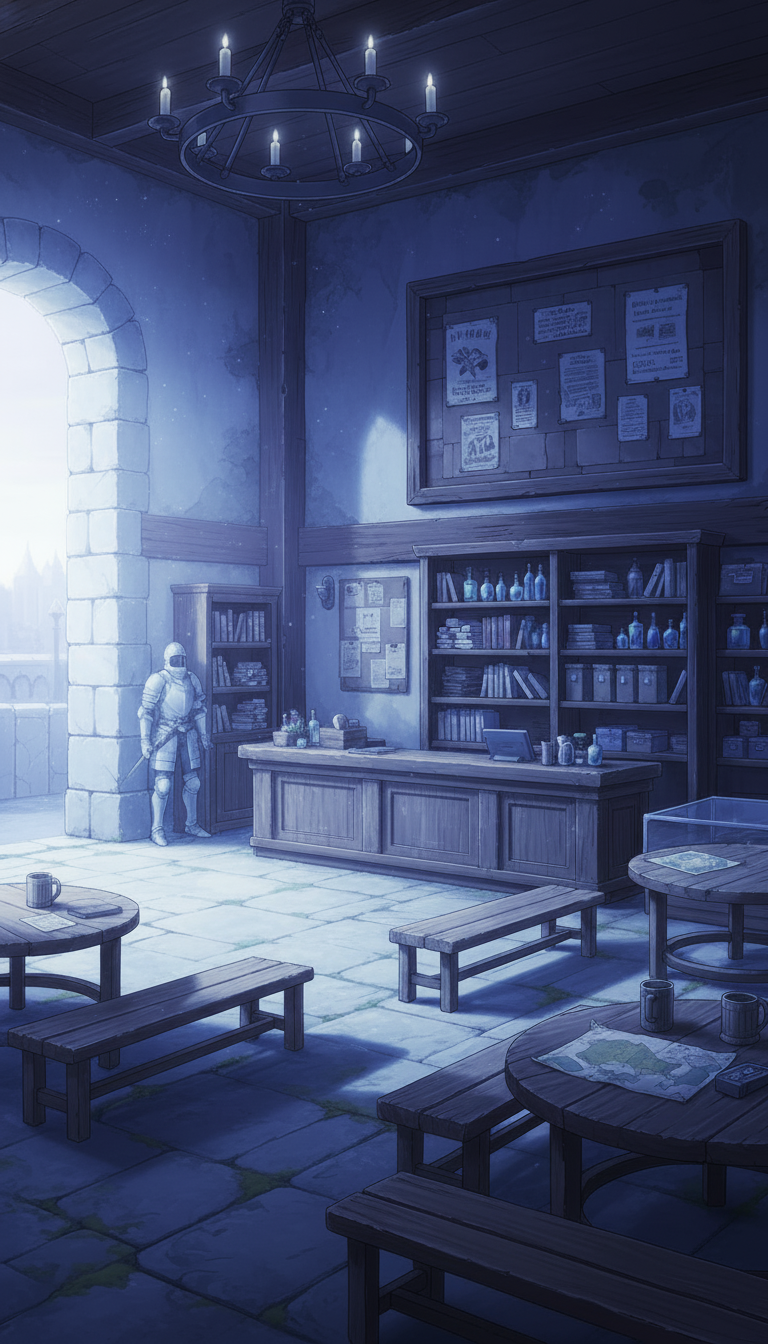
Moonlit Guild Reception Hall | Cool Night Background
A quiet reception and bookshelves illuminated by moonlight, evoking a mysterious nighttime mood.
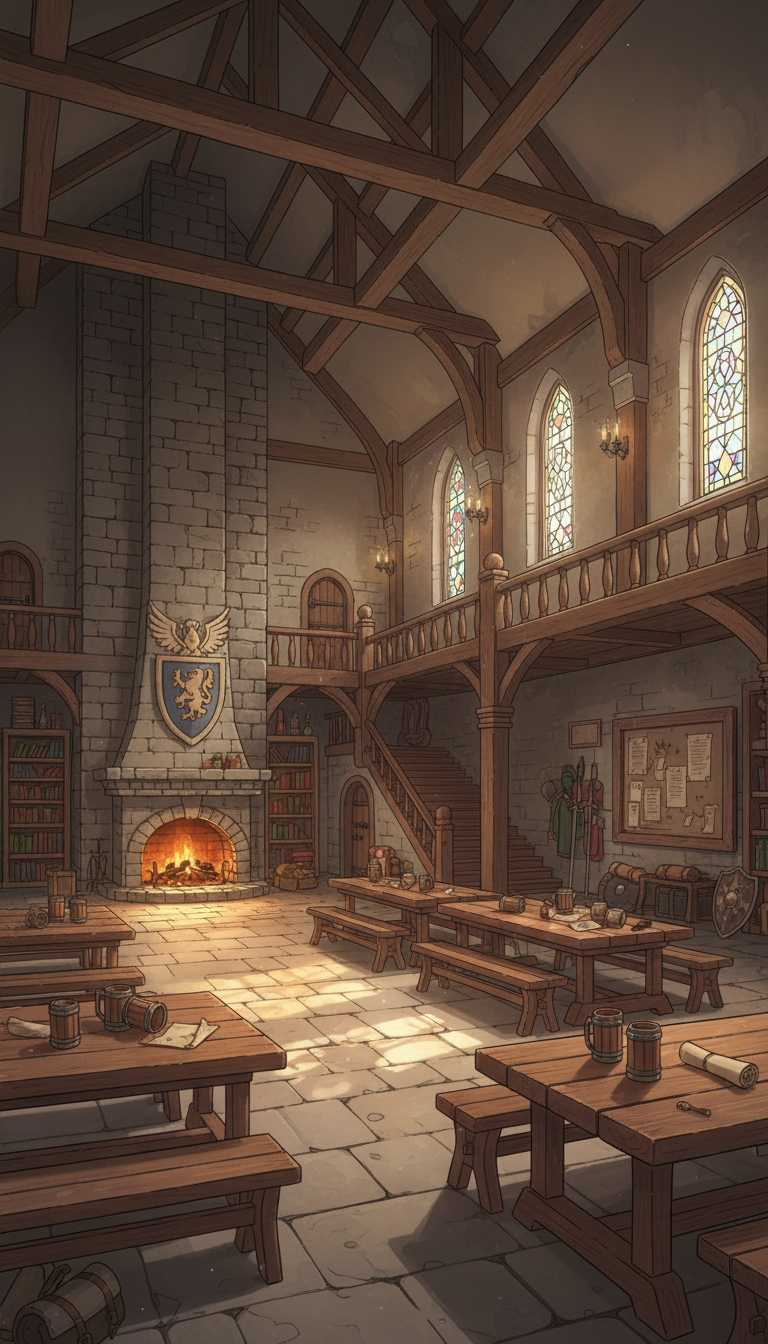
Guild Tavern with a Fireplace in the Great Hall | Atrium Interior
A lively great hall background with high ceiling beams and a blazing fireplace.
Sunset Fireplace Hall | A Warm Moment in the Guild Tavern
Slanting dusk light shines on long tables, conveying a cozy gathering atmosphere.
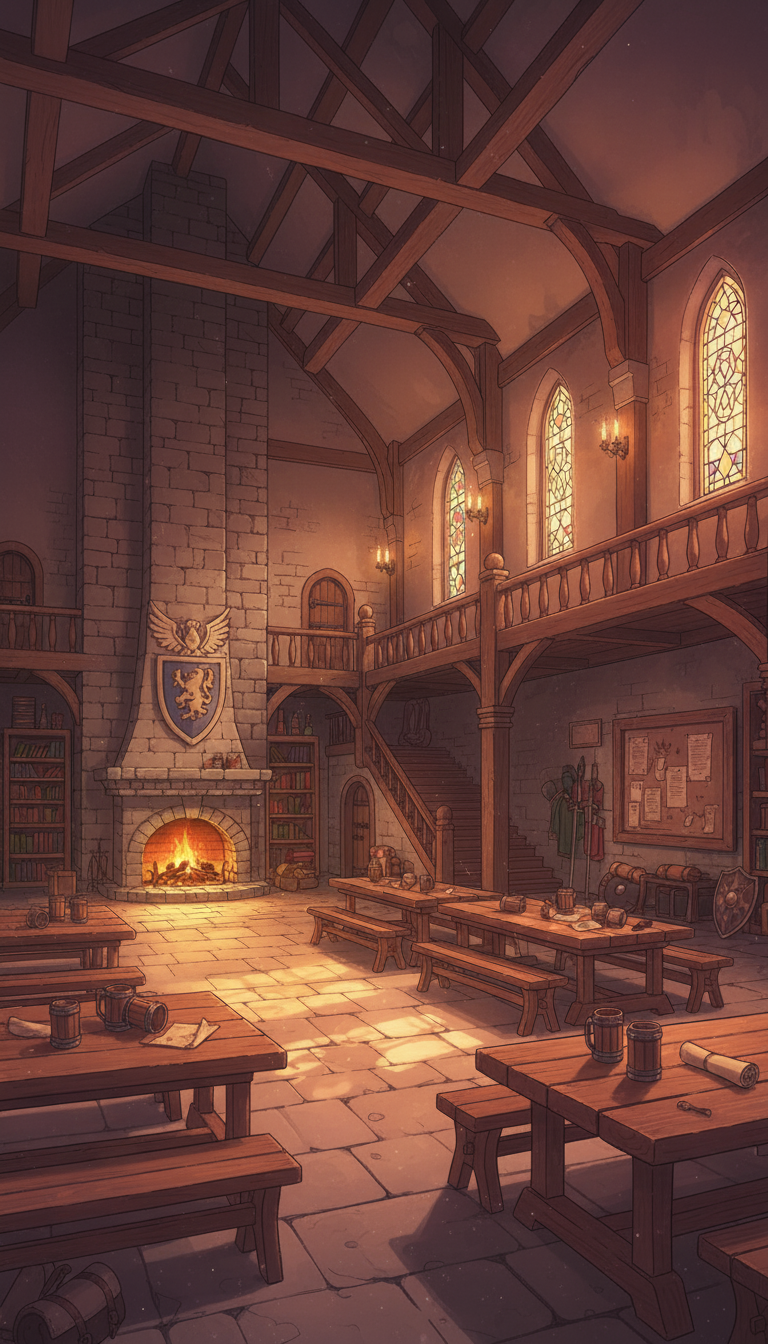
Silent Night in the Guild Great Hall | Fireplace and Stained-Glass Night View
Cool bluish night light and a gentle flame create a calm tavern-at-night ambience.
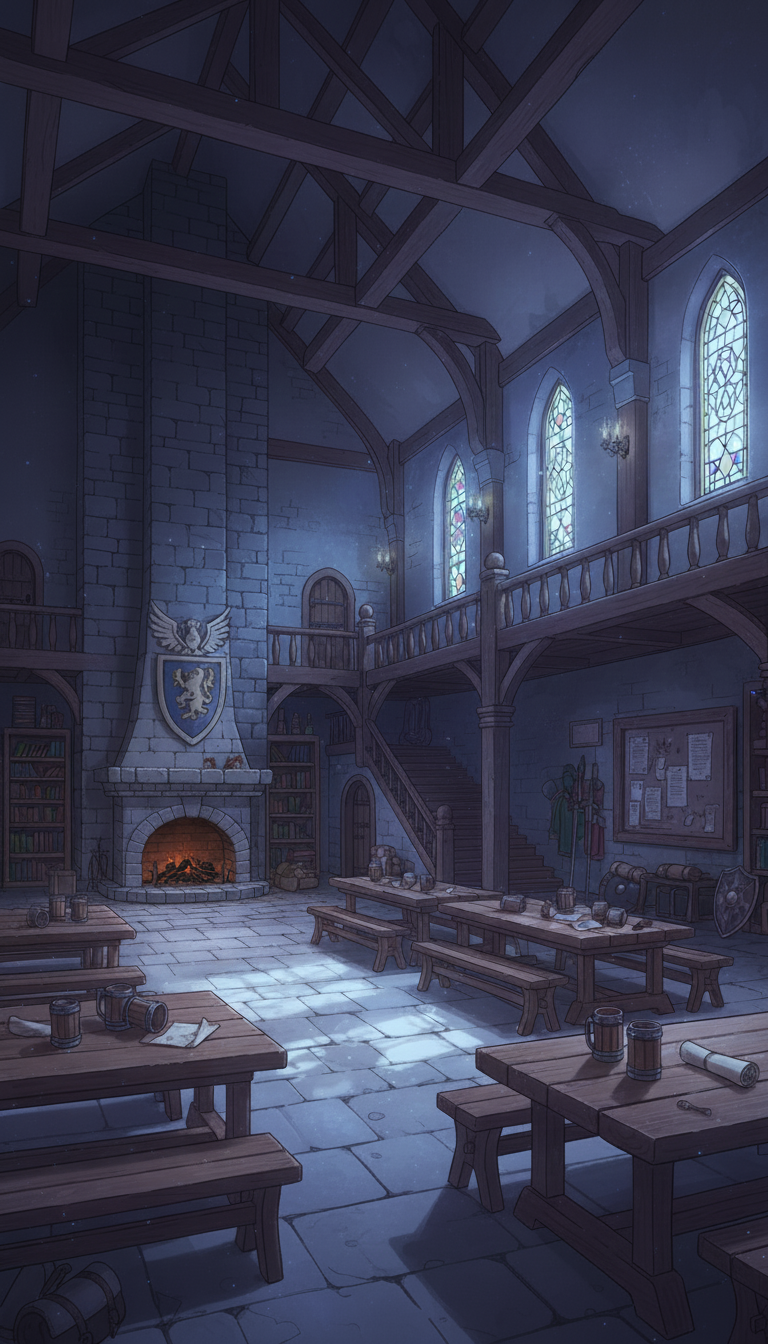
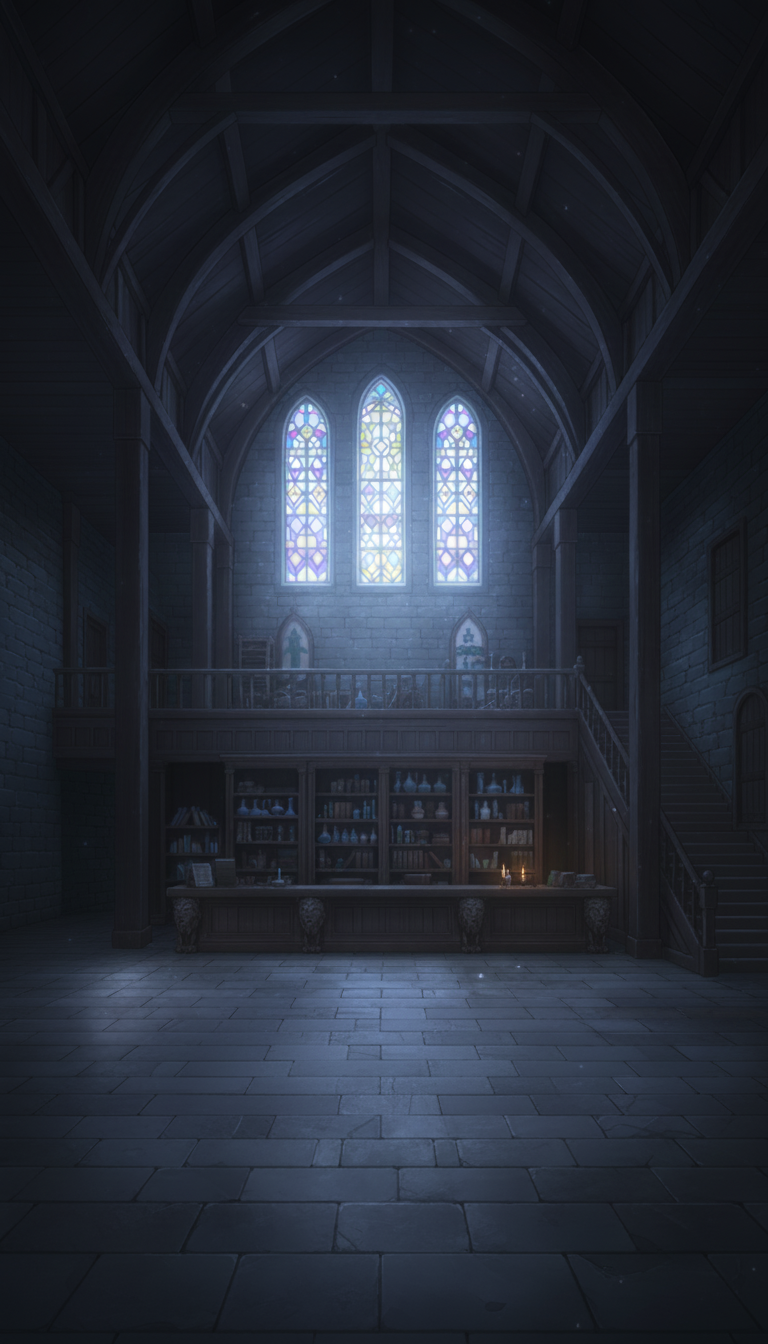
Cathedral-Style Guild Lab | Morning Light Through Stained Glass
A solemn lab interior with a cathedral-like high ceiling; light through triple windows highlights shelves and counters.
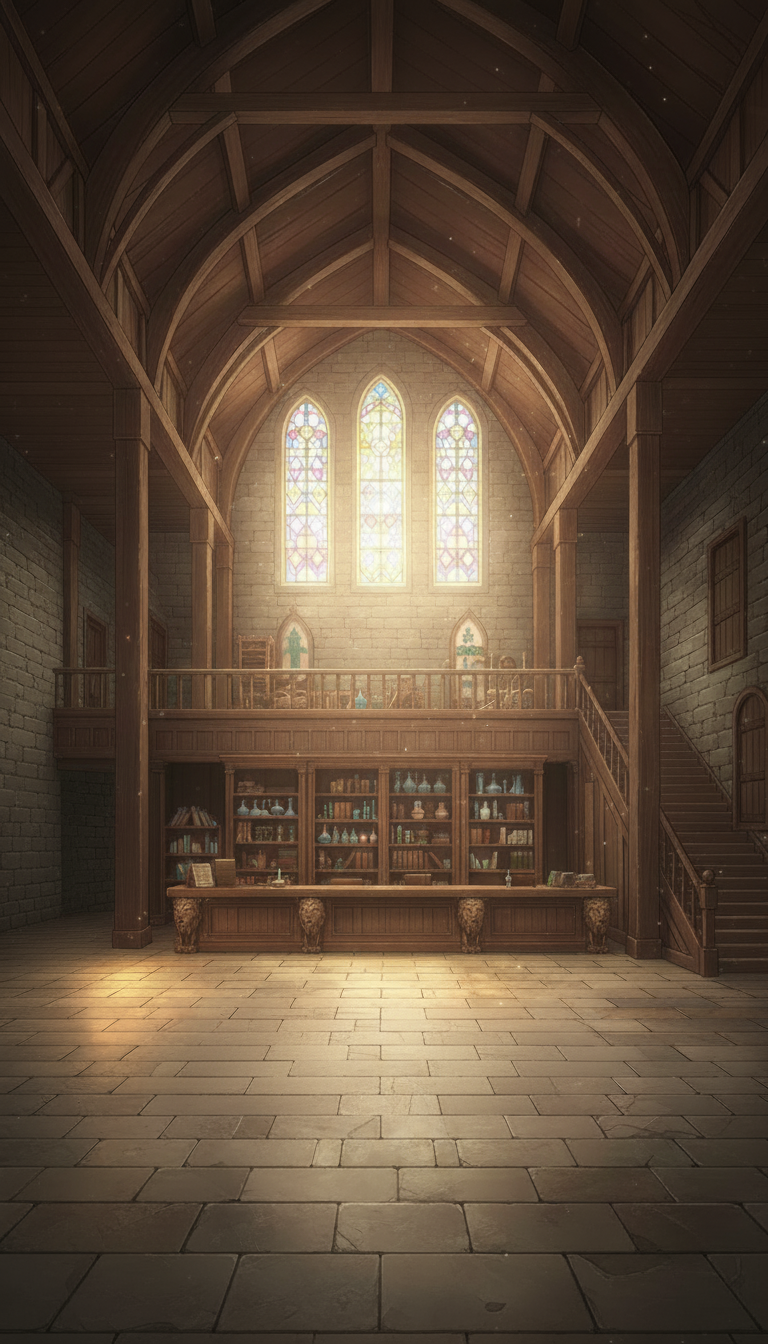
Cathedral Guild Shop in the Evening Glow | Dramatic Lighting
Warm evening light forms bands across the floor, making the shop counter decorations stand out.
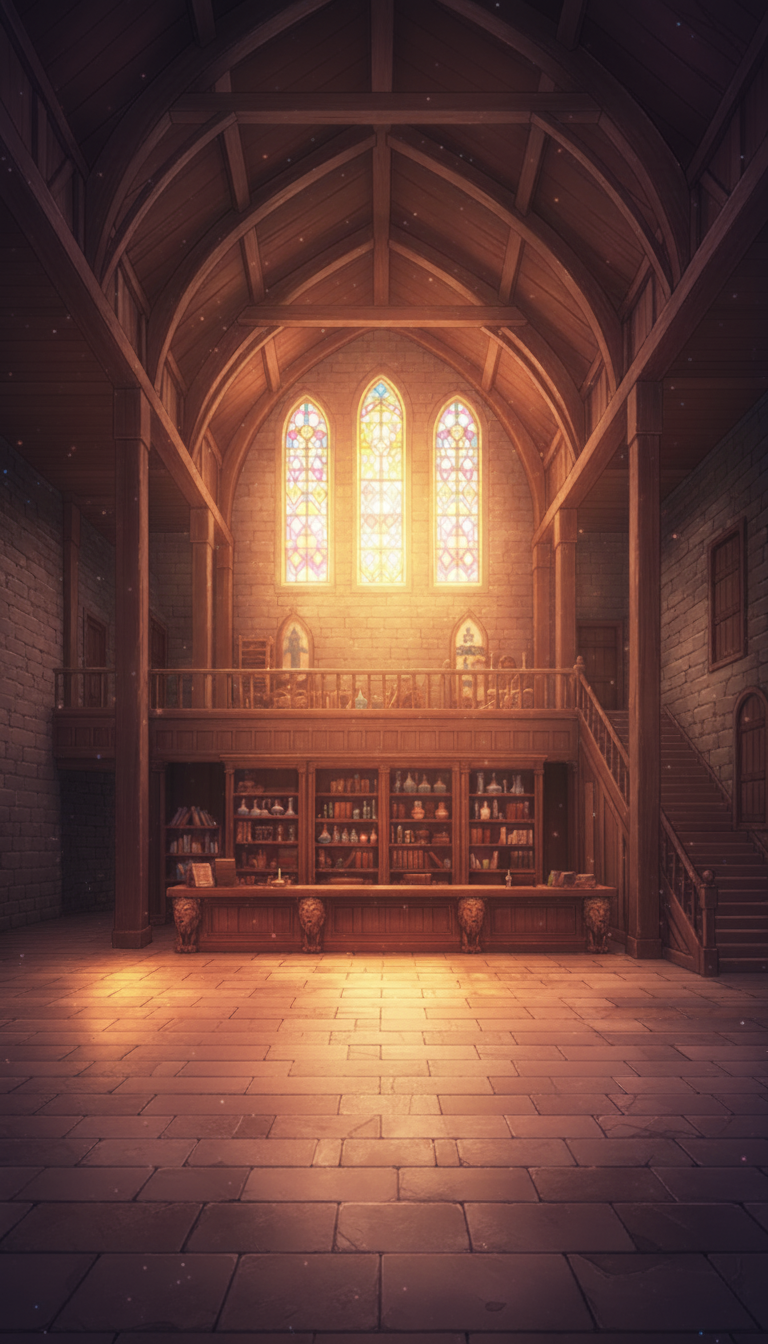
Moonlit Cathedral Guild | Serene Night Interior
Cool moonlight and small candle flames create a dignified nighttime shop scene.
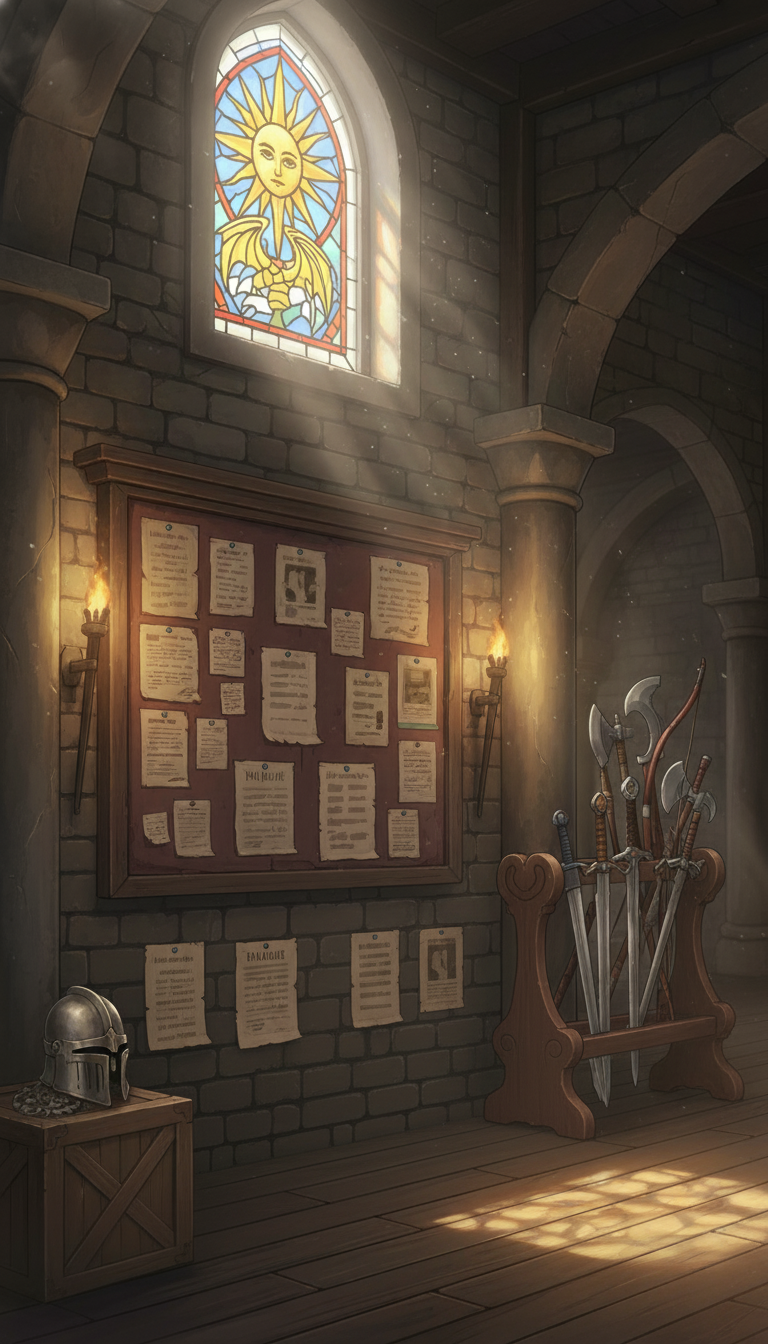
Request Board and Weapon Rack Corner | Quest Acceptance Background
A practical variation asset: request notices and weapon shelves lined along a wall lit by stained-glass light.
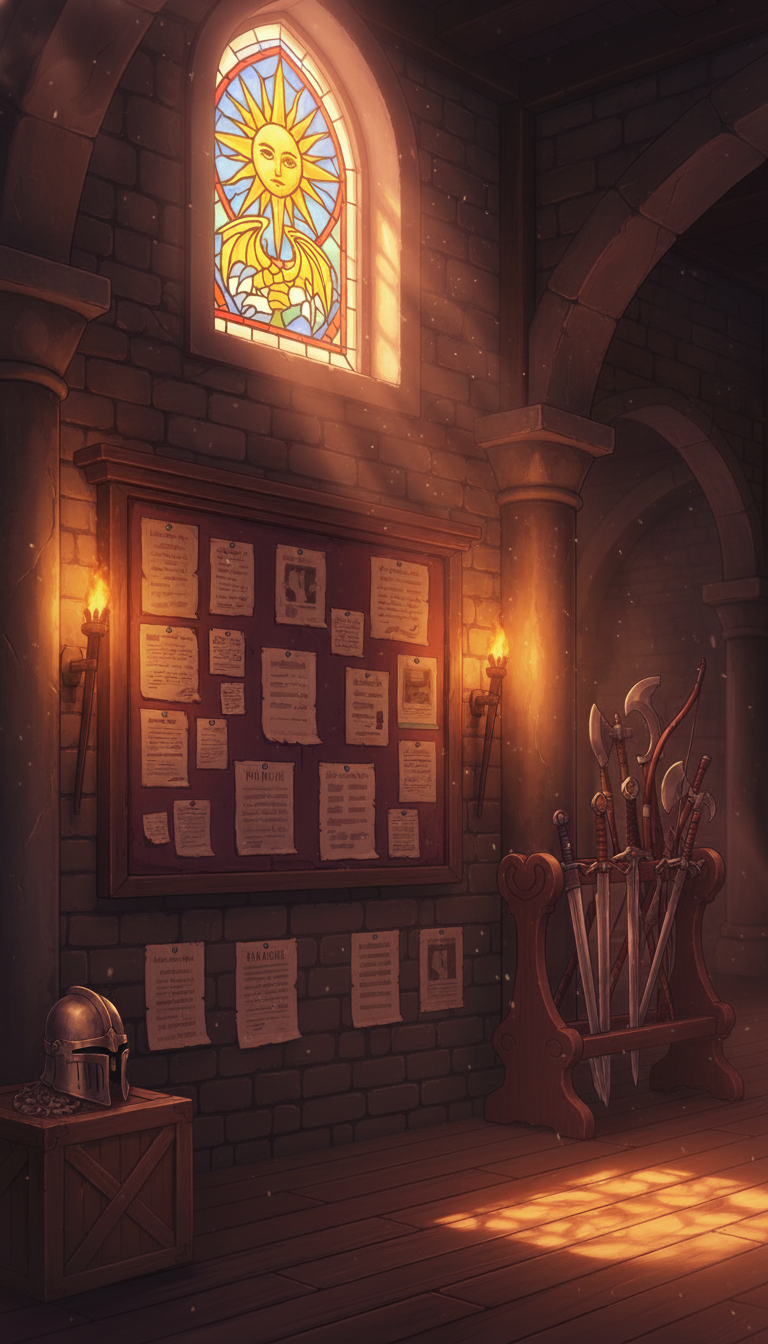
Request Board and Weapon Rack in Sunset Light | Fantasy Guild Background
Stained-glass light warmly illuminates the board and sword rack—ideal for a quest acceptance corner.
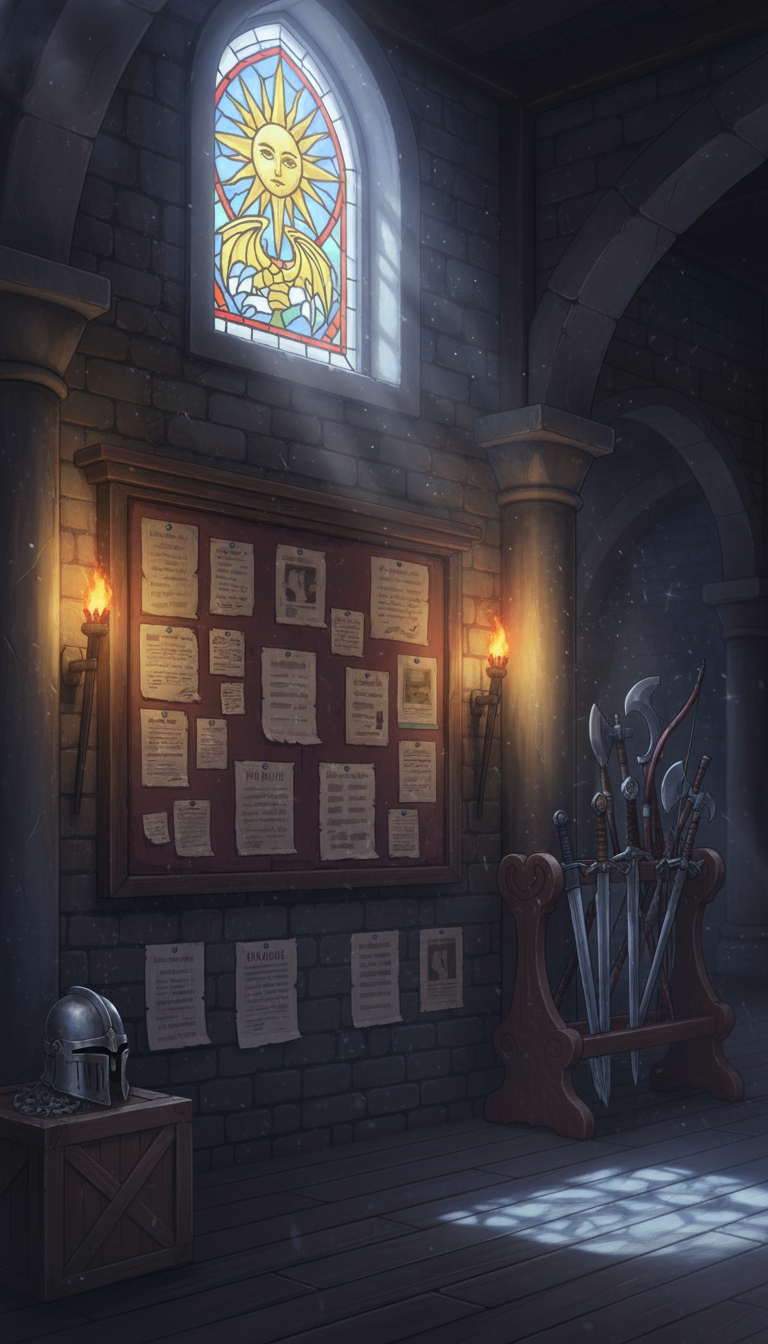
Moonlit Request Board and Weapon Rack | Quiet Guild Night Scene
Bluish night light with torchlight adds a calm mood—perfect for nighttime scenes.
Sunlit Guild Dining Hall | Round Table and Notice Board
Stained-glass bands of light spread across the floor—useful for chatting or meeting scenes.
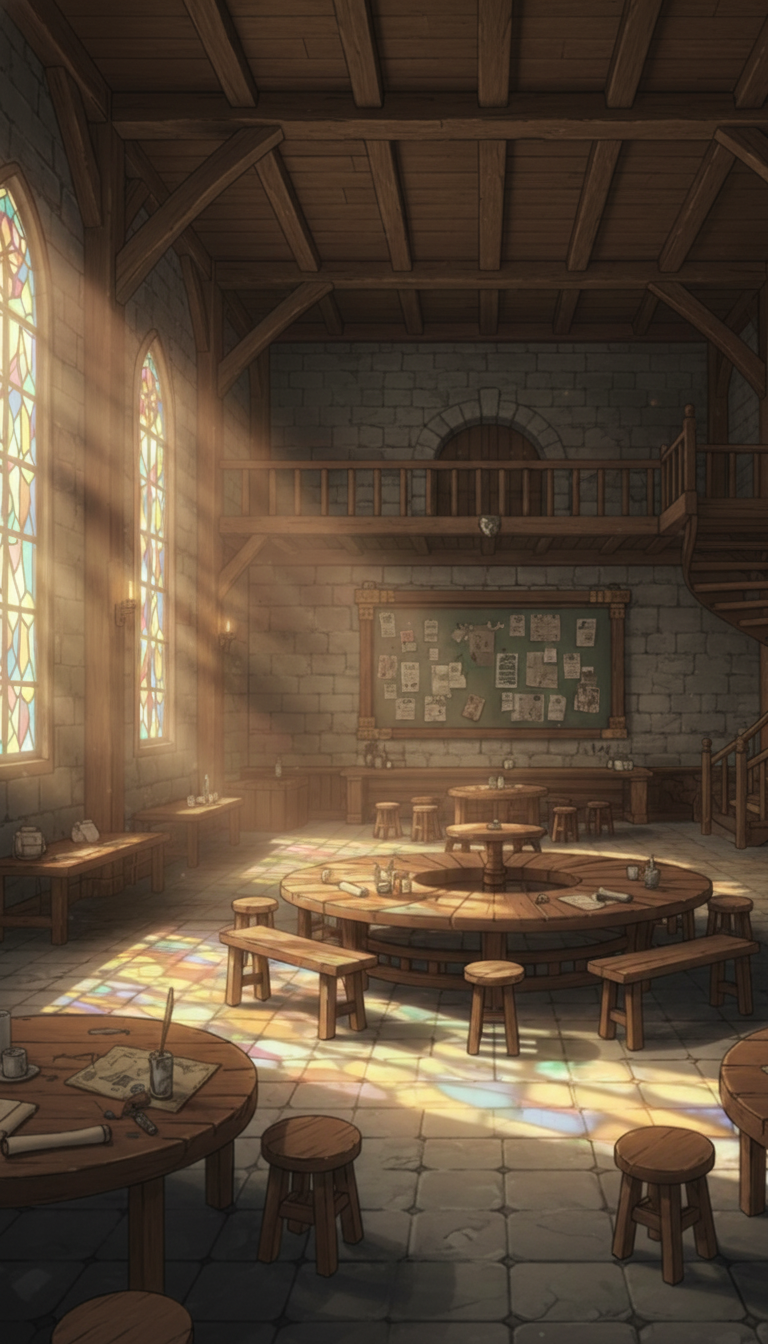
Sunset-Tinted Guild Dining Hall | Warm Round-Table Interior
Golden light wraps the table and board, creating a relaxed tavern/dining atmosphere.
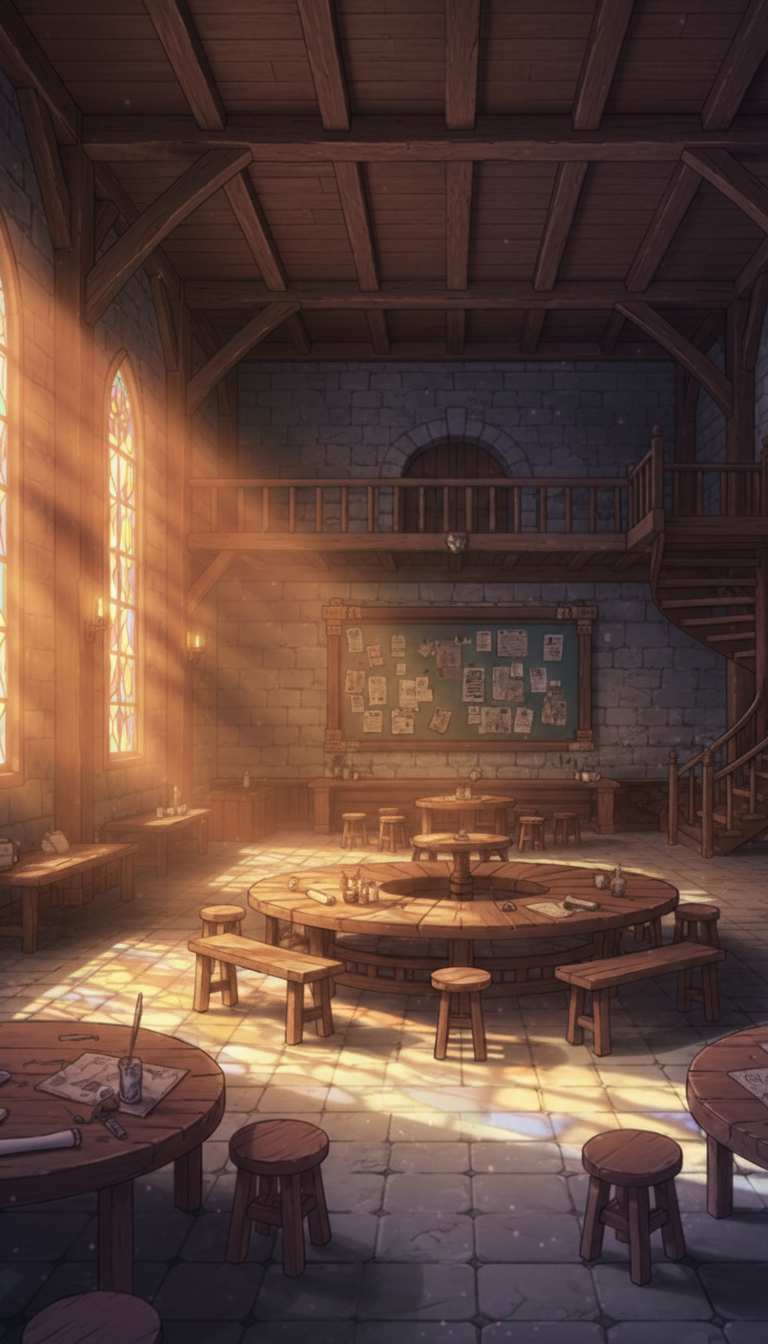
Moonlit Guild Dining Hall | Cool-Tone Round-Table Hall
A quiet great hall with cool moonlight—great for night strategy meetings.
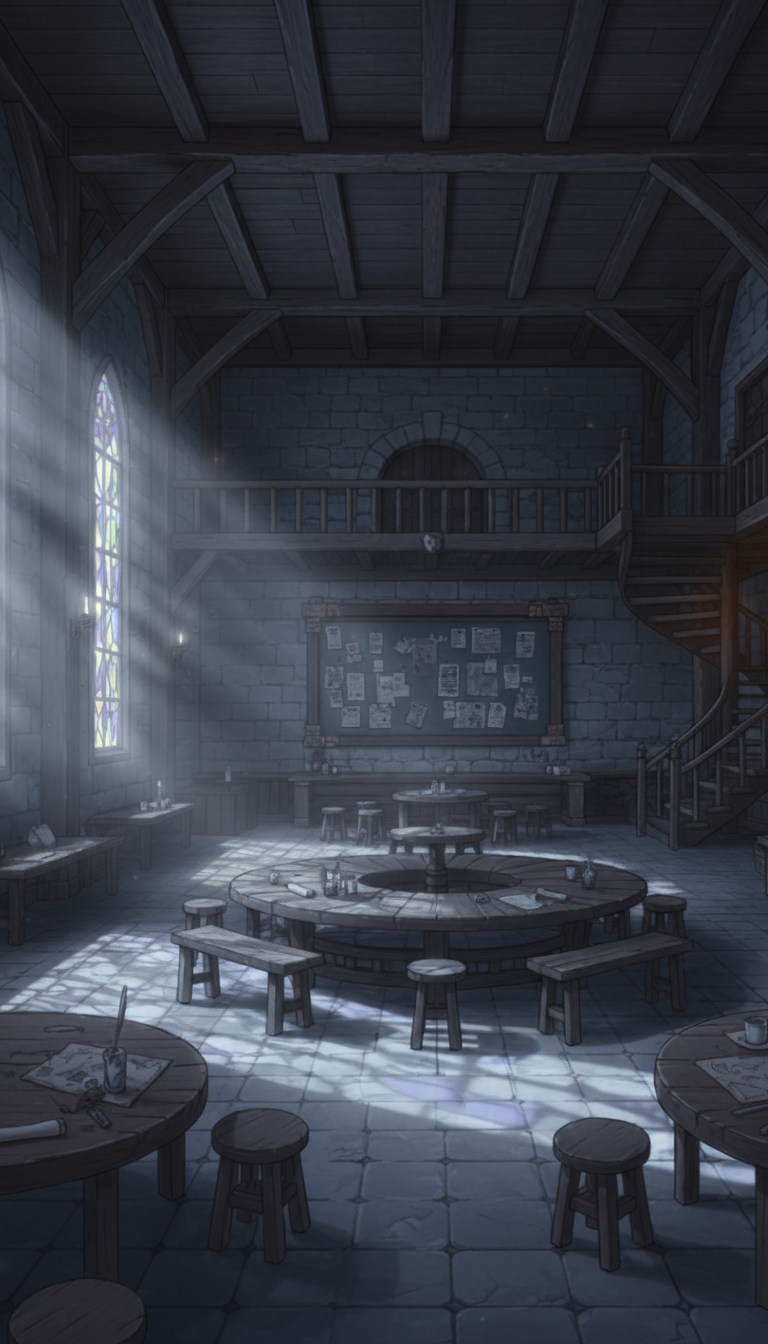
Morning Quest Hall | Giant Quest Board and Corridor
Light from high windows spreads across the floor; a grand entrance with a huge circular quest board.
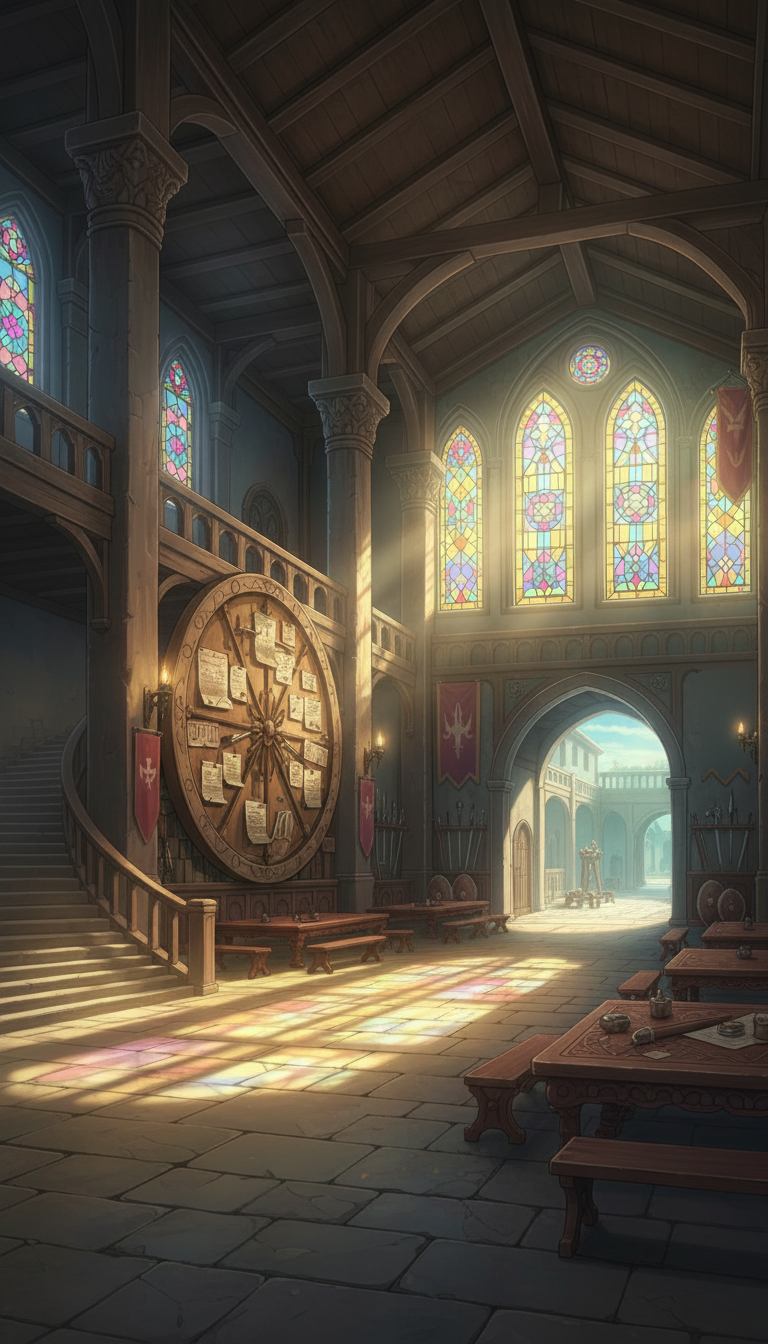
Quest Hall in the Evening Glow | Dramatic Request Board
Warm angled light emphasizes the board and corridor—ideal for story-rich opening scenes.
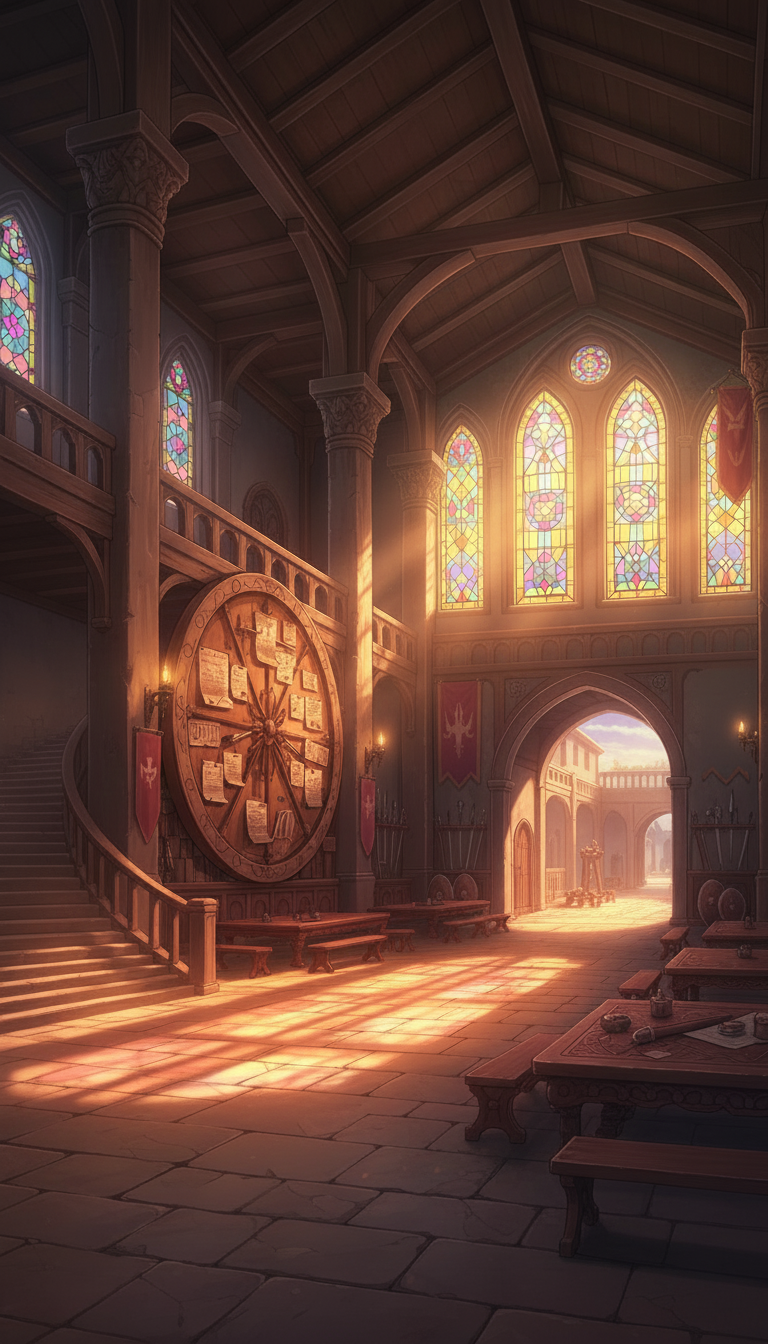
Night Quest Hall | Chandelier and Stained Glass
A solemn guild entrance hall where cool night light harmonizes with candlelight.
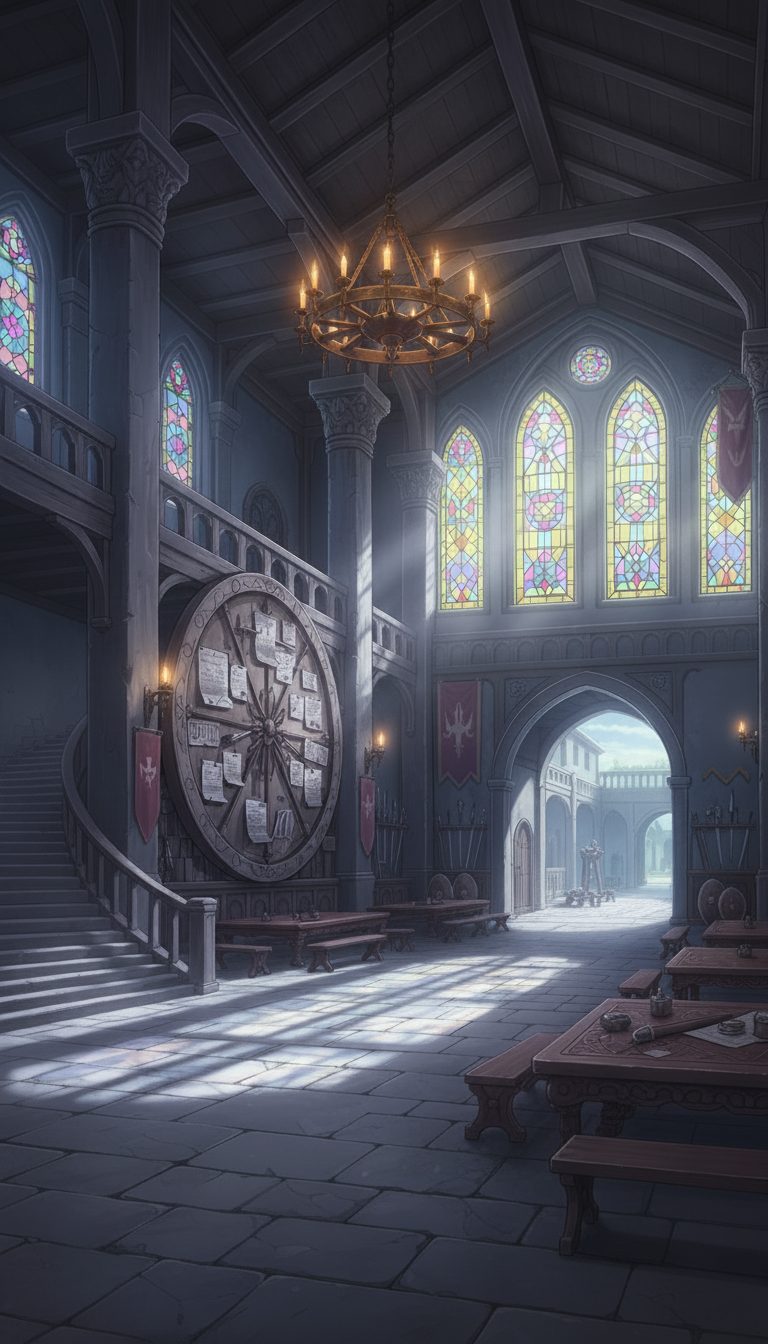
Morning Strategy Room | Round Table and Shelves of Supplies
Sunlight and shelves of bottles/books enhance the mood for research and discussions.
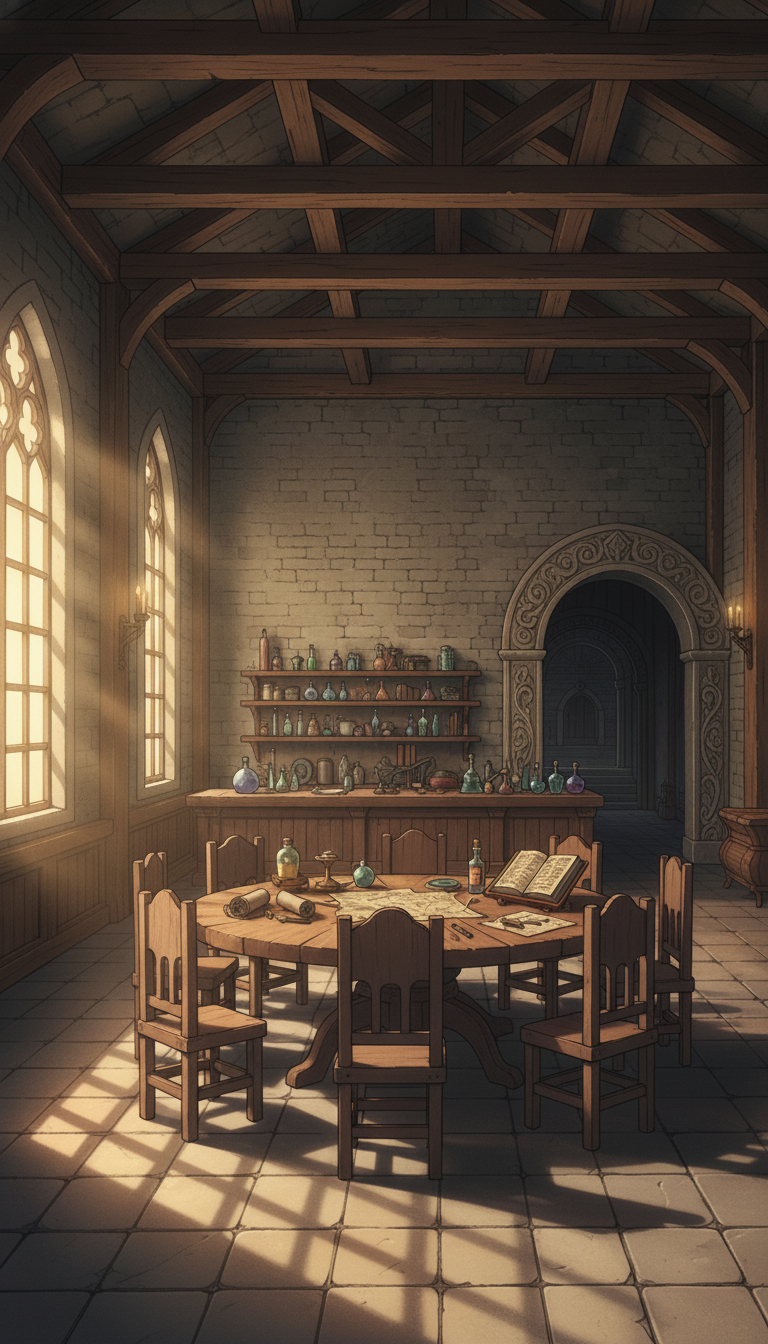
Strategy Room at Dusk | Warm-Lit Round-Table Scene
Reddish sunset light illuminates arches and the round table—useful even for climactic scenes.
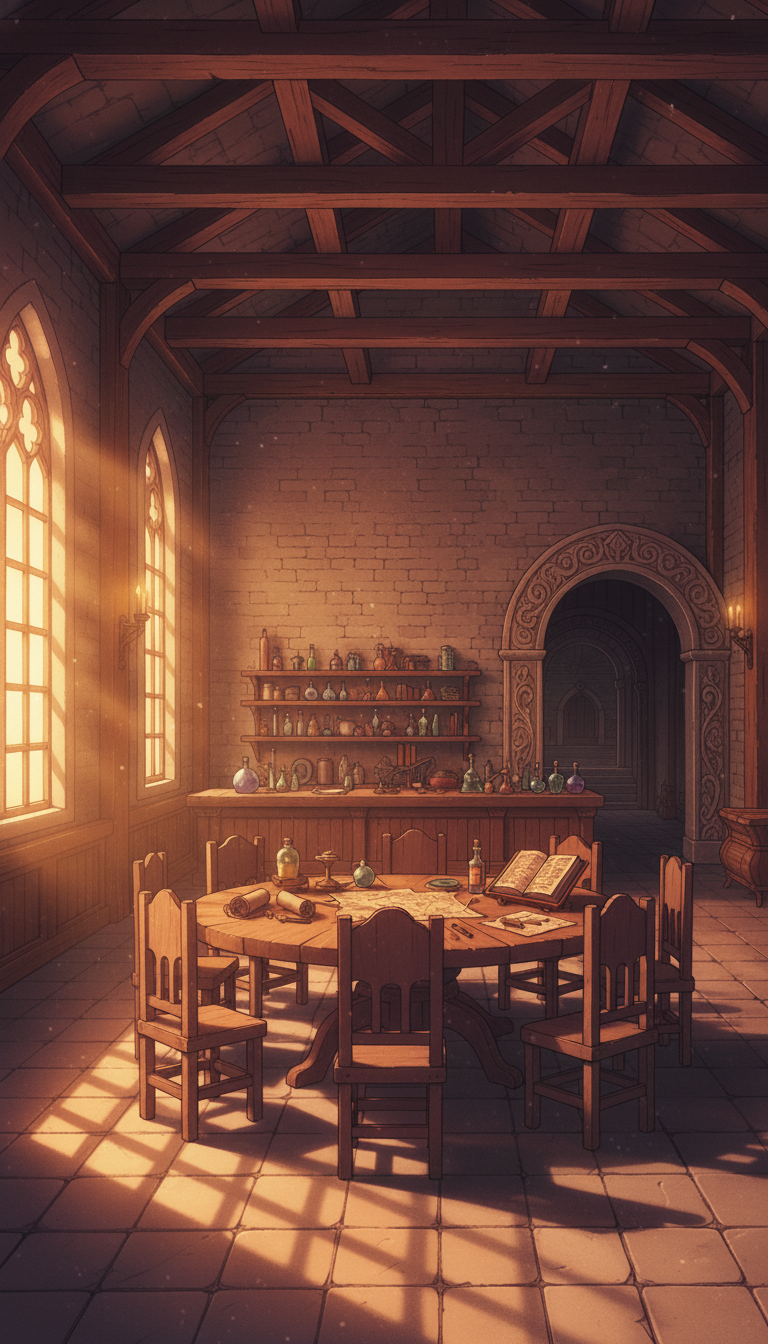
Candlelit Strategy Room | Night Scene Background
Candlelight on the round table lights up maps and tools, depicting a quiet late-night meeting.
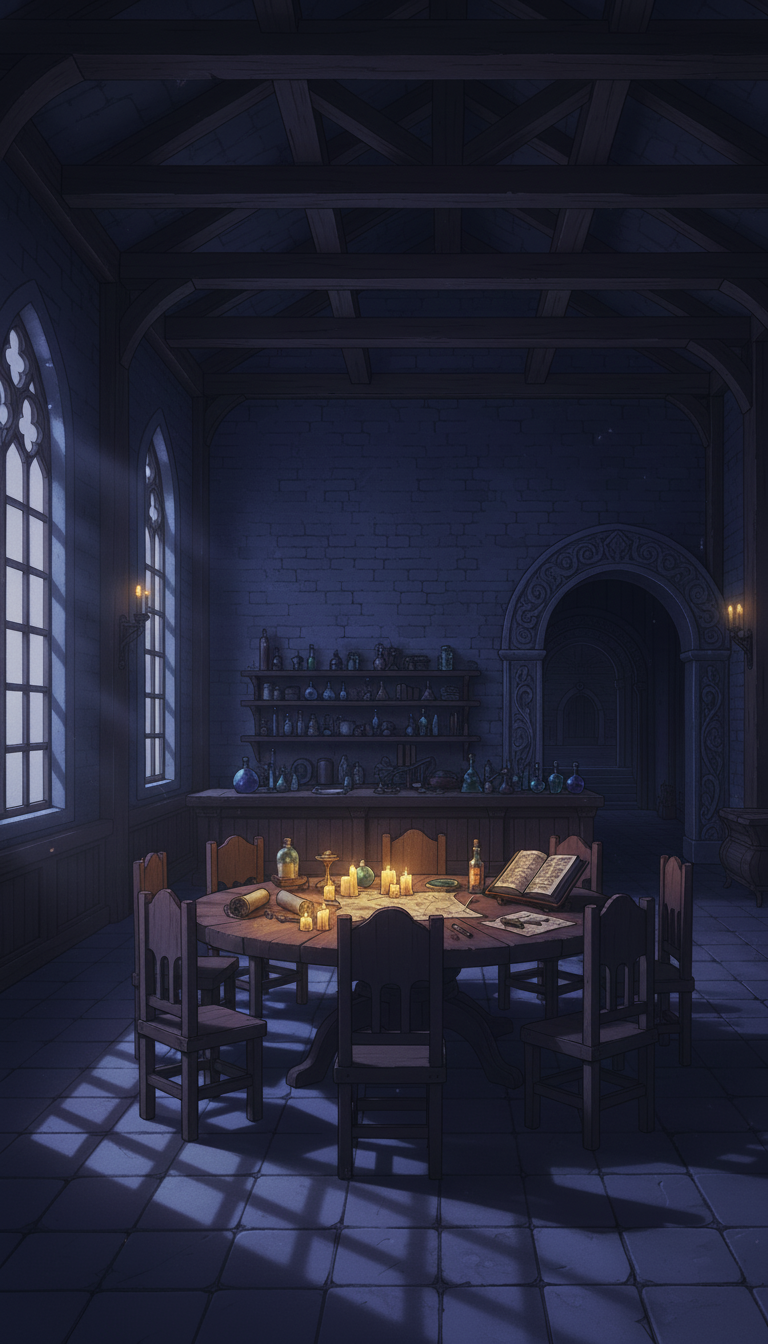
Morning Guild Office | Bench and Reception Counter
Light from a large window shines on a wooden counter and maps—ideal for guidance/reception scenes.
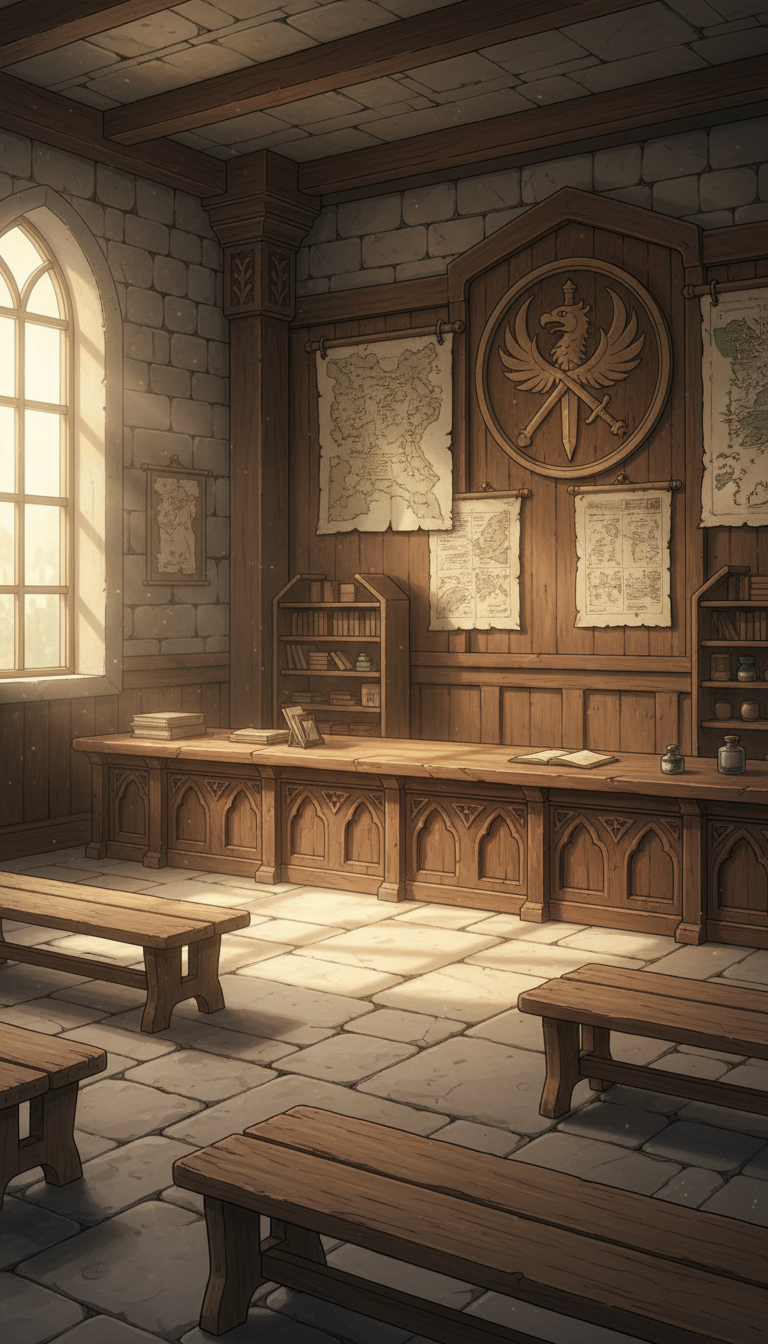
Guild Office at Sunset | Warm Wooden Interior
Golden sunset light makes dust particles glow, depicting a warm reception/meeting space.
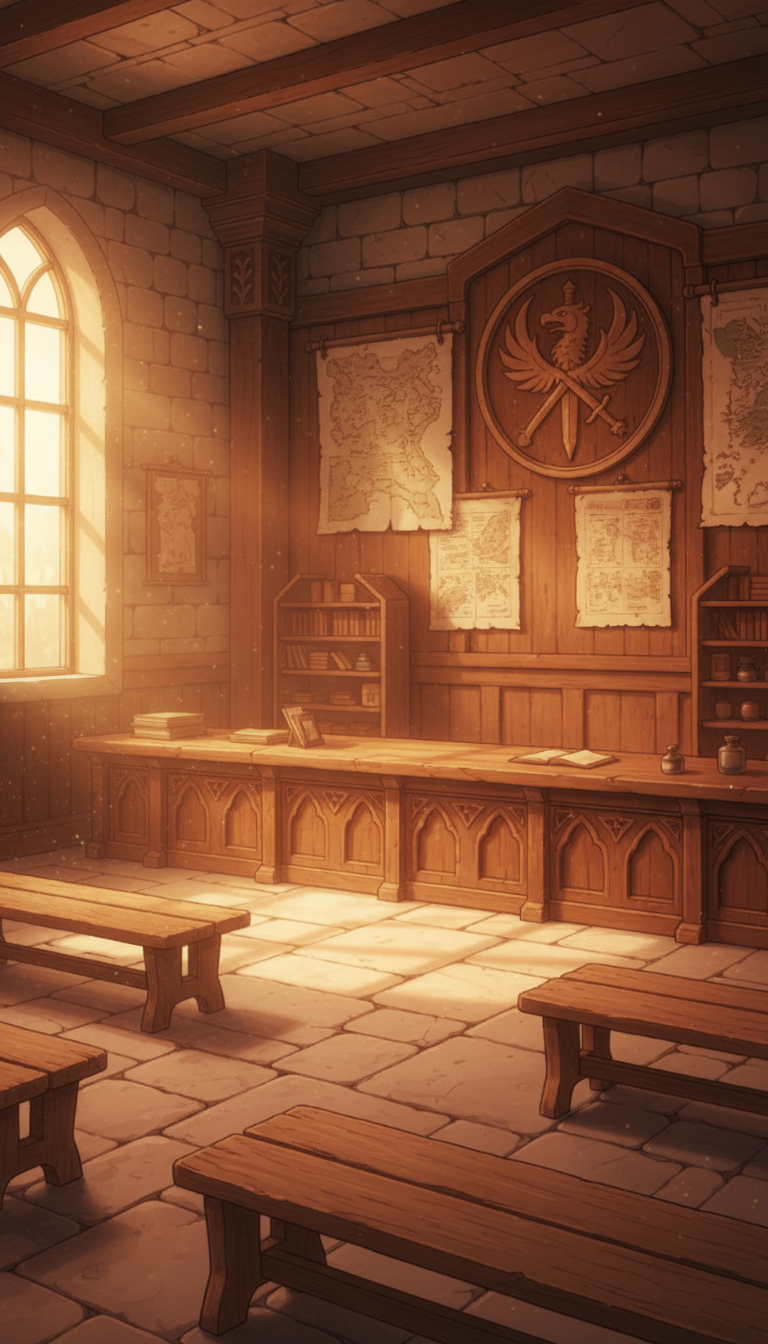
Night Guild Office | Quiet Reception with Swaying Lanterns
Hanging lanterns and moonlight softly light the counter—calm and atmospheric.
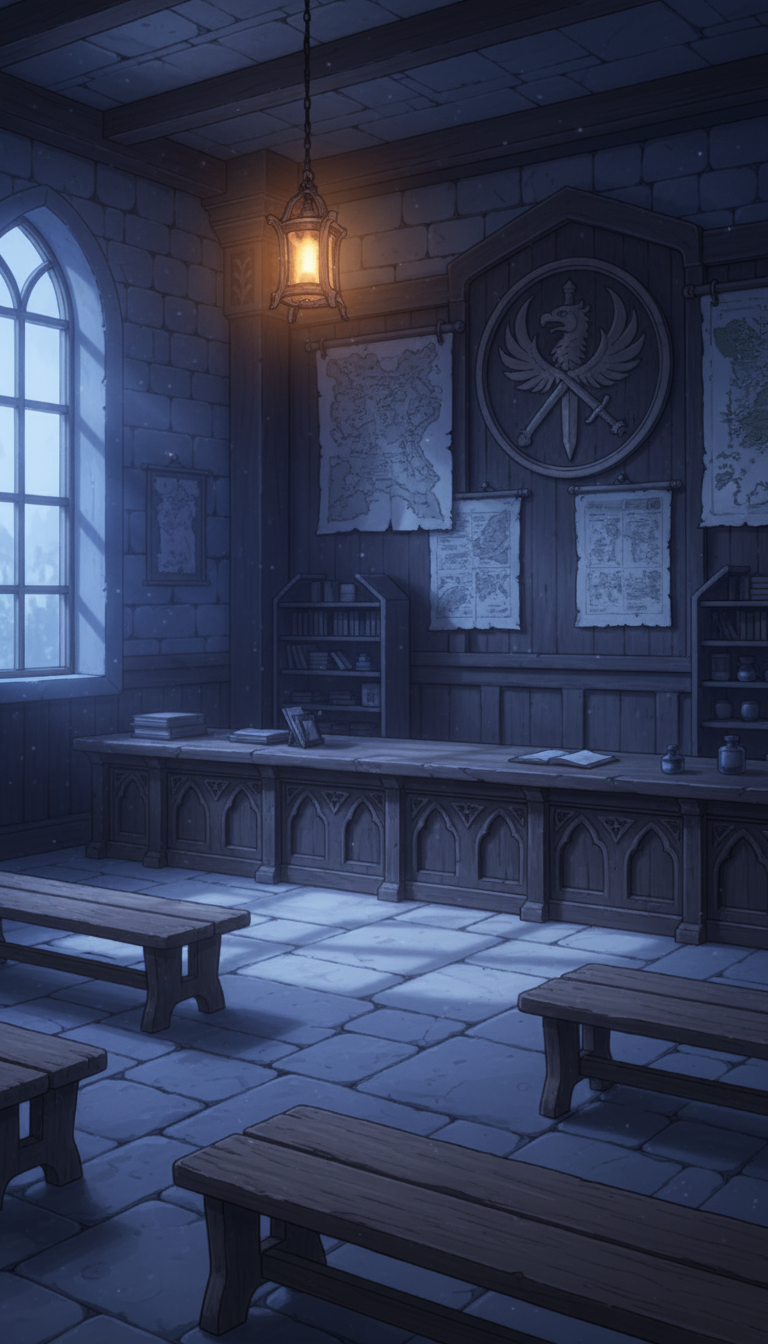
Morning Notice Board Corner | Warehouse-Like Space with Barrels and Crates
Bands of light through stained glass illuminate the notice board and bench—handy for quest scenes.
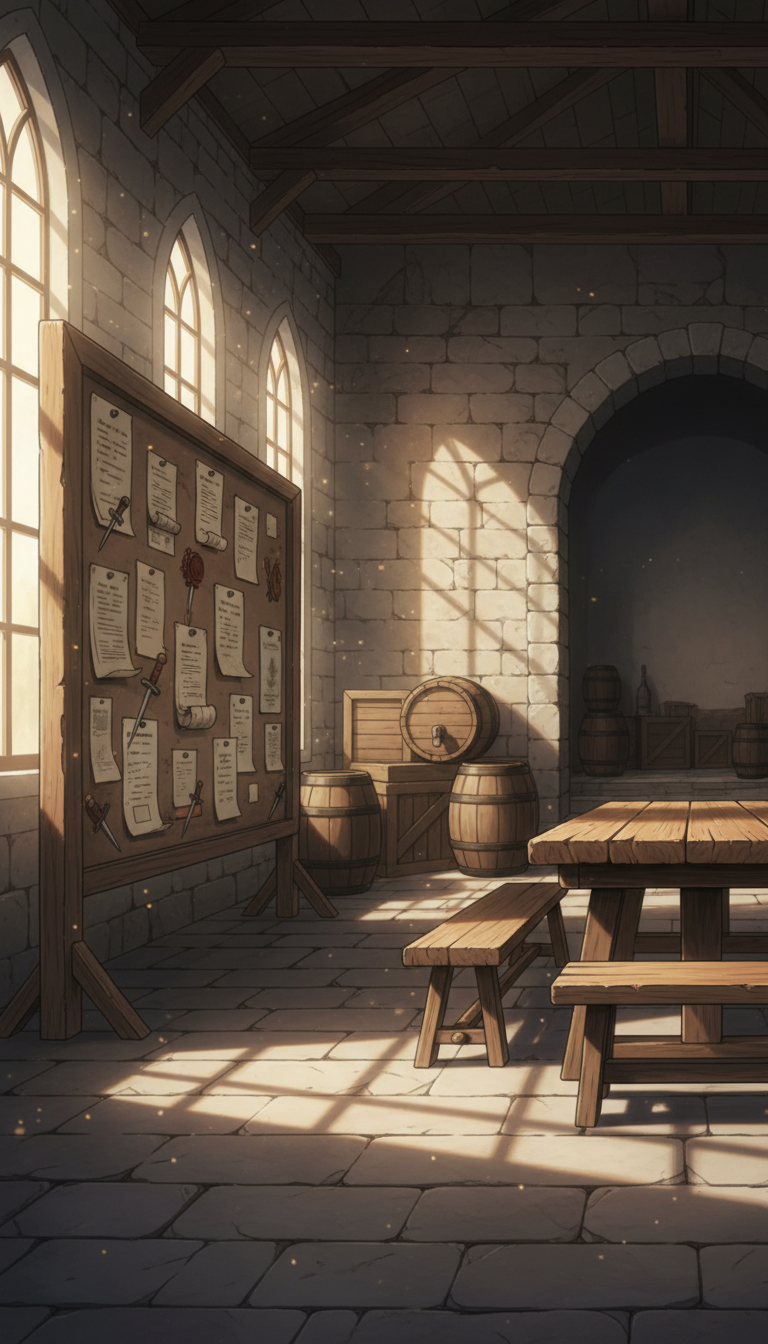
Notice Board Corner in Evening Glow | Warm-Lit Warehouse Interior
Reddish dusk light adds contrast to papers and barrels—great for story-driven quest acceptance.
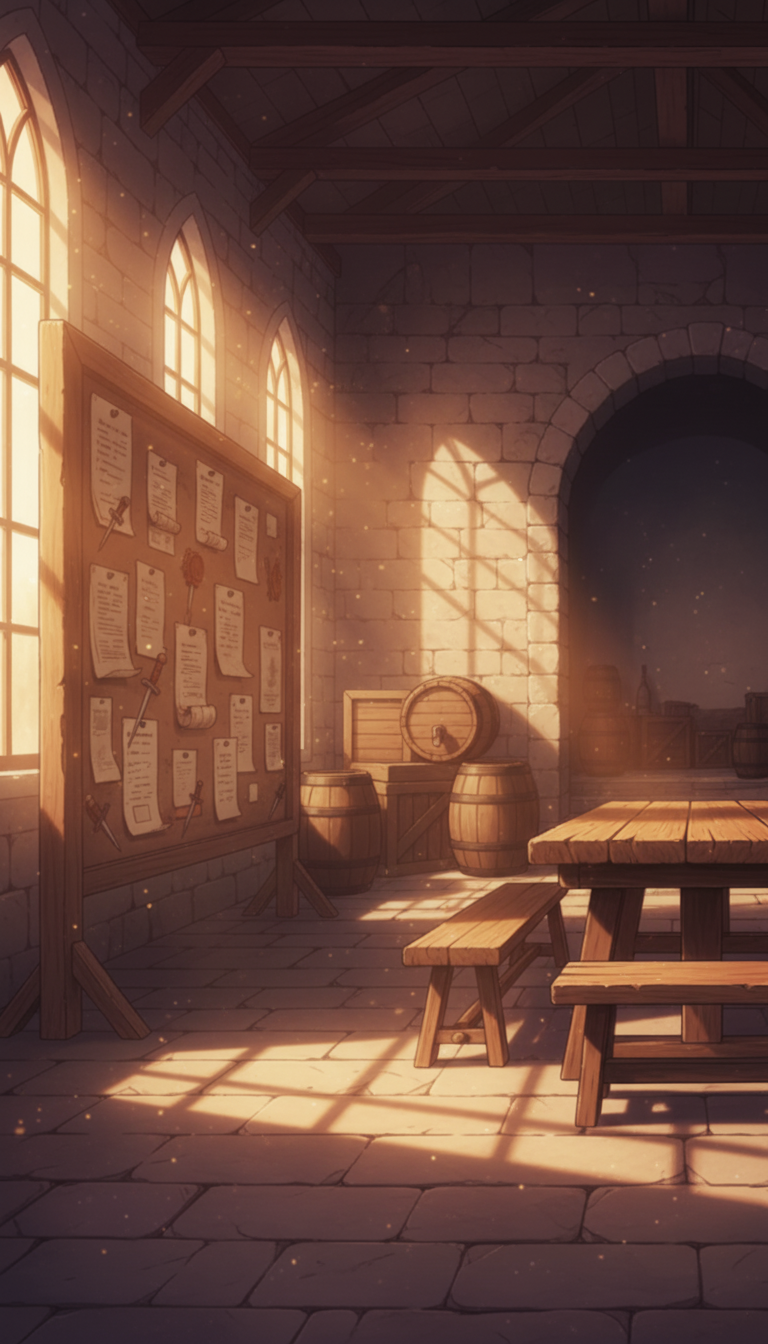
Moonlit Notice Board Corner | Cool-Tone Warehouse Background
Bluish night light creates stillness—ideal for staking out or preparation scenes.
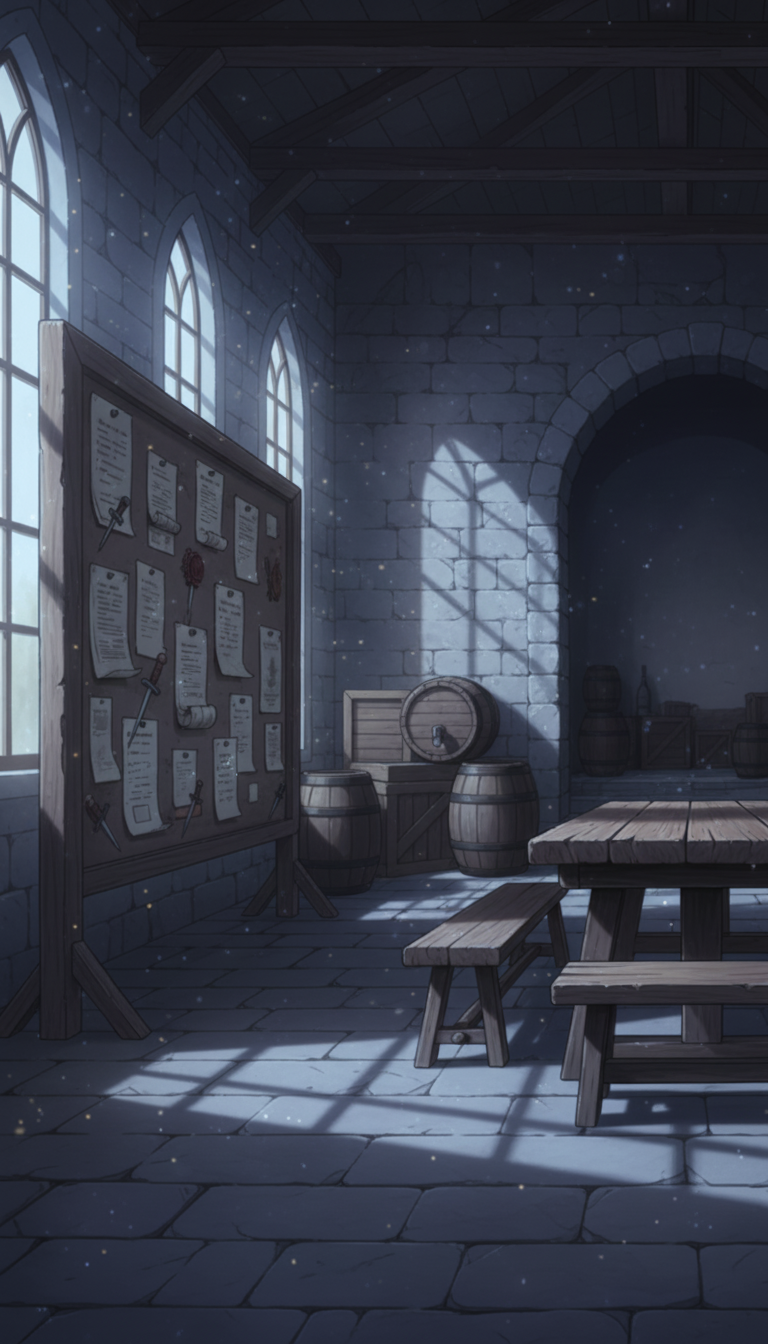
Grand Guild Entrance Hall | Spiral Staircase and Command Round Table
A commanding entrance with high arch ceilings and stained glass, plus a round table—good for issuing orders.
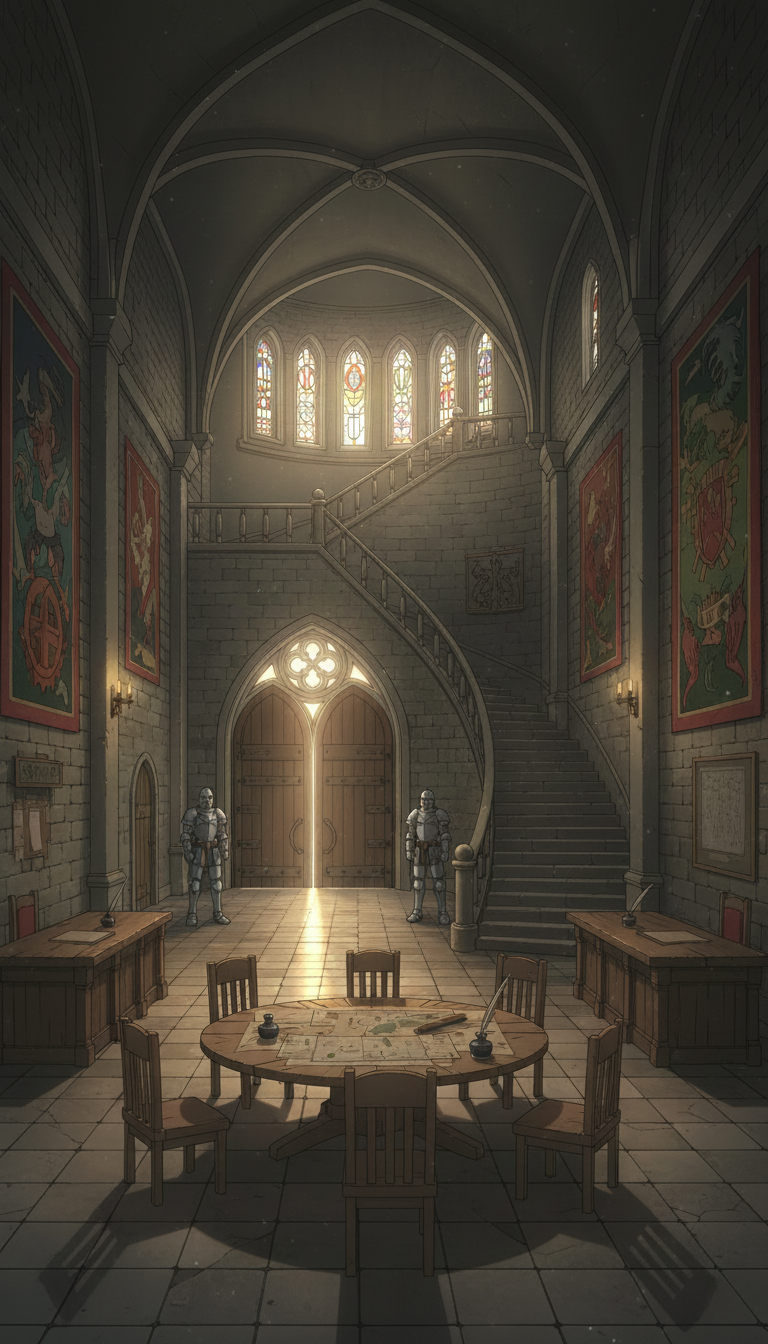
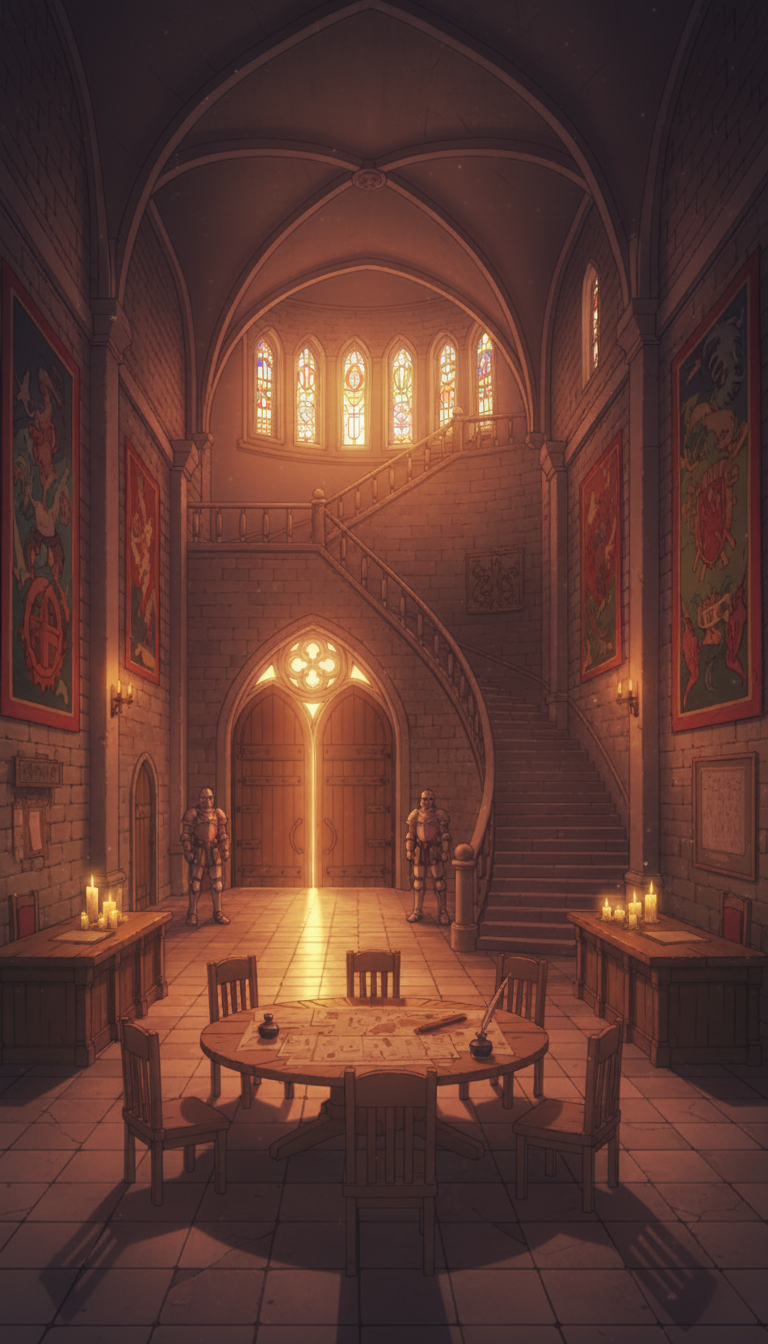
Guild Entrance Hall at Dusk | Candles and Warm Light
Candlelight and sunset warmly tint stone walls, enhancing the mood for rituals or important talks.
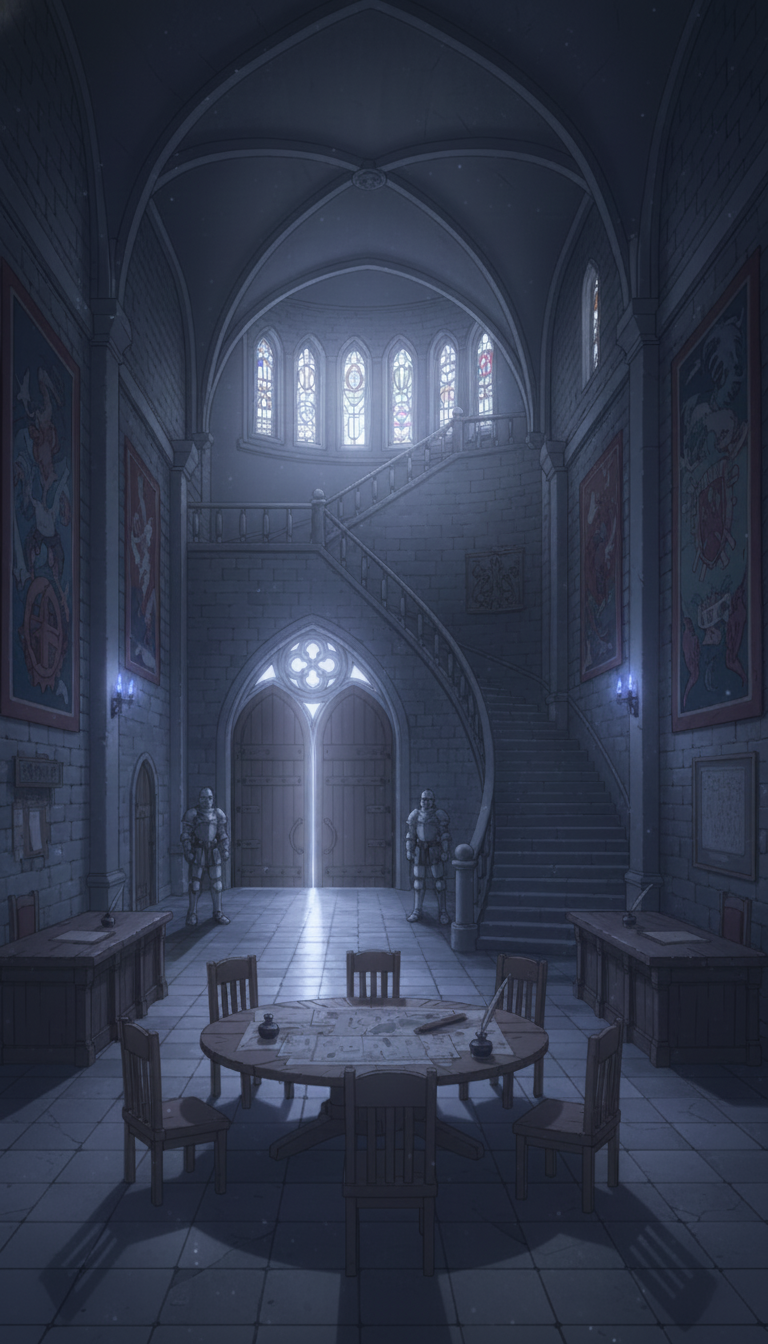
Moonlit Guild Entrance Hall | Cool Night Interior
Cool night light and a quiet hall create a heavy, dramatic feel—ideal for late-night guard or secret meetings.
Using These in copainter
Mass-Produce Variations with the AI Assistant
Download the images and import them into copainter as reference images. You can optimize them for your work by changing the time of day (morning/evening/night), replacing the sky, or adding small props.
Upscale to 4000px or More with the Upscaling AI
By using the upscaling AI, you can increase the resolution to a size suitable for most productions.
https://www.copainter.ai/ja/upscaling
Convert to Manga-Ready Backgrounds with the Inking AI
Load the image as a reference for the inking AI to simplify lines into manga-friendly backgrounds. Adjust pen touch settings to create an original look.
https://www.copainter.ai/ja/inking
Change Aspect Ratio with the AI Assistant
If you like an illustration but the aspect ratio makes it hard to use, you can also ask the AI assistant to adjust the aspect ratio.
Terms of Use (License)
- Eligible users: Users subscribed to copainter
- Scope of use: Only for works that utilize copainter; commercial use allowed / free use allowed
- Modifications: Allowed (cropping / overpainting / color changes / vectorization, etc.)
- Credit: Not required
- Prohibited: Redistributing or selling the asset data / claiming it as your own / commercial use outside copainter
- Disclaimer: The provider is not responsible for any damages resulting from use of these materials.
FAQ
Q. I want higher-resolution assets.
A. Please use copainter’s upscaling AI. You can upscale up to 4× in both width and height, making it suitable for commercial works.
Q. Can I use them outside copainter?
A. If you are a copainter subscriber and are using copainter as part of your creation process, commercial use is permitted and free. It’s also fine to do edits in external services as long as the purpose is to use them with copainter. If copainter is used in any part of the production, usage is permitted.
Q. Is it okay to use these in commercial works?
A. Yes, as long as you create the work using copainter. You don’t have to make the entire work only with copainter. Redistributing/selling the assets themselves is not allowed.
Q. Are there other free assets?
A. Yes. We provide not only background illustrations but also pose packs and more. Please check “assets” below:
https://blog.copainter.ai/tag/assets-en/
You can find copainter Learn, our media hub packed with tips and best practices for using copainter effectively, at the link below.
![[Free Download] Chibi Character Battle Pose Collection — Free for Copainter Users, Including Commercial Use](/content/images/size/w720/2026/03/header_pose-collection_battle-of-deformation-character-1.png)
![[Free Download] Female Battle Pose Collection — Free for Copainter Users, Including Commercial Use](/content/images/size/w720/2026/03/header_pose-collection_battle-of-woman-1.png)
![[Free Download] Male Battle Pose Collection — Free for Copainter Users, Including Commercial Use](/content/images/size/w720/2026/03/header_pose-collection_battle-of-man-1.png)