
Announcement: New Feature “Angle Conversion” Release
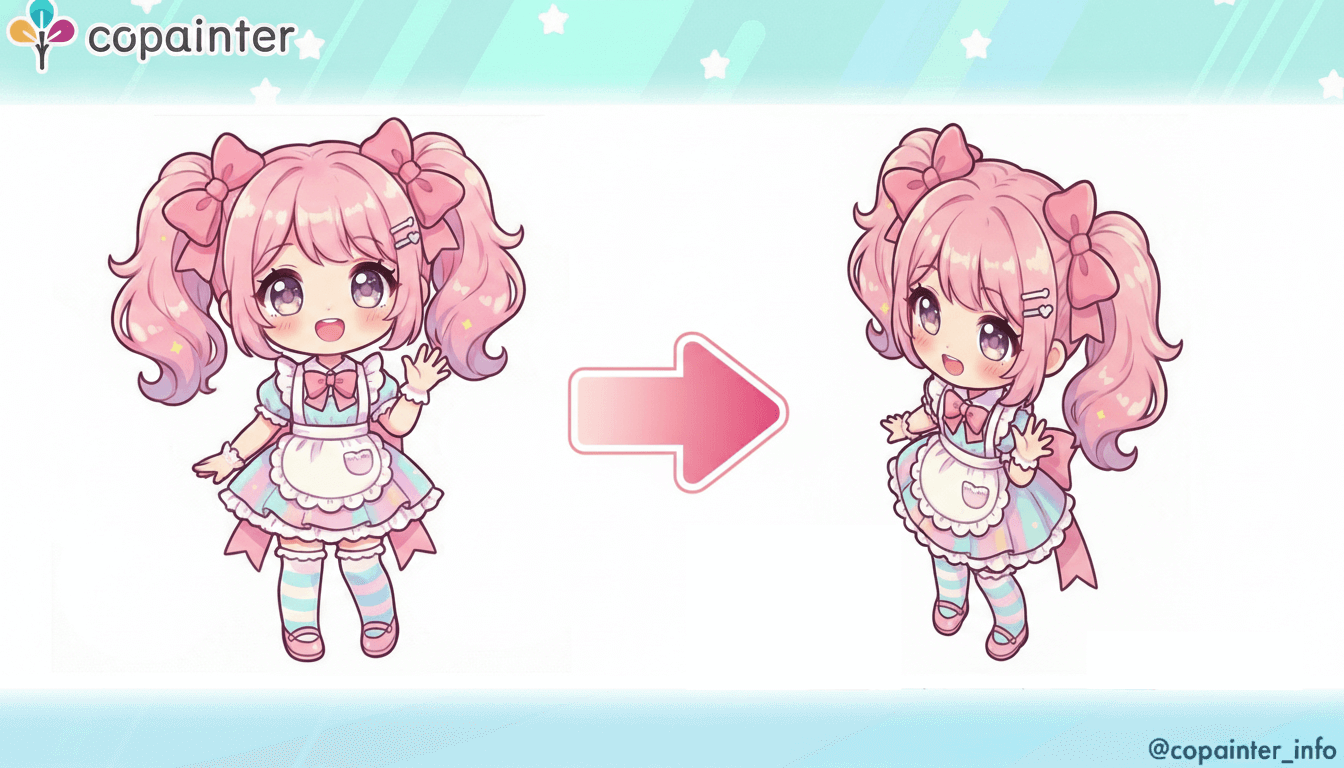
We’ve released a new feature that lets you change the angle of your illustrations! You can easily create angle variations without any complicated steps.
Thank you always for using copainter.
We’re excited to announce the release of a new feature: Angle Conversion.
Have you ever wanted to draw an illustration from a different angle, but couldn’t find suitable reference materials…?
That’s exactly when copainter’s Angle Conversion comes in handy. Be sure to give it a try!
How to Use “Angle Conversion”
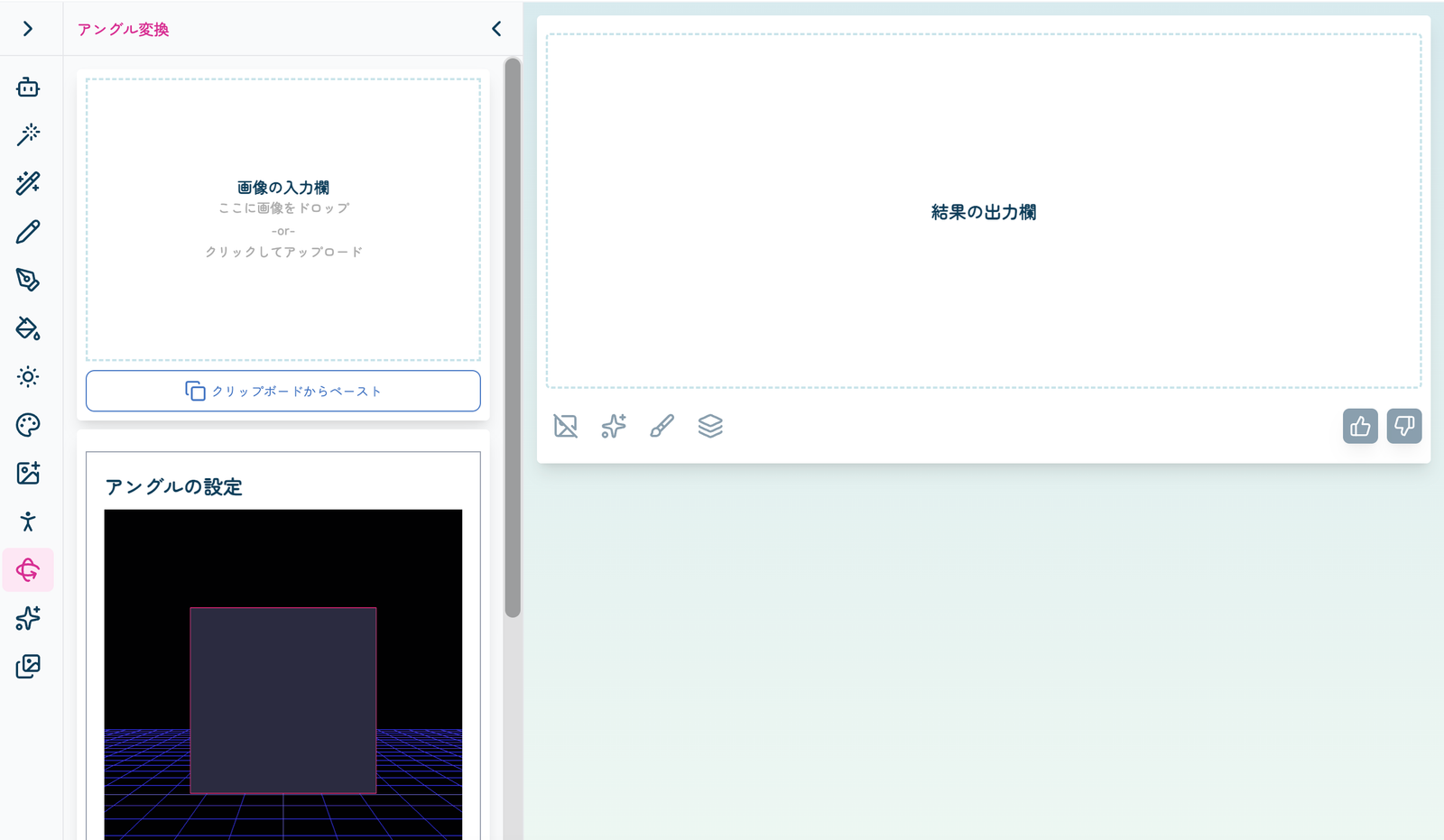
① Upload an Image
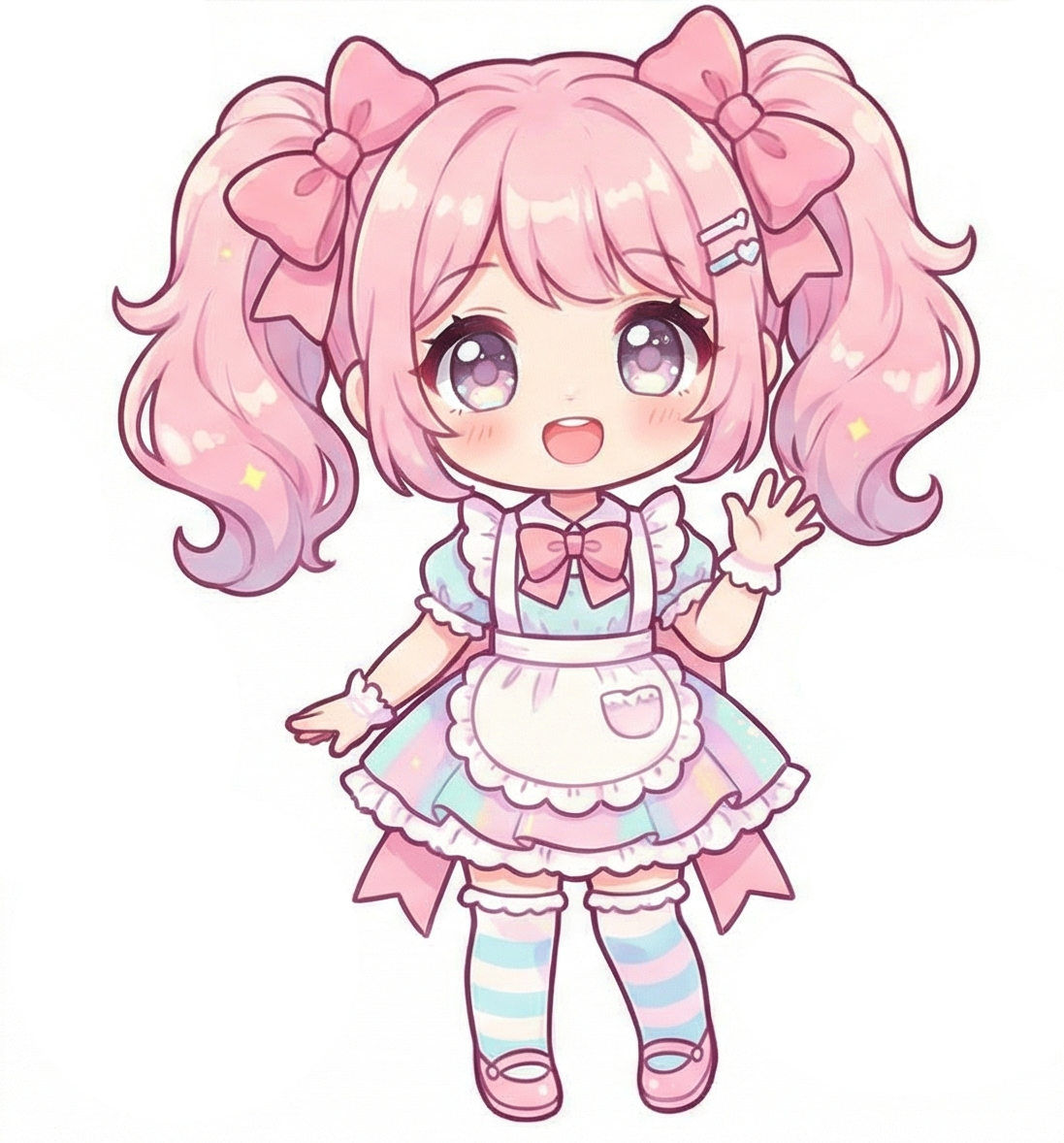
Upload the image you want to use in the input field.
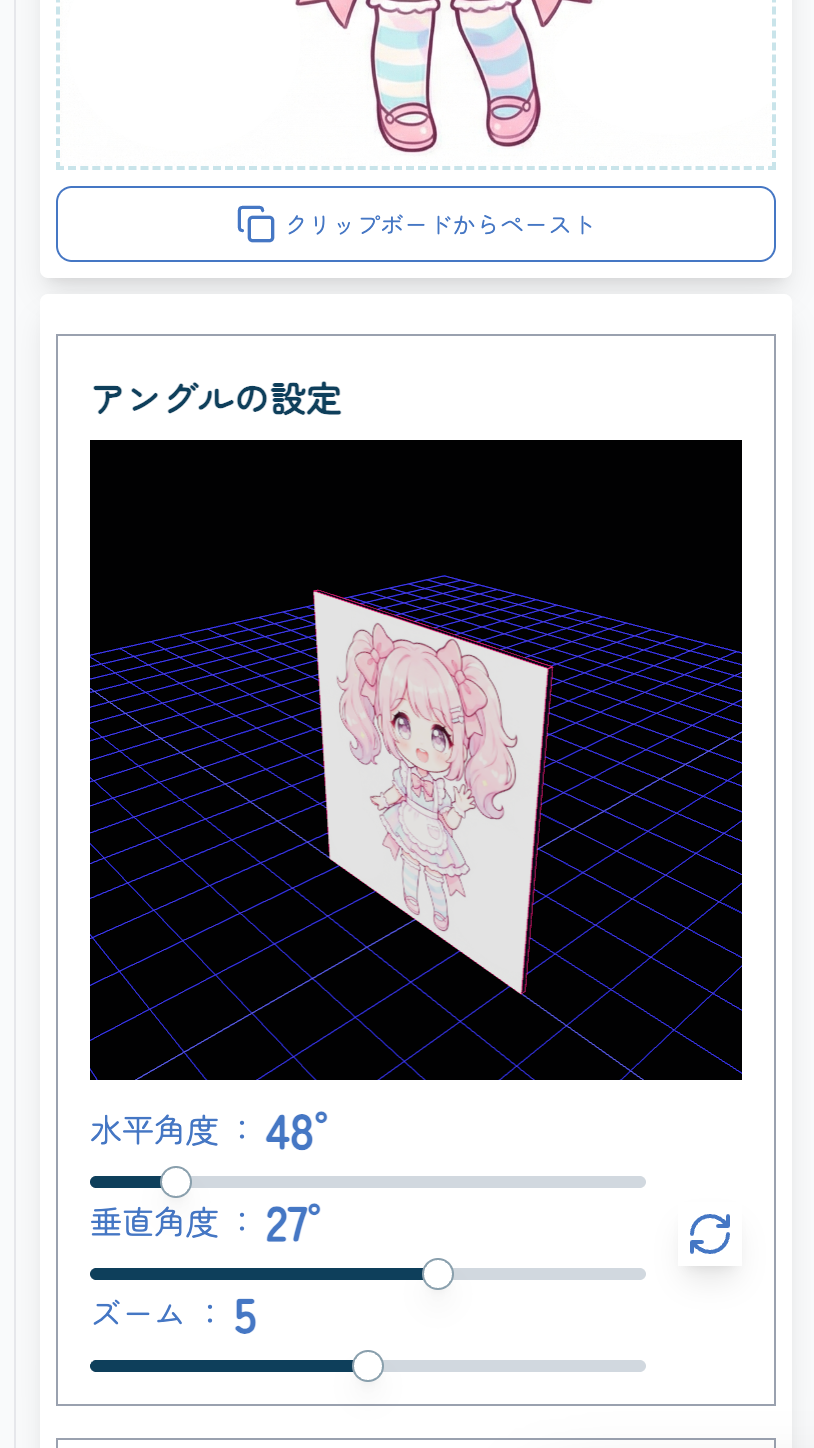
② Set the Angle
Adjust the angle. You can control it either directly on the image or using the bar below.
③ Generate the Image
Click the send button and wait a moment—your image with a different angle is complete!
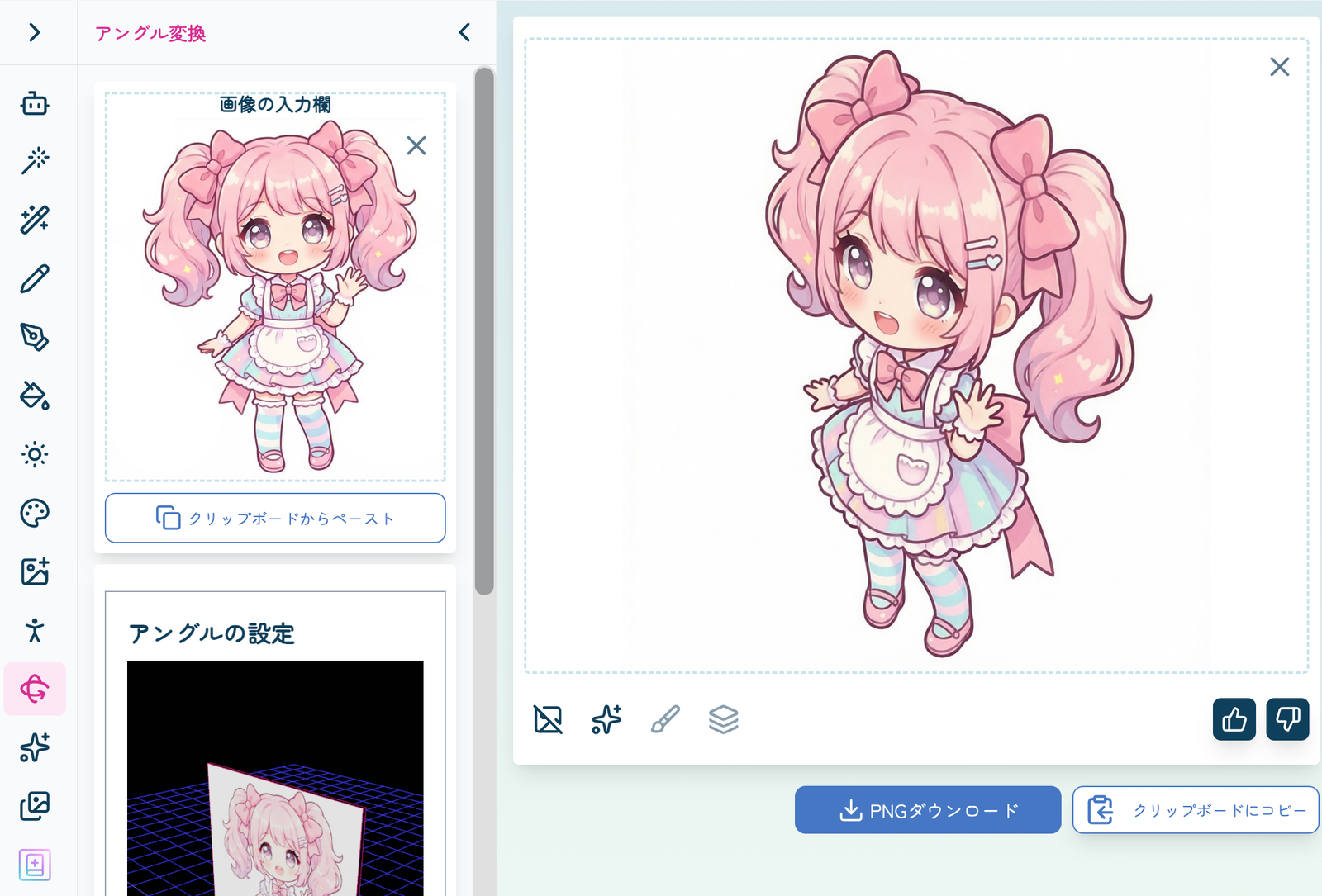
You can freely change only the angle while keeping the overall design intact.
“Angle Conversion” Samples
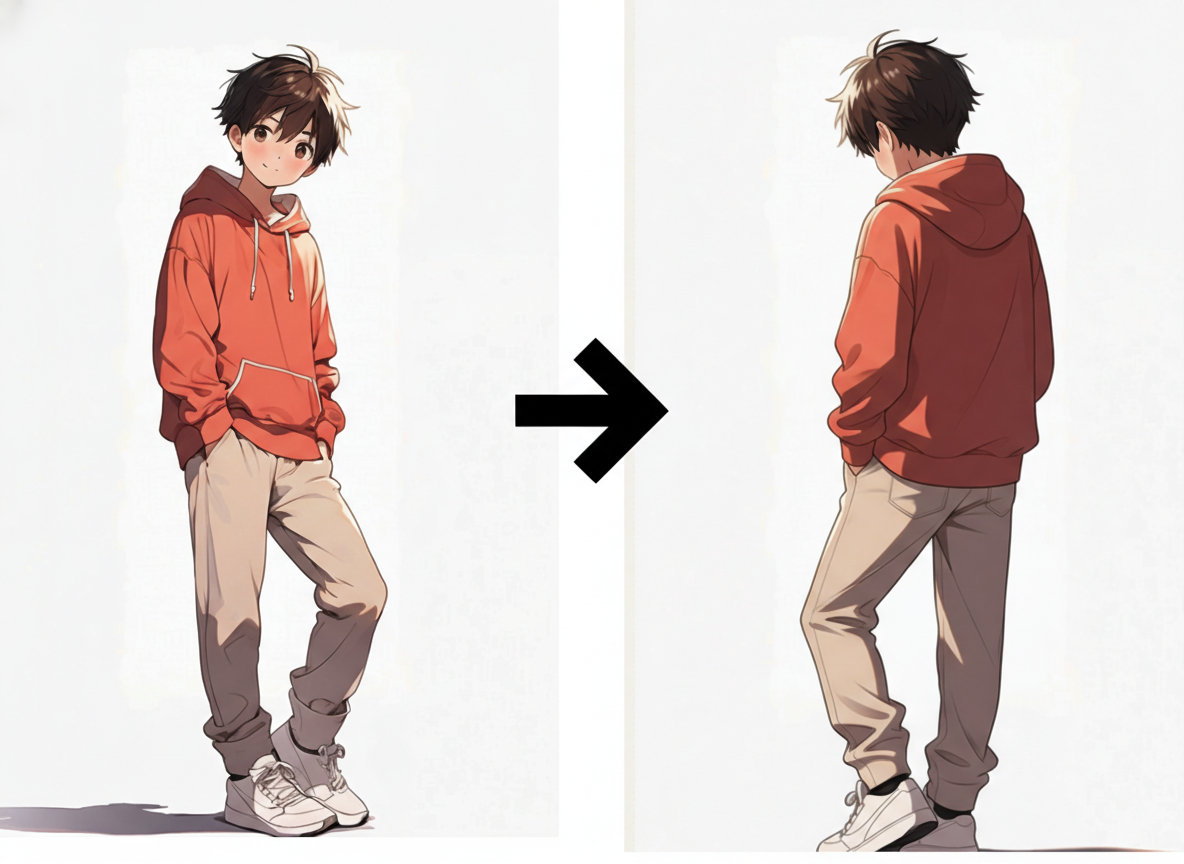
- Sample 1: Character illustration (input → output)
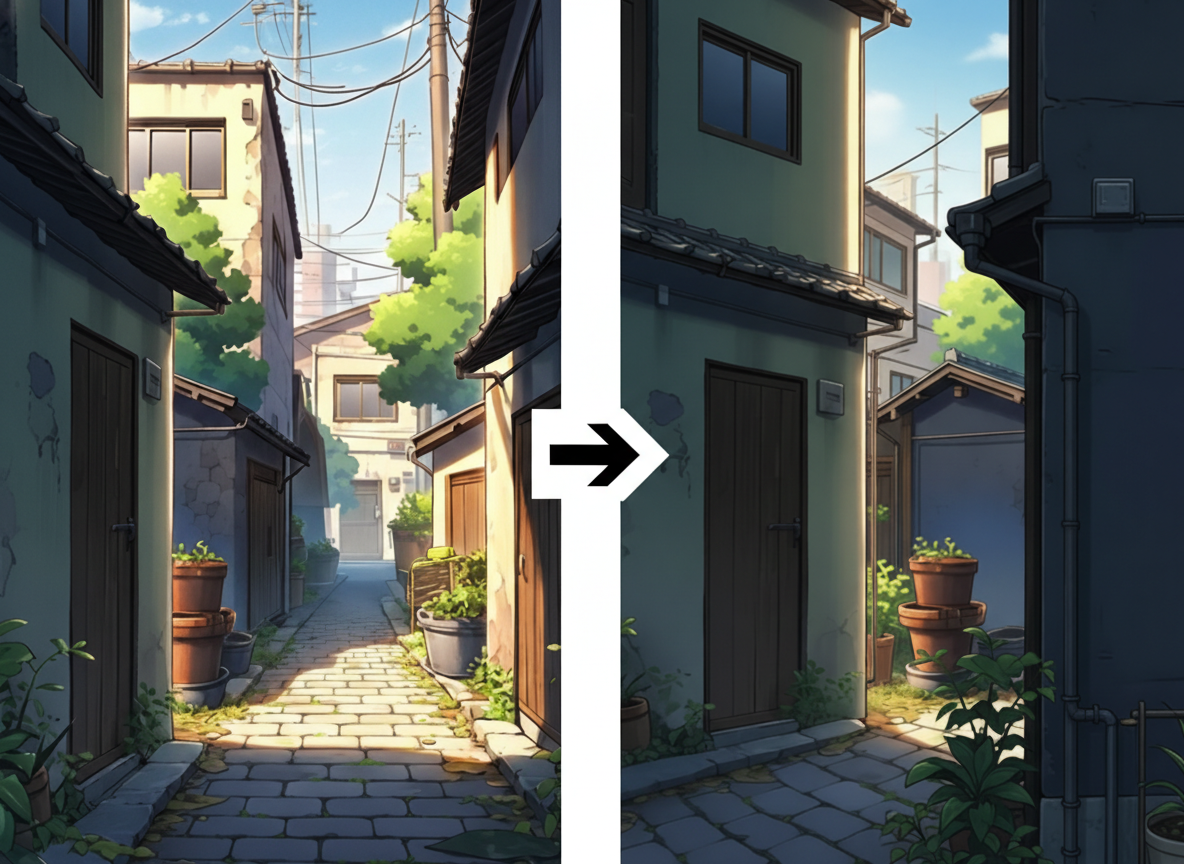
- Sample 2: Background illustration (input → output)
With the release of this feature, creating manga/webtoons, anime, and games becomes even more convenient.
Be sure to take advantage of copainter’s new and powerful feature!
![[Free Download] Chibi Character Battle Pose Collection — Free for Copainter Users, Including Commercial Use](/content/images/size/w720/2026/03/header_pose-collection_battle-of-deformation-character-1.png)
![[Free Download] Female Battle Pose Collection — Free for Copainter Users, Including Commercial Use](/content/images/size/w720/2026/03/header_pose-collection_battle-of-woman-1.png)
![[Free Download] Male Battle Pose Collection — Free for Copainter Users, Including Commercial Use](/content/images/size/w720/2026/03/header_pose-collection_battle-of-man-1.png)